
game-compatibility
 game-compatibility copied to clipboard
 xenia-project
4C4107F2 - Star Wars: The Force Unleashed II
Tested on https://github.com/benvanik/xenia/commit/d2c84e37ee591b0be2b7406d001d3a9f061584b9
Issues:
Vulkan: Nothing happens
OpenGL: Nothing loads, crashes
Log:
Log file - Vulkan Log file - OpenGL
Screenshot(s):
No screenshots could be taken
Labels:
state-nothing

Update on Issues:
OpenGL: No crash but still nothing on https://github.com/benvanik/xenia/commit/cecc66622f278ca057e19afe86768af6dfe640ba
Tested on: https://github.com/benvanik/xenia/commit/06df598d2884908a536ad608fdcc59de97cf0bbb Both OpenGL and Vulkan does nothing but Shadowplay and Fraps both detect framerate. Idk if state-load is for games like this but if it is, then @Razzile label as state-load.
Log:
OpenGL: xenia.txt Vulkan: xenia.txt
Tested on https://github.com/xenia-project/xenia/commit/ba7dc6b2d7187a233d7175c75994828b498bec58
Log:
Labels:
state-hang


Tested on https://github.com/xenia-project/xenia/commit/e7cd2ffffa418002ea5e526a3edba734d5f24990
Started a new game and played until the screen corrupted. Saves work.
⚠️You must set scribble_heap=true!
⚠️Major graphical issues where the whole screen devolves into corrupted squares.
🔊Moderate audio issues with repeating sound effects.
🔅Most objects will be too bright unless you set d3d12_readback_resolve=true. This will severely impact performance though.

More Screenshots
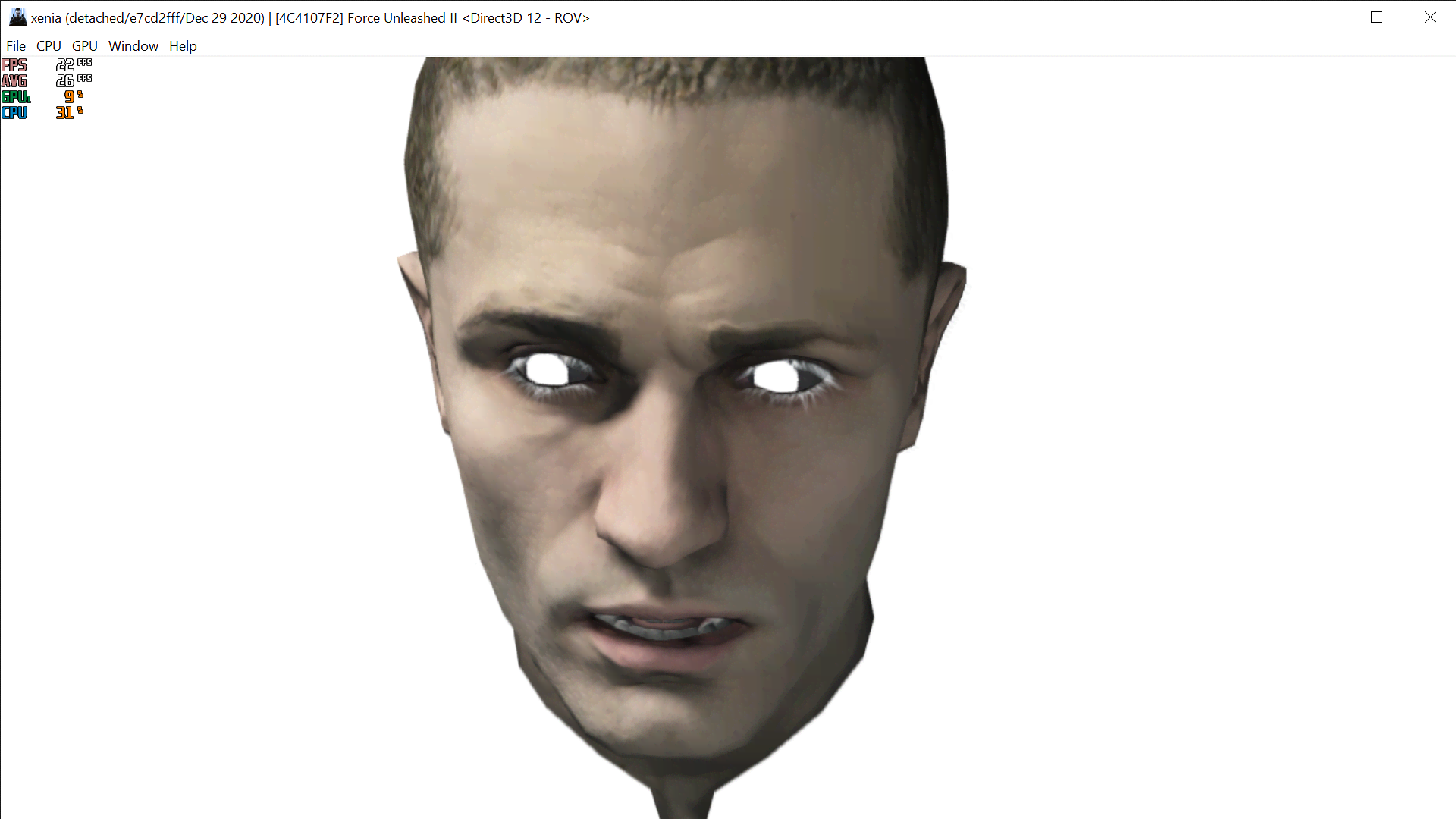
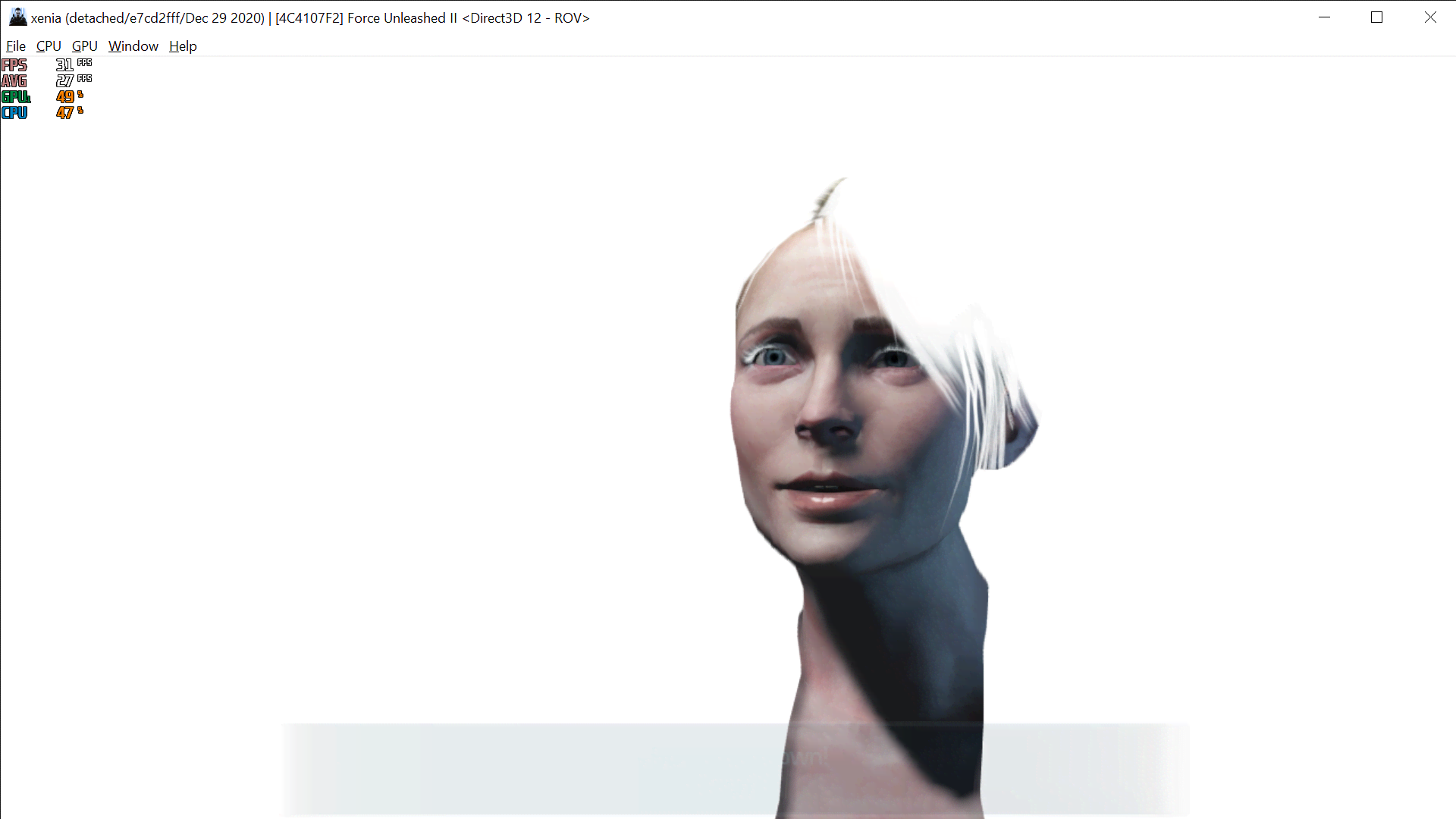
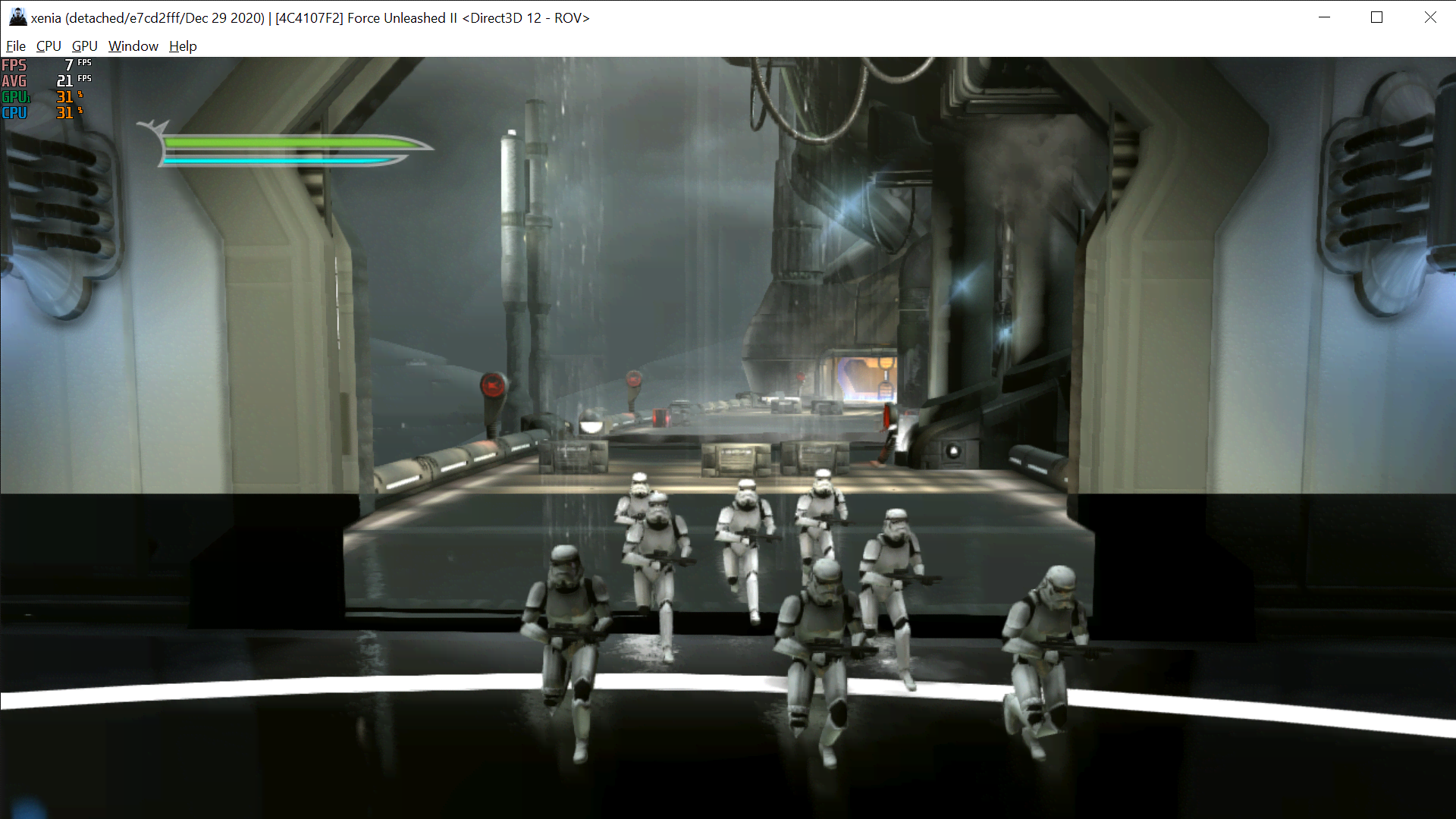
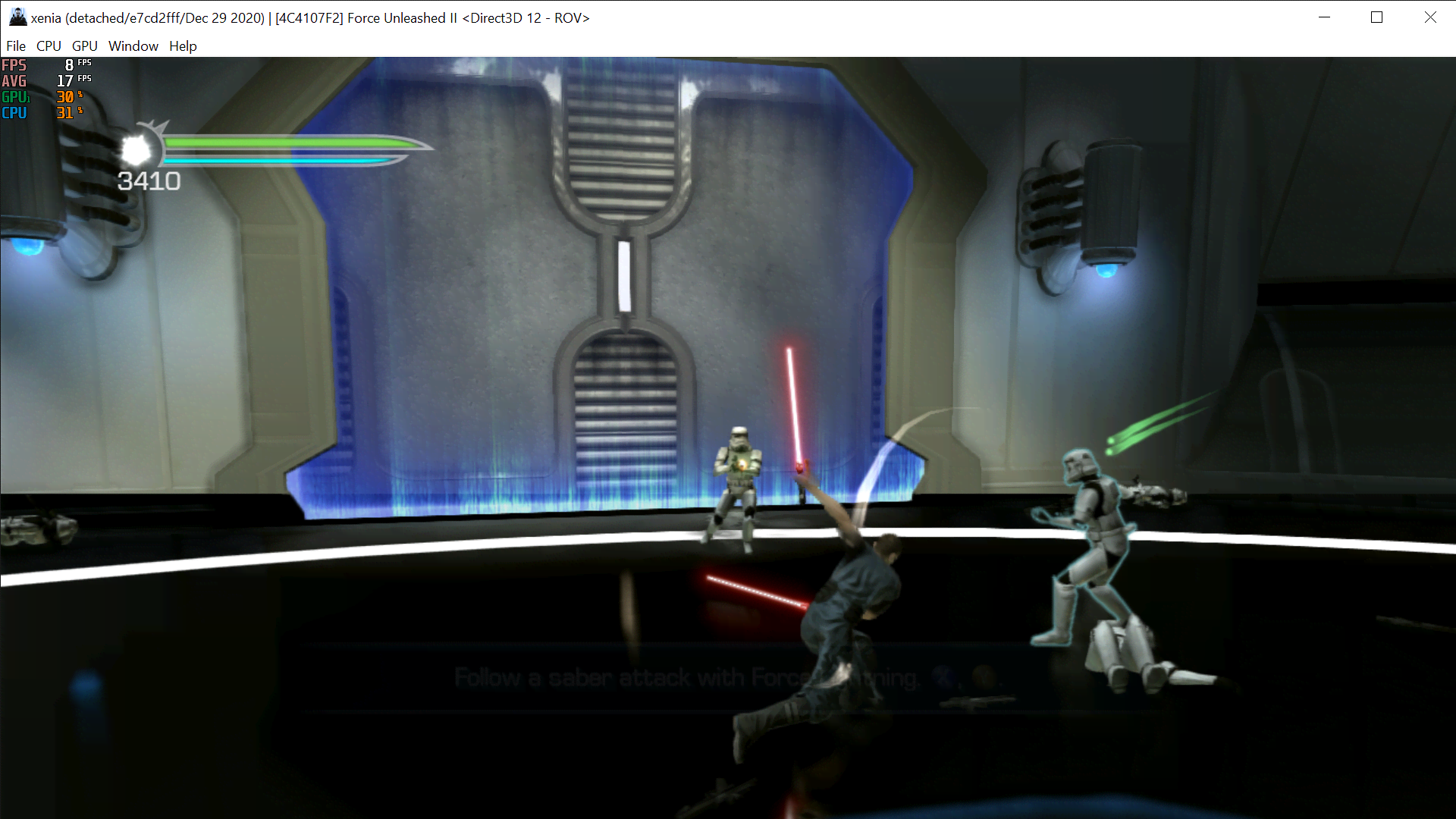
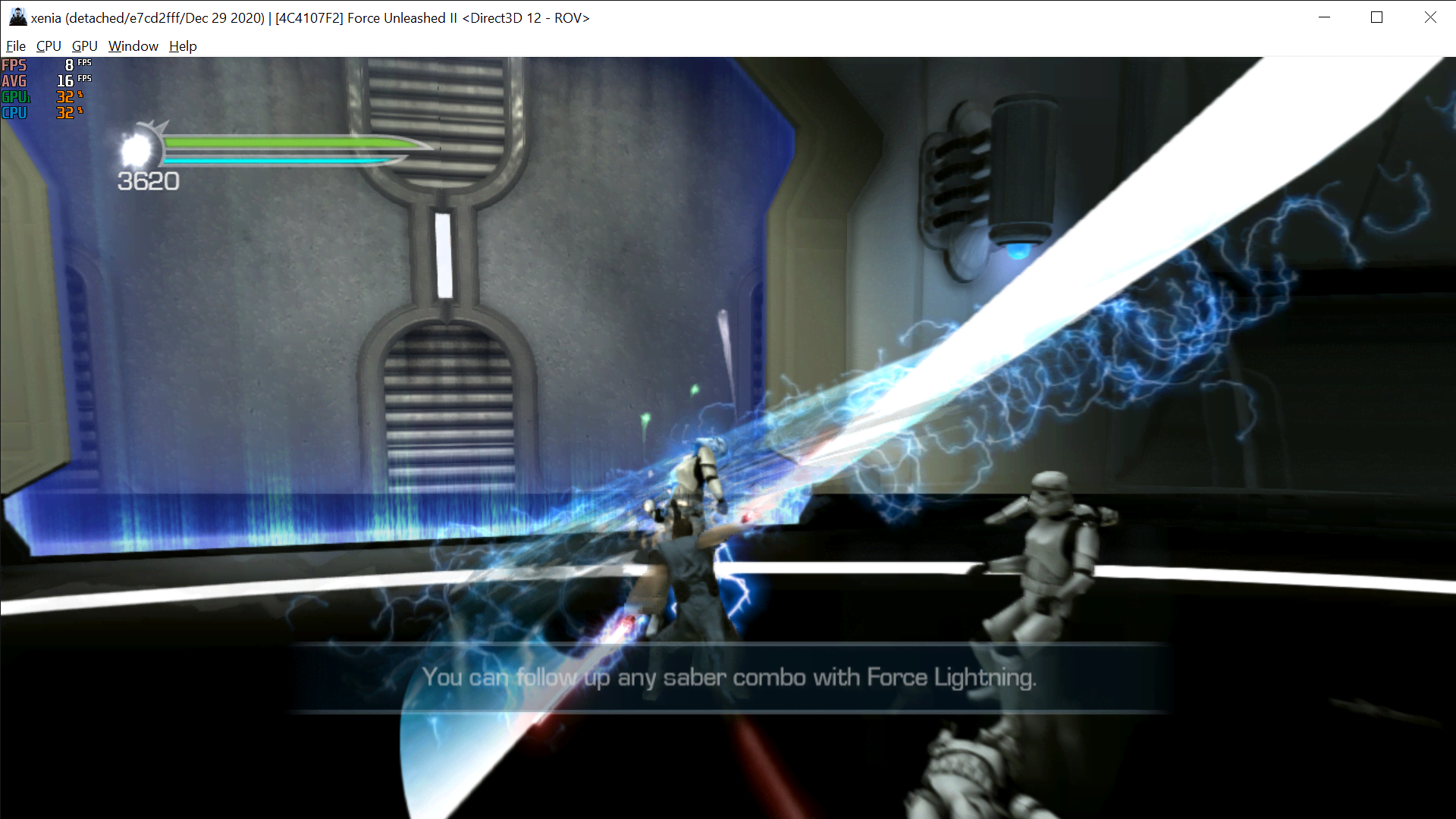
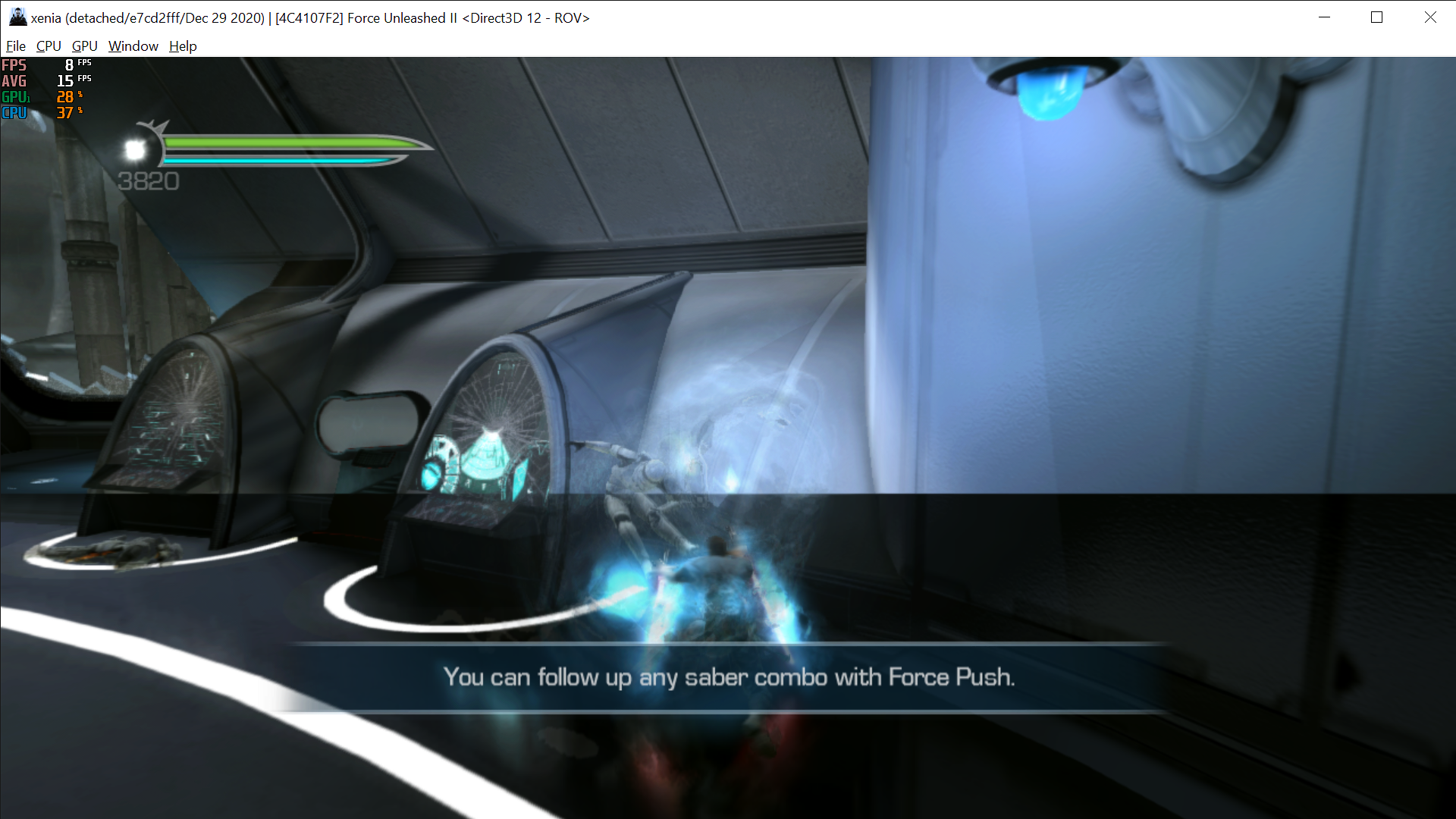
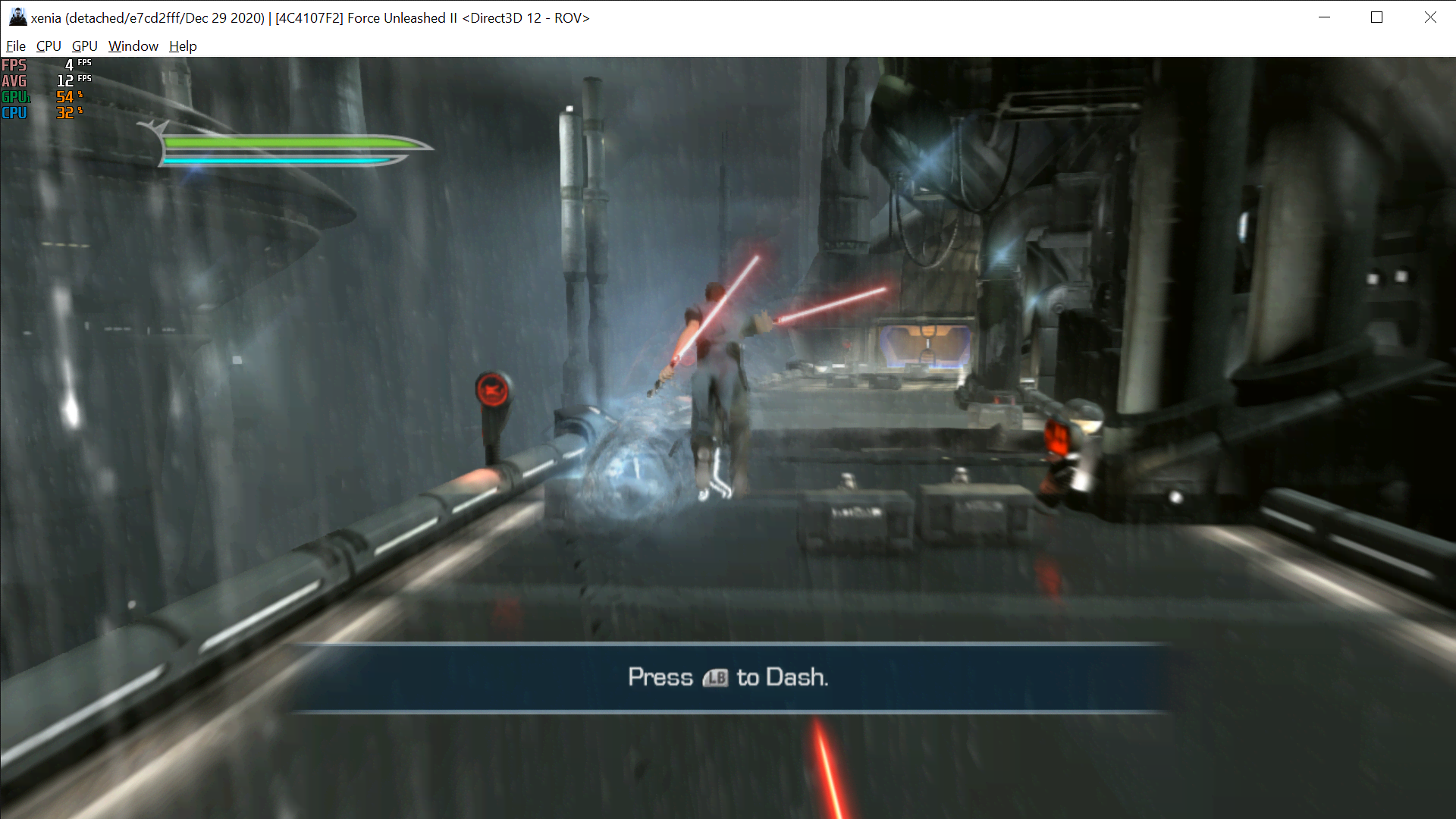

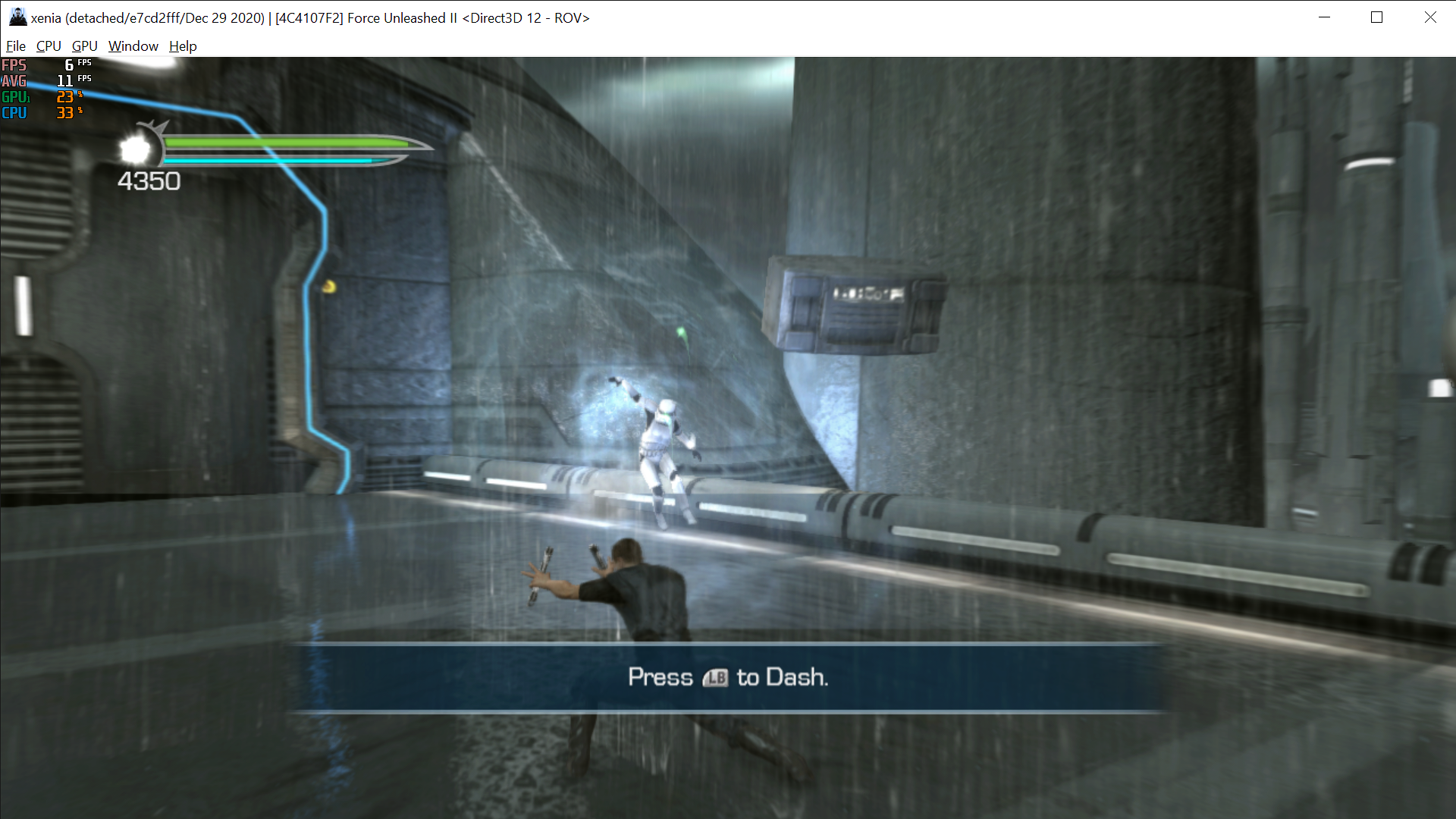
state-gameplay | tech-middleware-havok | gpu-drawing-corrupt | apu-garbage

Start game with Etokapa recomendations but after playing 2-3 min game shutdown. I5-9600k Nvidia 2060 Super
UPD With: cribble_heap=true d3d12_readback_resolve=true and vsync=true (if vsync false game has too many frames and it’s caused that game refuce to load at start and crashed after 1-2 minutes if you lucky to start) With turn on vsync I played on DLC Endor from start till finish but game crashed at most action scenes. At most scenes I used Force because with Sword game has more chances to crush.
I hope my recommendations will help those who want to play at DLC Endor that was exclusive for xbox 360 and ps3.


Configure the emulator as Etokapa said, but still doesn't work well. How can we solve this problem?

I tried configurations of Etokapa and it works good and playable even with 60 fps without friezes , but there is strange dark bar at the bottom of the screen. Is it possible to fix this?
I use xenia canary (October 28) RTX 3050Ti Laptop Core i7 11800H

I tried configurations of Etokapa and it works good and playable even with 60 fps without friezes , but there is strange dark bar at the bottom of the screen. Is it possible to fix this?
I use xenia canary (October 28) RTX 3050Ti Laptop Core i7 11800H

Thanks for posting this, I gotta try it too! I've got the game on PC also so that's still currently the best way to play as-is, but would love if Xenia could get it working with the Endor DLC. It's very cheap here so I'm gonna give it a go 😎 I can only play that on my PS3 at the sluggish 30FPS lol
https://www.xbox.com/en-GB/games/store/force-unleashed-ii-endor/BNL74HDCG90V
I tried configurations of Etokapa and it works good and playable even with 60 fps without friezes , but there is strange dark bar at the bottom of the screen. Is it possible to fix this? I use xenia canary (October 28) RTX 3050Ti Laptop Core i7 11800H
Thanks for posting this, I gotta try it too! I've got the game on PC also so that's still currently the best way to play as-is, but would love if Xenia could get it working with the Endor DLC. It's very cheap here so I'm gonna give it a go 😎 I can only play that on my PS3 at the sluggish 30FPS lol
https://www.xbox.com/en-GB/games/store/force-unleashed-ii-endor/BNL74HDCG90V
I am happy that now I can play Endor DLC without a lot of friezes were almost year ago, maybe it's because I upgraded my laptop, anyway for my current configuration everything is pretty playable. As I've said there is dark bar at the screeen, it cathches the eye just after you start play, but then it almost disappers, and it is bright after killing Chewbaca when Starkiller goes inside the building (you can see this on screenshot). Honestly, It is a bit annoying and I would like to fix that. If suddenly you can fix that, please post the solution.
P.S. My English isn't good, so I am sorry if something is incomprehensible
I don't know about the black bar sorry, I'll do some more testing when I can get the game to load. I'm trying the same config settings above on the latest Canary build but it won't even boot, I just get a black screen..
I don't know about the black bar sorry, I'll do some more testing when I can get the game to load. I'm trying the same config settings above on the latest Canary build but it won't even boot, I just get a black screen..
The dark screen shows if in config file: scribble_heap = false You need make scribble_heap = true and then game should boot In my case it works
It worked thanks, I'm on the menu! How do you get onto the Xbox Marketplace though for the Endor content? It's greyed out
Enough of this conversation. Does this look like a site that promotes piracy? Your posts will be removed and you'll be banned for any more comments on that topic.

Xenia Canary issue: https://github.com/xenia-canary/game-compatibility/issues/574