
game-compatibility
 game-compatibility copied to clipboard
 xenia-project
545107FC - Saints Row 2
Tested with xenia-canary/xenia-canary@3dcbd25e7
- Playable from start to finish without any major bugs/crashes including the DLC
- Cutscenes can be randomly obscured by garbage
- Requires
protect_zero=falseto not crash - Requires
query_occlusion_fake_sample_count=-1for the lights to not be visible through geometry
state-playable

Just tested this, slight change, when new game selected and diff is chosen, screen flashes to black and then returns to diff screen and freezes. Still no sound
log - https://gist.github.com/deadair3210/7bad3b002e8d94414a02

Tested on (https://github.com/xenia-project/xenia/commit/ba7dc6b2d7187a233d7175c75994828b498bec58)
(state-crash-guest)


Tested this just now, loads the startup, then crashed right before it gets to the menu, guest-crash

Tested on https://github.com/xenia-project/xenia/commit/b7ba3051f22d62aff0795d43e5d5ea7662864b24
Started a new game and escaped from prison. The game faded to black when I reached the checkpoint and did not continue. 30FPS
• You must set protect_zero=false!
• The helicopter spotlight causes moderate graphical issues.
• Lights are not occluded.
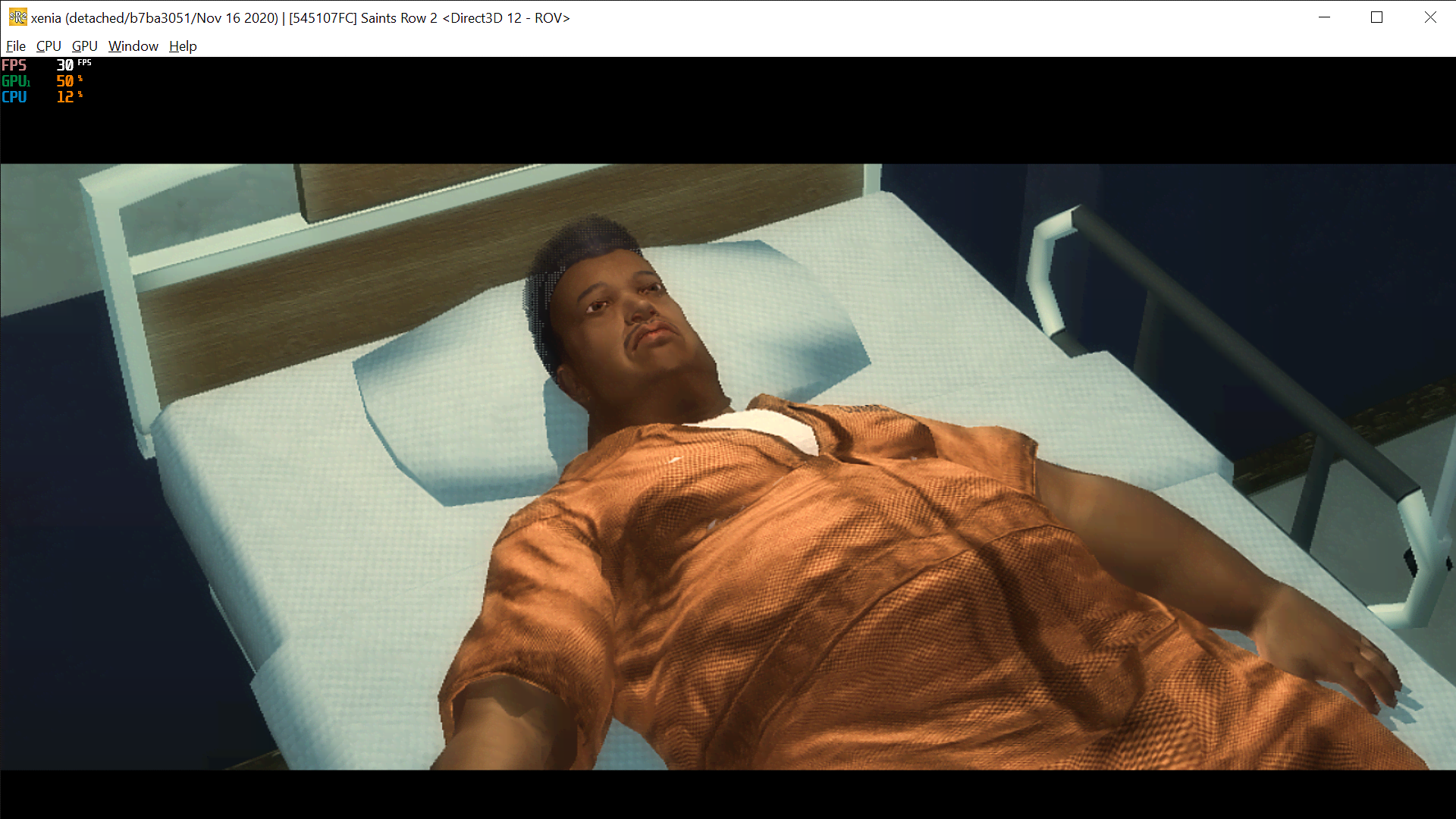

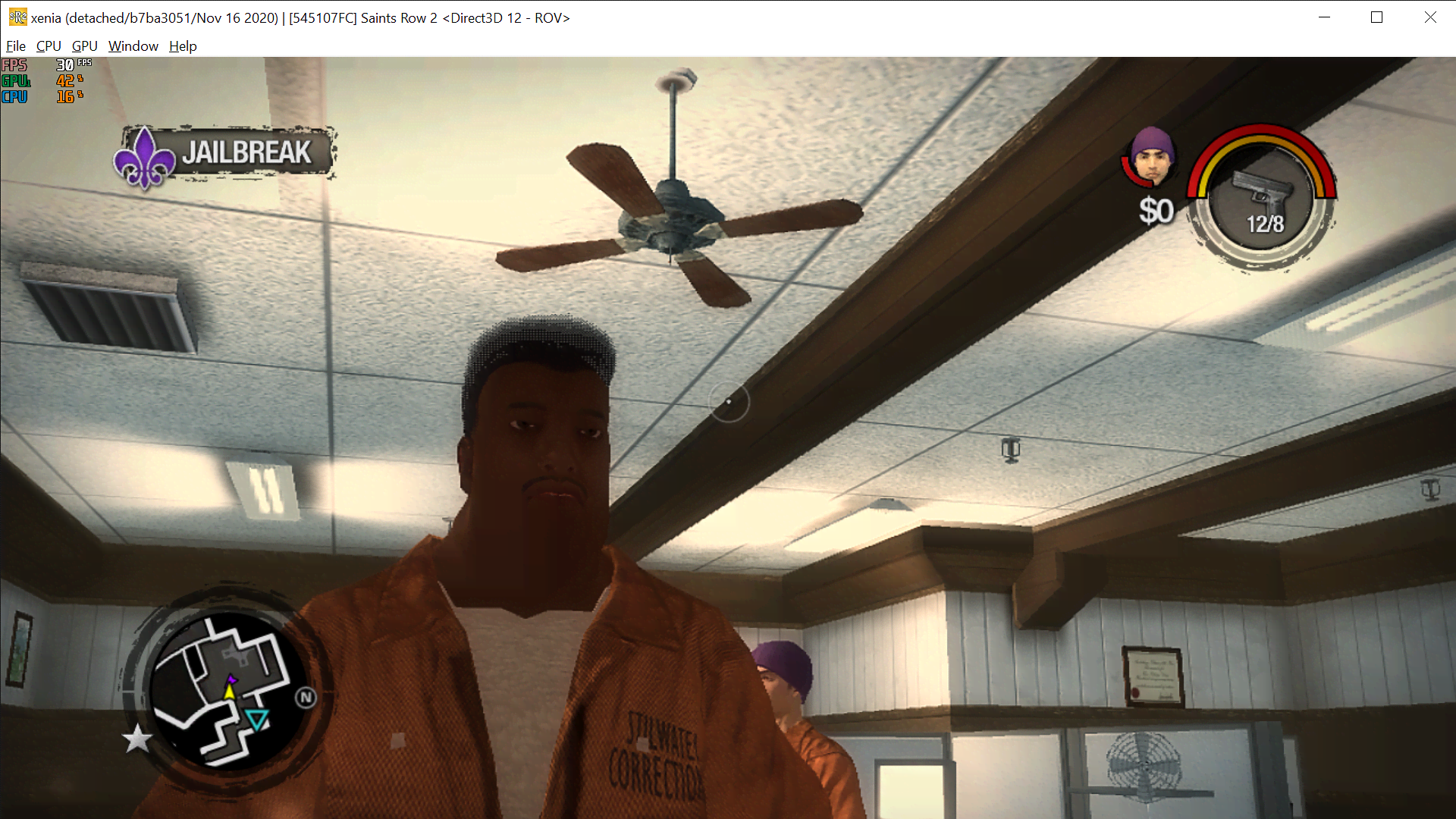


800MB Log: https://a.pomf.cat/hqygef.rar
state-gameplay | tech-middleware-havok | gpu-drawing-corrupt

game working perfectly with dlcs at 30 fps stable with xenia canary build 6bc3191b9 (there's some spikes here and there but its not very bothersome) graphical issues occur with lights being visible in the geometry.

Cannot save the game. The game seems to be working fine though. I keep getting the error "Storage Device associated with the gamer profile is full or missing". I am not sure if the log helps, but I have added it. Any help is appreciated. xenia.log

 After
After

Hello,
I never used Xenia before and would love to use it for the first time to play SR2. I just do not understand how that works, where do i download the game from? And what do these settings mean (e.g. query_occlusion_fake_sample_count=-1), where do i put them? And which version of xenia should i download?
Cheers,

This is not a forum, please go seek help elsewhere. This project, just like every other emulation project, does not condone piracy
This is not a forum, please go seek help elsewhere. This project, just like every other emulation project, does not condone piracy
Who said I want to pirate it? I'm asking for guidance how can I get it legally.
This is not a forum, please go seek help elsewhere. This project, just like every other emulation project, does not condone piracy
Who said I want to pirate it? I'm asking for guidance how can I get it legally.
@imperialist-x Read https://github.com/xenia-project/game-compatibility#what-not-to-post
Hello,
I went a little bit ambitious here and attempted to run Saints Row 2 on Xenia on the steam deck. I ran it with proton experimental via steam, then loaded the rom with GPU directx, the game worked perfectly but there was some painful graphics issues so I changed GPU to vulkan, graphics issues are gone. Then as soon as I click start game, Xenia crashed with this error (before switching to vulkan,I didn't get the error and game worked perfectly but graphics were terrible):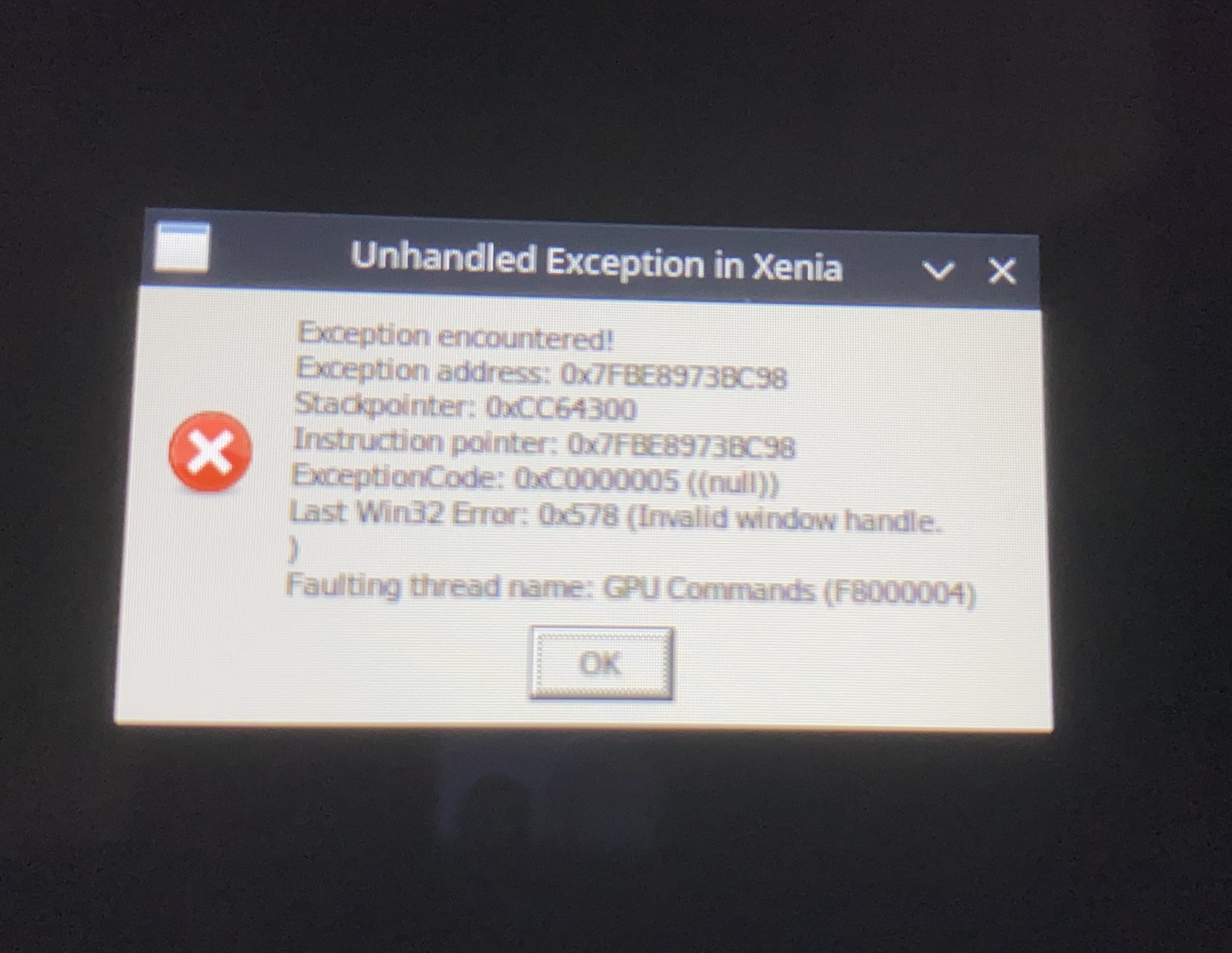
- query_occlusion_fake_sample_count
i have dumped the dlc files, but can make it work in game.
i put the files in 00000002 folder. anything else that is needed?

i have dumped the dlc files, but can make it work in game. i put the files in 00000002 folder. anything else that is needed?
did you put the TU files in the "000B0000" folder? Maybe you forgot that.

I'm having a major issue. For some reason, the sky is pitch black. It's pretty obviously day time judging by the lighting and I don't know how to fix this. Can anyone help?

Broken bloom all of the sudden after working normally for so long.
Edit: The issue is fixed after making a clean install of nvidia studio driver
