
XamarinCommunityToolkit
 XamarinCommunityToolkit copied to clipboard
 xamarin
[Bug] Space at the bottom of TabView
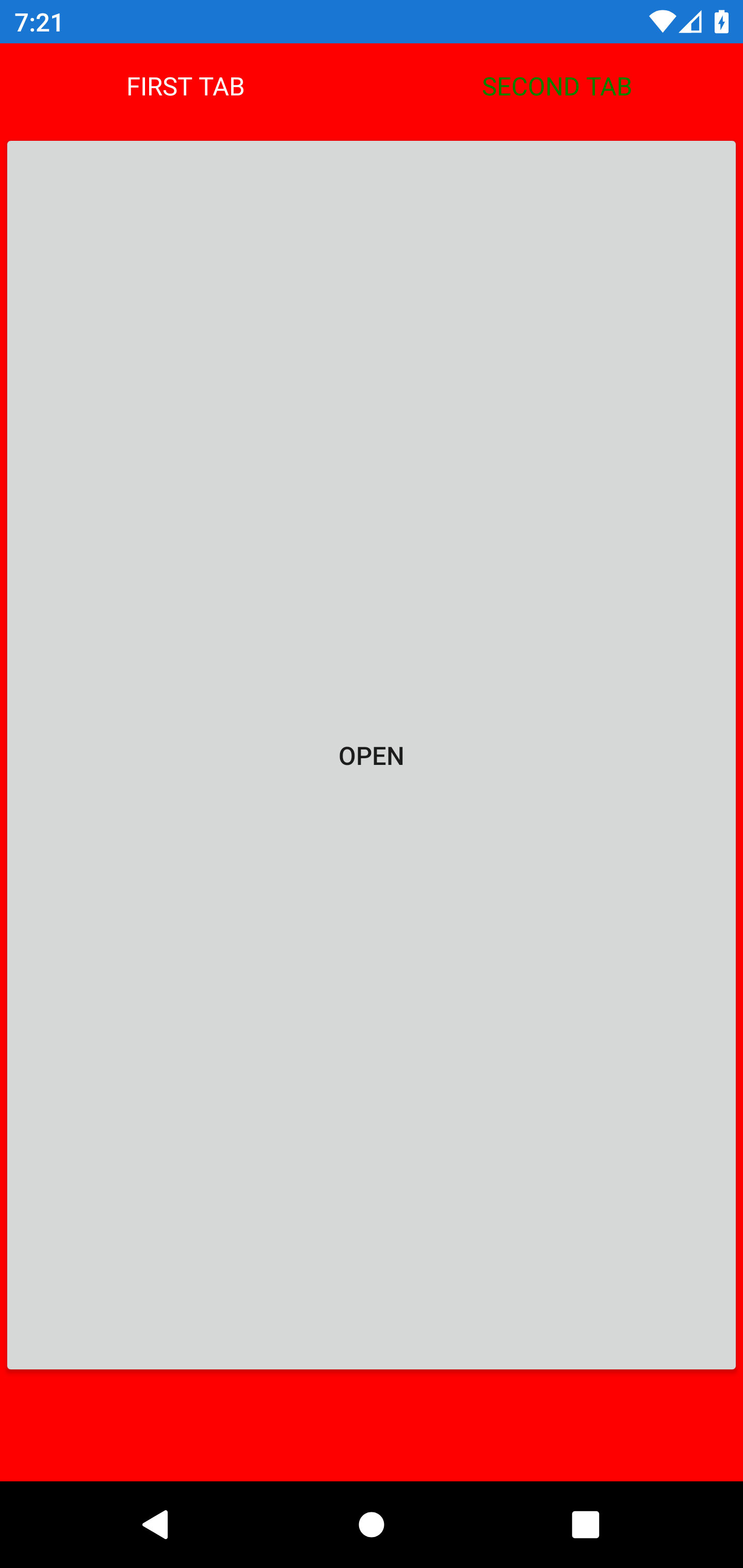
If a page with a TabView has NavigationPage.HasNavigationBar="False", after navigating to a page with NavigationPage.HasNavigationBar="True" and coming back there is some empty space at the bottom:
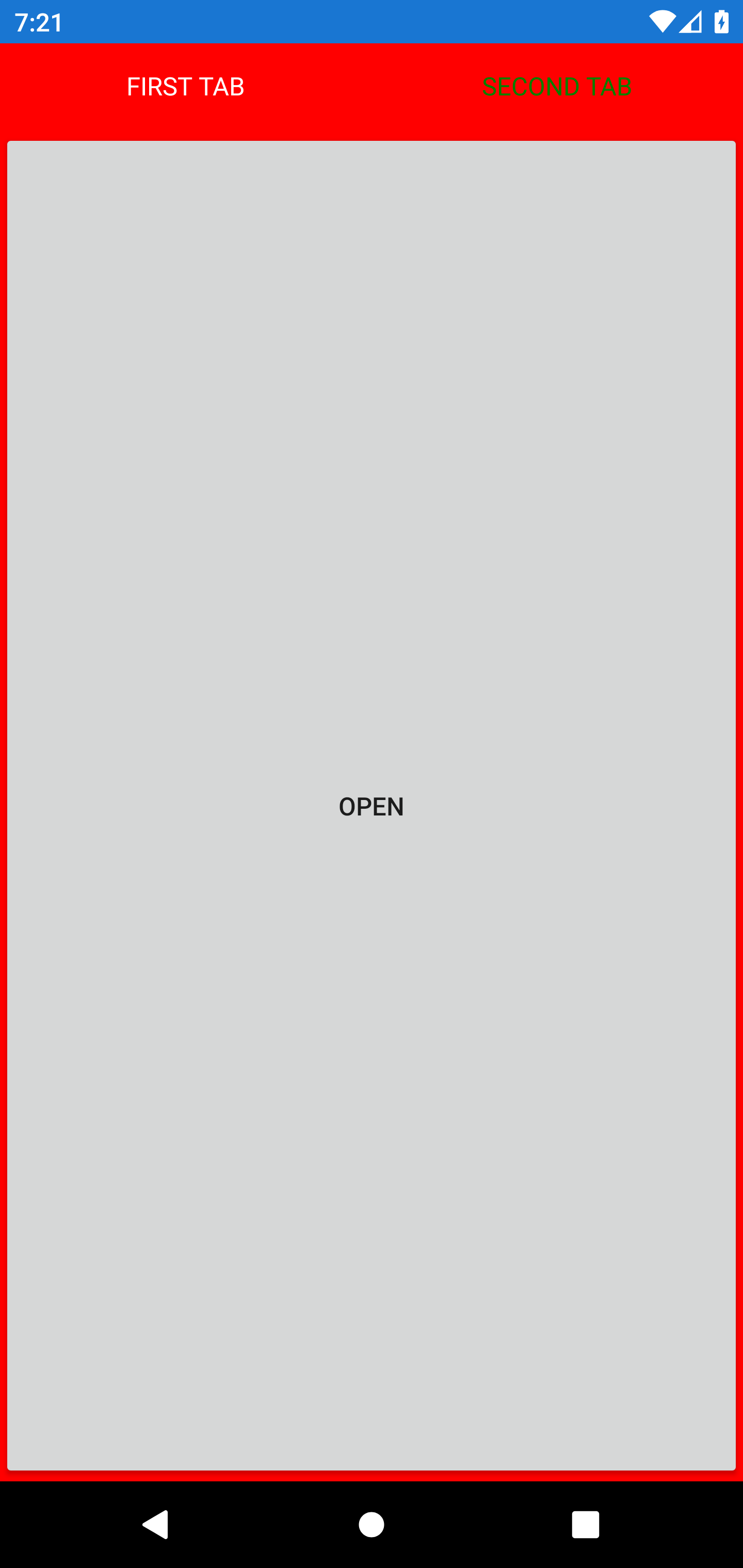
Before navigating, the button occupies all space of the TabViewItem:
After, there is a space at the bottom:

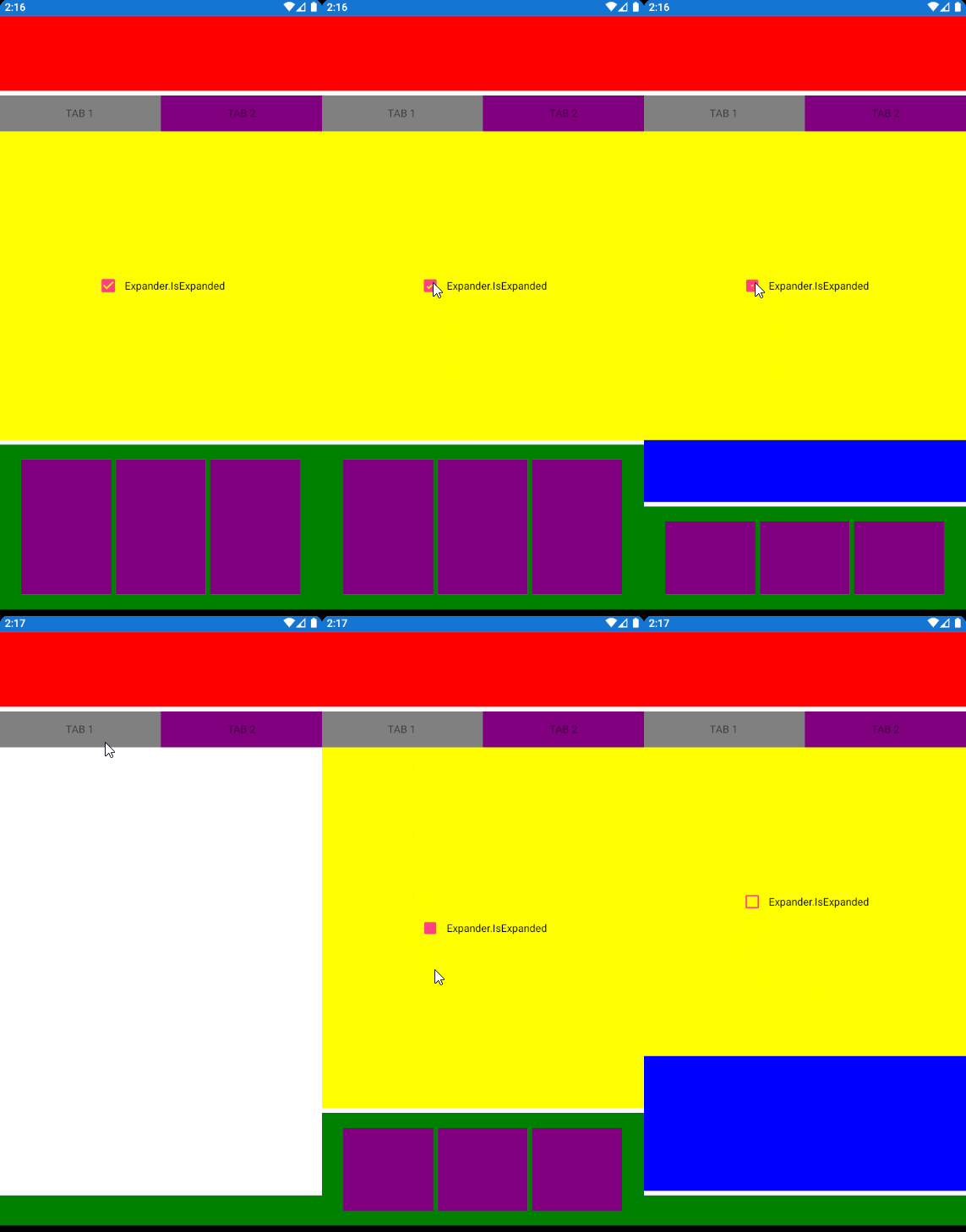
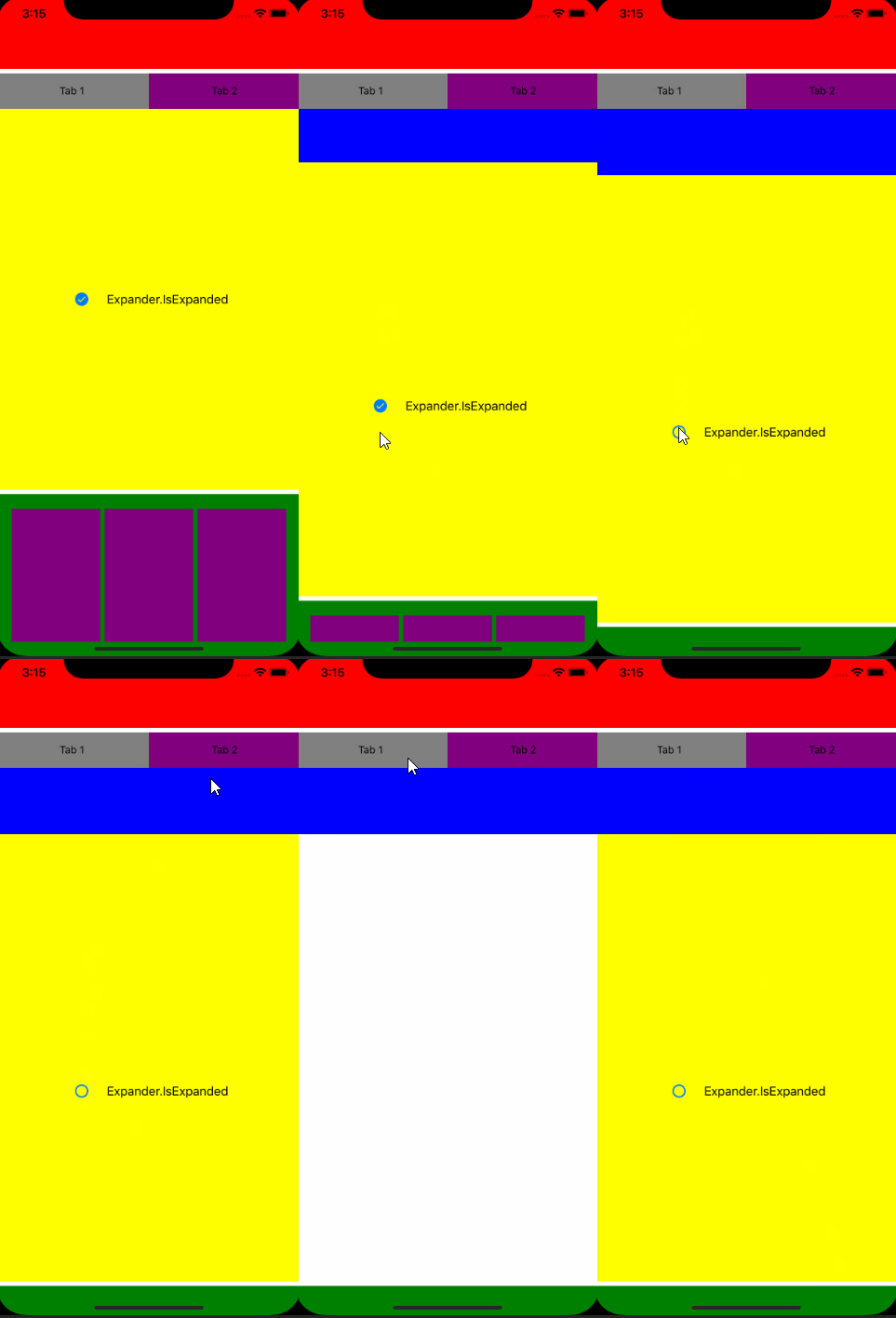
Just found out that there is similar problem on iOS too. I am not sure if would be better to create a separate issue but I created another project with a reprodution of the problem. I have a main grid with 3 rows (Auto,*,Auto) and on the bottom row a expander. When the expander change size, the TabView does too but the content do not "redraw". On android, changing tabs corrects it but on iOS, it doesnt (the TabView BackgroundColor is "Blue"):
Android:
iOS:

Same issue here. Easiest way to simulate:
- Create a new empty Xamarin app, add Community Toolkit
- In the MainPage copy the sample code from https://docs.microsoft.com/en-us/xamarin/community-toolkit/views/tabview
- Change the TabContentBackgroundColor on the MainPage to Cyan
- On the MainPage set NavigationPage.HasNavigationBar="false"
- In the app make the MainPage a NavigationPage: MainPage = new NavigationPage(new MainPage());
- Add a new empty SecondPage
- Add a button on the first tab view which navigates to SecondPage: await this.Navigation.PushAsync(new SecondPage());
Effect as shown:
On main page before opening the second page:

On second page:

After going back to main page -> problem is the cyan area below:

Code of sample app attached. Bug 625 - Space at the bottom of TabView.zip


I've found that toggling the visibility of the element inside the TabViewItem to false then true when returning to the page overcomes this problem, it's a hack but it seems to work. For example if you have a ContentView inside your TabViewItem, do ContentView.IsVisible = false and then ContentView.IsVisible = true on the OnAppearing routine of the page containing the TabView.