writefreely-swiftui-multiplatform

writefreely-swiftui-multiplatform copied to clipboard
 writefreely
Choosing a new collection in the sidebar when the editor has a new local draft doesn't unset the draft
Description
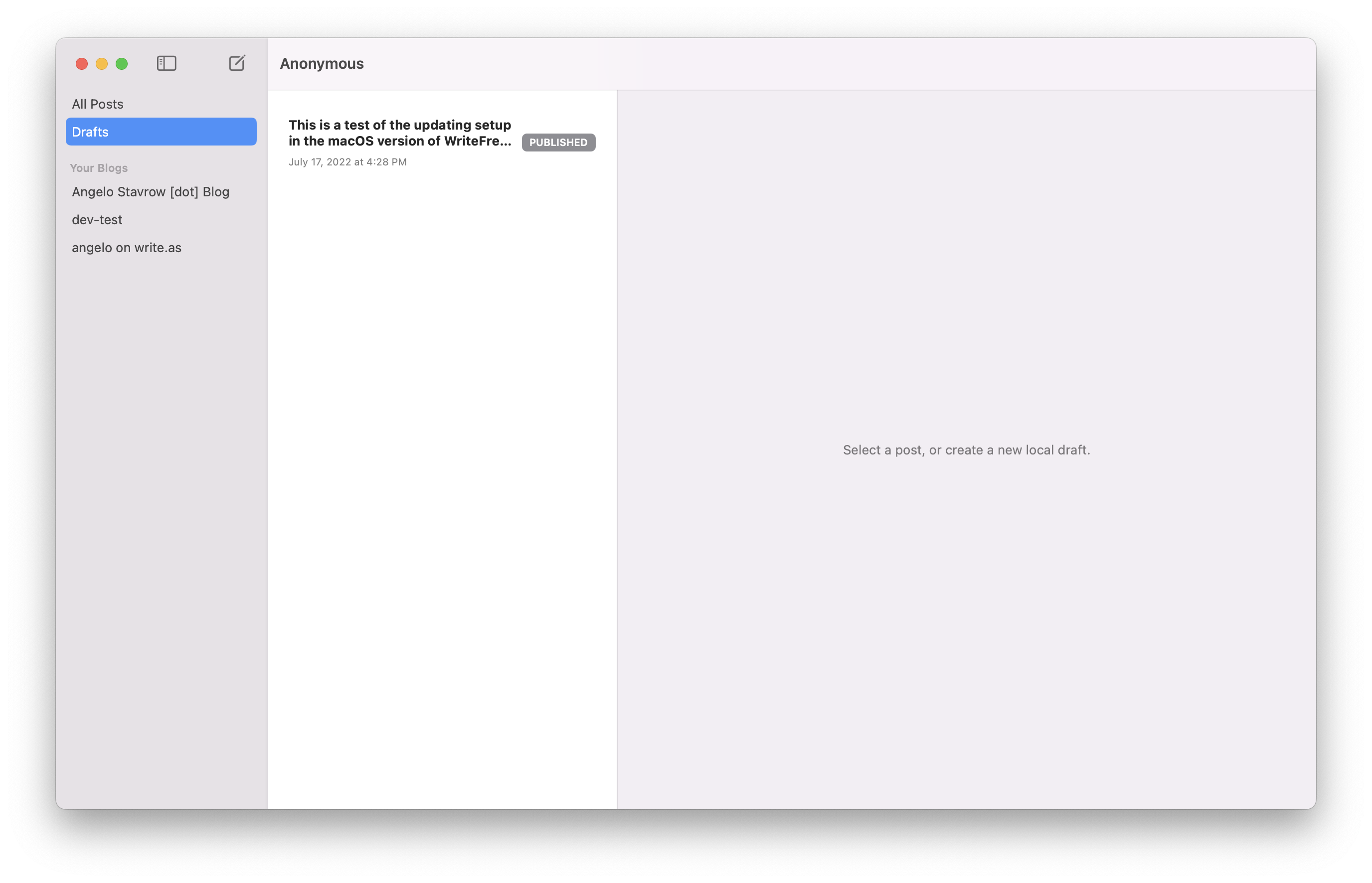
When a new local draft is active in the editor, and the user clicks on a different collection in the sidebar, the editor should unset the currently-active post and show a placeholder ("Select a post, or create a new local draft.") in its place.
Steps to Reproduce
- Launch the Mac app.
- If it doesn't create one automatically, click the new local draft button. Optionally, type something in the new draft.
- Click on either the All Posts or Drafts collection in the sidebar —whichever isn't currently selected— to leave this local draft.
Expected
The post editor area should unset the local draft as the active post and show a placeholder:
Actual
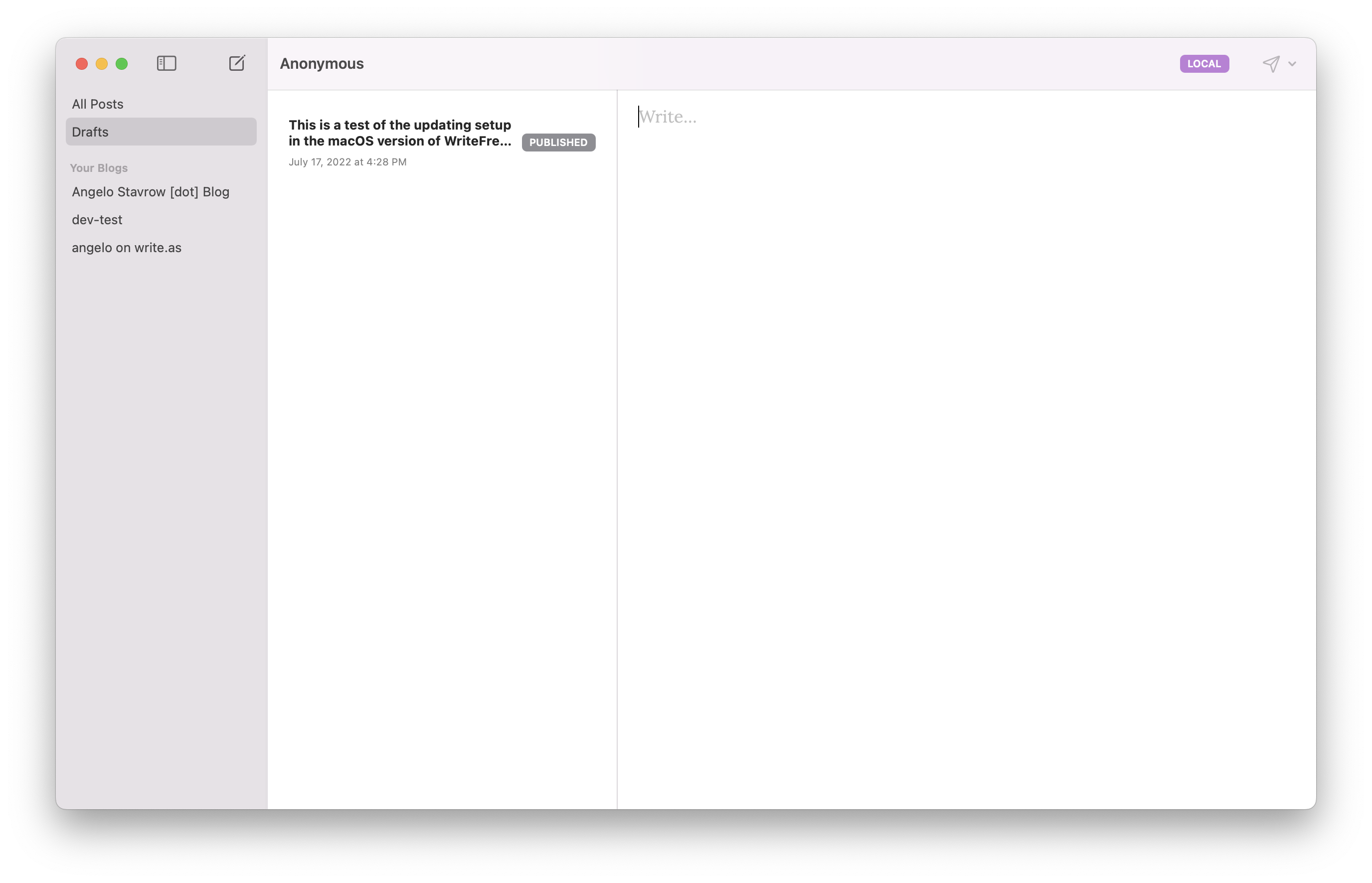
The post editor area keeps the current draft as active, despite the fact that the post object itself may have even been deleted (if it was blank):