
archiveweb.page
 archiveweb.page copied to clipboard
 webrecorder
SSL/TLS Certifcate error (on facebook and instagram)
I found this issue only on facebook and Instagram (but it could replicate in other domains that I don't know at the moment) On www.google.com, web.whatsapp.com or other SSL/TLS sites, the problem does not seem to appear.
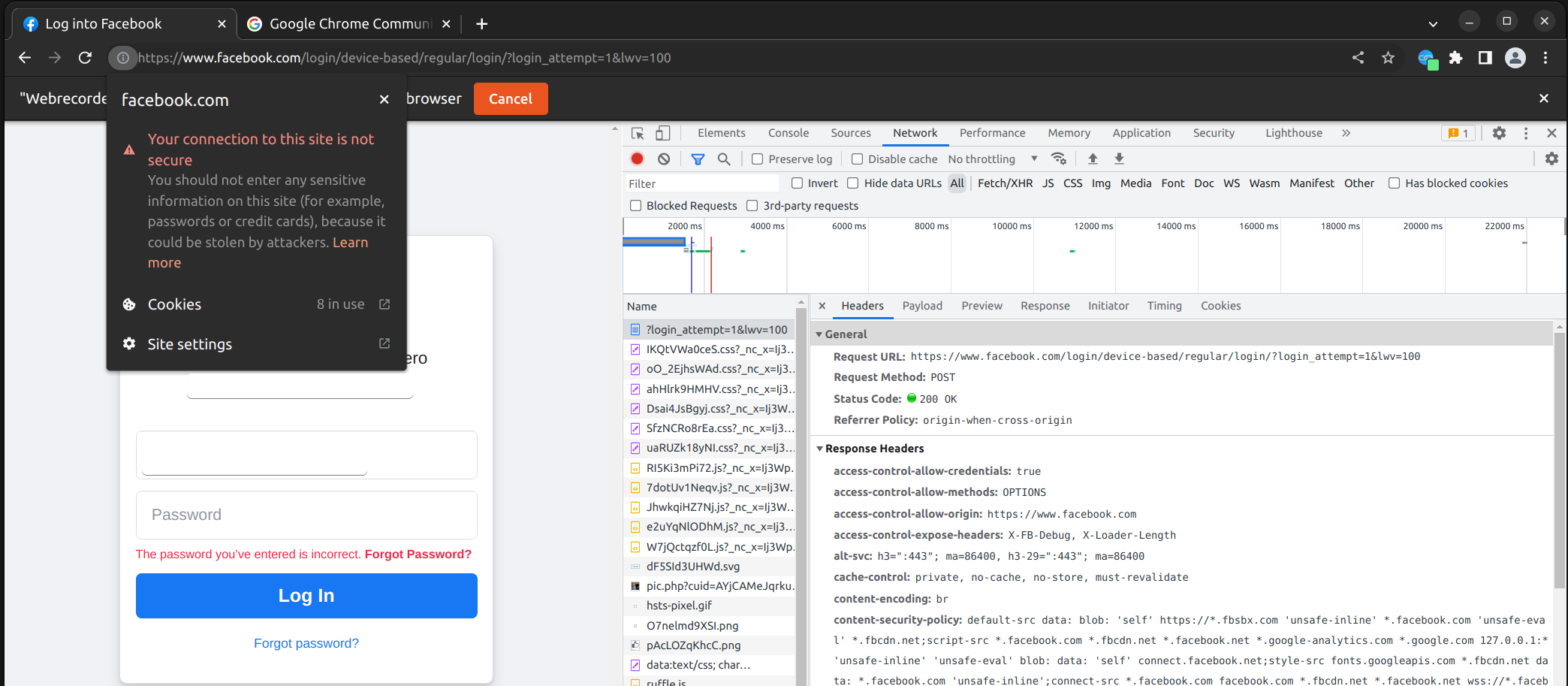
On Facebook, when I click "start" , the secure icon disappears and an "i" appears in its place. when clicking on the "i" a security error appears:

Same issue on Instagram:

This could be a problem in forensics activites :(
PS: the problem with the certificate does not occur when the acquisition is not active.
Furthermore, there is no intermediate proxy

Hm, this is very odd and not something I've seen before. Can you click on the details to see if there's more information? What browser version and OS are you using?

Hello @ikreymer, there is not "details" becaus is like as chrome dont see any certificate.
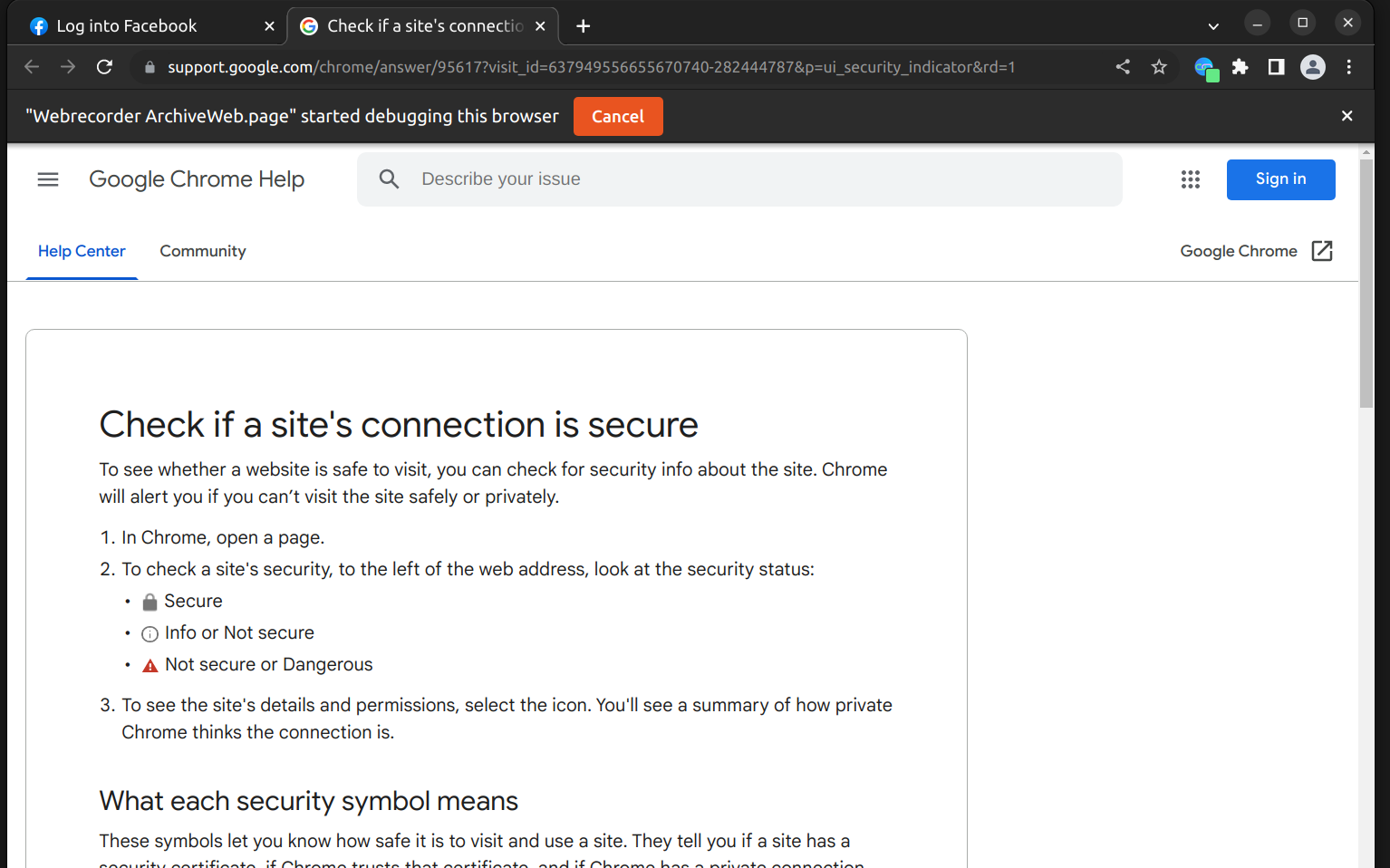
Is possible clicking on "learn more", but it's only an external link with general information about "insecure connection".
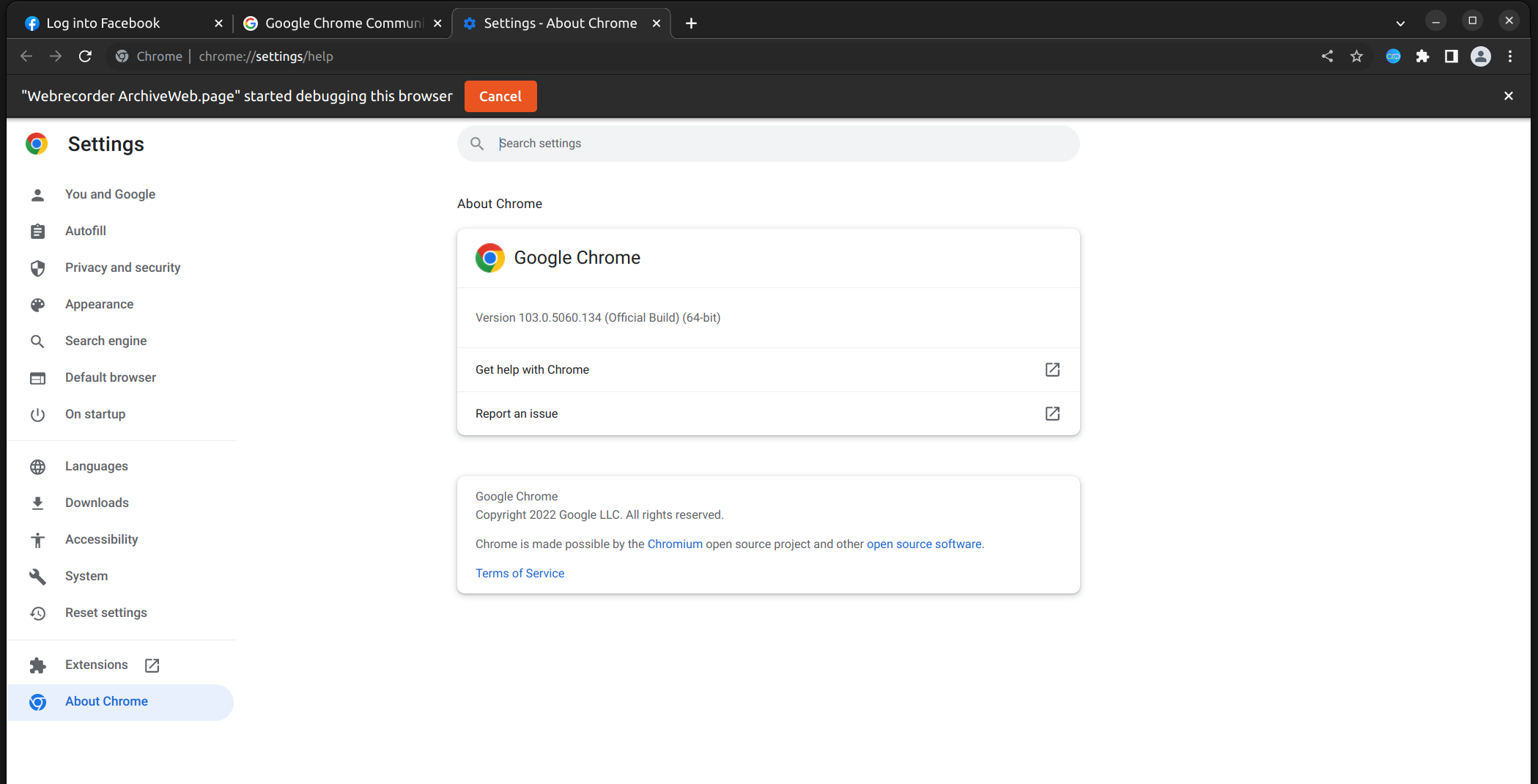
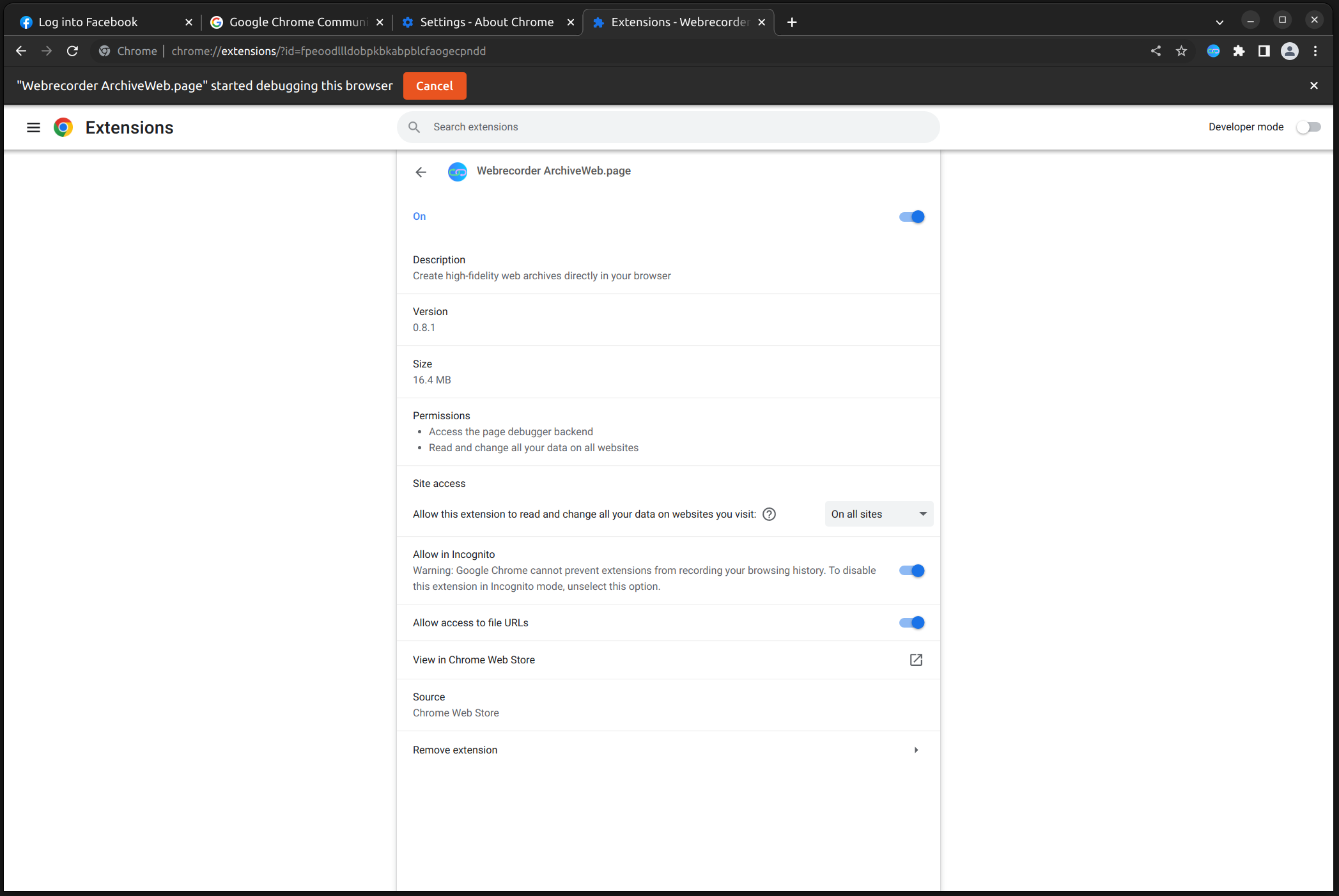
For your more information, I usede Chrome both on Ubuntu 22.04 and on Windows 10 (fresh installed)
Cliccking on "Learn more":

Hello :)
there is some update about this issue? I just tried the new Google Chrome (120.0.6099.62) and version 0.11.3 of the extension, but the error on the certificate on Facebook and Instagram remains :( This can be a problem during forensic acquisition.
How can I help within the limits of my possibilities?
We have not been able to repro this unfortunately :( For me, on OS X, the connection is secure. I wonder if this is particular to Windows or Linux, but we haven't had any other reports either. The connection is secure otherwise before using the extension? Are there any other proxies or anything like that running on your system?
If you send a WACZ file created, perhaps there can be some details about what the browser is detecting as insecure.
Hello @ikreymer :) I tried on MacOS and is the same.
However, I have two ideas to replicate the problem:
1 - start the record when you are on another site (e.g. Google) and then go to Facebook
2- start the record on Facebook, but then manually enter the addresses in the URL bar: https://www.facebook.com/privacy (/privacy is just an example, any URL within Facebook can be used as typed by hand)
This is because Facebook doesn't really reload the page once you are in and click on page element. To trigger the issue you have to "really" change the URL :)
The problem seems to exist when there is a page change.
I hope I was able to provide some useful ideas :)
@massimiliano-dalcero thanks for the additional repro instructions! I was indeed able to reproduce this, and I think I know the reason. ArchiveWeb.page modifies certain resources to better capture the content, including rewriting certain JS in social media sites to ensure a better capture. This means the response is intercepted, rewritten and sent back. When this happens, I think Chrome (rightfully, I would agree!) flags this as insecure, as that makes sense that the site has been slightly modified. The rewriting rules (shared with capture and replay) are found in wabac.js: https://github.com/webrecorder/wabac.js/blob/main/src/rewrite/dsruleset.js#L5
The code that handles the rewriting is at: https://github.com/webrecorder/archiveweb.page/blob/main/src/recorder.js#L993 and determines which responses on which pages should be rewritten. This is a somewhat complex system, designed to result in the best fidelity capture and replay. For example, another use of this is modifying video stream manifests to only include a single resolution.
I think the main options here are:
- Better document the rewriting behavior and why it is needed and the result in Chrome
- Add an option in settings disable this rewriting, which will result in less high quality archive, but would avoid the insecure content message -- this would result in capturing only the network traffic served as is, but may result in poorer replay.
Probably mentioning this in the docs is the best immediate solution, eg. that this is working as intended.