
ValentineDayScript
 ValentineDayScript copied to clipboard
 wafarifki
Free Valentine Day Script. use for learn.
ValentineDayScript
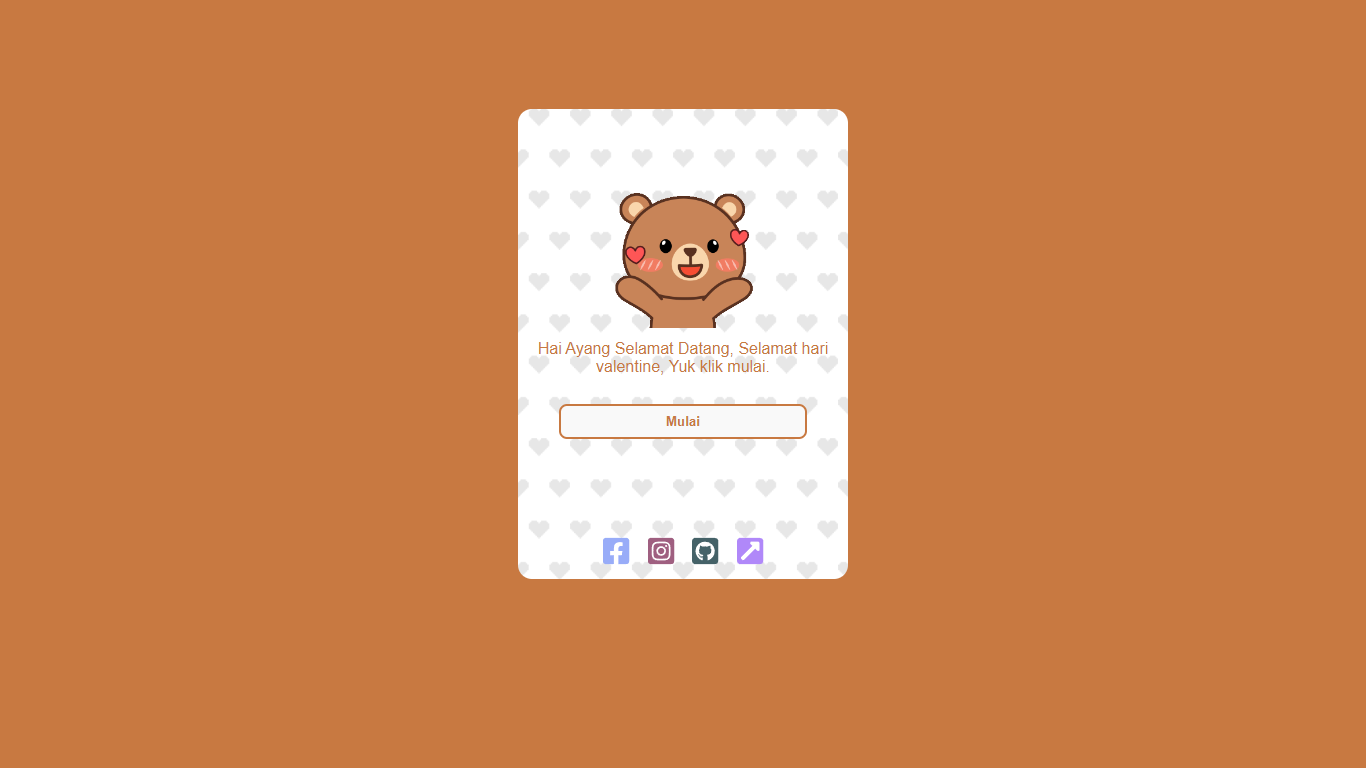
I have created a Simple Valentine's Day HTML Script, free and used for learning.
Demo Site
https://wafarifki.github.io/ValentineDayScript/
ScreenShoot
Configuration
-
Fork this Repository: Visit the GitHub repository you want to fork, then click on the "Fork" button in the top-right corner. This will create a copy of the repository in your own GitHub account.
-
Edit index.php: After forking the repository, navigate to the
index.phpfile in your forked repository. Locate line 49, which contains<span>Hai Caren</span>, and make your desired changes. -
Commit Changes: After editing the file, scroll down to the bottom of the page, where you'll see a section titled "Commit changes". Enter a summary of the changes you made in the "Summary" field, then click on the "Commit changes" button.
-
Publish on GitHub Pages: Once you've committed your changes, you can enable GitHub Pages to publish your site. To do this, go to the "Settings" tab of your repository. Scroll down to the "GitHub Pages" section, then select the branch you want to use (typically
mainormaster) from the dropdown menu. After selecting the branch, click on the "Save" button. -
Access Your Site: After enabling GitHub Pages, you'll see a URL where your site is published. It will be in the format
https://<your-username>.github.io/<repository-name>. You can share this URL with others to view your site.
Let's connect with me!




 wafarifki