
ant-design-vue-pro
 ant-design-vue-pro copied to clipboard
Published
20 hours ago •
 vueComponent
vueComponent
查看进入内页(路由meta设置了hidden),左边菜单状态没选中怎么解决?
Question (问题描述)
How to use component s-table paging
查看进入内页(路由meta设置了hidden),左边菜单状态没选中
Describe the solution you'd like (你期待的是什么?)
A clear and concise description of what you want to happen.
查看进入内页(路由meta设置了hidden),左边菜单状态选中
Additional context(附加信息)
Add any other context or screenshots about the feature request here.
vue2.x
"@ant-design-vue/pro-layout": "^1.0.8",
"ant-design-vue": "^1.7.6",
"vue": "^2.6.14",

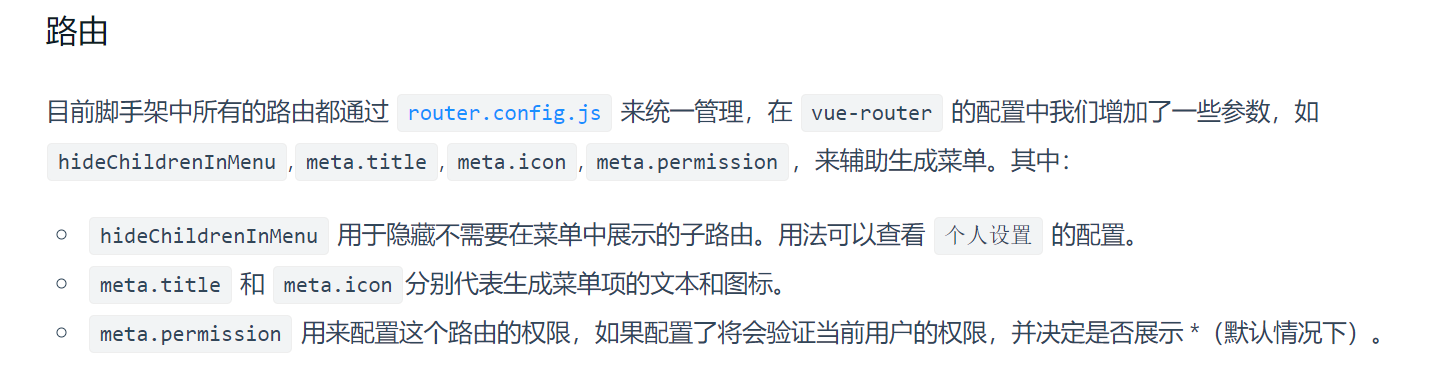

hideChildrenInMenu: true
这个只是在菜单中隐藏子路由,我期望的是在子路由页面时,左侧菜单还是选中的。 (如:用户列表页(对应菜单'用户管理')里'新增',是跳到新的路由页面(用户操作页)的,但菜单还是选中'用户管理')
