
typora-issues
 typora-issues copied to clipboard
 typora
Support for multiline comments
The following does not render in the HTML when in Typora:
<!-- my comment -->
In normal html (and also in github flavoured markdown) this would normally result in a multi line comment:
<!--
my
multi
line
comment
-->

So if I have the following markdown file:
 I get the following HTML:
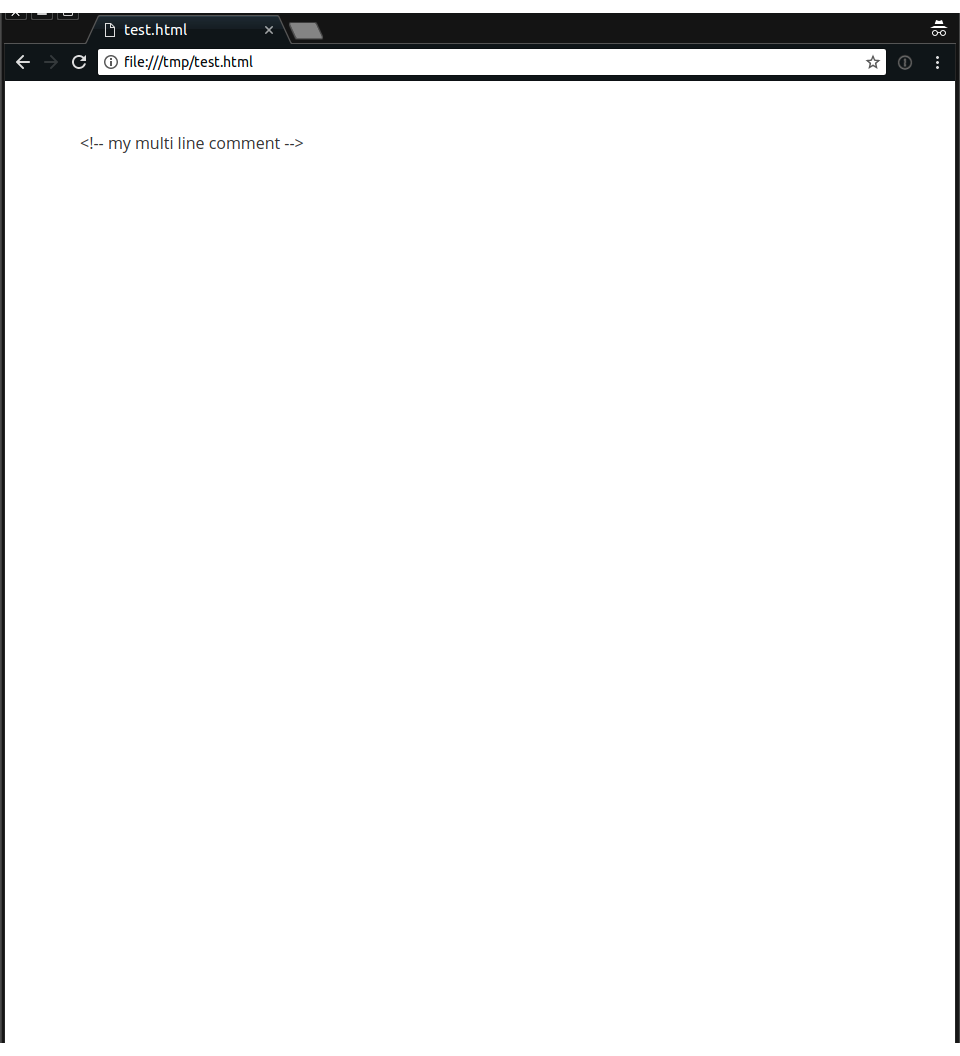
If there is already support for multi-line comments, sorry for the post (but please tell me!).
If there is not support, I would like there to be support of some kind.


I know this is an OLD problem that was resolved, but I have exactly the same symptoms with the newly installed typora 0.9.79 beta on Linux : any multi-line comments are not seen as comments but regular text. Should I open a new issue?


@leberger @fastfading could you provide sample files since I'm not able to reproduce this.
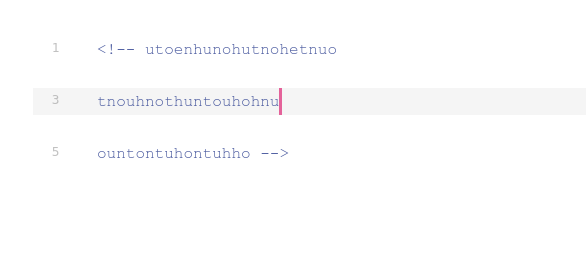
Have added a screenshot. I guess you can reproduce the problem by just opening the file, but if not you can have a look at the screenshot.
The version 0.9.79 beta (and 0.9.83 beta) , on Linux neon (kde), I have slightly edited the main theme (css only) to make the comment a little smaller and grey
It seems that if there is no title, paragraph or anything fancy, the multiline works. But when it requires some sort of markdown elements, (even paragraphs), multiline comments does not work.
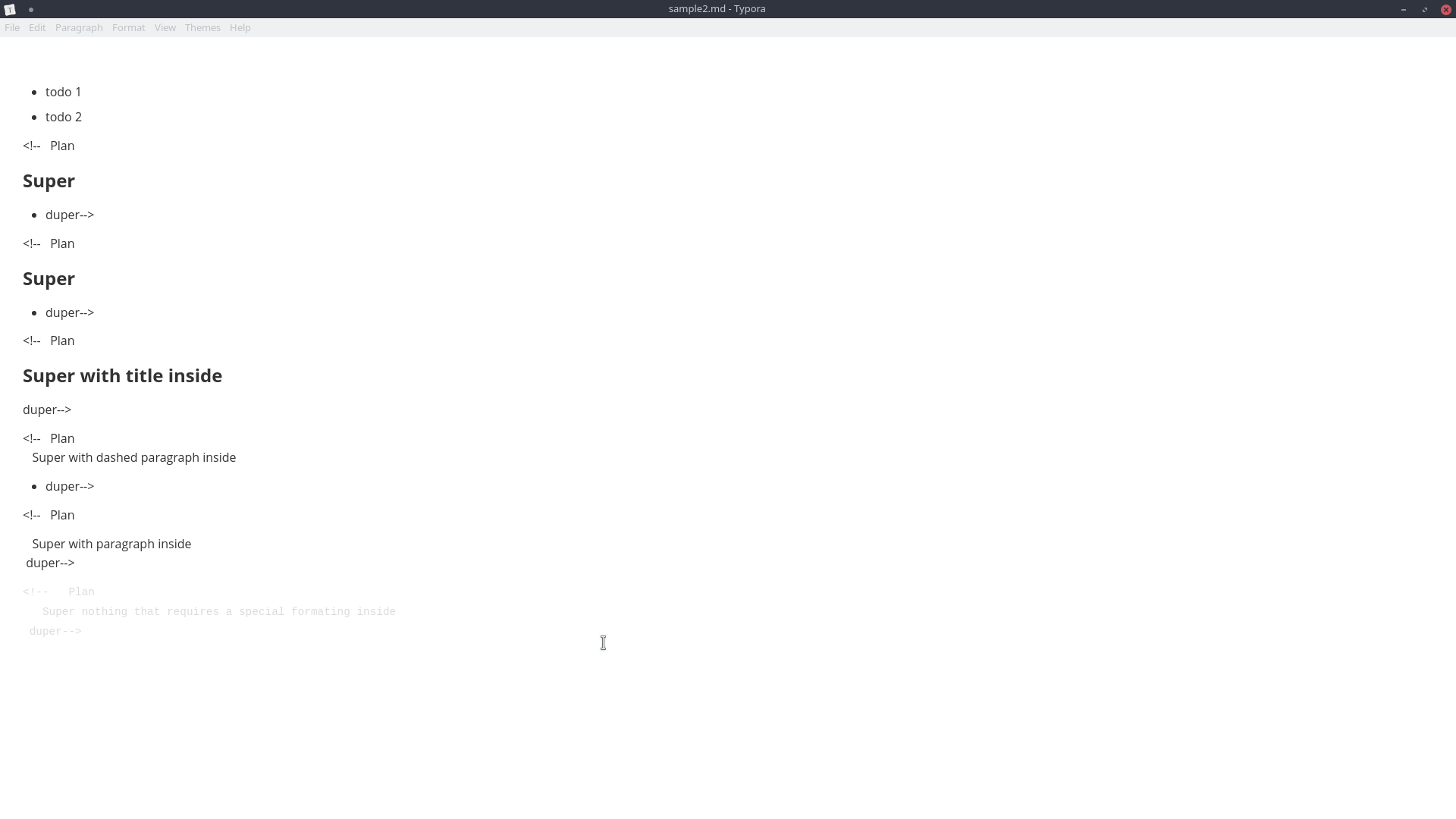
Have you been able to replicate the issue? Do you require any further information?
Same on macOS Typora v0.9.9.35 (4693). Glad to see it should work in theory 😃

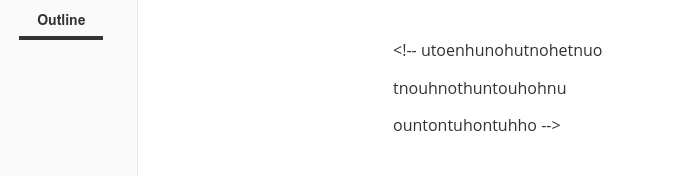


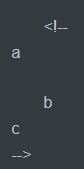
I still meet the same problem on Windows_0.10.11-beta when the multiline comments block contains serial line breaks , like this:
<!--
a

b
c
-->
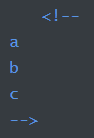
But cases that not contain serial line breaks work well , like this:
<!--
a
b
c
-->

It's common for me to have multiline comments within my Markdown documentation for one reason or another and this still appears to be an issue as of July 25th, 2023, using version 1.6.7 of Typora on macOS. As noted in comments for this issue, other editors including GitHub and VS Code Preview don't seem to have this problem. As @yuanbug points out, it is caused by line breaks within the comment block, while shift-return (which creates a <br>) renders the entire comment correctly. Shouldn't Typora simply treat everything as a comment when <!-- is encountered until a closing --> is found?


This is still an issue on Feb 26, 2025.
<!-- omit in toc
# 1. 一级标题
## 1.1. 二级标题 -->

<!-- This is a comment
spanning multiple lines
and it won’t show in the preview -->

## 1.2. 一级标题
## 1.3. 一级标题
## 1.4. 一级标题
## 1.5. 一级标题
## 1.6. 一级标题
## 1.7. 一级标题
