
charts
 charts copied to clipboard
 truecharts
Authelia default policy uses "two_factor" even though "deny" is configured
App Name
Authelia
SCALE Version
22.02.0
App Version
4.35.3_9.0.25
Application Events
2022-05-12 13:34:17
Started container authelia
2022-05-12 13:34:17
Created container authelia
2022-05-12 13:34:14
Container image "tccr.io/truecharts/authelia:v4.35.3@sha256:cf4eb4e9f5a063345b70e8bff3e56a4210e8780841367b99f6eac35d59df5f0c" already present on machine
2022-05-12 13:34:13
Started container postgresql-init
2022-05-12 13:34:12
Created container postgresql-init
2022-05-12 13:34:09
Container image "ghcr.io/truecharts/postgresql:v14.2.0@sha256:cbde43604b745eb85f3e1a8ed916b8b442e4dfc955209837bc867a927f980362" already present on machine
2022-05-12 13:34:08
Started container hostpatch
2022-05-12 13:34:07
Created container hostpatch
2022-05-12 13:34:05
Container image "ghcr.io/truecharts/alpine:v3.15.2@sha256:29ed3480a0ee43f7af681fed5d4fc215516abf1c41eade6938b26d8c9c2c7583" already present on machine
2022-05-12 13:34:04
Started container autopermissions
2022-05-12 13:34:03
Created container autopermissions
2022-05-12 13:33:59
Container image "ghcr.io/truecharts/alpine:v3.15.2@sha256:29ed3480a0ee43f7af681fed5d4fc215516abf1c41eade6938b26d8c9c2c7583" already present on machine
2022-05-12 13:33:59
Add eth0 [172.16.0.104/16] from ix-net
2022-05-12 13:33:48
Stopping container authelia
Successfully assigned ix-authelia/authelia-7f5b84c5f6-tlzhx to ix-truenas
2022-05-12 13:33:51
Created pod: authelia-7f5b84c5f6-tlzhx
2022-05-12 13:33:51
Scaled up replica set authelia-7f5b84c5f6 to 1
2022-05-12 13:33:48
Deleted pod: authelia-9944466c-ttm9s
2022-05-12 13:33:48
Scaled down replica set authelia-9944466c to 0
Application Logs
2022-05-12T11:47:09.196286904Z time="2022-05-12T13:47:09+02:00" level=warning msg="Configuration: access control: no rules have been specified so the 'default_policy' of 'two_factor' is going to be applied to all requests"
2022-05-12T11:47:09.196331630Z time="2022-05-12T13:47:09+02:00" level=info msg="Authelia v4.35.3 is starting"
2022-05-12T11:47:09.196339175Z time="2022-05-12T13:47:09+02:00" level=info msg="Log severity set to info"
2022-05-12T11:47:09.224333117Z time="2022-05-12T13:47:09+02:00" level=info msg="Storage schema is being checked for updates"
2022-05-12T11:47:09.230361249Z time="2022-05-12T13:47:09+02:00" level=info msg="Storage schema is already up to date"
2022-05-12T11:47:09.902702583Z time="2022-05-12T13:47:09+02:00" level=info msg="Initializing server for non-TLS connections on '[::]:9091' path '/'"
Application Configuration

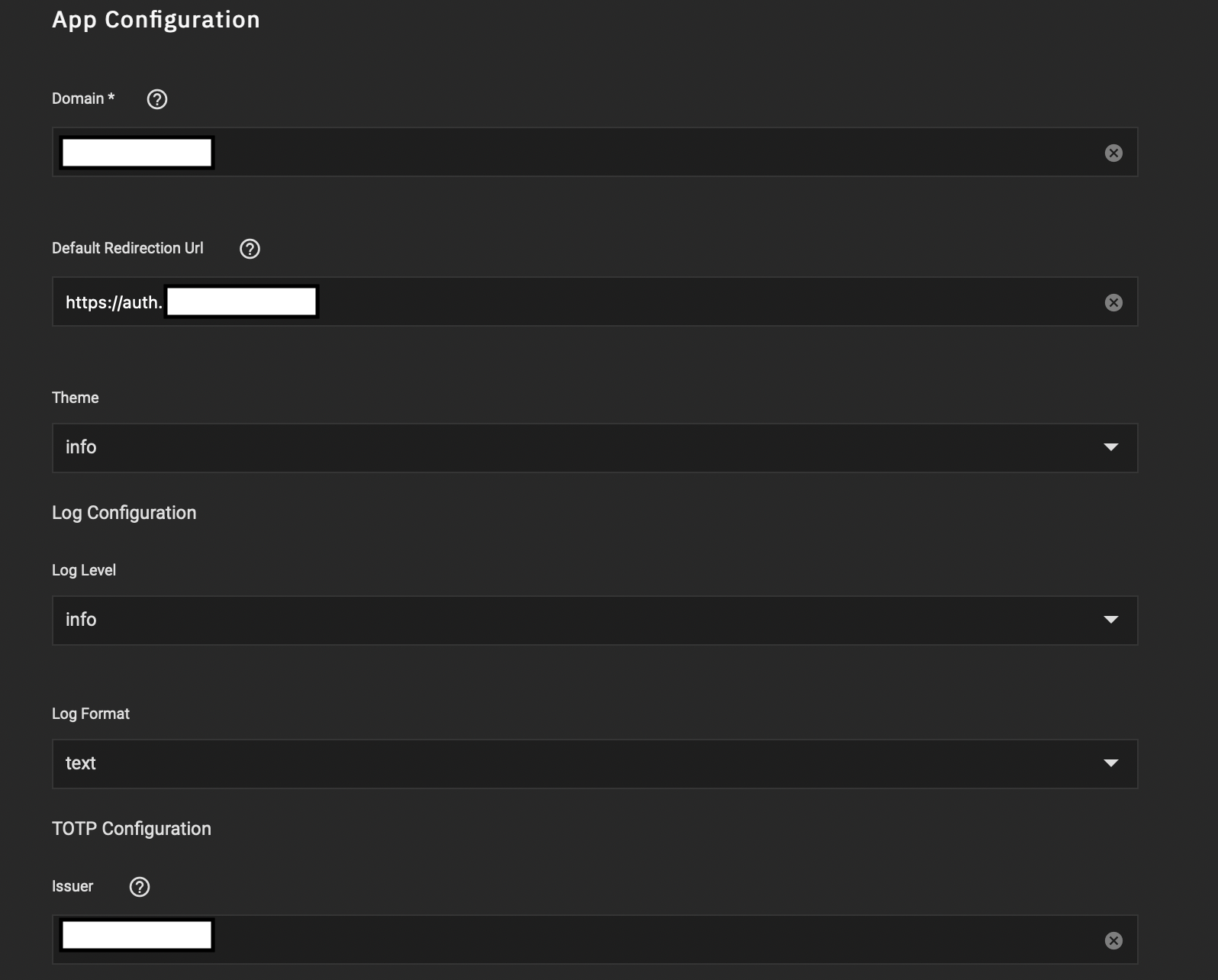
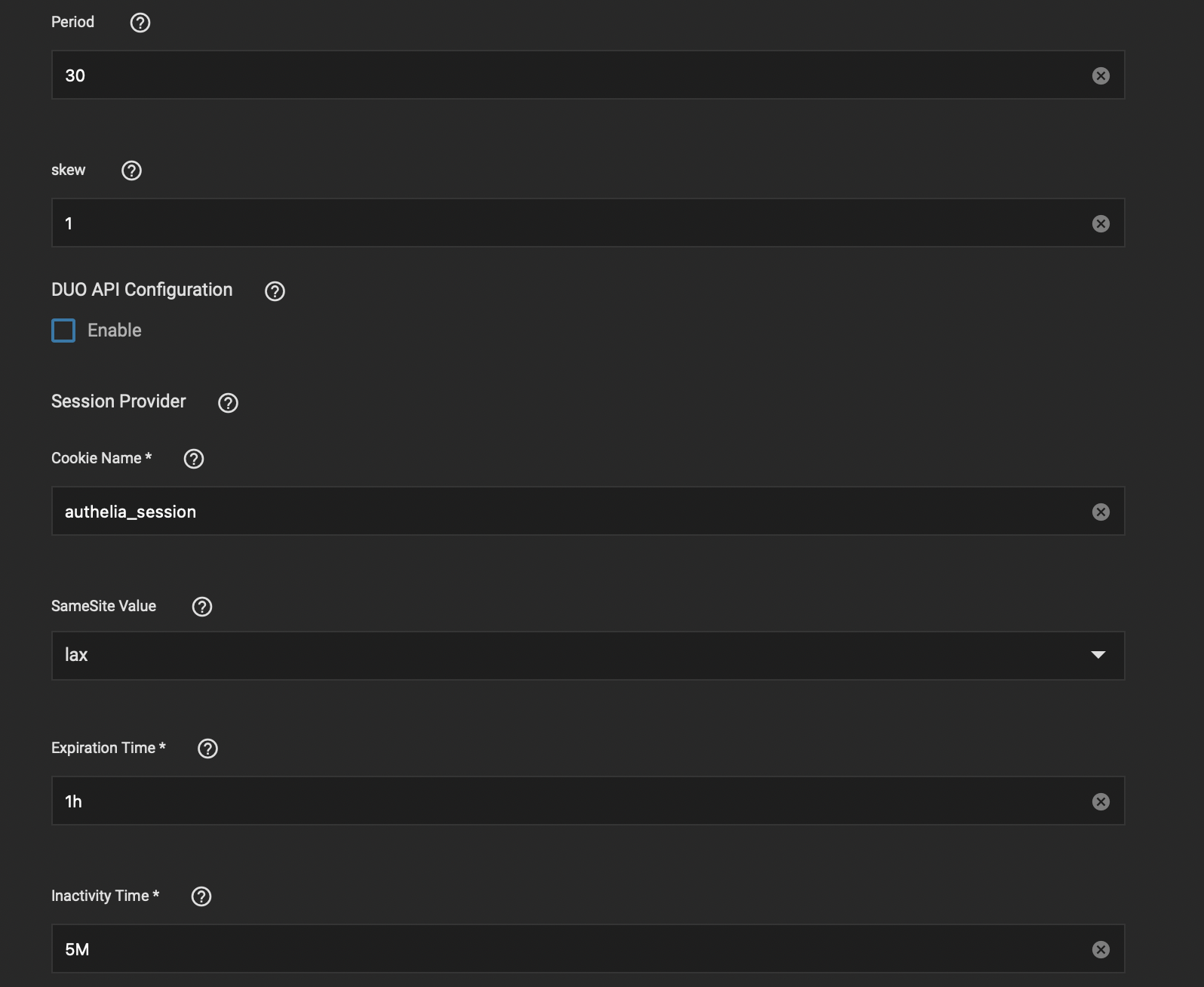
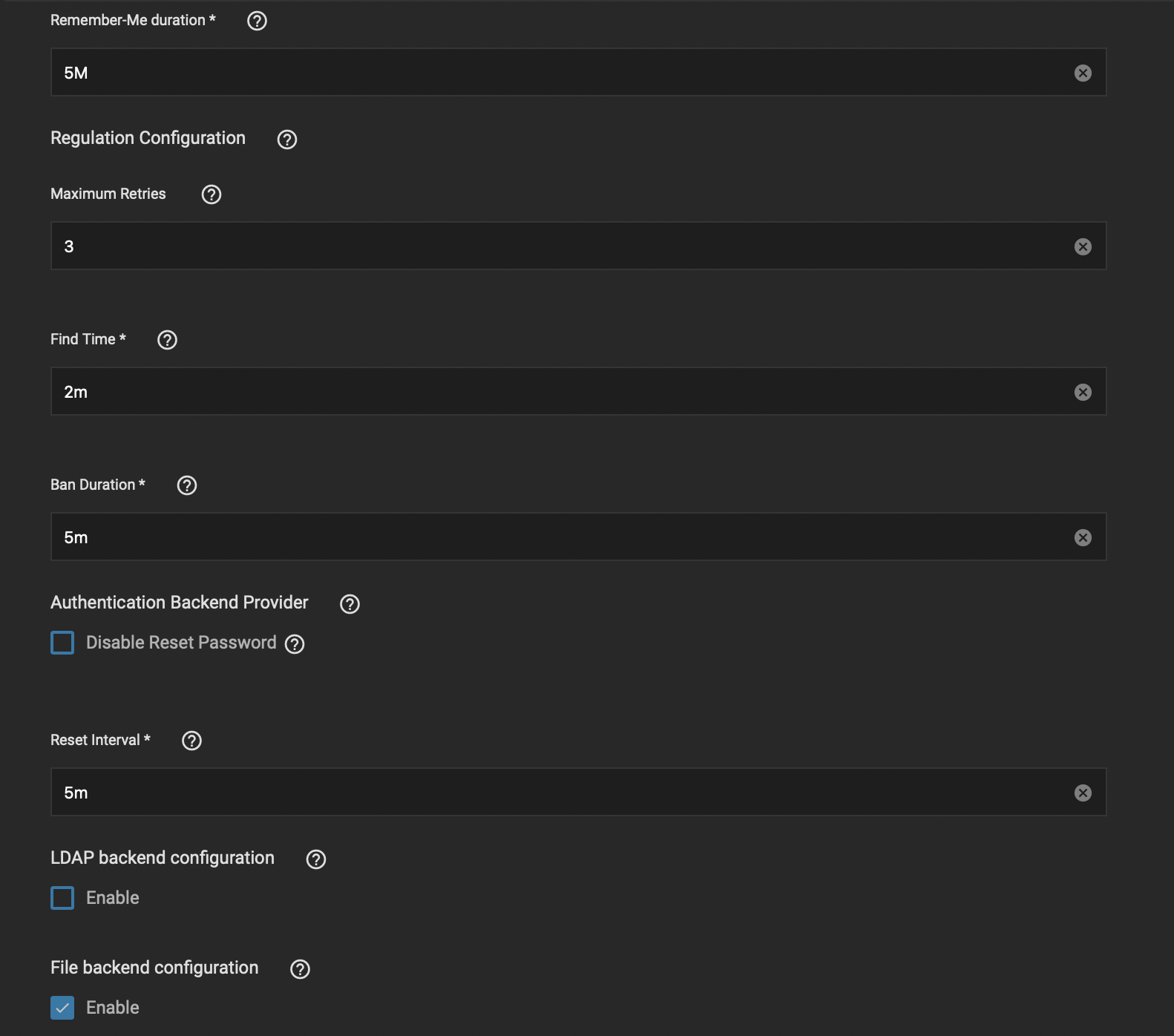
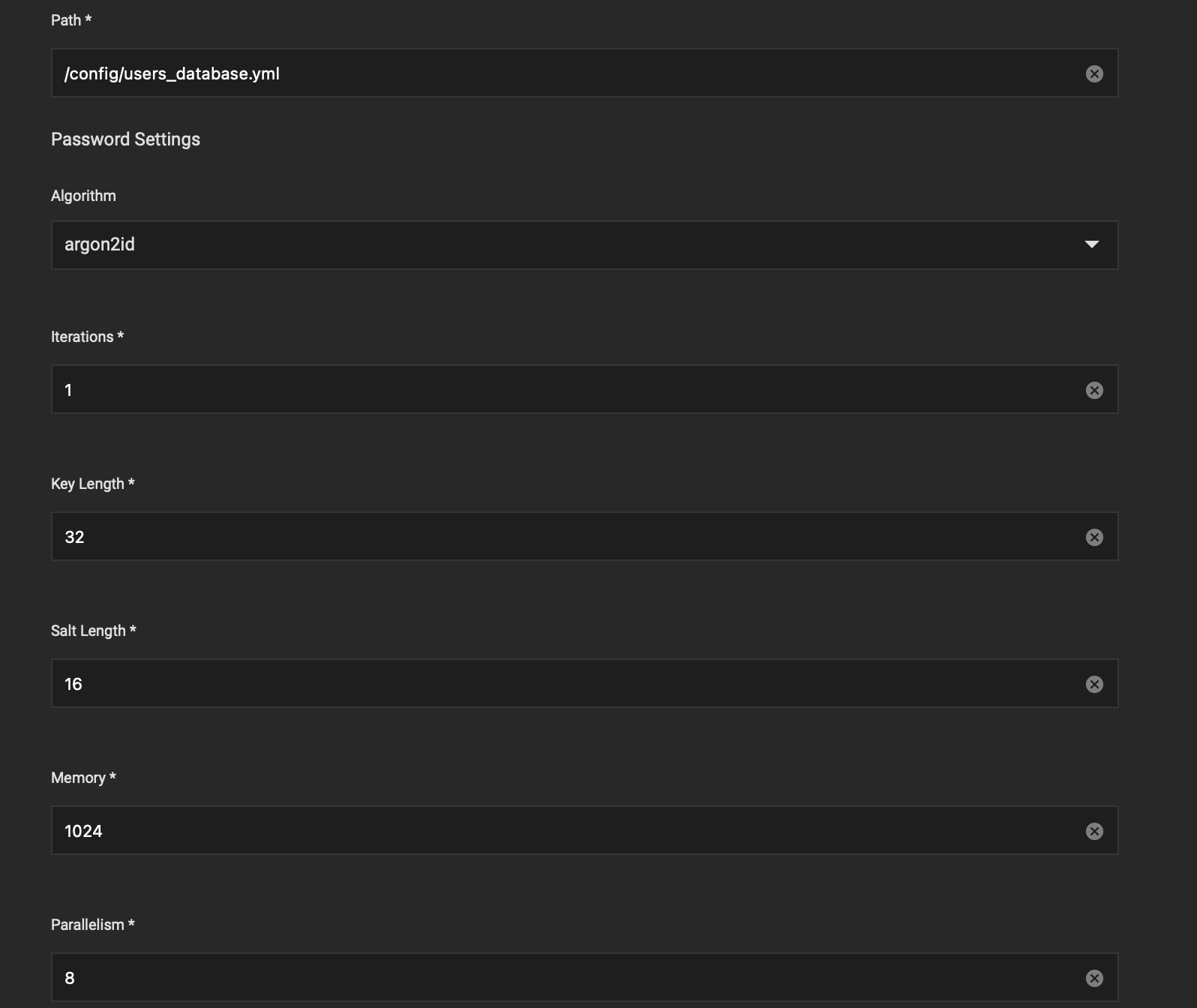
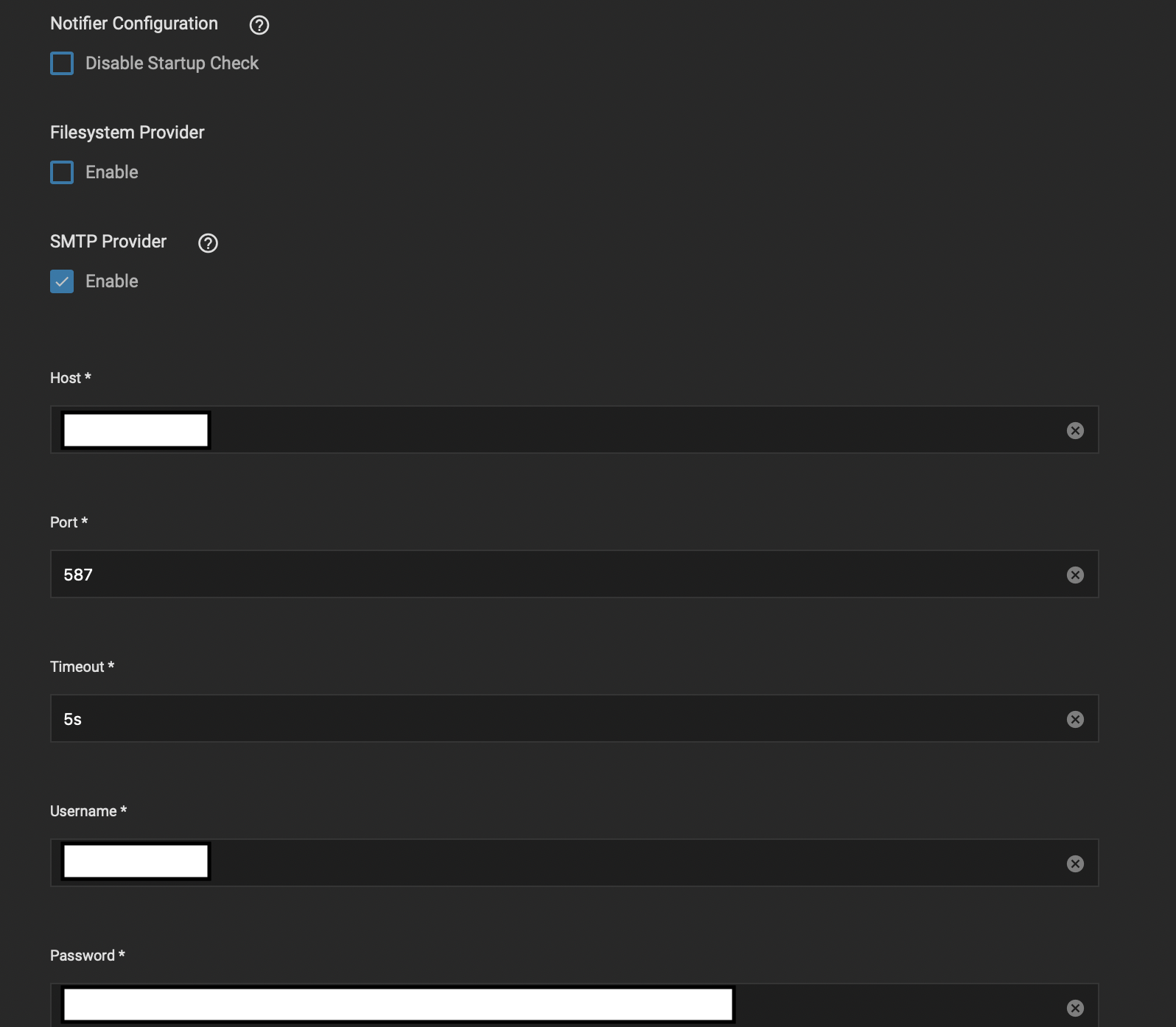
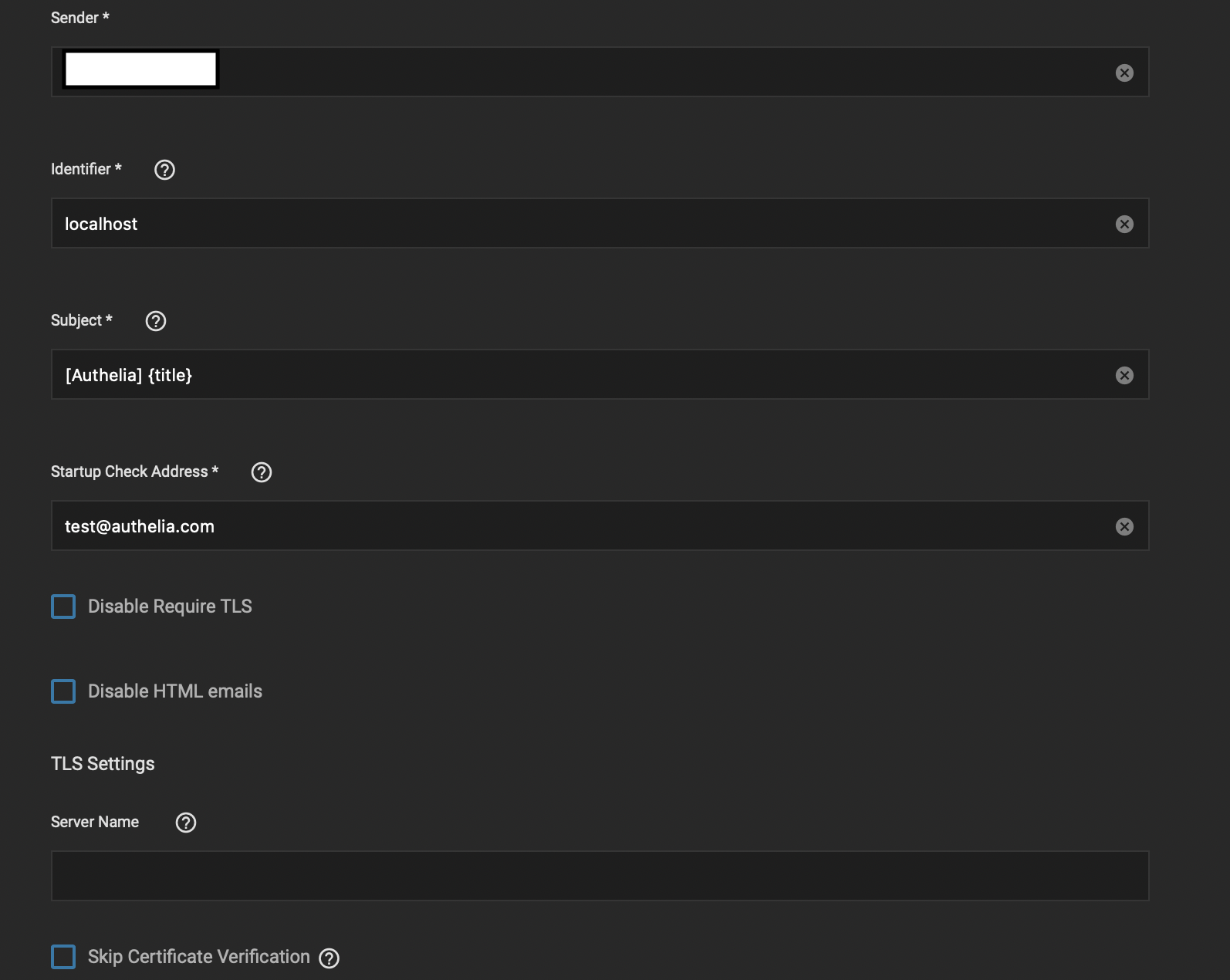
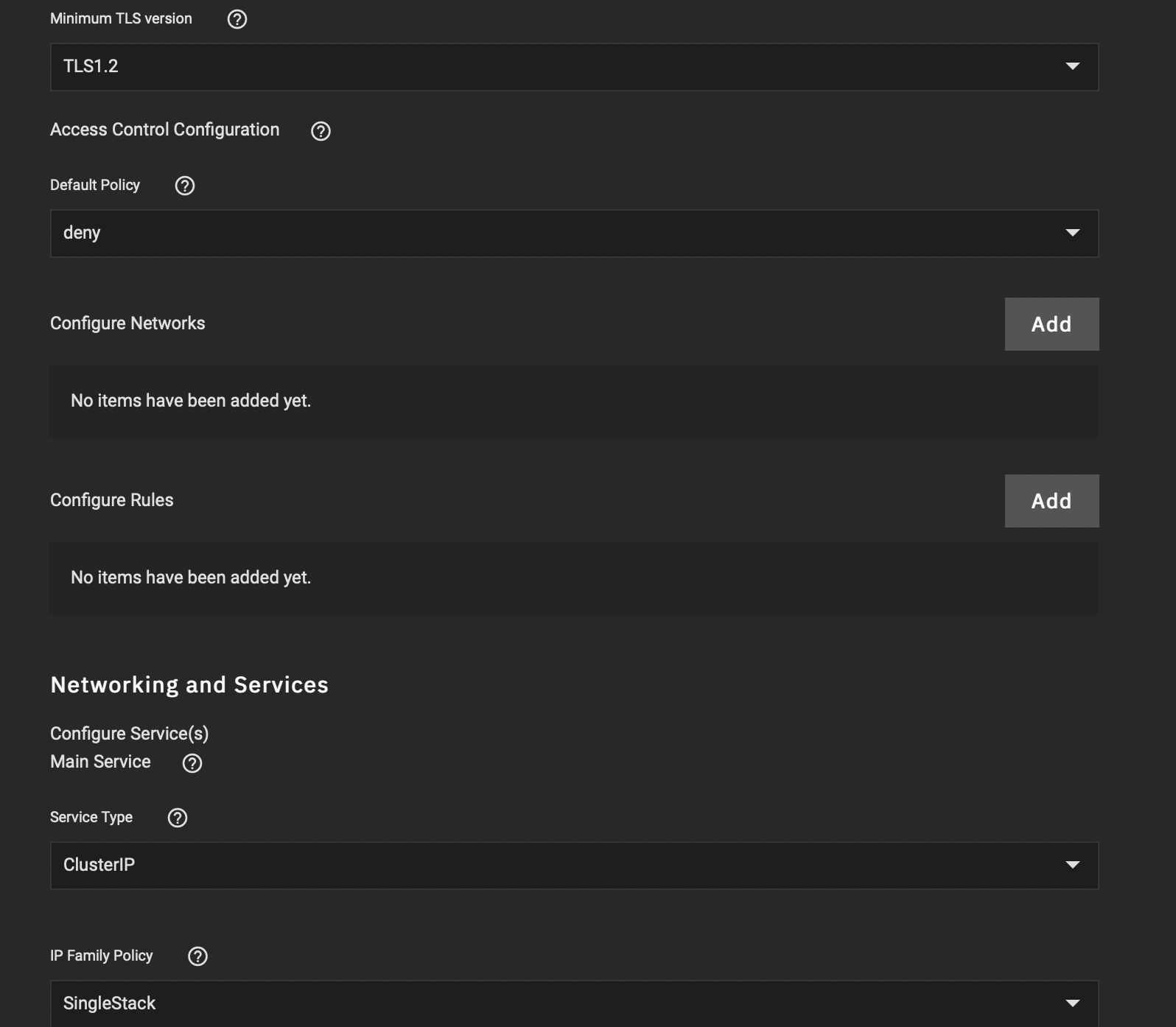
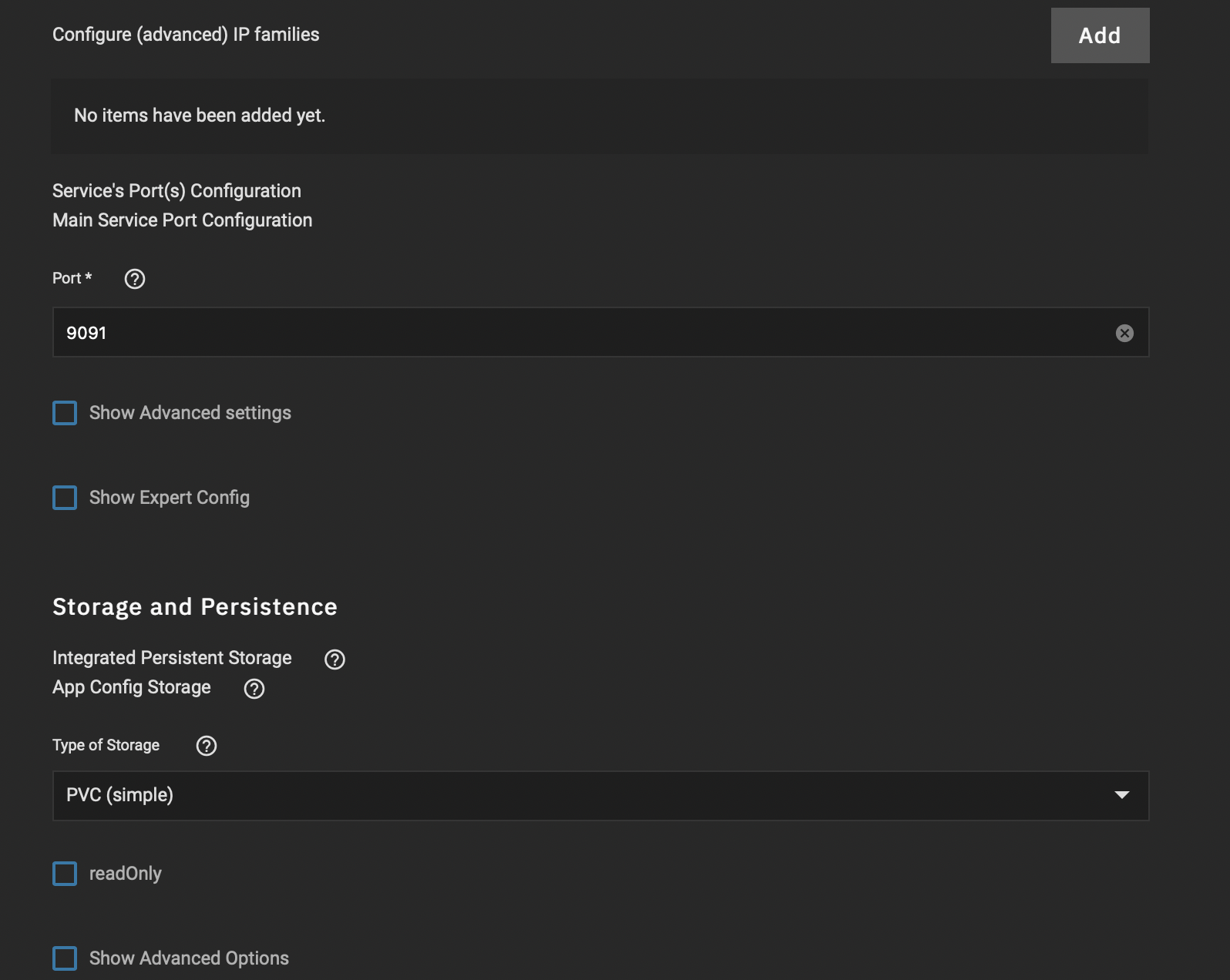
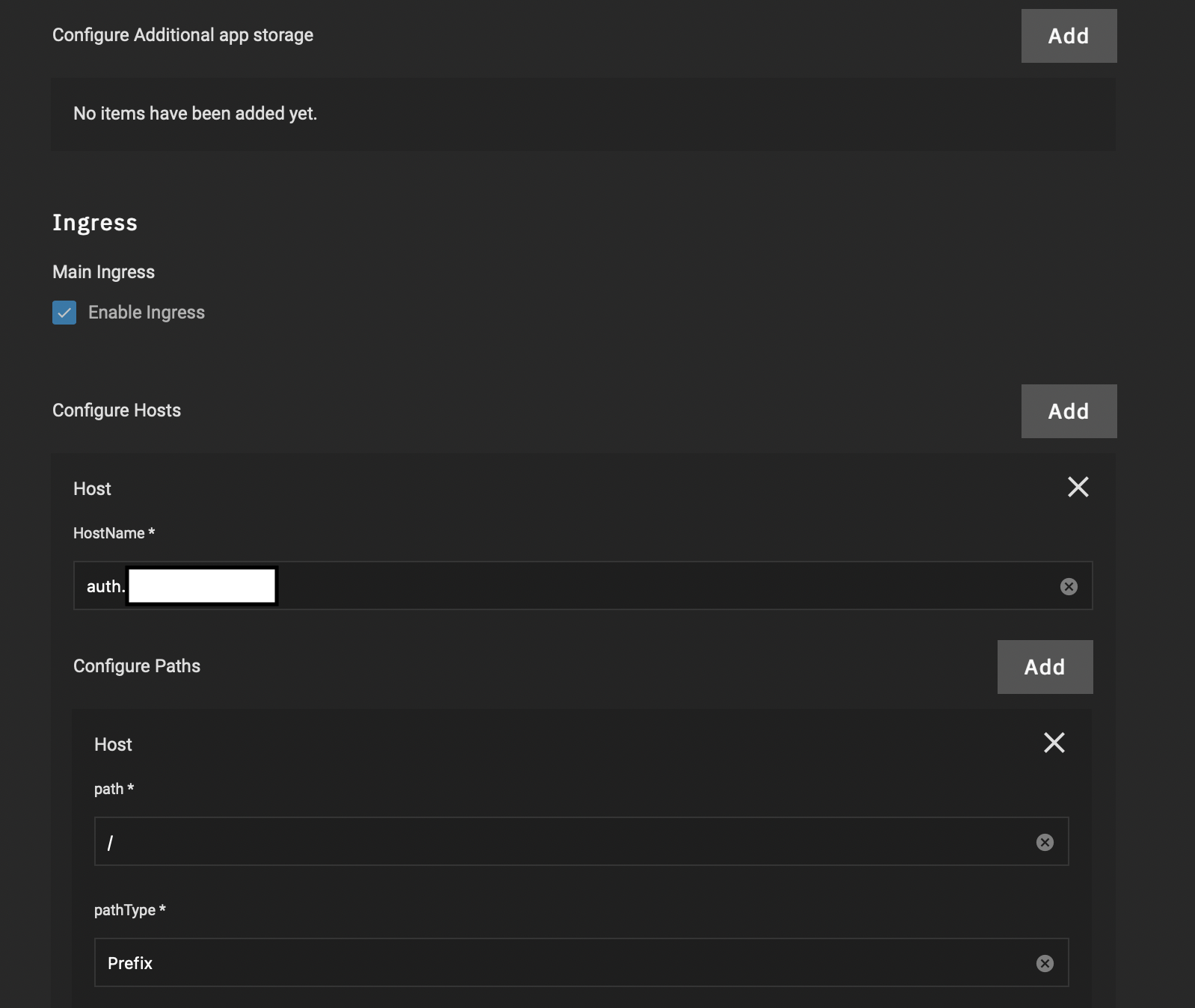

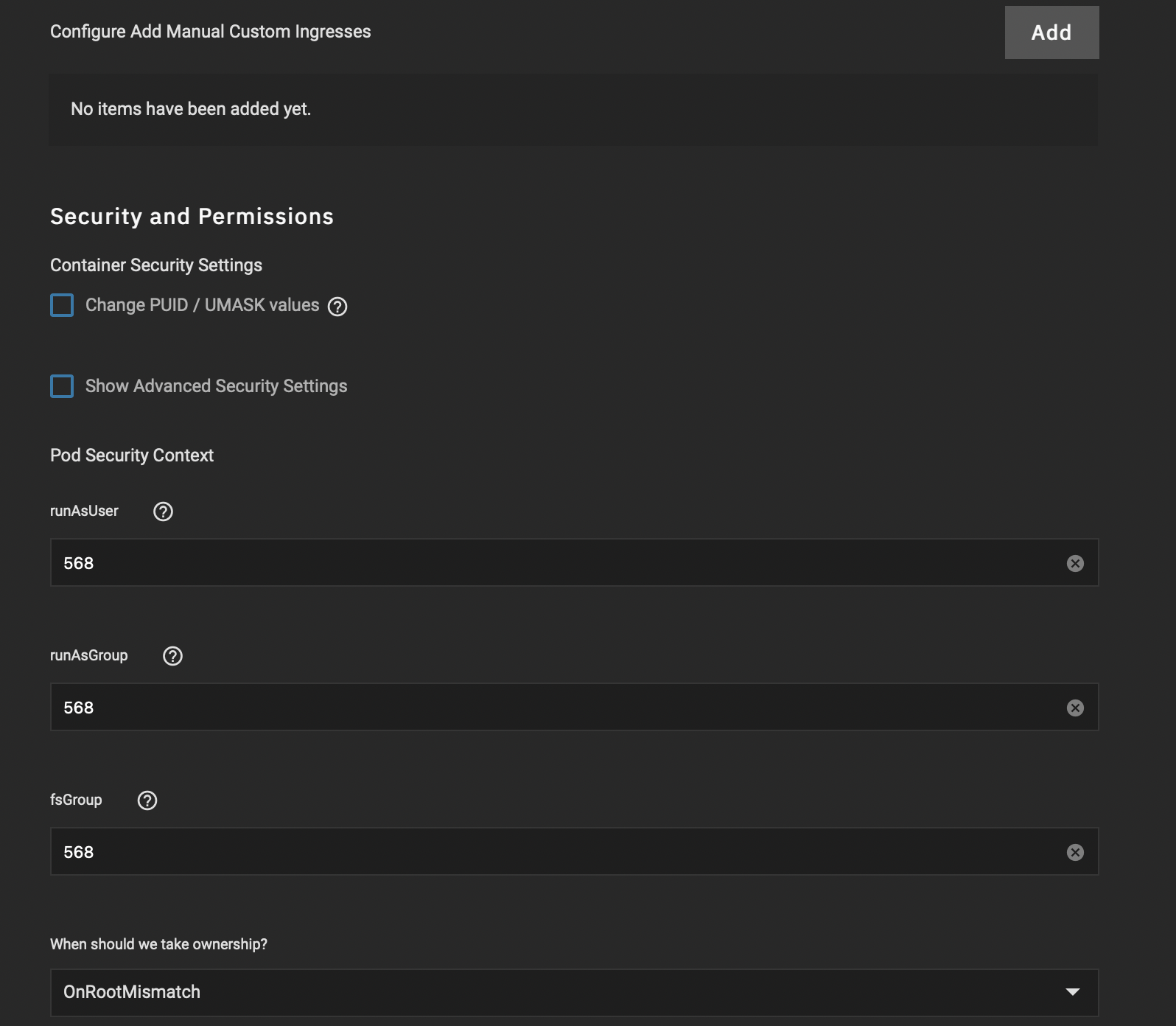
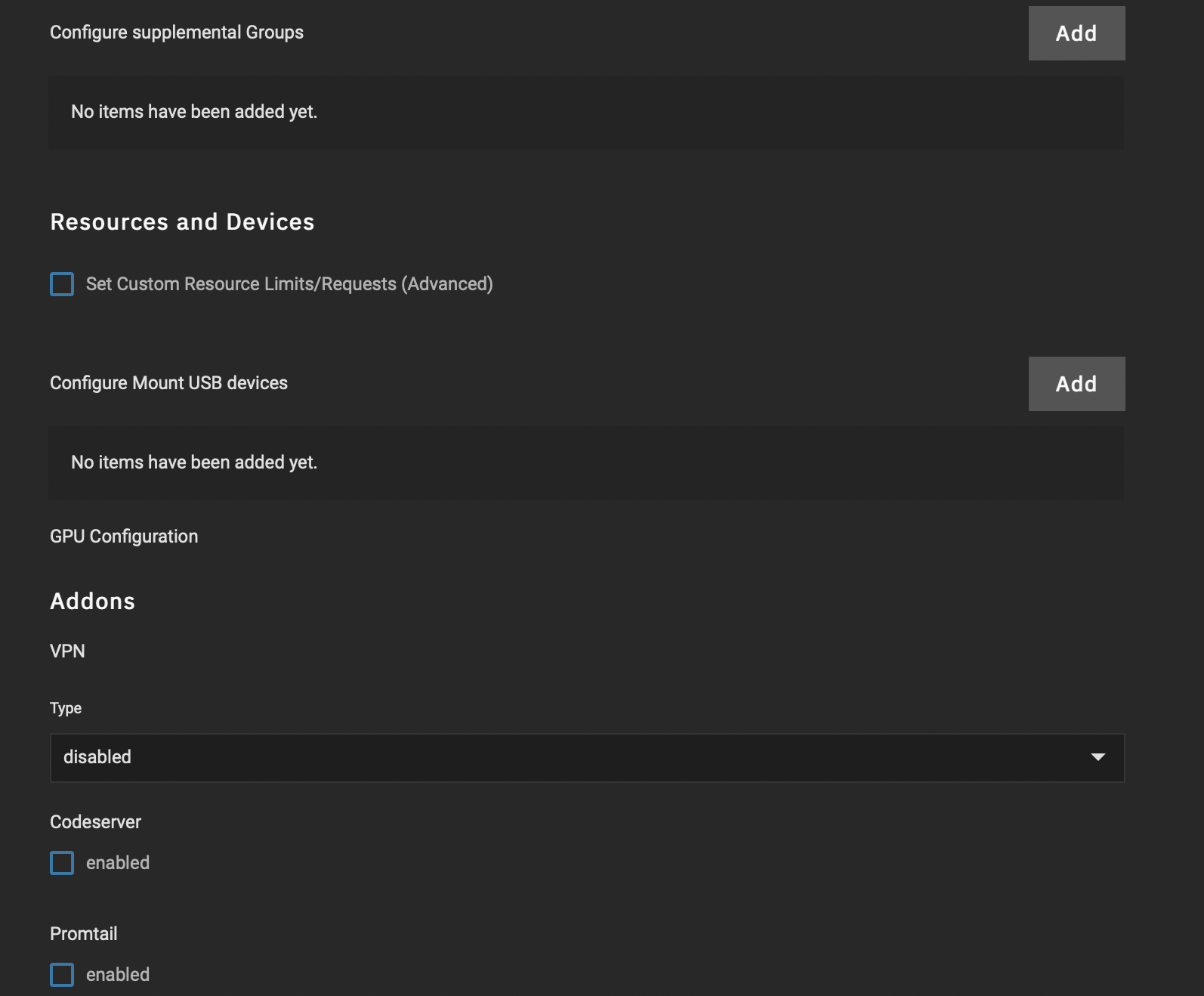
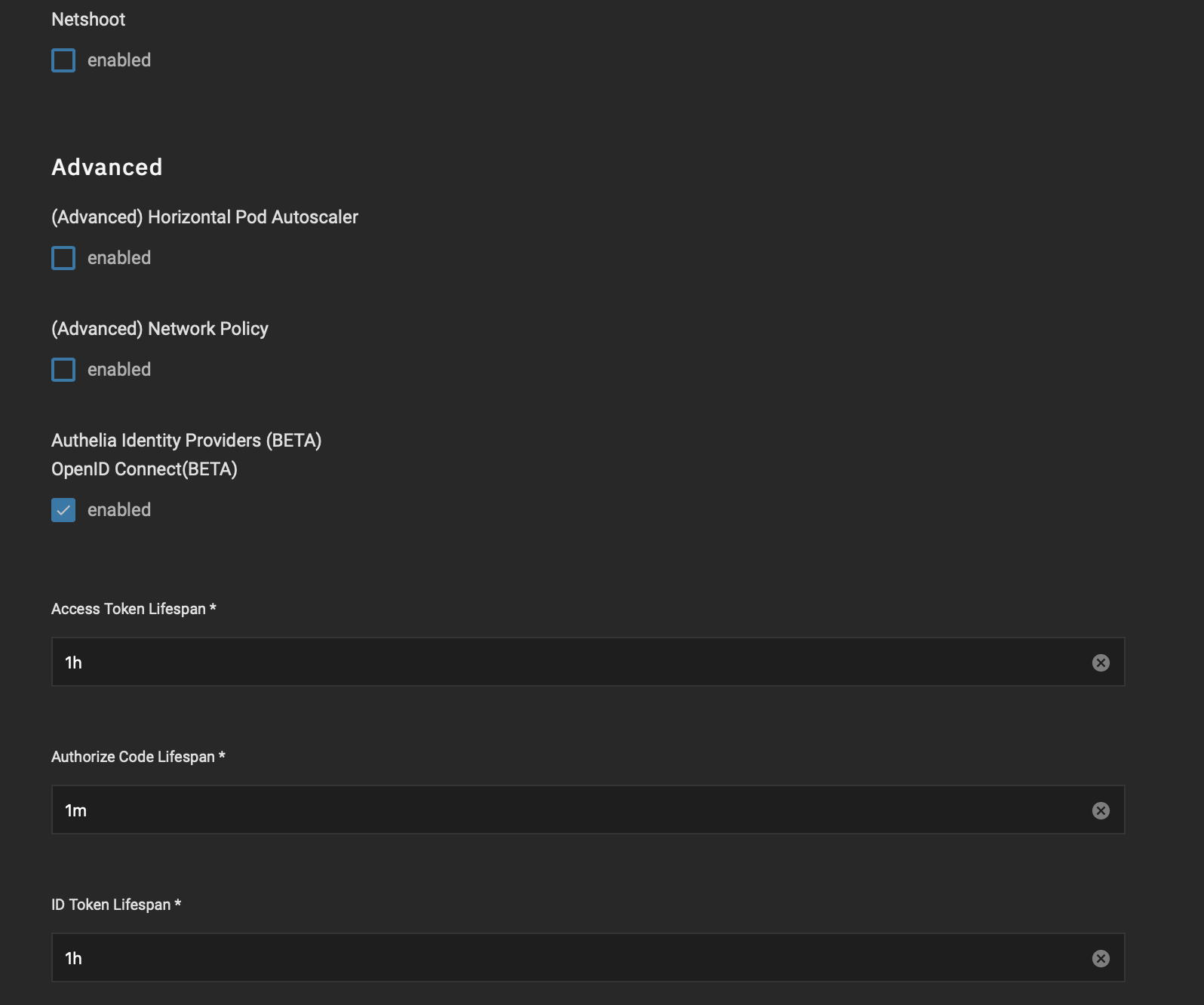
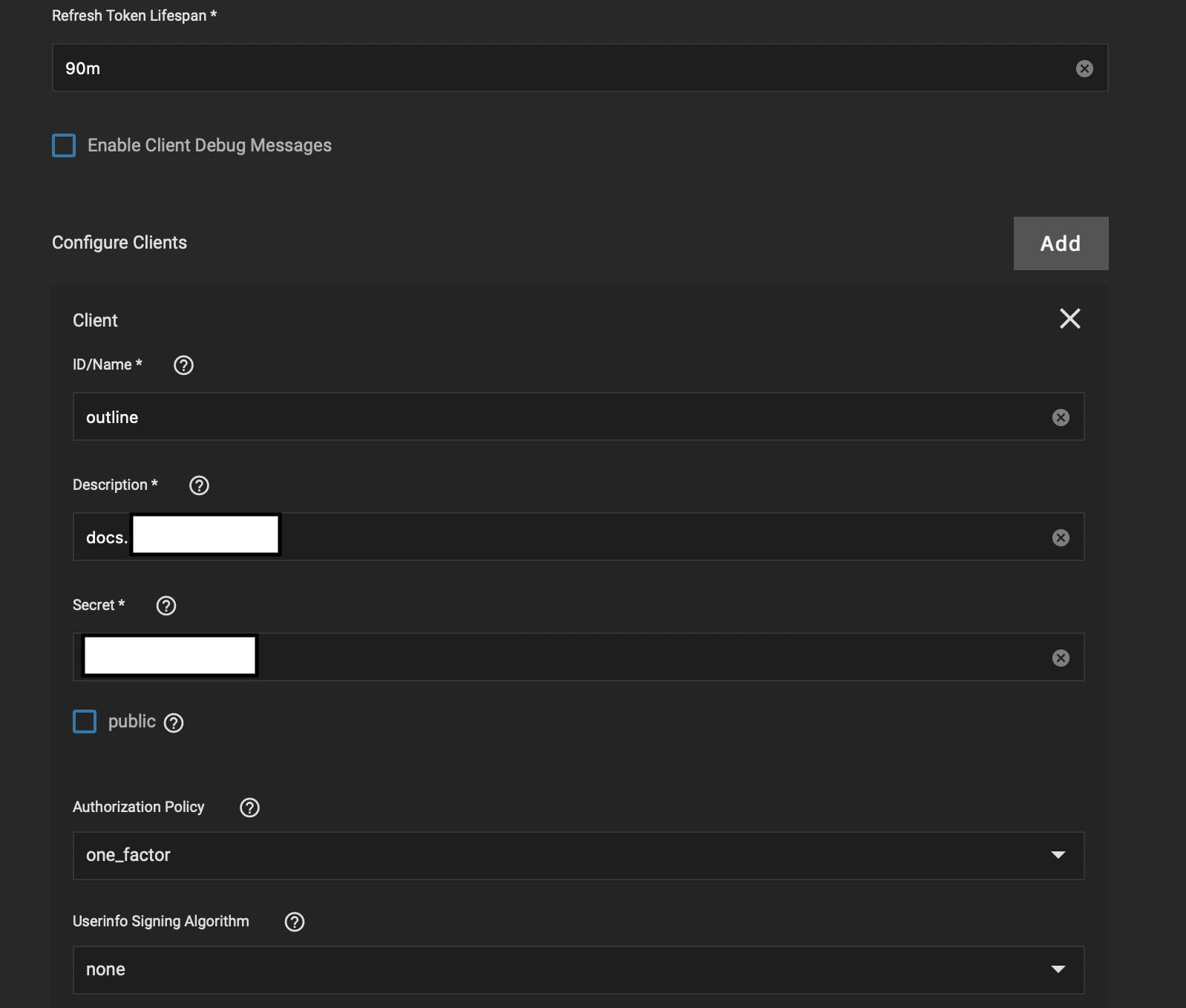
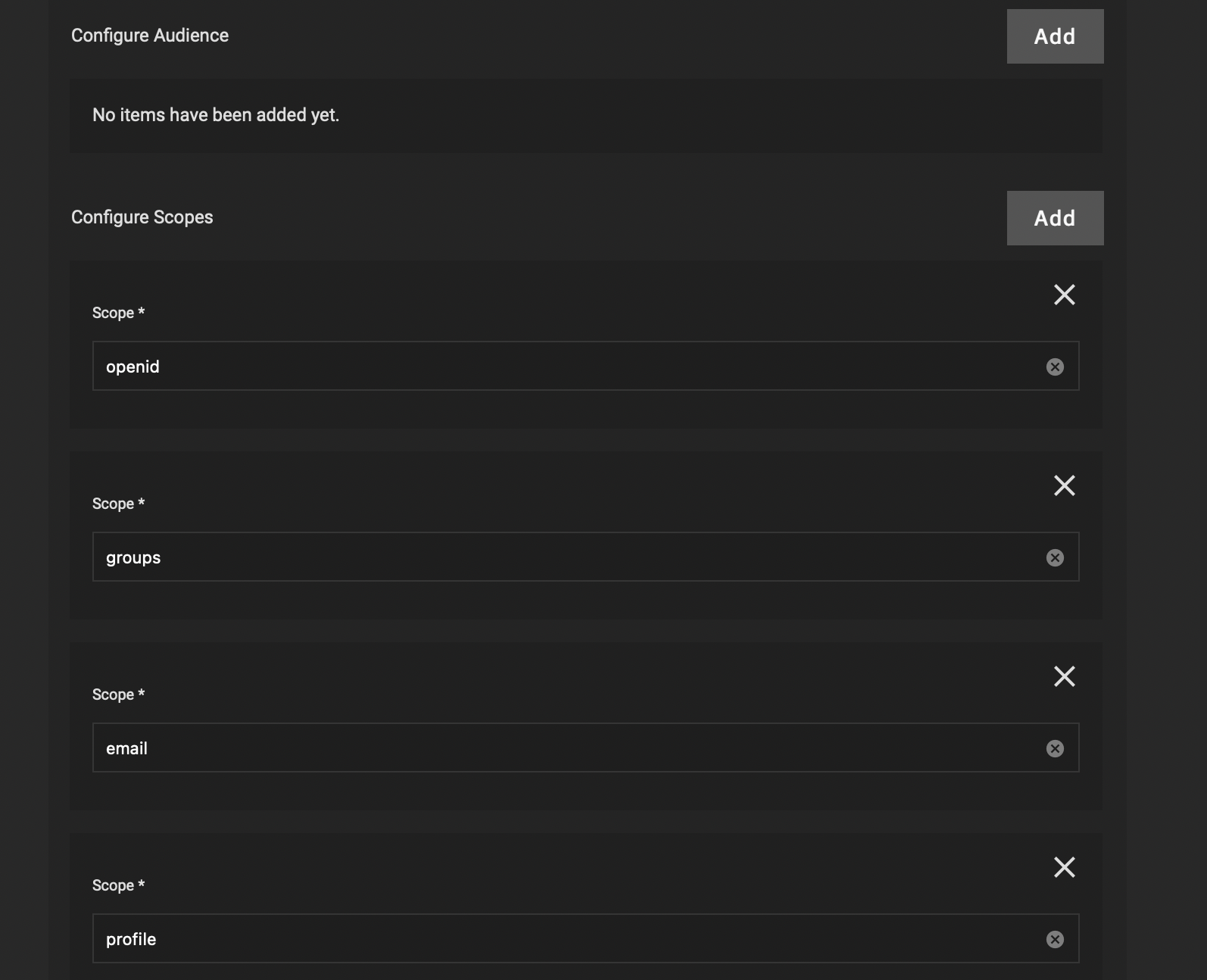
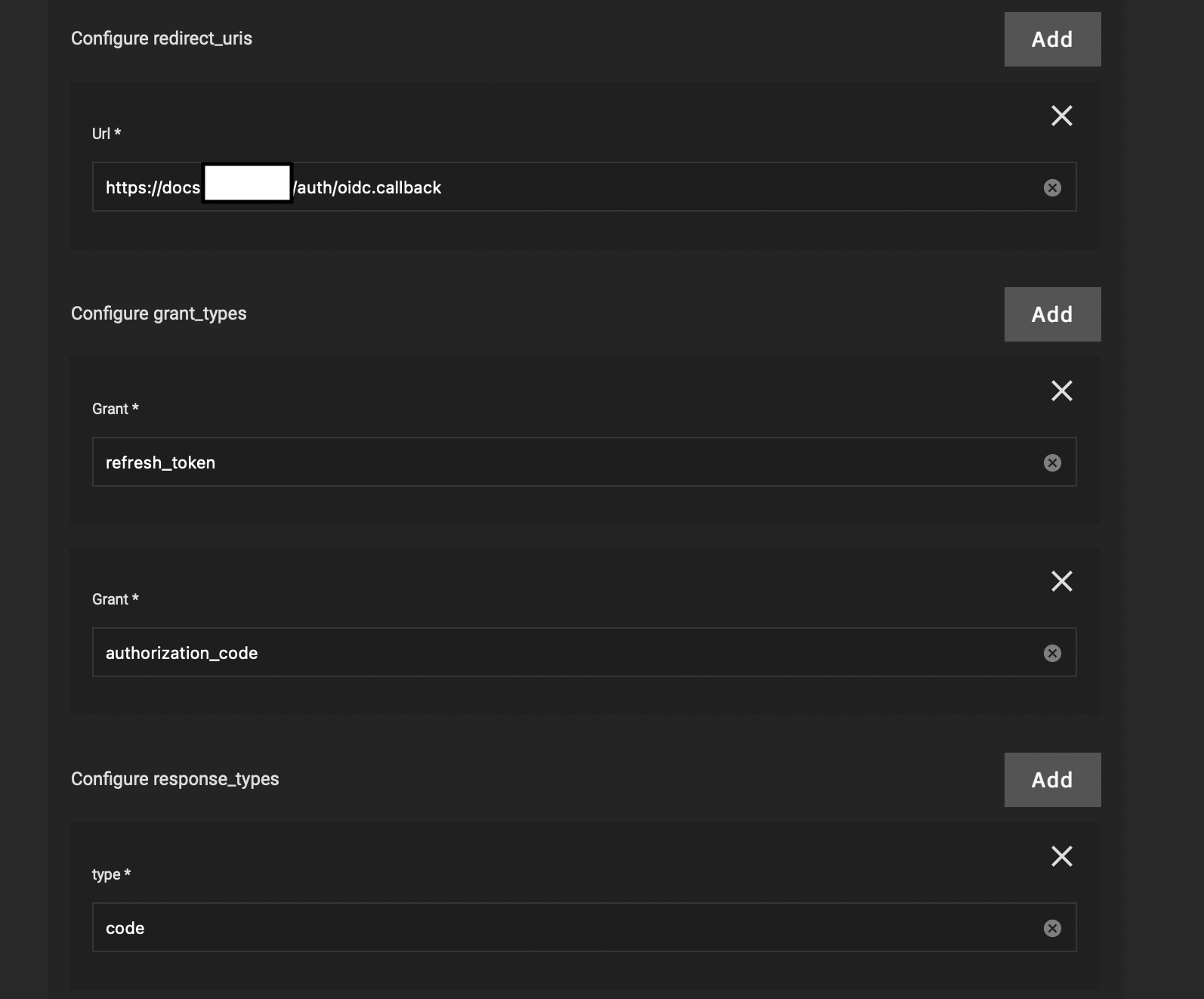
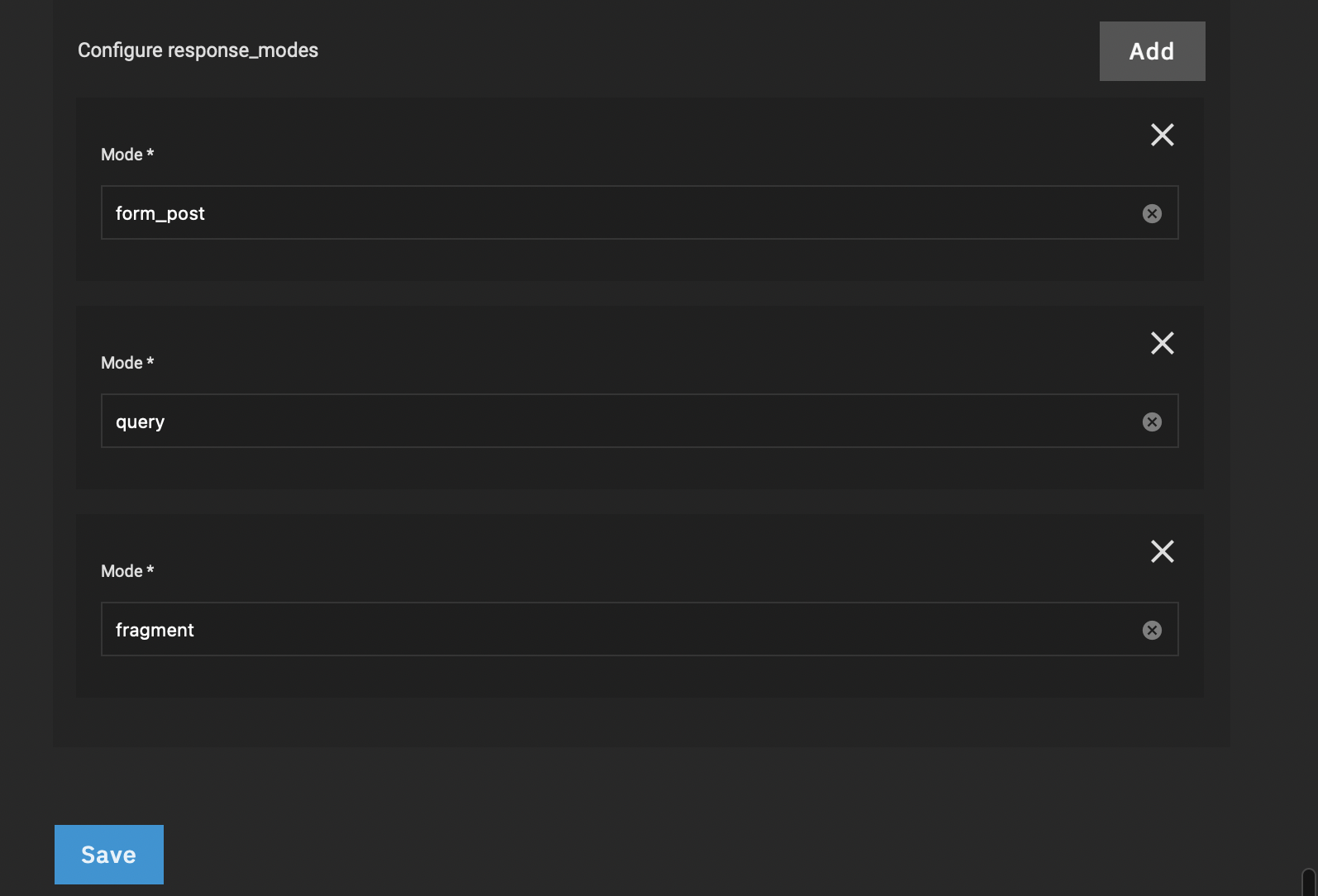
Describe the bug
Even though "deny" is configured for the default policy, access is possible and the user is asked for "two factor".
As the following is shown in the logs, I assume there is something wrong with applying the configuration from the GUI:
Configuration: access control: no rules have been specified so the 'default_policy' of 'two_factor' is going to be applied to all requests
To Reproduce
- Deploy Traefik
- Deploy Authelia
- Deploy an app which uses forward auth middleware
- Define "deny" for default policy
- Access the app
Expected Behavior
Access should be denied
Screenshots
Additional Context
I've read and agree with the following
- [X] I've checked all open and closed issues and my issue is not there.


![allcontributors[bot] avatar](https://avatars.githubusercontent.com/in/23186?v=4 "Published by a pub.dev verified publisher")
I think I discovered the reason of the bug : for context : I found the bug while searching how to setup auth rules in authelia. What I found was that the configuration.yaml at the root of the authelia pod did not mention any rule (as per my original install) after I changed them in GUI. an update to 4.36.1_11.0.10 showed up which allowed me to further test the reaction of the pod, and suddenly my config from GUI showed up and what I wanted to do worked. I guess that's because the update recreates the pod(s) from scratch. (I had the idea of testing destroying the pods to force the app to update its configuration, was saved from the hassle of redoing everything by the update) I tried changing the LDAP setting to a bogus one, which seem to apply (since the pod went into a crash loop after doing that) - but I can't really say if that's indeed the case since I do not have any ready at the moment I've also tried changing settings in the smtp section : they do not stick either
to reproduce : 1 . Setup Authelia 2 . wait for Authelia to completely deploy 3 . go into the configuration menu for Authelia (edit) in the TrueNAS Scale GUI 4a . make a change to any of the rules in the App Configuration section, which includes : Access Control Configuration Configure Networks Configure Rules 4b . make a change to any of the rules in the SMTP section 5 . Save the configuration and wait for the pod to 'apply' it (restarting) 6 . get into the authelia pod shell, check the configuration.yaml file in / 7 . changes do not appear 8. Check the configuration section in GUI (edit menu) : the changes are still there

This issue is locked to prevent necro-posting on closed issues. Please create a new issue or contact staff on discord of the problem persists
