
rn-background-geolocation-demo
 rn-background-geolocation-demo copied to clipboard
 transistorsoft
Demo app for react-native-background-geolocation plugin
[Demo App]
react-native-background-geolocation
Fully-featured, React Native demo application for React Native Background Geolocation Module
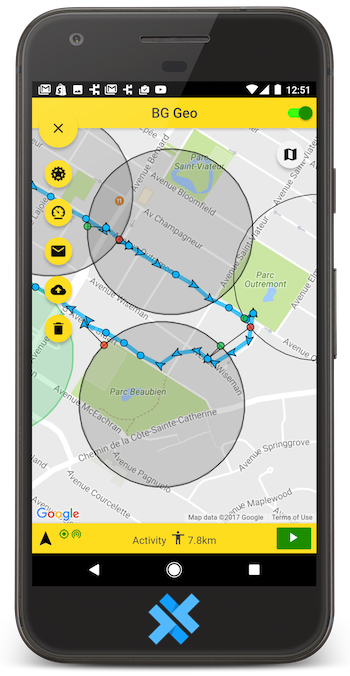
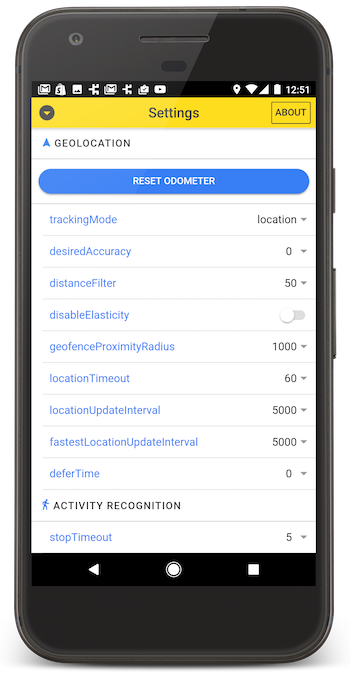
Installation
  git clone https://github.com/transistorsoft/rn-background-geolocation-demo.git
  cd rn-background-geolocation-demo
  yarn install
// <or with npm>
  npm install
  npx pod-install
Now run it:
  react-native run-android
  react-native run-ios
:warning: If you get an iOS build error, this usually fixes it:
  rm ios/Podfile.lock
  npx pod-install
The quickest way to see the plugin in-action is to boot the iOS simulator and simulate location with Freeway Drive.
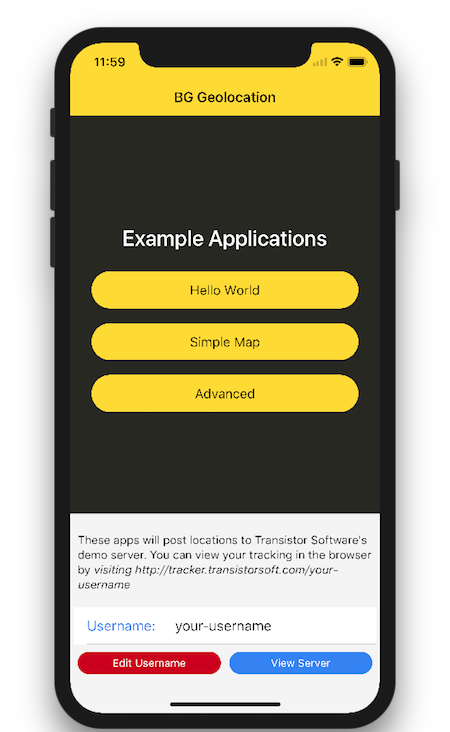
The demo is composed of three separate and independent sub-applications:
- Hello World
- Simple Map
- Advanced with complex settings screen and geofencing.
:large_blue_diamond: Tracking Server
The demo app is configured to post locations to Transistor Software's demo server, which hosts a web-application for visualizing and filtering your tracking on a map.
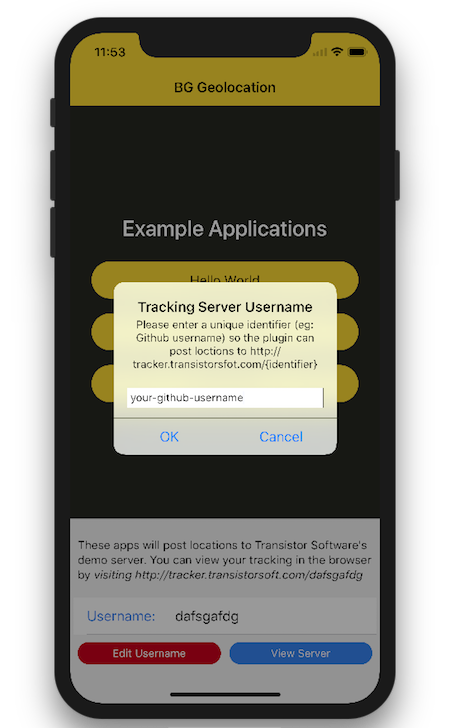
- After booting the app the first time, you'll be asked to enter a unique "Tracking Server Username" (eg: Github username) so the plugin can post locations to
tracker.transistorsoft.com.
:warning: Make your username unique and known only to you — if every one uses "test", you'll never find your device!)
- You can view the plugin's tracking history by visiting http://tracker.transistorsoft.com/username.

Adding Geofences
The app implements a longtap event on the map. Simply tap & hold the map to initiate adding a geofence.

Enter an identifier, radius, notifyOnExit, notifyOnEntry.
Metadata
Owner
 transistorsoft
Metadata
Demo app for react-native-background-geolocation plugin