
vscode-vyper
 vscode-vyper copied to clipboard
 tintinweb
Ethereum Vyper language support for Visual Studio Code
vscode-Vyper

Ethereum Vyper language support for Visual Studio Code
Marketplace: ext install tintinweb.vscode-vyper
Also available on vscode.dev! (compilation not yet supported)
Features
Passive Features
- Vyper syntax highlighting support
Active Features
Note: Active features can be disabled by setting Settings → Vyper → Mode: Active to false.
- Provides Security augmented decorations (
Settings→Vyper→Decoration: Enable) - Provides Hover information (
Settings→Vyper→Hover: Enable) - Provides Code snippets for common language constructs
- Integrates with the vyper compiler (based on
truffle-compile-vyper)- automatically compile contracts on save (
Settings→Vyper→Compile: On Save) - compilation can be triggered by executing a vscode command (
cmd + shift + p→Vyper: Compile) - vyper location/command can be customized (default assumes
vyperis inPATH) (Settings→Vyper→Command)
- automatically compile contracts on save (
- Integrates with MythX
- sign-up with your ethereum address (username)
- set your username and password (
Settings→Vyper→MythX: Ethaddress/Settings→Vyper→MythX: Passwordorenv.MYTHX_ETH_ADDRESS/env.MYTHX_PASSWORD; configuration takes precedence) - automatically analyze for security issues when saving the file (
Settings→Vyper→Analysis: On Save)
Requirements
- It is assumed that vyper is installed and generally available on the system (
pip install vyper). In case vyper is not available in path or called in a virtualenv configure the vyper command inSettings→Vyper→Command
Tour
Syntax Highlighting
VSCode Light+ (default light)

Solidity Visual Auditor - Dark
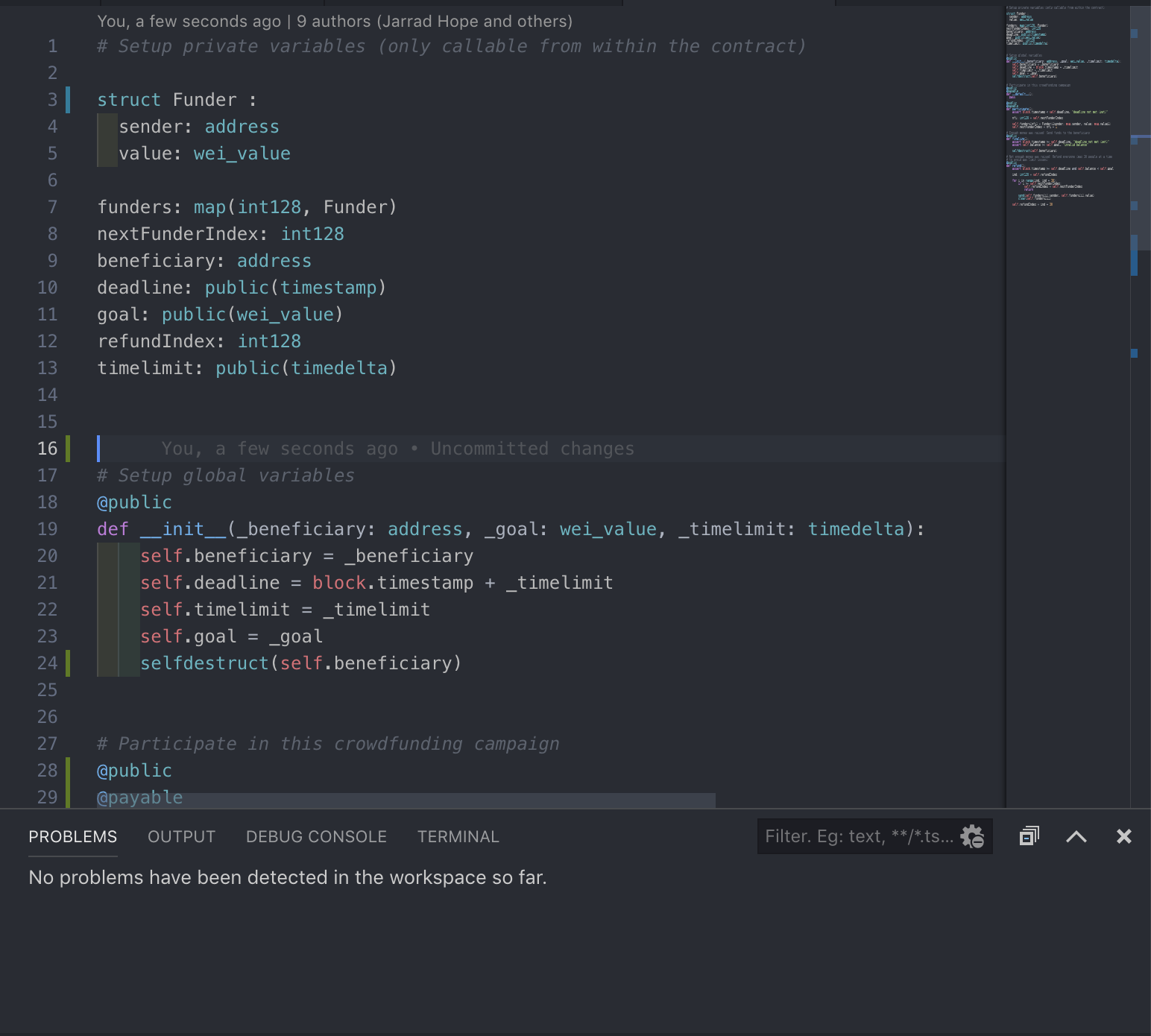
Compiler Errors and Details

Hover information

Security Augmented Decorations - Auditor Mode

Snippets
- Quickly create
constructor,fallbackfunction,methods,structs, ... as you type. Select the snippet from the suggestion box. See snippets/vyper.json for a list of available snippets. - start typing ...

- creates a template constructor after selecting it from the suggestion box.

Extension Settings

FAQ
- Q: I get an error running vyper on my macbook with M1/M2 chipset.
- A: The extension executes the vyper compiler in a
/bin/shshell that may not have all the customizations you are using in your day-to-day shell/terminal. As a workaround, I suggest to set the setting:vyper.commandtoarch -x86_64 vyper. see #18
Developer Notes
- install vyper
pip3 install vyper - use the script in
./scripts/fetch_vyper_language_spec.pyor runnpm run fetchGrammarto merge the python tmlanguage spec with vyper language specifics.
Release Notes
see CHANGELOG
 tintinweb