
tauri-plugin-sql
 tauri-plugin-sql copied to clipboard
 tauri-apps
Feature/system tray
The main focus of this PR is to add a system tray icon for the three major OS's.
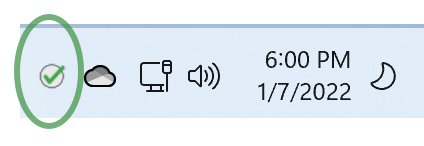
Beyond this I also attempt to create a Github rule to start testing the example app as a part of the CI/CD process. Sadly my Github Actions skills leaves much to be desired and I haven't been able to get it to fully work ... though it's possible that there may actually be a problem with the Tauri Action as it would seem that setting the distPath parameter it exposes is ignored in favor of what is in the tauri.config.json file.

I have built this on MacOS (Intel and ARM), Windows, and Ubuntu. You'll find screen shots in the README but mainly all three work. MacOS and Windows work great. Ubuntu's icon is not right but the functionality that the system tray exposes does work.
I noticed on ubuntu that the menu (not the system tray) code adds a native "quit" and "hide" but these don't work:
  let submenu = Submenu::new(
    "File",
    Menu::new()
      .add_native_item(MenuItem::Hide)
      .add_native_item(MenuItem::Quit),
  );
  let menu = Menu::new().add_submenu(submenu);
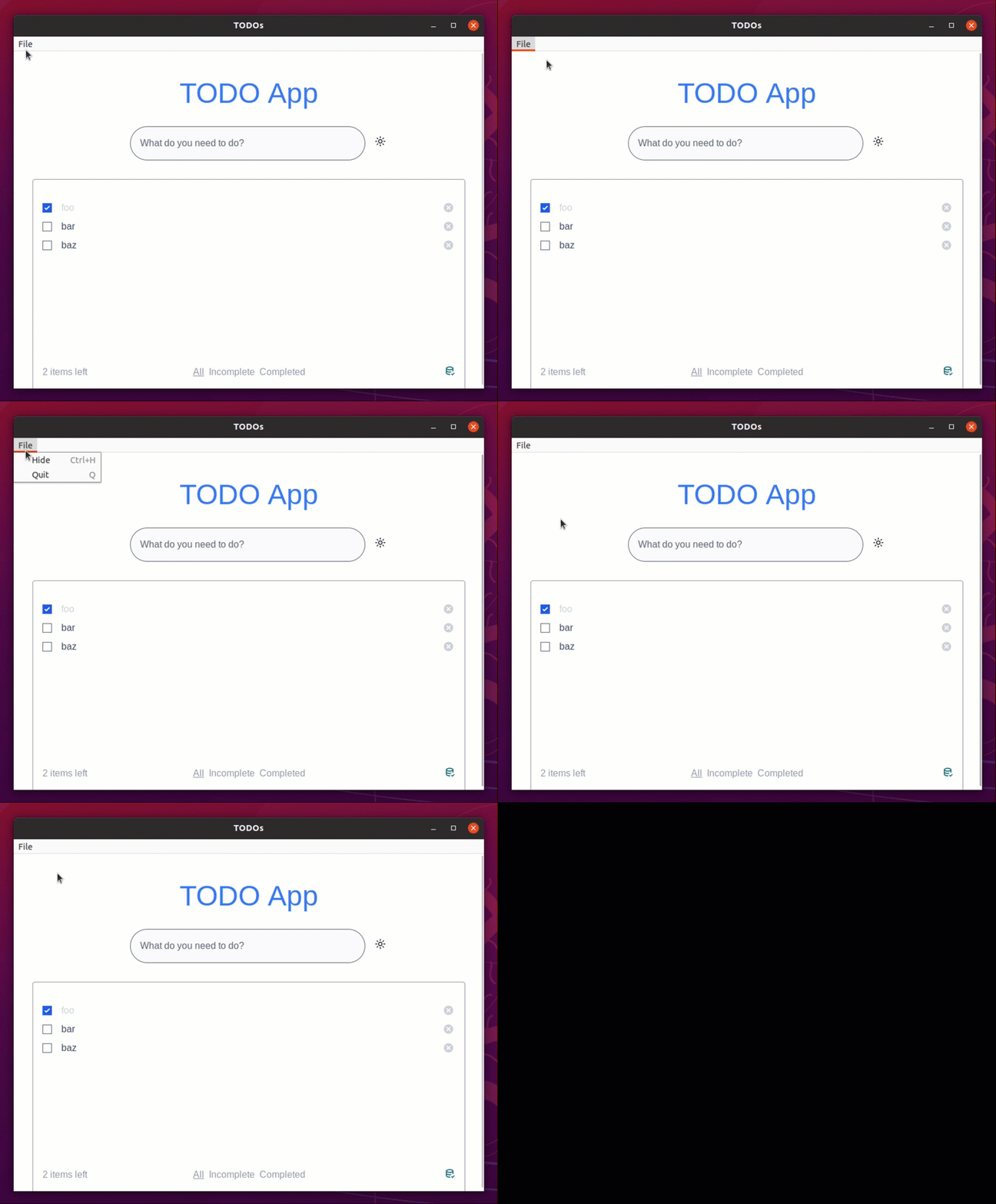
This is in strange contrast to the system tray which DOES work:
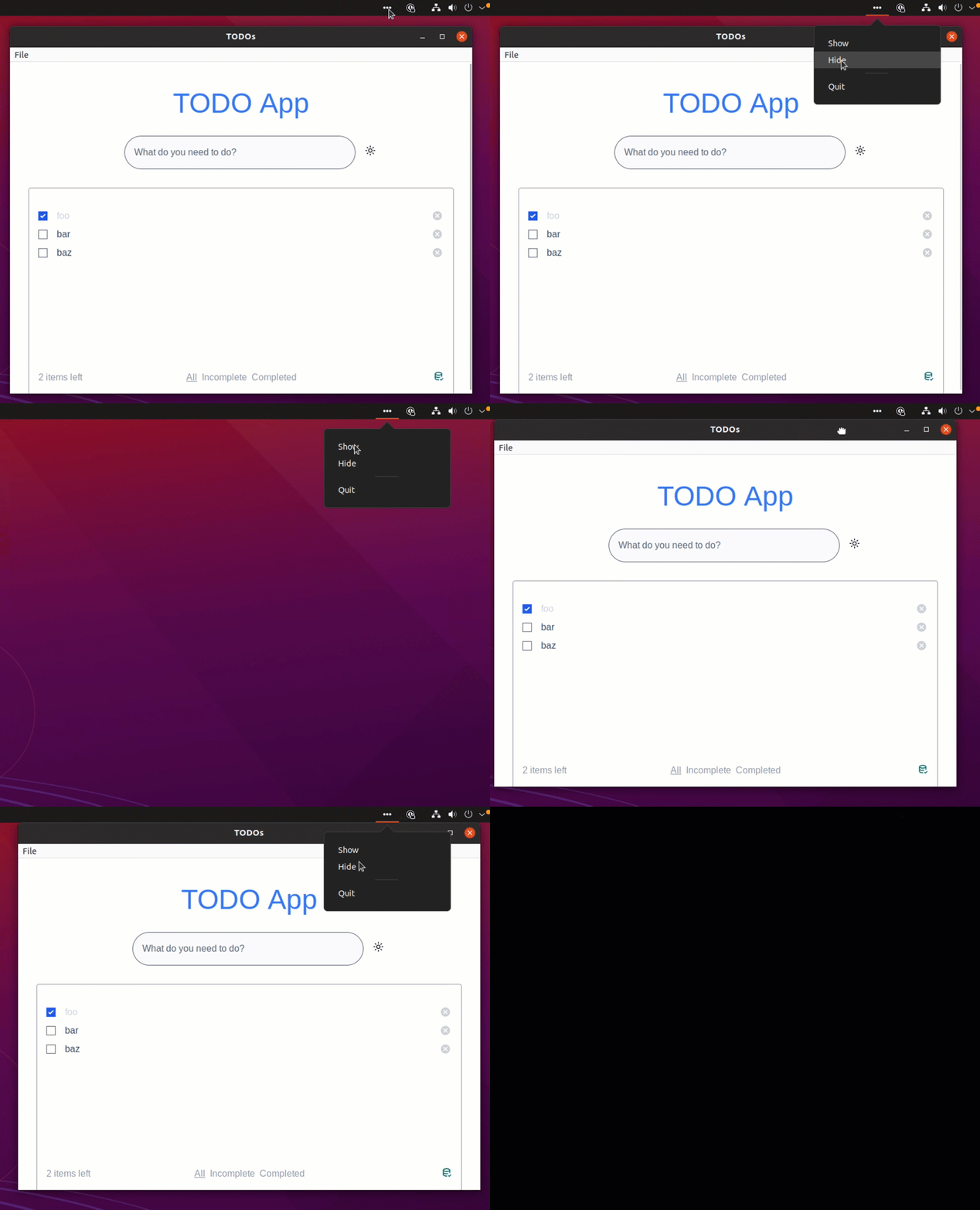
Now the system tray doesn't make use of the "native_item" approach but instead does the following:
    .on_system_tray_event(|app, event| match event {
      SystemTrayEvent::MenuItemClick { id, .. } => match id.as_str() {
        "show" => {
          let window = app.get_window("main").unwrap();
          window.show().unwrap();
          window.set_focus().unwrap();
        }
        "hide" => {
          let window = app.get_window("main").unwrap();
          window.hide().unwrap();
        }
        "quit" => {
          std::process::exit(0);
        }
        _ => {}
      },
But shouldn't the add_native_item call work for Linux too?
Actually it would appear that Windows is also not working precisely as it should:
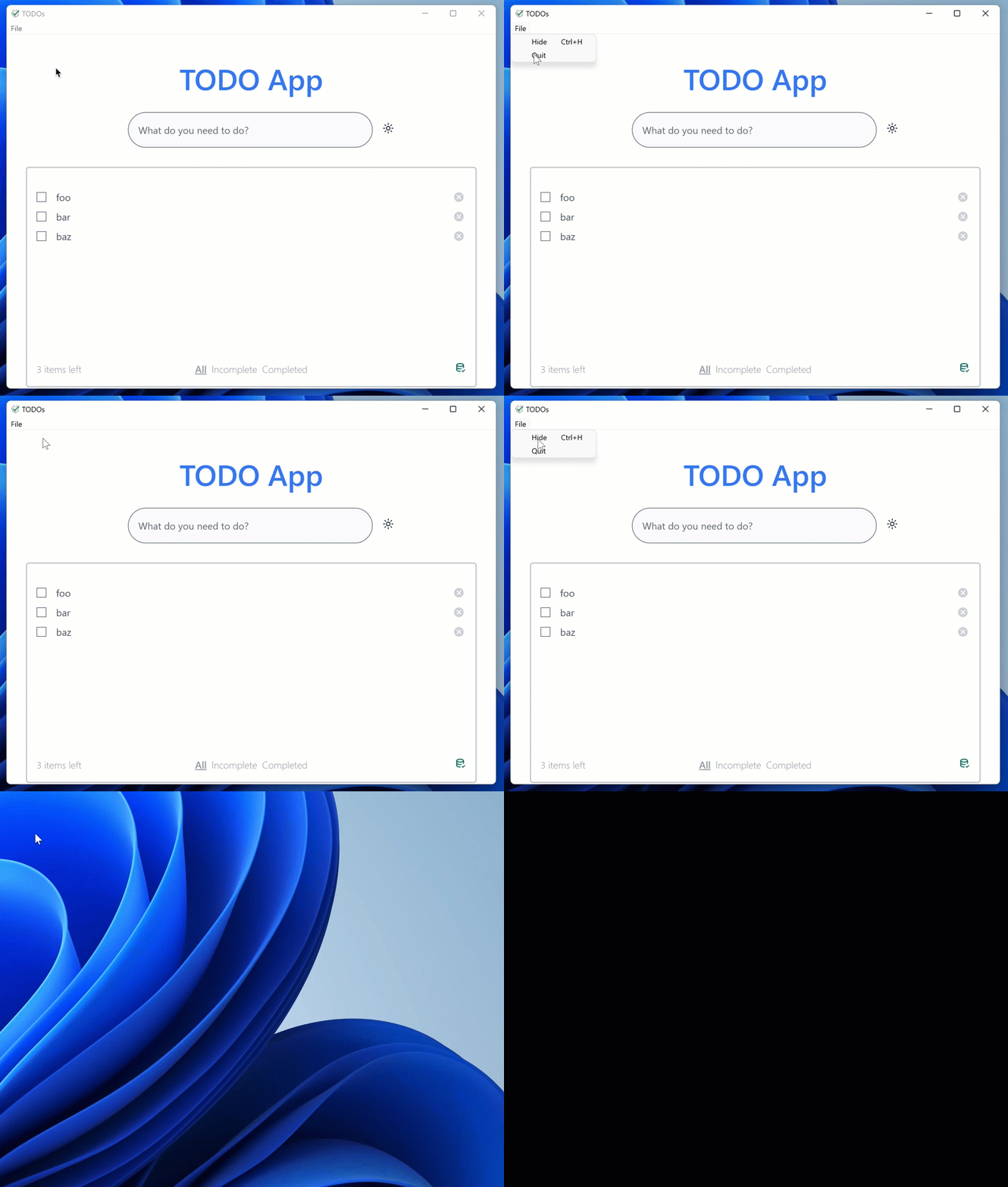
- [] Choosing QUIT from drop down doesn't do anything
- [] Choosing HIDE does hide it but in a strange manner ... the tray icon is still present but the app appears to be no longer running
If, after "hiding" via the drop down menu, I then run the program again (as it is indicating a not running status), I get doouble icons:

Finally I noticed that both Ubuntu and Windows have a rather unpleasant look when the webview is put into "dark mode":
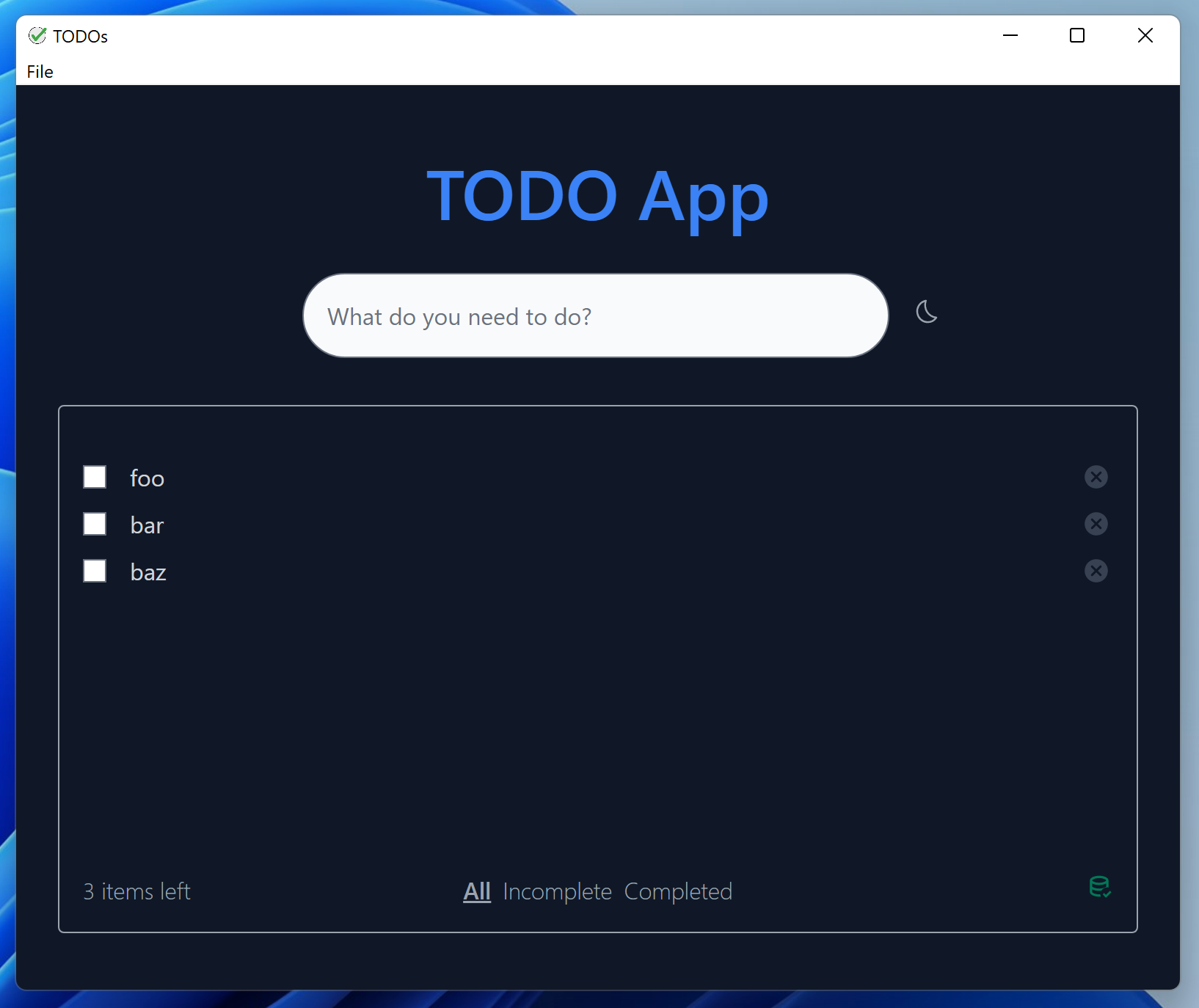
I know that I saw a section on individual styling of the menu bar but I believe that's on the Rust API and the light/dark mode toggle would be done in the frontend. Is this something which Tauri would abstract at some point or at least provide a frontend API to style this?
Any more features and we need to move this into its own repo :D
Anyway, i'll do the actual review separately and answer the things you mentioned here:
Native menu items not working on linux is fixed on the next branch.
MenuItem::Quit not working on Windows is expected, basically none of the native ones work there, see "platform-specific notes" here
Show on windows does work on the next branch too. Can't remember if this was explicitly fixed or just a coincidence.
Native titlebars are not (yet) styleable and follow the system design/darkmode. Sooner or later something in this direction will probably be implemented/exposed in tauri too. Until then stuff like this needs to be done with custom titlebars (html etc), but i'm not really seeing this for a todo example.

Any more features and we need to move this into its own repo :D
First of all, great work with the examples. You have put a lot of work into this and it shows. However, as mentioned here tauri-apps/plugins-workspace#209 I think it has grown out of the scope of a simple example and should be moved into it's own repo. I use the examples on plugin repos as mini integration tests and having to debug complex app setups first kinda defeats that purpose. (Also by keeping it an example you're underselling your work @ksnyde 😉)

Closing because we forgot about it for too long 😂 And i agree that this would be better suited as a separate example app by now (the awesome-tauri repo is always happy about new examples 👀).