

 syncfusion
Temperature meter with negative values
I was taking a look to the temperature meter example and I would like to create a similar one that goes from negative to positive, starting at zero. That means, the initial value should be on the middle (0) and then animate to the current value, positive or negative.
I was able to somewhat workaround this by using a range instead of a pointer (cause it starts always on the left side instead of at the center), with a LinearGaugeRange positioned at the center and with a start/end value that swaps depending on the value's sign:
LinearGaugeRange(
    position: LinearElementPosition.cross,
    startValue: (value > 0) ? 0 : value,
    endValue: (value > 0) ? value : 0,
)
However the issue that arises with this set-up is that the the range does not animate, even if I set the property animeRange to true in the SfLinearGauge widget.

Hi @yaymalaga,
Thanks for your patience. There is no direct support to achieve your requirement, but we can update the startValue and endValue of LinearGaugeRange through an AnimationController to achieve your requirement. We have prepared a sample for your reference and attached it below.
Sample: i392200.zip
Demo:
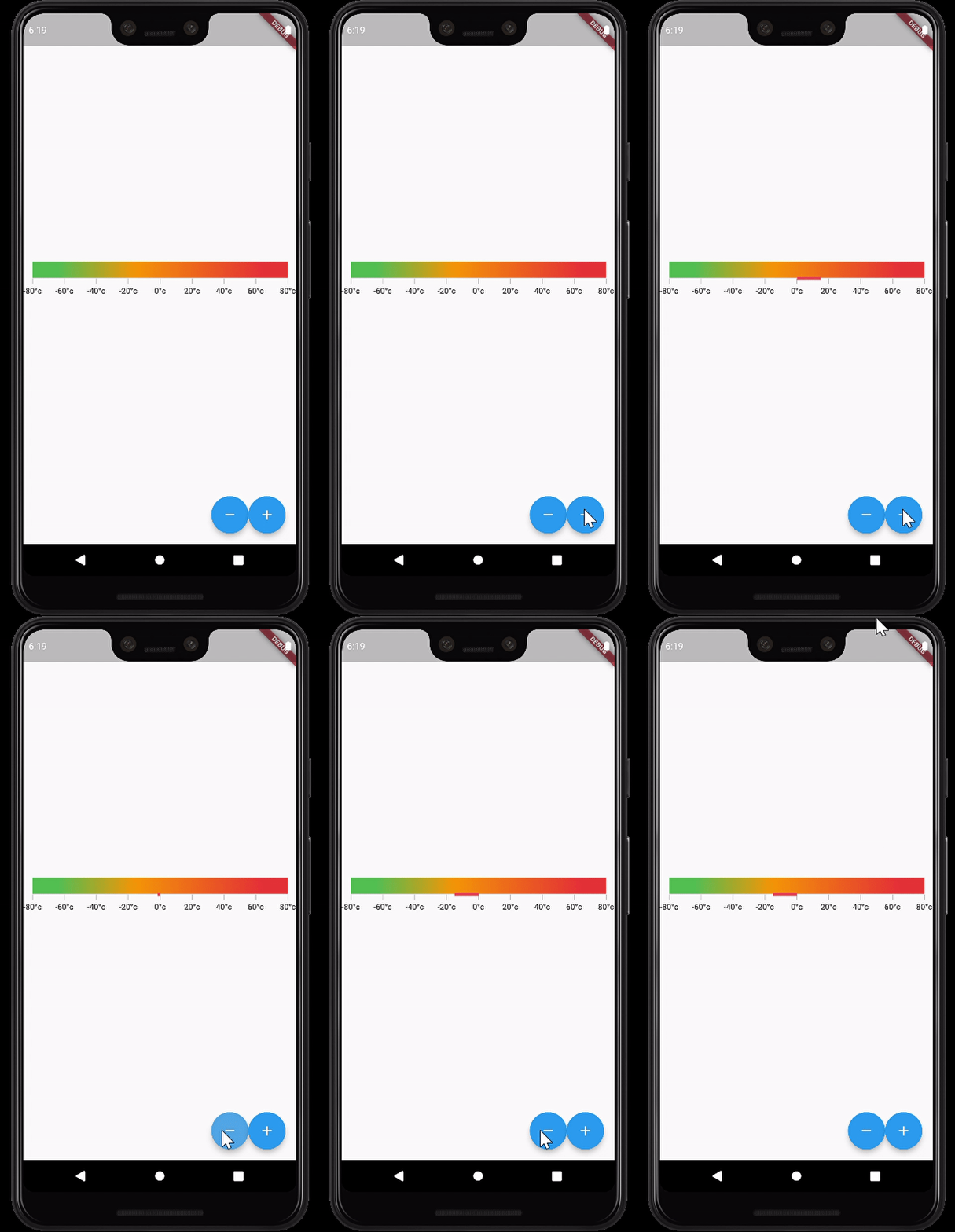
Regards, Yuvaraj.

Thanks for your reply! The workaround is enough for my requirements, however, would it be possible to add the enableAnimation and animationDuration properties to LinearGaugeRange so users can directly consume that? It would make the widget more similar to the others provided in the library.
Thanks for the suggestion, we will validate the possibilities at our end to add the enableAnimation and animationDuration properties to LinearGaugeRange class.
