
vscode-swift
 vscode-swift copied to clipboard
 swift-server
Project outline panel
Is your feature request related to a problem? Please describe.
no
Describe the solution you'd like
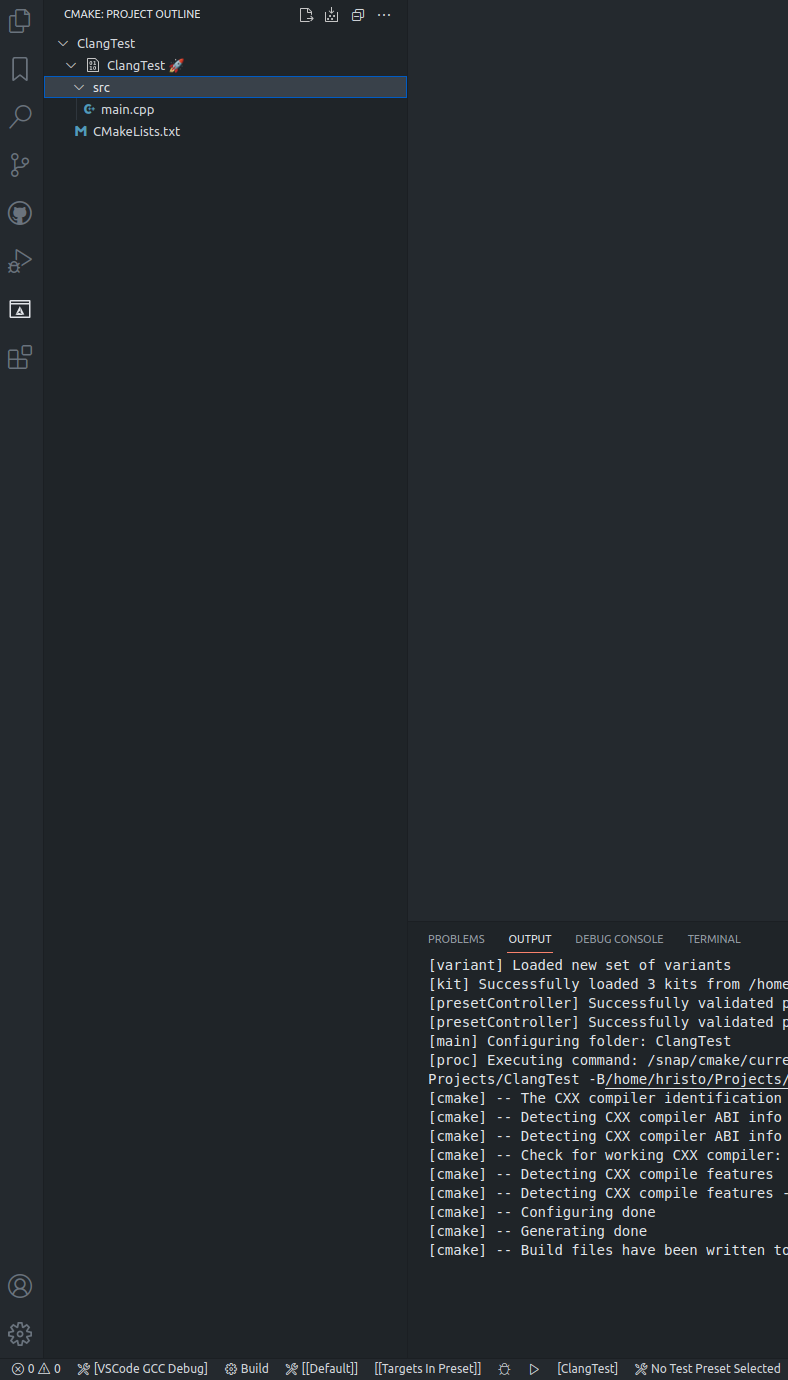
A panel displaying the project outline with buttons, actions to build, rebuild, clean the project etc.
I use the CMake Tools extension or VSCode, which features a project outline panel. It displays the targets in the projects, a tree with sources, allows to select the default target (to build and execute) and also provides buttons, menus (UI) to build, clean, etc.
I'd like to be able to select a build configuration (e.g. debug), a target and with a single click on a button to build it as an alternative to selecting a task via Terminal -> Build Tasks -> Some Build Task
Describe alternatives you've considered
vs. current workflow
Additional context
CMake Tools extension: ms-vscode.cmake-tools


This is quite a bit of work and isn't a current priority. In the meantime though you do get build tasks for each executable, as well as for the whole package. It is fairly quick to press Cmd+Shift+B to get the build task menu up and the last build task you ran is at the top of the menu, so you can press Return to run it immediately.
If you want build tasks for each target you could add them to the tasks.json. Select Terminal -> Run Task... from the menu. You should get a list of swift build tasks for the project. Click the cog wheel on the right of the menu, to create a custom build task. Then edit the label and the args to build a specific target.

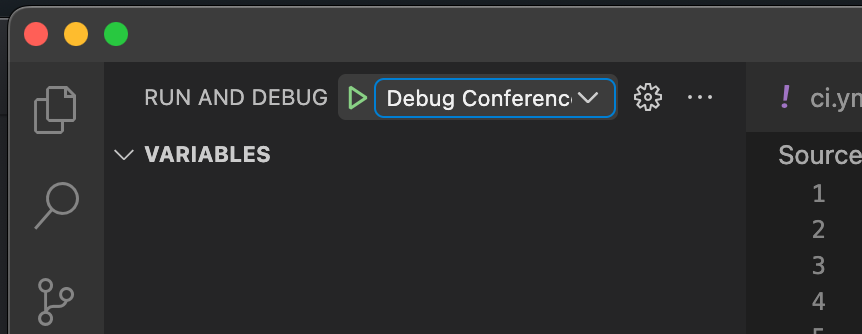

Coming from the CMake Tools extension perspective I'd argue that it's a bit different experience.
@Zingam I understand it is different, I was just pointing out what is available already and supply some quick shortcuts on how to build a project.