
kit
 kit copied to clipboard
 sveltejs
site: search ux
Describe the problem
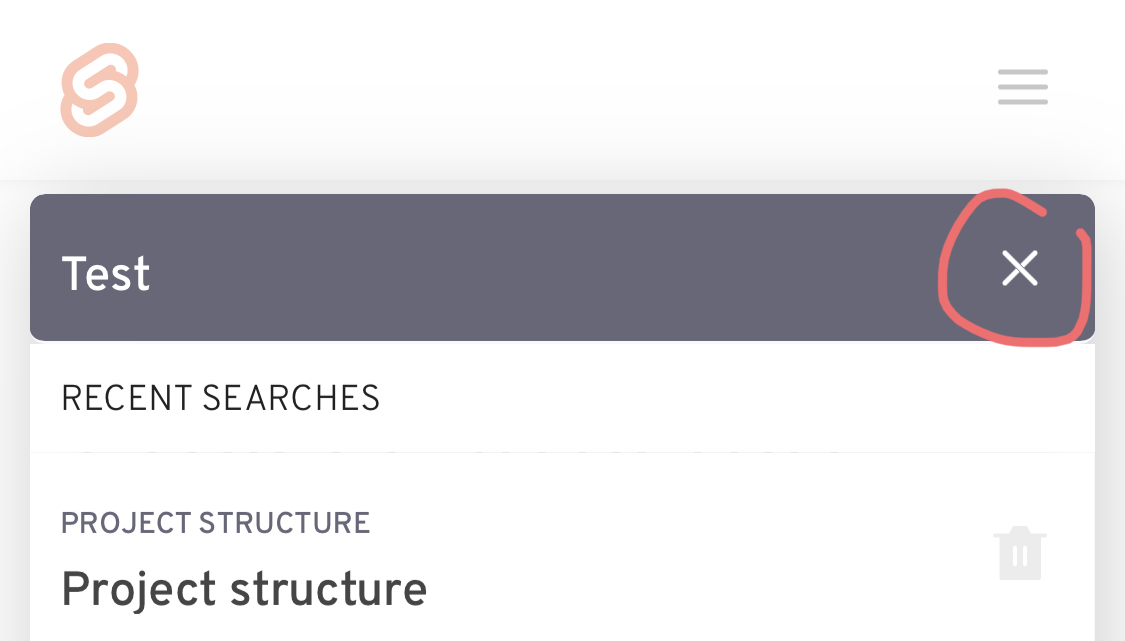
- The current “close search” button for kit.svelte.dev can be easily confused for a clear search button.
- The previous search input is retained when re-opening the search bar, requiring several backspaces to clear it, to look at a different topic afterwards.
- The search bar is not readily accessible on mobile, as it requires opening the menu first.
Describe the proposed solution
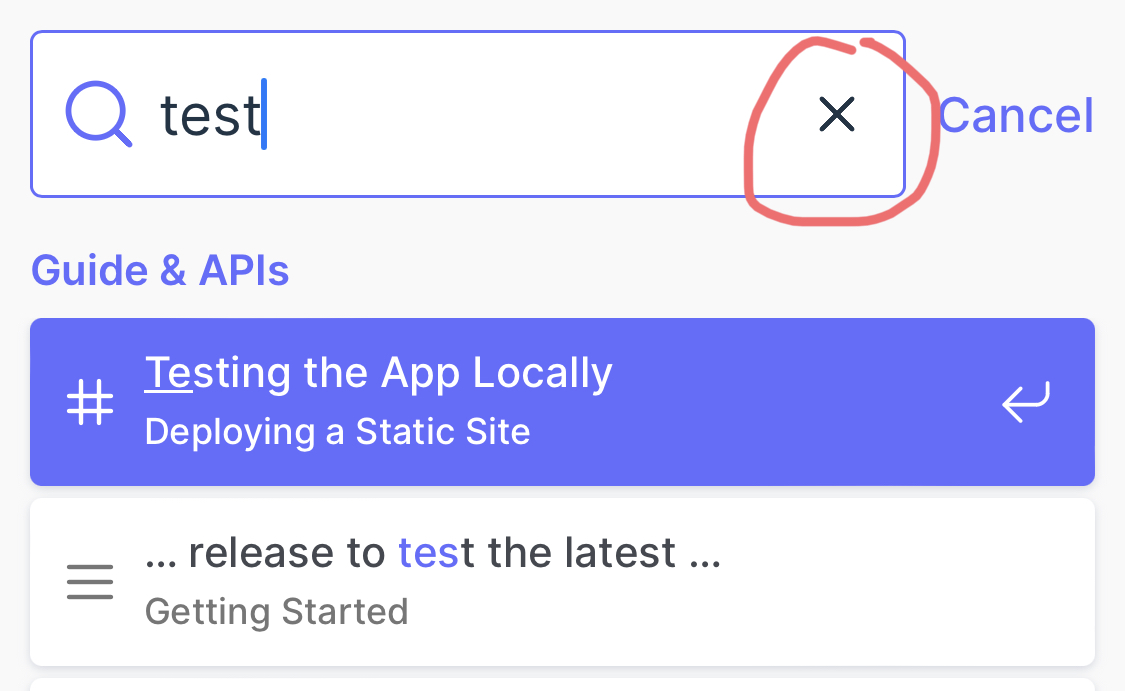
- It would be beneficial to align the use of this button with clearing the search, similar to other search bars such as:
- https://vitejs.dev/guide/
- https://duckduckgo.com/
- https://www.google.com/
- provide a cancel button above it to close the search bar.
- Might also be useful to have the search bar input cleared after each search so that finding new topics is quicker.
- Position the search bar button next to the mobile menu button for small screen widths.
Alternatives considered
No response
Importance
would make my life easier
Additional Information

As a "nice to have", if the search input could be populated using query string, kit.svelte.dev/docs?query=whatever, then it'd allow Raycast users & others to create QuickLinks that go directly to their query result, such as Raycast allows for YouTube and other services that offer search in such a format. It'd remove a step and make it faster.

@PuruVJ have any of these concerns already been covered in the new svelte doc site?
PS: excited for the impending release! :)
@s3812497 Found out about it yesterday only, but will try my best to include them 😁

@jasongitmail you can do that on the SvelteKit dedicated search page (which exists for progressive enhancement purposes): https://kit.svelte.dev/search?q=load
