sublime_merge
 sublime_merge copied to clipboard
Published
20 hours ago •
 sublimehq
sublimehq
Multi-line commit message area after minimize
Version info
- OS: Windows 10 Pro 21H2
- Build: 2078 (from 2067)
Description
The commit message area becomes multi-line after minimize.
Steps to reproduce
Steps to reproduce the behavior:
- Insert into commit message area N (2 or more) symbols.
- Collapse all file changes.
- Minimize Sublime Merge.
- Open Sublime Merge in full size (commit message area will has N lines).
Expected behavior
The commit area should remain on the same line. There is no error when one or more file changes expand.
Screenshots
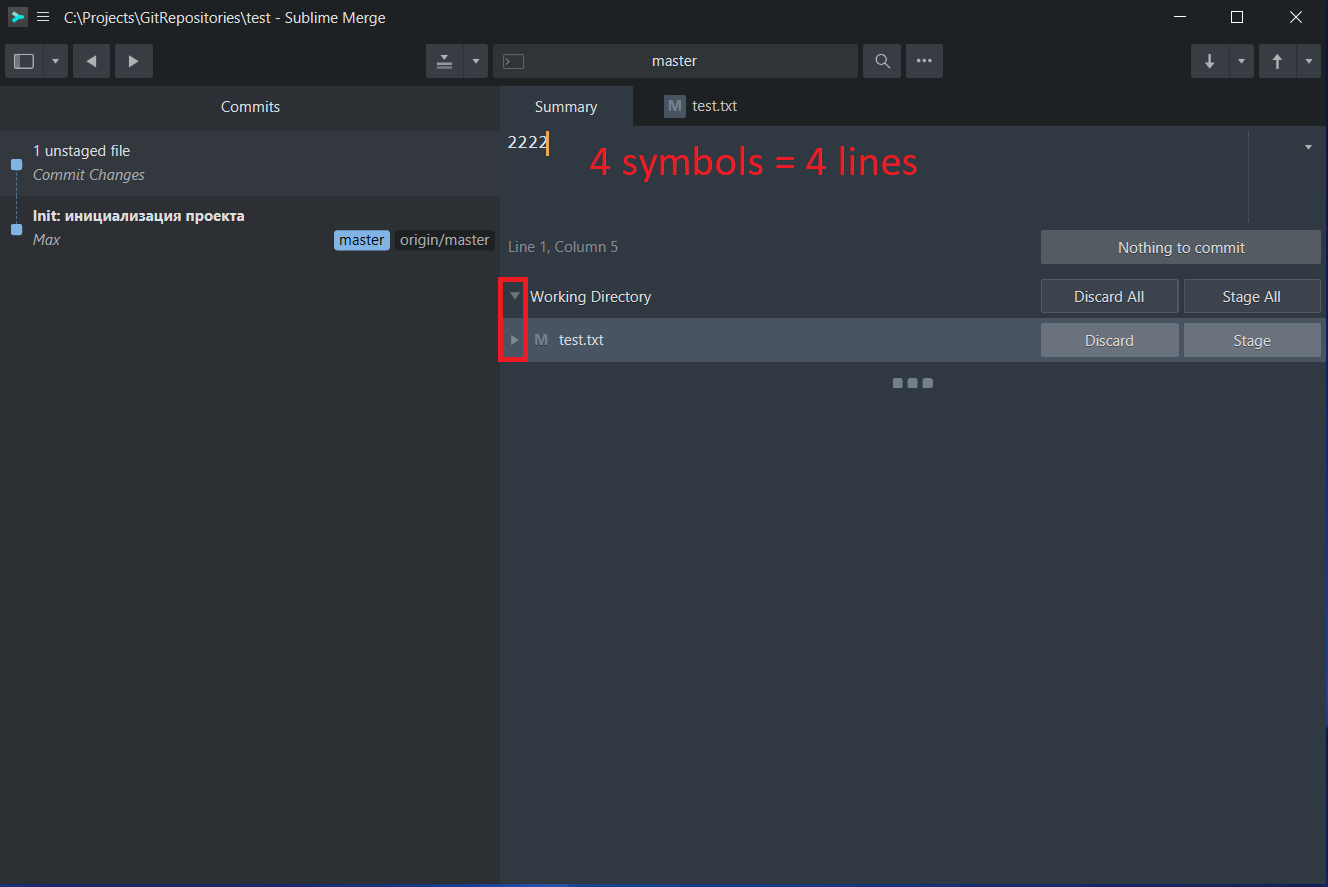
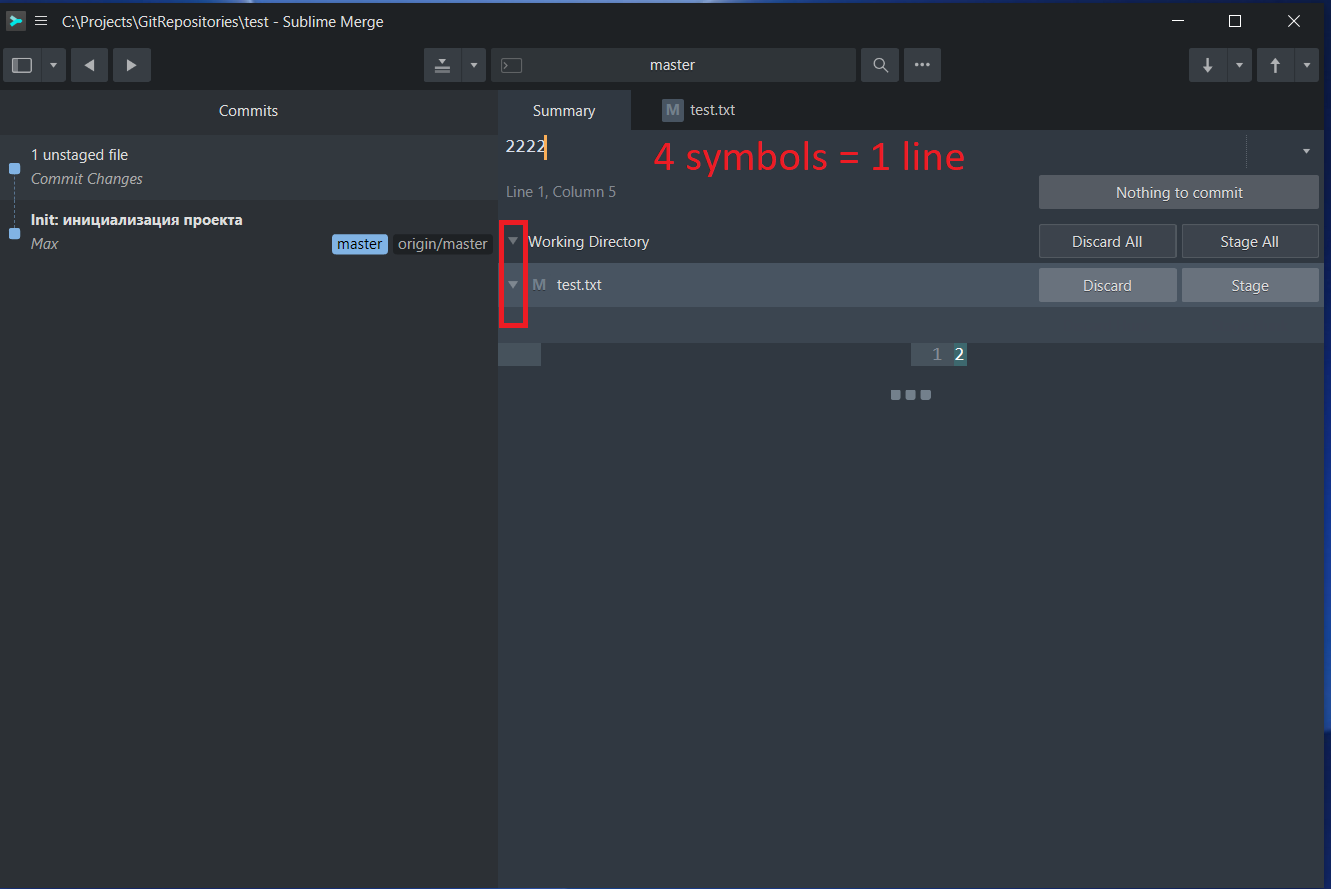

Hi @verside2,
Thanks for reporting this issue. Could you confirm if you have any desktop scaling enabled in your Windows display settings?
Thanks, - Dylan from Sublime HQ

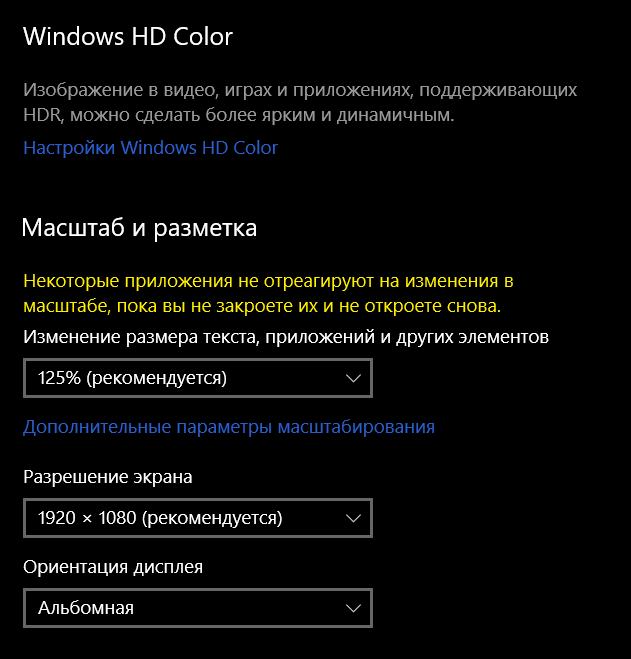
See below. 100 % scale has same bug.
- Scale and layout — 125%
- Resolution — 1920*1080
- Orientation — landscape
- Advanced scaling settings — Let Windows try to fix apps so they’re not blurry — On (Off has same bug).
This issue is reproducible on all three computers (on Windows) I work on.