

 sleuthkit
Font in Linux is too small
I'm running Achlinux 5.6.3-arch1-1 with java-8-openjdk and the font size is way too small to read anything on my 1920x1080 monitor.
Here is a screenshot for reference:
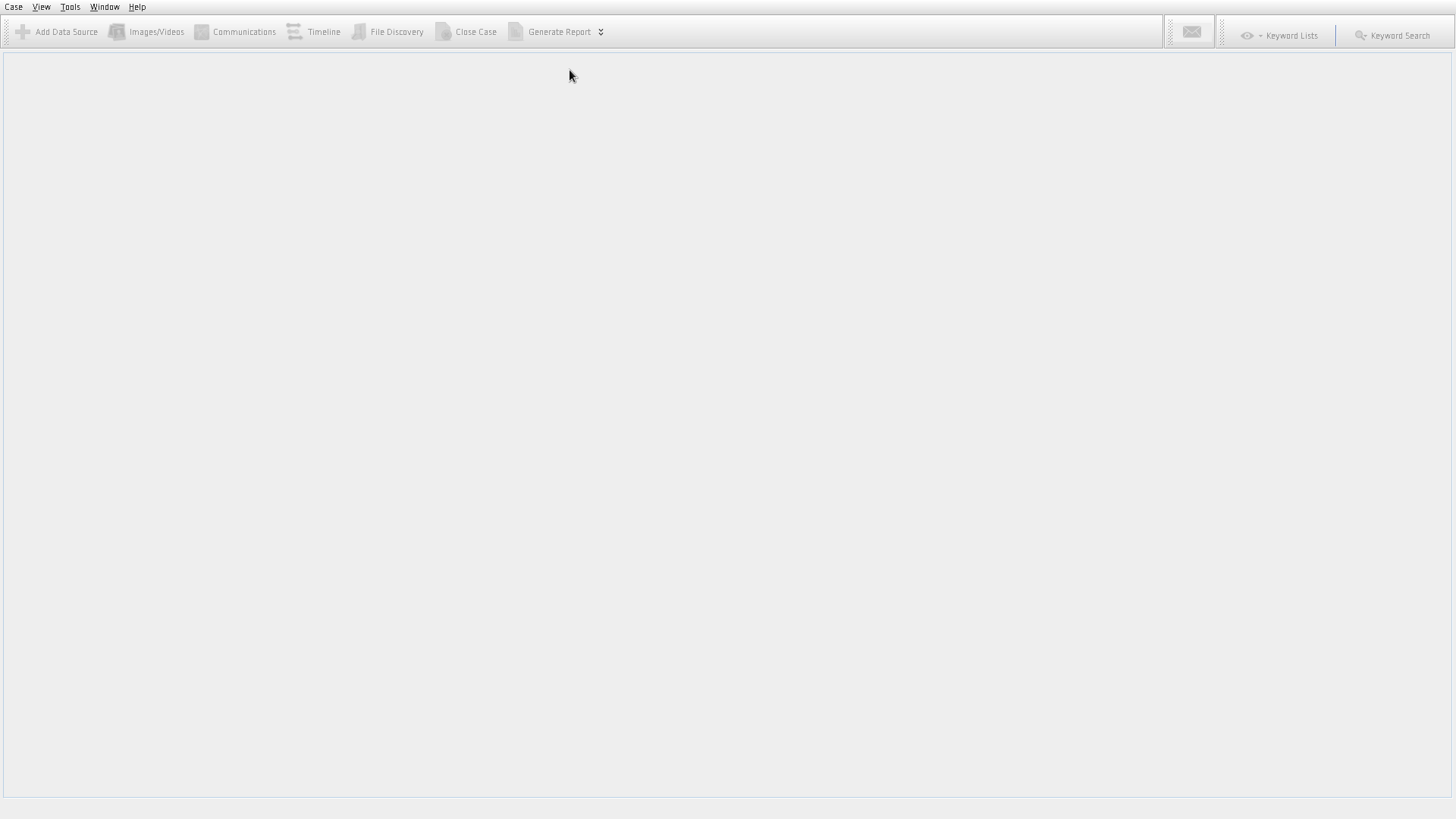

Autopsy doesn't support High-DPI screens at the moment because the used Java version doesn't support it. This will be fixed once Autopsy switches to a new version of Java.

We are scheduled to start looking into updating to a more recent version of Java soon.

is there a font option that can be passed to the launcher or something similar ?

On Windows, there are instructions here about High DPI.
http://sleuthkit.org/autopsy/docs/user-docs/4.18.0/troubleshooting_page.html
On Linux, you can supply the font size with "--fontsize XX" command line argument, but not all of the dialogs are correctly responsive and some of the text will get cut off.

@bcarrier On Linux 'autopsy' is a shell script. I tried both passing it the option directly, and adding "--fontsize XX" to args="" inside it which didn't work but then also to etc/autopsy.conf default_options= but still no menus or dialogs changed their fonts size.
Three years since this was opened and it's still an issue. I have a 28" 4k display and if I want to use Autopsy I am going to have to pull out my credit card sized fresnel lens magnifier.
The --fontsize XX mentioned above does not work for Autopsy 4.20.0.
I understand shifting Java version is a big deal, but is there an ETA for when this might be done?

