
vim-color-patch
 vim-color-patch copied to clipboard
 skywind3000
:rainbow: Load colorscheme patch script automatically !!
Preface
I usually like to make some modifications for the colorschemes I love to match my personal preference. In the past, I had three options:
- Creating a PR for that colorscheme: It's my own preference, and I don't think it's likely to be accepted.
- Maintaining my own fork: I need to track the upstream updates myself.
- Writing ad hoc code for different colors in my
.vimrc: Ugly.
Therefore, I created this plugin to centralize all colorscheme patches in one place, typically in my dotfiles repository, and have them load automatically when I type :color xxx .
Demo
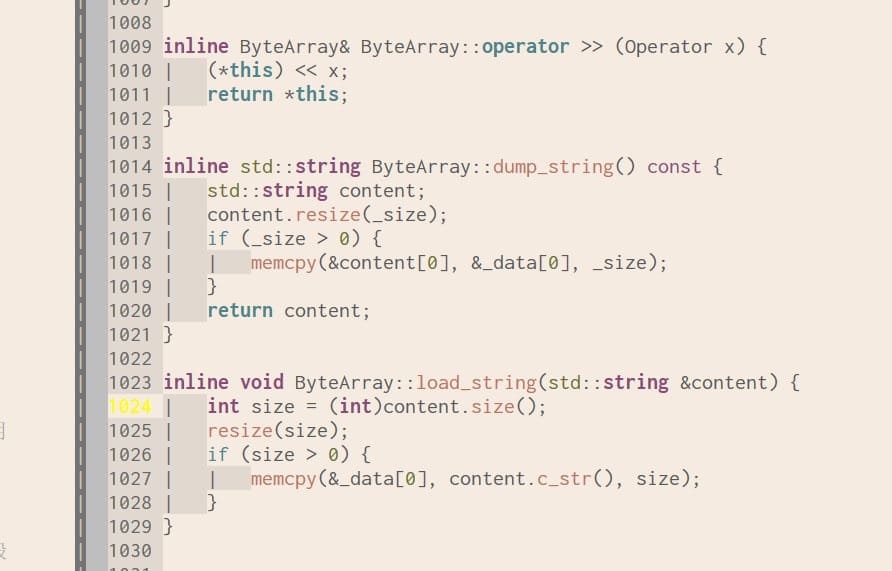
Random colorscheme white-sand before patch:
Apply patch white-sand.vim:
hi! SpecialKey term=bold ctermfg=238 guifg=#cac3bc
result:
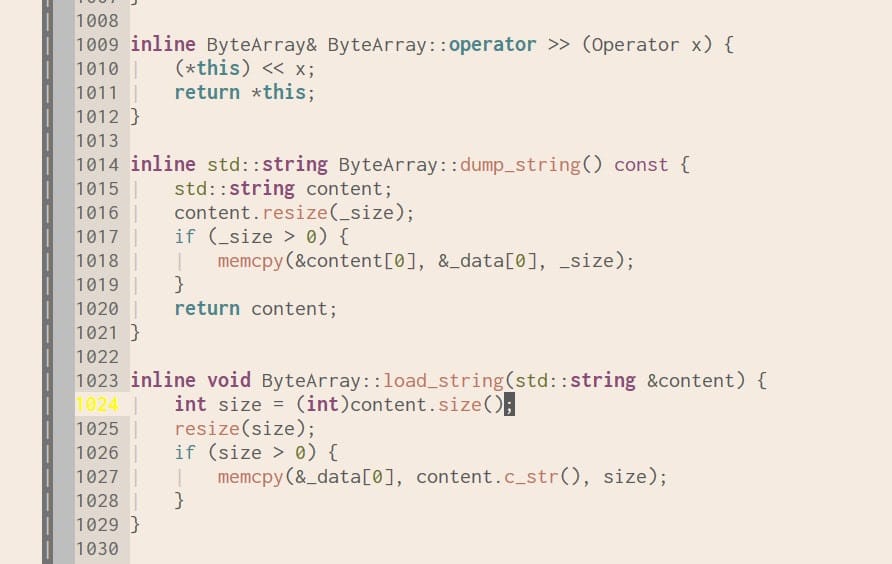
I am interested in trying out this Emacs colorscheme that has been backported to Vim. However, it has some flaws. This plugin helps me fix it permanently without modifying the original colors.
Get started
Install this plugin with your plugin manager (without lazy loading):
Plug 'skywind3000/vim-color-patch'
Setup the patch search path:
let g:cpatch_path = '~/.vim/colors/patch'
And script with the same name will be loaded in this locations after :color xxx command.
Examples
1) Change the line number style in "desert":
create a new file named desert.vim in the ~/.vim/colors/patch folder:
highlight! LineNr term=bold cterm=NONE ctermfg=DarkGrey ctermbg=NONE
	\ gui=NONE guifg=#585858 guibg=NONE
and this script will be loaded after executing:
:color desert
And LineNr in desert will be overrided.
2) Remove all italic for Windows:
edit ~/.vim/colors/patch/__init__.vim :
if has('win32') || has('win64')
    call cpatch#disable_italic()
endif
The __init__.vim is a public script and it will be sourced for every colorscheme.
vim-color-patch provides some help functions like disable_italic() for style tuning.
3) Remove background colors for listchars in "monokai":
edit ~/.vim/colors/patch/monokai.vim:
call cpatch#remove_background('SpecialKey')
4) Change VertSplit style for "gruvbox":
edit ~/.vim/colors/patch/gruvbox.vim:
hi! VertSplit term=reverse ctermfg=239 ctermbg=233 guifg=#64645e guibg=#211F1C
And VertSplit style in gruvbox will be overrided.
Configuration
g:cpatch_path
This is where you keep your color patches, when you type:
:color {NAME}
This plugin will try to find scripts located in the directory specified by g:cpatch_path and source them in the following order:
__init__.vim__init__.lua{NAME}.vim{NAME}.lua
Default value: "~/.vim/colors/patch".
Can accept a list or a comma separated string.
g:cpatch_disable_lua
Disable loading lua files in the patch directory.
Default value: 0 .
Help functions
This plugin provides some help functions for highlight manipulation:
Remove style in all highlight groups:
function cpatch#remove_style(what)
argument what can be one of:
['underline', 'undercurl', 'reverse', 'inverse', 'italic', 'bold', 'standout']
Disable italics:
function cpatch#disable_italic()
same as call cpatch#remove_style("italic") .
Disable bolds:
function cpatch#disable_bold()
same as call cpatch#remove_style("bold") .
Remove background for a highlighting group:
function cpatch#remove_background(group)
eg. remove background in the SignColumn:
call cpatch#remove_background('SignColumn')
Credit
Related project:
- vim-color-export: Backport NeoVim colorschemes to Vim !!
Metadata
Owner
 skywind3000
Metadata
:rainbow: Load colorscheme patch script automatically !!