
SketchAPI
 SketchAPI copied to clipboard
 sketch-hq
Updating a layer’s property doesn’t also update the inspector panel
For example, if you set a fill color for a layer like this:
layer.style.fills = [{
   color: #1ca9c4,
   fill: Style.FillType.Color
})
The layer will update properly but the inspector panel doesn’t update. Currently I have to manually reload the inspector panel each time with document.sketchObject.inspectorController().reload()
Ideally this is already handled for me when setting a layer property.
Here is an example of this issue:
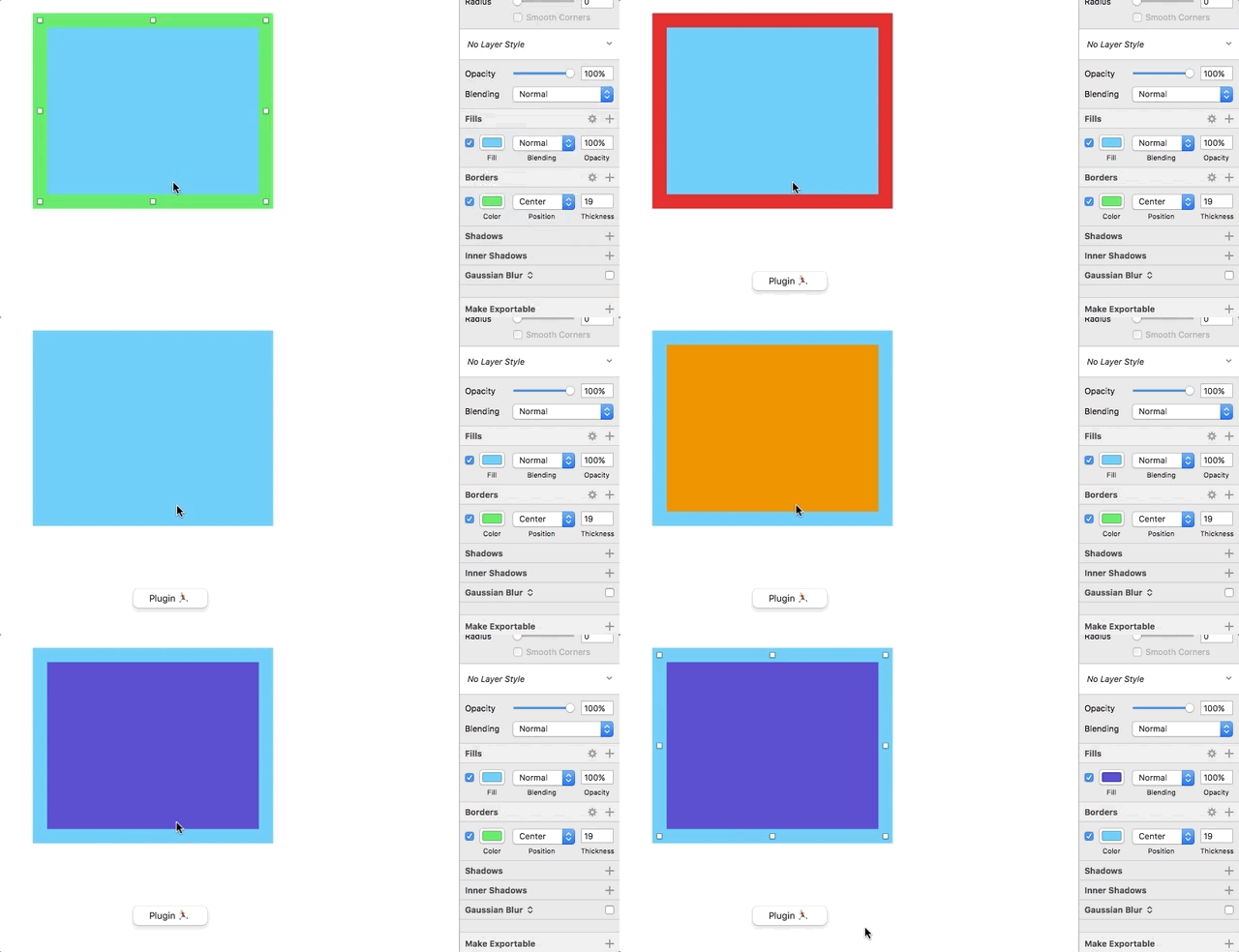


I'm wondering what's best here: there is a potential performance issue with updating the inspector on every changes.
We might need a "batch" mode that you can toggle on the document. When it's on, we don't reload the the inspector. When it's turned off, then we reload. And if it's off and there are some changes, then we reload.
What do you think?

One possible solution is to defer the update - schedule an inspector update for the end of the JS event loop any time the frame/color/etc of a layer is mutated. Since I don't think JavaScriptCore provides a means to query/schedule on the event loop you'll have to do it from Objective-C or something using dispatch_async? Or, since I think a JS timer function already exists(?), just create a debounced update? Actually I think you might be able to use async/Promise for this, since I think they guarantee execution at the end of the event loop.
