
SourceCodeSyntaxHighlight
 SourceCodeSyntaxHighlight copied to clipboard
Published
20 hours ago •
 sbarex
sbarex
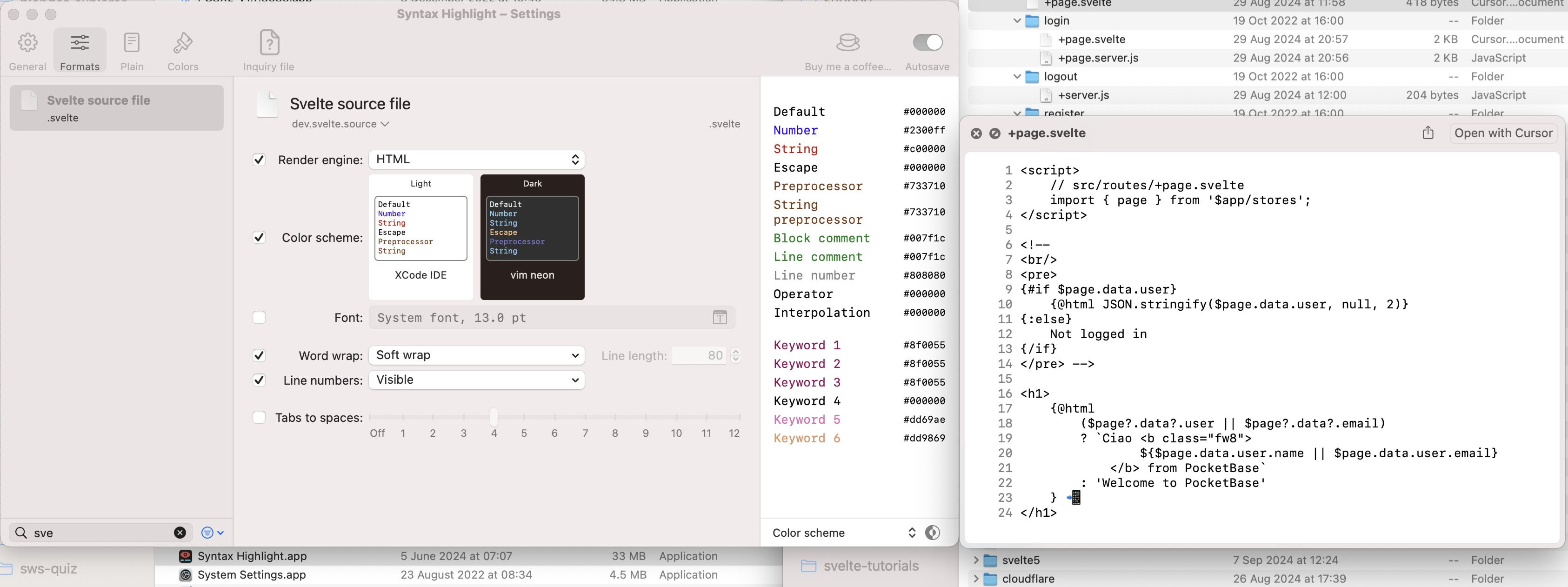
Extension appears to work on `macOS 13/Ventura`, but `.svelte` files don't seem to have the syntax colour I expect
Thanks for this extension... now I can read .svelte files from Finder, before opening them in the IDE – a big quality of life improvement!
Do I need to remove or configure something else? I can see in the directory that: +page.svelte and +layout.svelte now have prefixed line numbers and a font upgrade, but .svelte files don't seem to have the syntax colour I expect... how do I configure this?

on a terminal shell, what is the output of this command (replace PATH_FILE.svelte with your full file path) ?
mdls -name kMDItemContentTypeTree -name kMDItemContentType --raw PATH_FILE.svelte
