
SourceCodeSyntaxHighlight
 SourceCodeSyntaxHighlight copied to clipboard
 sbarex
Some code files just showing a grey screen
Thanks for making this!
I just tried to install the extension and am only seeing a grey screen when I QuickLook some code files.
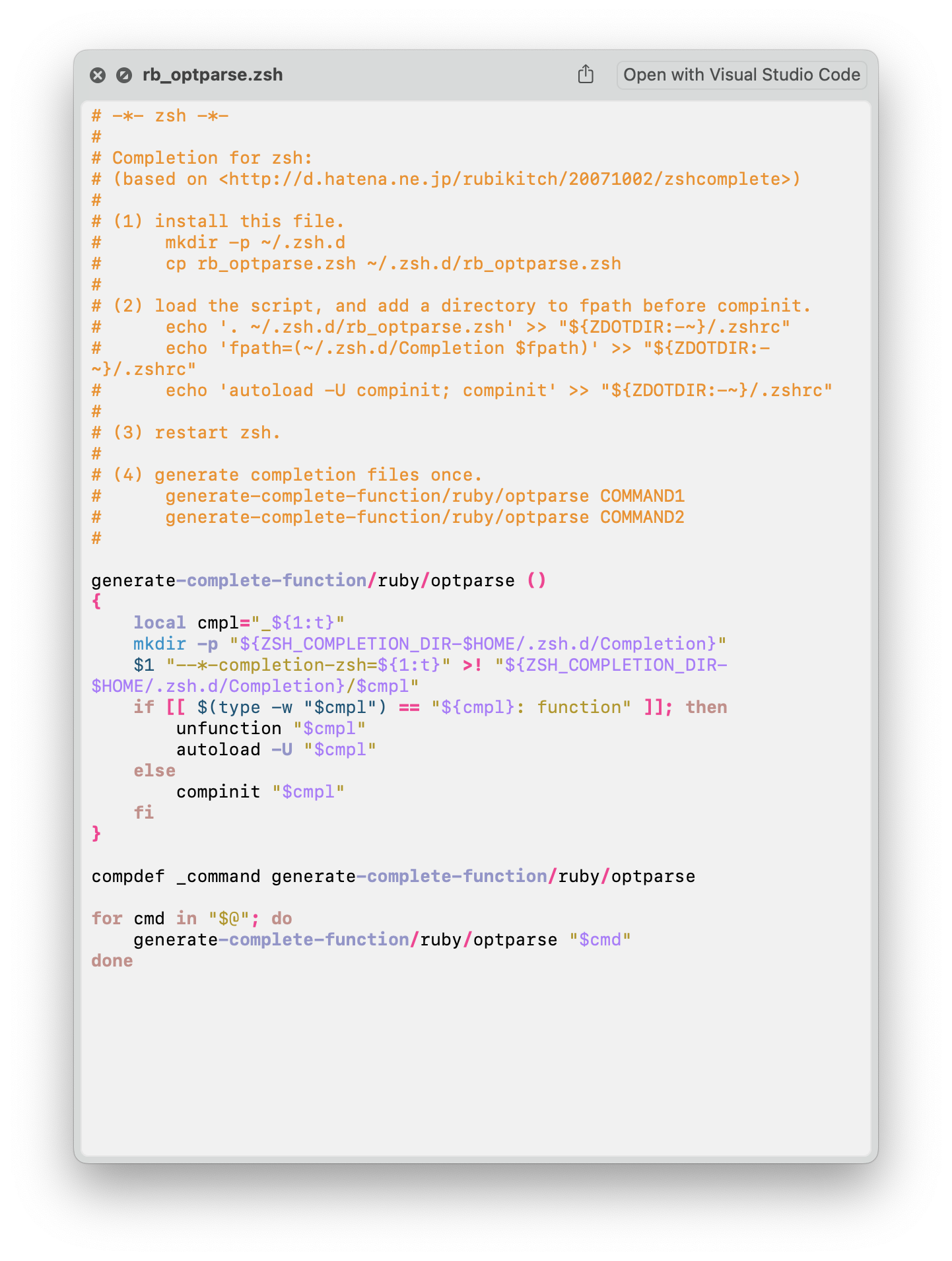
I'm not sure exactly which filetypes are working and which aren't – I tried a .zsh file and it was working.
I'm on macOS Monterey 12.5.1 and I installed the extension by running brew install --cask --no-quarantine syntax-highlight and opening the app (it didn't give me a warning). I've tried restarting and uninstalling/reinstalling. Any help appreciated! Thanks!

on the application enable the debug flag. Then try to open a quicklook preview. On your desktop will be created a console.log file. Inside there are some error messages?

Hi, sure, sorry about the long wait! I tried to preview a JSON file and got this log.
2022-10-20 12:33:51.837 Start processing /Users/katherine/Documents/cases-tool/package-lock.json …
2022-10-20 12:33:51.837 Detected UTI: public.json
2022-10-20 12:33:51.840 Highlight dataDir: /Applications/Syntax Highlight.app/Contents/Resources/highlight/share
2022-10-20 12:33:51.841 Highlight theme: /Applications/Syntax Highlight.app/Contents/Resources/highlight/share/themes/acid
2022-10-20 12:33:51.841 Max data:
2022-10-20 12:33:51.841 EOL conversion: off
2022-10-20 12:33:51.841 Start colorizing /Users/katherine/Documents/cases-tool/package-lock.json …
2022-10-20 12:33:51.841 Executing '/Applications/Syntax Highlight.app/Contents/Resources/highlight/colorize.sh' '/Users/katherine/Documents/cases-tool/package-lock.json'
2022-10-20 12:33:51.000 Starting colorize.sh
2022-10-20 12:33:51.000 # install gdate with `brew install coreutils` to show the nanoseconds time stamp #
2022-10-20 12:33:51.000 Target to colorize: /Users/katherine/Documents/cases-tool/package-lock.json
2022-10-20 12:33:51.000 Resolved to language: json
2022-10-20 12:33:51.000 Reader: cat '/Users/katherine/Documents/cases-tool/package-lock.json'
2022-10-20 12:33:51.000 Highlight: /Applications/Syntax Highlight.app/Contents/Resources/highlight/bin/highlight
2022-10-20 12:33:51.000 Generating the preview…
2022-10-20 12:33:51.000 $ cat '/Users/katherine/Documents/cases-tool/package-lock.json' | "/Applications/Syntax Highlight.app/Contents/Resources/highlight/bin/highlight" -T "/Users/katherine/Documents/cases-tool/package-lock.json" --syntax=json --quiet --include-style --encoding=UTF-8 --replace-tabs=4 --font=.AppleSystemUIFontMonospaced --font-size=13.00 --out-format=rtf --page-color --char-styles -v -v --data-dir=/Applications/Syntax Highlight.app/Contents/Resources/highlight/share --style=/Applications/Syntax Highlight.app/Contents/Resources/highlight/share/themes/acid.theme --validate-input
cat: /Users/katherine/Documents/cases-tool/package-lock.json: Operation not permitted

Loading language definition:
/Applications/Syntax Highlight.app/Contents/Resources/highlight/share/langDefs/json.lang

Description: JSON

LUA GLOBALS:
AddKeyword: function
AddPersistentState: function
Categories: table
Comments: table
Description: string [ JSON ]
Digits: string [ (?:0x|0X)[0-9a-fA-F]+|\d*[\.]?\d+(?:[eE][\-\+]\d+)?[lLuU]* ]
DisableHighlighting: boolean [ 0 ]
EnableIndentation: boolean [ 0 ]
HL_BLOCK_COMMENT: number [ 4 ]
HL_BLOCK_COMMENT_END: number [ 17 ]
HL_EMBEDDED_CODE_BEGIN: number [ 25 ]
HL_EMBEDDED_CODE_END: number [ 26 ]
HL_ESC_SEQ: number [ 5 ]
HL_ESC_SEQ_END: number [ 18 ]
HL_FORMAT_ANSI: number [ 5 ]
HL_FORMAT_BBCODE: number [ 9 ]
HL_FORMAT_HTML: number [ 0 ]
HL_FORMAT_LATEX: number [ 3 ]
HL_FORMAT_ODT: number [ 11 ]
HL_FORMAT_PANGO: number [ 10 ]
HL_FORMAT_RTF: number [ 4 ]
HL_FORMAT_SVG: number [ 8 ]
HL_FORMAT_TEX: number [ 2 ]
HL_FORMAT_TRUECOLOR: number [ 7 ]
HL_FORMAT_XHTML: number [ 1 ]
HL_FORMAT_XTERM256: number [ 6 ]
HL_IDENTIFIER_BEGIN: number [ 23 ]
HL_IDENTIFIER_END: number [ 24 ]
HL_INTERPOLATION: number [ 10 ]
HL_INTERPOLATION_END: number [ 21 ]
HL_KEYWORD: number [ 13 ]
HL_KEYWORD_END: number [ 22 ]
HL_LANG_DIR: string [ /Applications/Syntax Highlight.app/Contents/Resources/highlight/share/langDefs/ ]
HL_LINENUMBER: number [ 8 ]
HL_LINE_COMMENT: number [ 3 ]
HL_LINE_COMMENT_END: number [ 16 ]
HL_NUMBER: number [ 2 ]
HL_OPERATOR: number [ 9 ]
HL_OPERATOR_END: number [ 20 ]
HL_OUTPUT: number [ 4 ]
HL_PLUGIN_PARAM: string [  ]
HL_PREPROC: number [ 6 ]
HL_PREPROC_END: number [ 19 ]
HL_PREPROC_STRING: number [ 7 ]
HL_REJECT: number [ 101 ]
HL_SRInstance: userdata
HL_STANDARD: number [ 0 ]
HL_STRING: number [ 1 ]
HL_STRING_END: number [ 14 ]
HL_UNKNOWN: number [ 100 ]
Identifiers: string [ [a-zA-Z_]\w* ]
IgnoreCase: boolean [ 0 ]
Keywords: table
Operators: string [ \(|\)|\,|\;|\.|\:|\&|<|>|\!|=|\/|\*|\%|\+|\-|\~|\||\^ ]
OverrideParam: function
PreProcessor: table
RemoveKeyword: function
StoreValue: function
Strings: table
_VERSION: string [ Lua 5.4 ]
assert: function
collectgarbage: function
coroutine: table
debug: table
dofile: function
error: function
getmetatable: function
io: table
ipairs: function
load: function
loadfile: function
math: table
next: function
os: table
pairs: function
pcall: function
print: function
rawequal: function
rawget: function
rawlen: function
rawset: function
require: function
select: function
setmetatable: function
string: table
table: table
tonumber: function
tostring: function
type: function
utf8: table
warn: function
xpcall: function

REGEX:
State 13 (HL_KEYWORD):	\{|\}
State 13 (HL_KEYWORD):	\[|\]
State 13 (HL_KEYWORD):	(\"[\w\.\-\d]+?\")\:
State 13 (HL_KEYWORD):	(\"\$[\w\.\-\d\$]+?\")\:
State 4 (HL_OUTPUT):	\/\*
State 17 (HL_BLOCK_COMMENT_END):	\*\/
State 3 (HL_LINE_COMMENT):	//
State 23 (HL_IDENTIFIER_BEGIN):	[a-zA-Z_]\w*
State 2 (HL_NUMBER):	(?:0x|0X)[0-9a-fA-F]+|\d*[\.]?\d+(?:[eE][\-\+]\d+)?[lLuU]*
State 1 (HL_STRING):	"
State 5 (HL_ESC_SEQ):	\\u[[:xdigit:]]{4}|\\\d{3}|\\x[[:xdigit:]]{2}|\\[ntvbrfa\\\?'"]
State 6 (HL_PREPROC):	#
State 9 (HL_OPERATOR):	\(|\)|\,|\;|\.|\:|\&|<|>|\!|=|\/|\*|\%|\+|\-|\~|\||\^


2022-10-20 12:33:51.000 Success.
2022-10-20 12:33:51.865

#######
# ENV:
pathHL=/Applications/Syntax Highlight.app/Contents/Resources/highlight/bin/highlight
HOME=/Users/katherine
SSH_AUTH_SOCK=/private/tmp/com.apple.launchd.IkkjTp3fMZ/Listeners
extraFlagsHL=--replace-tabs=4•--font=.AppleSystemUIFontMonospaced•--font-size=13.00•--out-format=rtf•--page-color•--char-styles•-v•-v•--data-dir=/Applications/Syntax Highlight.app/Contents/Resources/highlight/share•--style=/Applications/Syntax Highlight.app/Contents/Resources/highlight/share/themes/acid.theme
LOGNAME=katherine
TMPDIR=/var/folders/bk/k_y3q6f57ln1yh5_4vfvff4h0000gn/T/
PATH=/usr/bin:/bin:/usr/sbin:/sbin
HIGHLIGHT_DATADIR=/Applications/Syntax Highlight.app/Contents/Resources/highlight/share
webkitTextEncoding=UTF-8
USER=katherine
textEncoding=UTF-8
maxFileSizeHL=
pathDos2unix=/Applications/Syntax Highlight.app/Contents/Resources/dos2unix
XPC_SERVICE_NAME=org.sbarex.SourceCodeSyntaxHighlight.XPCRender
SHELL=/bin/zsh
convertEOL=
XPC_FLAGS=0x0
__CF_USER_TEXT_ENCODING=0x1F5:0x0:0x2
logHL=/Users/katherine/Desktop/colorize.log


####### ENV end
Sorry about the long wait!
The log show this error: cat: /Users/katherine/Documents/cases-tool/package-lock.json: Operation not permitted.
- Do you grant the app to access to the Documents folder (also check on the System settings, privacy section, file access)?
- Does the file have read privilege?
- You can preview other source files inside the Documents folder? and also inside the the /Users/katherine/Documents/cases-tool folder?
- If you copy the package-lock.json in other folder outside the documents dir, can be previewed?
Hi 👋
Following a Dropbox update this morning (which moves the Dropbox folder to a more secure location ~/Library/CloudStorage/Dropbox) I found that I was experiencing this same issue.
So, following this comment I opened System Settings, Privacy & Security, Files and Folders, Syntax Highlight > (expand) A Dropbox option appears in the expander and shows a toggle, (which is off)
I toggled it on, and my expectation was that this was the fix! But the files within Dropbox are still displaying 'grey' in QuickLook. The same file in another location displays nicely.
MacBook Pro 2020 (M1 16GB) MacOS Ventura 13.0.1 Syntax Highlight 2.1.15 (64) Dropbox v161.4.4923

@andij wow, thank you so much, that was the fix for me! sorry to hear that your files are still not showing up :(