
sample-app-mobile

sample-app-mobile copied to clipboard
 saucelabs
unable to open file (in target "SwagLabsMobileApp" in project "SwagLabsMobileApp")
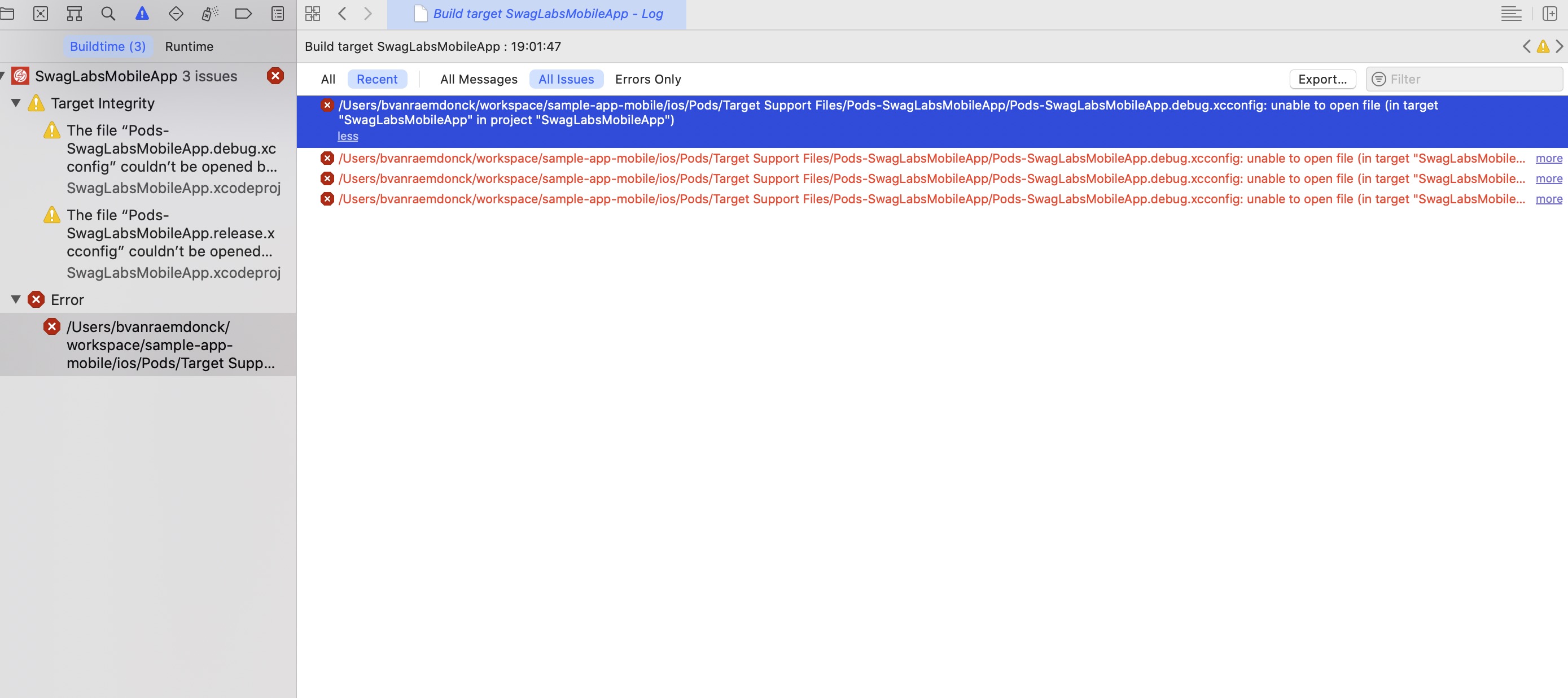
When I clone the most recent project, and open it in Xcode I get this error:
`/Users/bvanraemdonck/workspace/sample-app-mobile/ios/Pods/Target Support Files/Pods-SwagLabsMobileApp/Pods-SwagLabsMobileApp.debug.xcconfig: unable to open file (in target "SwagLabsMobileApp" in project "SwagLabsMobileApp")
`
Is there a manual how to run the app on Xcode, and how you can install it (sign it) for your device?

Hi @BartVanRaemdonck
Thanks for filing an issue. This is a React Native project, did you follow all the steps as described here to get the project running?
