
bootloader
 bootloader copied to clipboard
 rust-osdev
Framebuffer Color
Hello,
I'm writing my kernel using the last version of this crate. I'm including support for the framebuffer for writing text on the screen,
I based the driver on the logger.rs of the bootloader, and it works, but when I try to change the colour of the text via modifying the let color = match self.info.pixel_format { PixelFormat::RGB => [intensity, intensity, intensity / 2, 0], PixelFormat::BGR => [255 / 2, 0, 0, 0], PixelFormat::U8 => [if intensity > 200 { 0xf } else { 0 }, 0, 0, 0], };
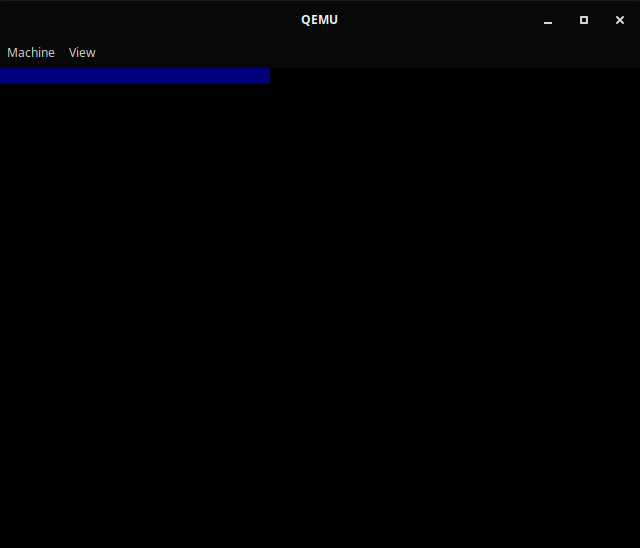
I get a big line with the colour that I put, but no the text.

PixelFormat::BGR => [255 / 2, 0, 0, 0],
This line should probably use intensity too.

If you want it to be the same color as the PixelFormat::RGB => [intensity, intensity, intensity / 2, 0], case, you have to write PixelFormat::BGR => [intensity / 2, intensity, intensity, 0] I think.
Thanks,
Now, I use this system for changing the colour: I only need enable or disable the colour from the slice.
- For enabling: intensity
- For disabling: intensity / 2
For example for using the pink colour in a BGR screen: [intensity, intensity / 2, intensity, 0]
But I don't know the utility of the last element, and how to change the background colour.
I'v extracted some code from bootloader/src/binary/logger.rs (thanks for @bjorn3 mention this example in other issue) and wrap them like as blog_os vga_text_mode interface, including the background/foreground color setting features.
@asensio-project You can find find these code at https://github.com/AmberCrafter/rustos/tree/main/src/library/renderer and a little documents https://github.com/AmberCrafter/rustos/tree/main/documents/FrameBuffer
Unfortunately, the font pixel based on noto-sans-mono-bitmap is encoding in u8 (0-255), that mean the colors are gradually changing. This property make the font looks ambiguous with non-black backgound color (see below), and i'v no ideal how to overcome this problem. (Maybe using other font's bitmap crate)


Thanks for @phil-opp and many contributors provide these exciting projects!!
