

 ruffle-rs
Text based visual tests are failing
Mega issue for now because I don't know which are the same cause or not.
I've copied over the edittext avm1 tests to the visual-test repo, and these are the results:
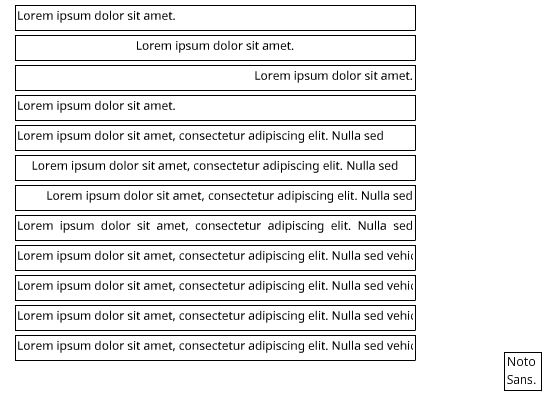
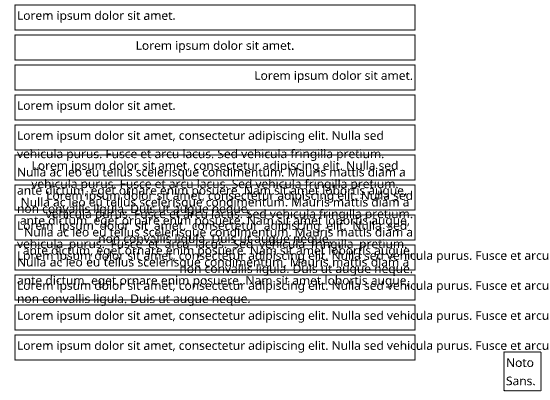
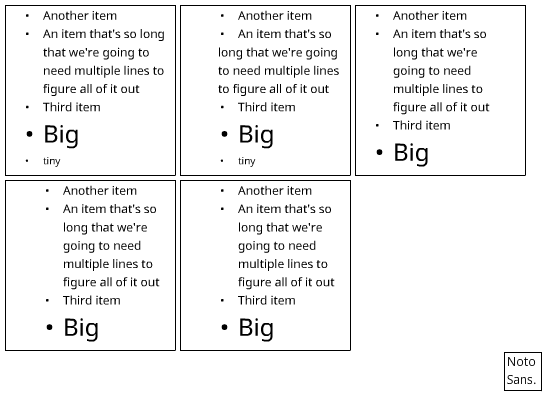
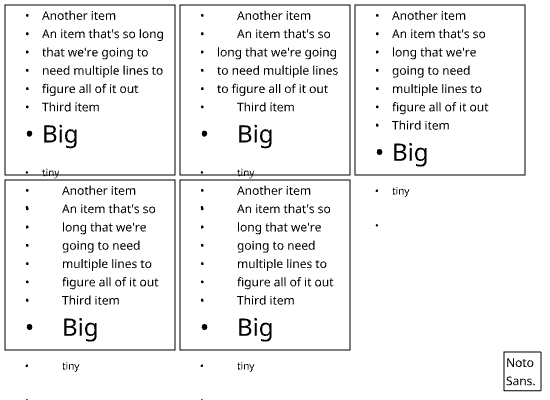
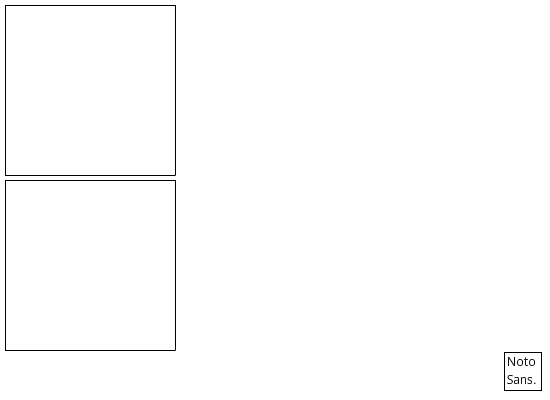
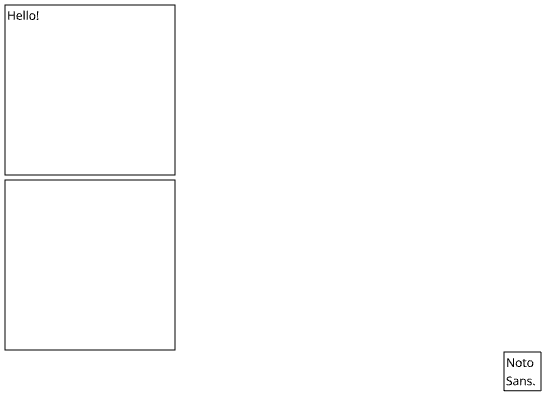
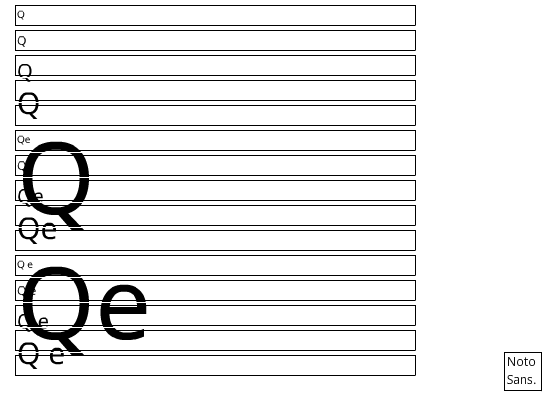
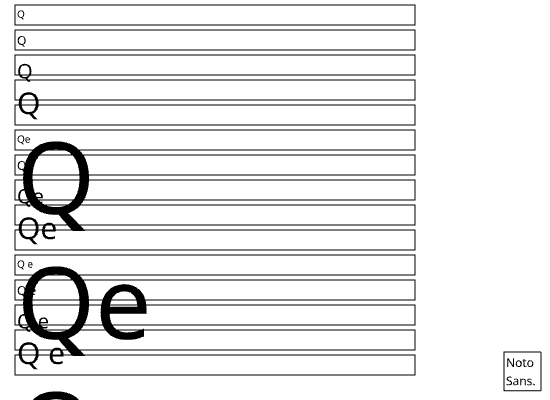
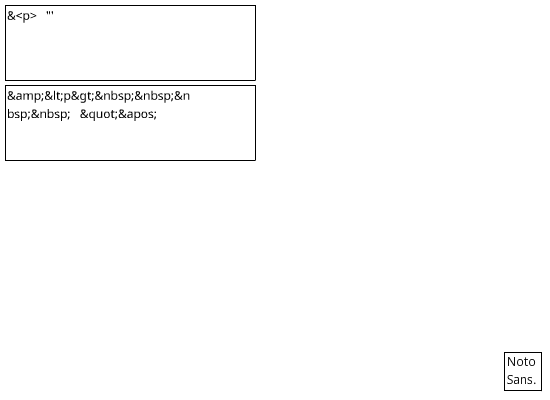
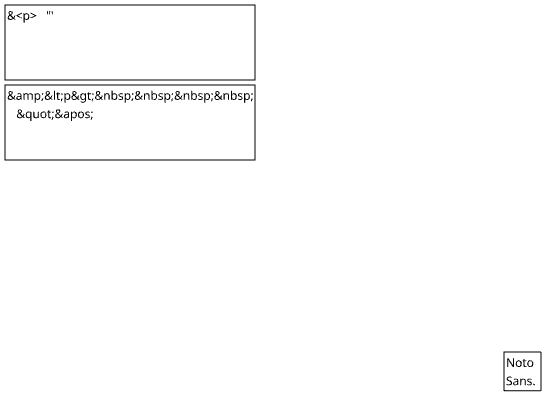
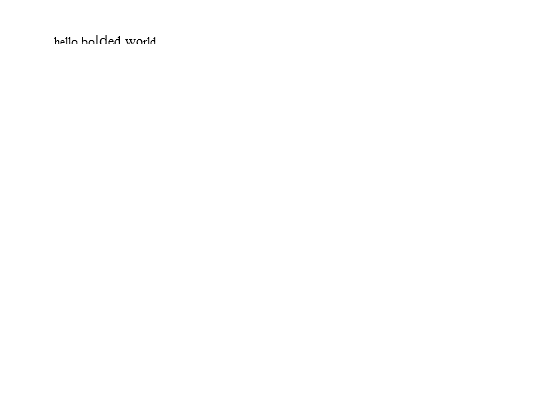
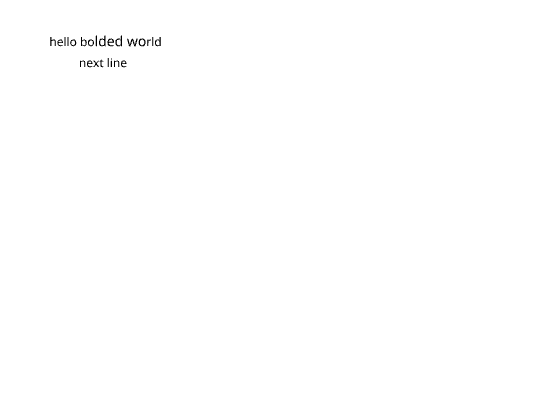
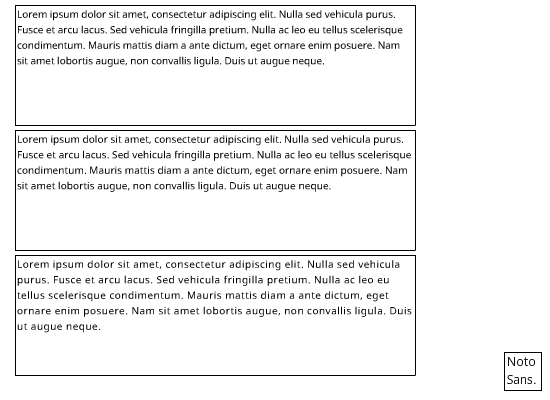
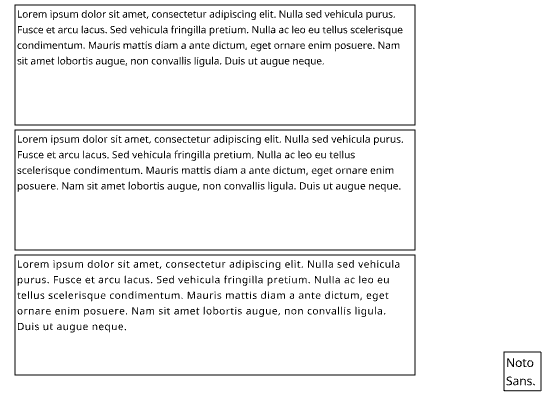
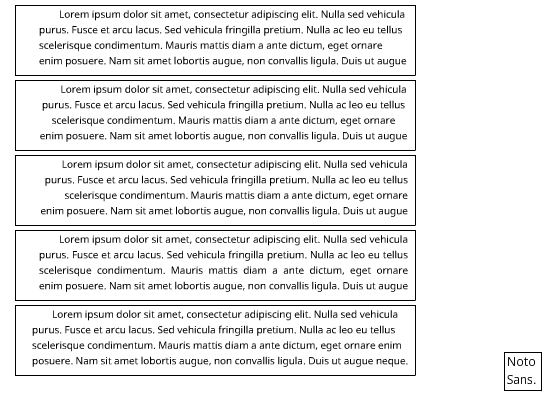
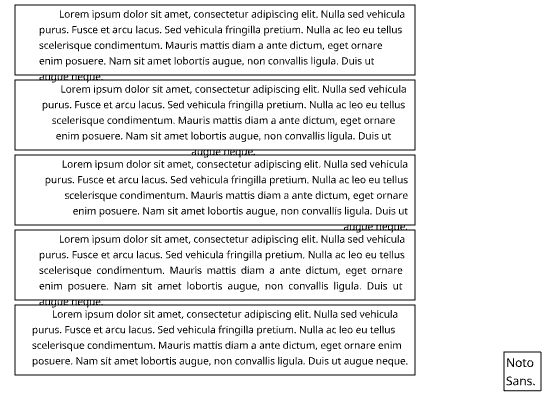
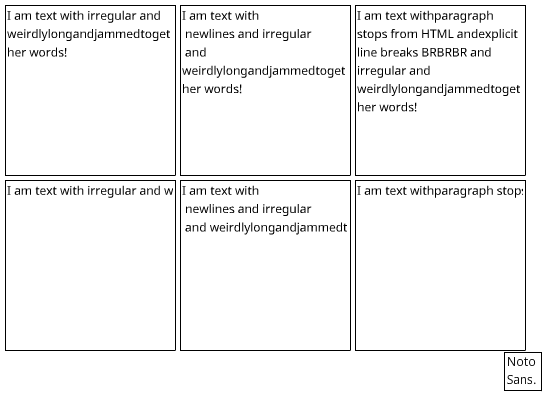
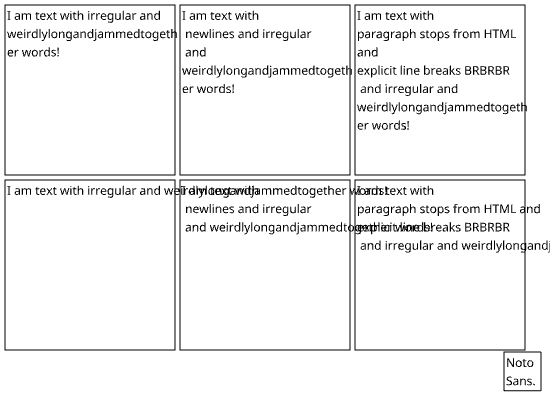
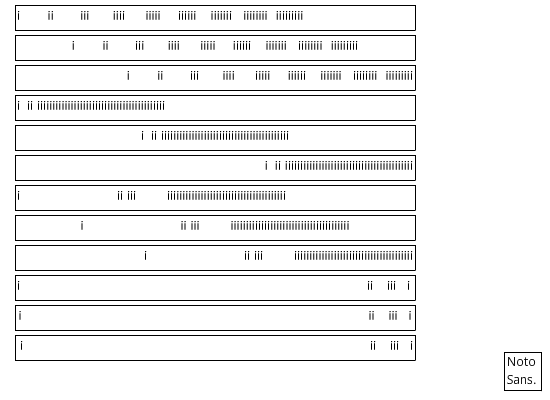
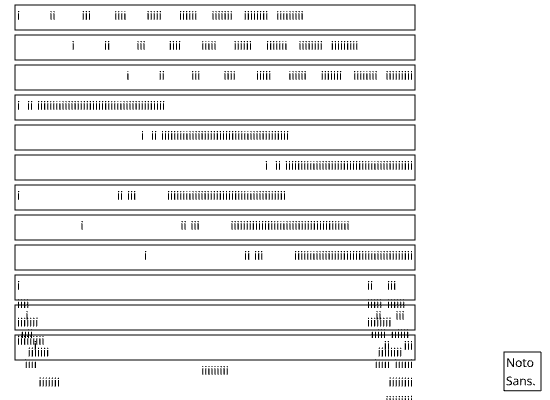
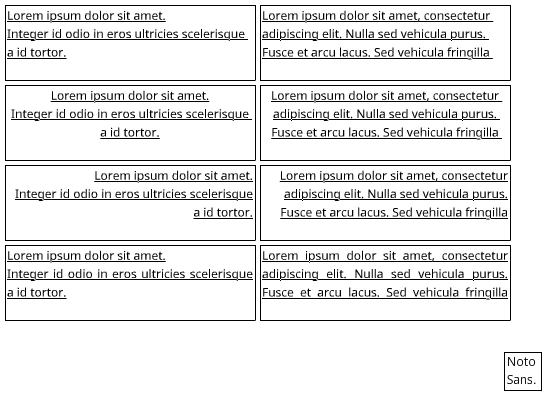
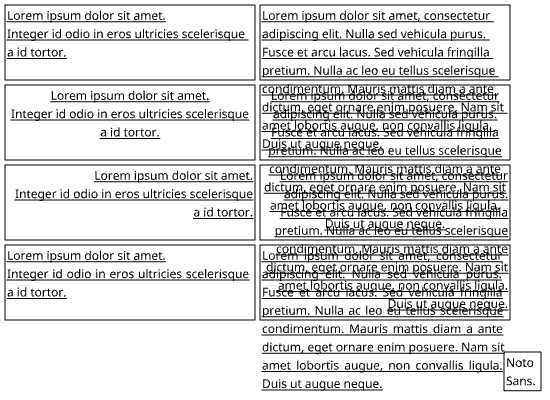
The only test that passes is edittext_leading, so I've not included it here.

Regarding edittext_bullet, there's an issue in the html transformation. The last </li> is translated into a line break even though there's no more text after it. The layout then creates a bullet for the last empty textspan, even though flash doesn't.
I'm not sure how to fix this elegantly in lower_from_html.

That's not the only html transformation issue with edittext_bullet hatal. If you have newlines or spaces (I'm not sure which is the culprit or if both are) between the end of a line of text inside an li and the </li>, extra bullets are added, even though </li> is respected in Flash. Plus, the bullet that's expected to be there first is just not there.
For example, this ends up with a ton of extra bullets:
<h2>Heading Here</h2>
<ul>
  <li><a href="example.com?type=1" target="_blank">Example 1</a> is here.
  </li>
  <li><a href="example.com?type=2" target="_blank">Example 2</a> is here.
  </li>
  <li><a href="example.com?type=3" target="_blank">Example 3</a> is here.
  </li>
  <li><a href="example.com?type=4" target="_blank">Example 4</a> is here.
  </li>
</ul>
From what I saw, this ended up formatted as if it was:
<h2>Heading Here</h2><a href="example.com?type=1" target="_blank">Example 1</a> is here.
<ul>
  <li><a href="example.com?type=2" target="_blank">Example 2</a> is here.</li>
  <li></li>
  <li></li>
  <li><a href="example.com?type=3" target="_blank">Example 3</a> is here.</li>
  <li></li>
  <li></li>
  <li><a href="example.com?type=4" target="_blank">Example 4</a> is here.</li>
  <li></li>
  <li></li>
</ul>
On the other hand, this only ends up with the one extra bullet already mentioned, and only if it's the last line of loaded text:
<h2>Heading Here</h2>
<ul>
  <li><a href="example.com?type=1" target="_blank">Example 1</a> is here.</li>
  <li><a href="example.com?type=2" target="_blank">Example 2</a> is here.</li>
  <li><a href="example.com?type=3" target="_blank">Example 3</a> is here.</li>
  <li><a href="example.com?type=4" target="_blank">Example 4</a> is here.</li>
</ul>
With this example, keep in mind that I am aware h2 tags are treated as if they don't exist and a tags are not clickable, but I wanted to keep the example as close to what I had as possible.
See issue in action by clicking 3D Brain on http://www.g2conline.org/ with the extension and scrolling down. The XML file is at http://www.g2conline.org/elements/3dbrain/xml/brainData_02.xml and you can see it's actual formatting at view-source:http://www.g2conline.org/elements/3dbrain/xml/brainData_02.xml An example is lines 61 to 71.

Remaining issues:
edittext_align- text culling (avm1)
- Noto Sans text has bad ascent & descent (avm2)
edittext_bullet- text culling (avm1 + avm2)
- Noto Sans text has bad ascent & descent (avm2)
edittext_default_format- text should not be displayed (avm1 + avm2)
edittext_font_size- text displays badly outside of the field (avm1 + avm2)
- Noto Sans text has bad ascent & descent (avm2)
edittext_html_entity- text is badly wrapped (avm1 + avm2)
edittext_html_roundtrip- text is not cut off (avm1)
- too much text is displayed (avm2)
edittext_letter_spacing- text is badly wrapped (avm1 + avm2)
edittext_margins- text is badly wrapped (avm1)
- text culling (avm2)
- Noto Sans text has bad ascent & descent (avm2)
edittext_newlines- text is badly wrapped (avm1 + avm2)
- ~~text is displayed over the gutter (avm1 + avm2)~~
edittext_tab_stops- text not properly aligned to tab stops (avm1 + avm2)
- Noto Sans text has bad ascent & descent (avm2)
edittext_underline- text culling (avm1 + avm2)
- underline thickness and positioning (avm1 + avm2)
- Noto Sans text has bad ascent & descent (avm2)
Comments:
- text culling
- Currently, it's done intentionally. Flash culls text lines eagerly, we don't want to do this as our text layout is not perfect yet and it could cause some text to disappear.
- Noto Sans text has bad ascent & descent
- Probably one of the last issues related to measuring text properly, worth fixing.
- text should not be displayed
- text displays badly outside of the field
- Flash uses a graphical buffer so that it doesn't have to rerender everything each frame. That buffer + writing outside of bounds causes graphical glitches to appear. Currently I'm aware of it here (first line of text out of bounds), and in focus rects (bounds smaller than 3px). Realistically, that's not something we can replicate in Ruffle.
- Secondly, it's caused by the text culling behavior. The first displayed line of text is sometimes never culled, sometimes culled with a mask. We are currently always culling with a mask.
- text is badly wrapped
- We need to investigate this, this happens for embedded fonts too, probably due to horizontal measurement errors, possibly nbsp behavior?
- text is not cut off
- This might have something to do with device fonts being used.
- too much text is displayed
- ~~text is displayed over the gutter~~
- See https://github.com/ruffle-rs/ruffle/pull/18272
- text not properly aligned to tab stops
- ~~underline thickness and positioning~~
- Underlines always are 1px thick, independently of the zoom. We should render them using lines and not drawings.
- The vertical position of an underline is equal to
- max_descent / 2, currently it's constant-2px. See https://github.com/ruffle-rs/ruffle/issues/12128
