
erlang-atrace-flamegraphs
 erlang-atrace-flamegraphs copied to clipboard
 rschlaikjer
Could not run on windows with docker!
Actually I have mailed you about this. I could not run this project using docker. It builds successfully and run command executed also. But I could not see any output on 127.0.01:2003 or 127.0.01:8192 or 127.0.01:80 ! Is there anything where I need to change the path or anything before running it? I am stuck here for two day! would you please guide me on this?


Hmm. Try changing EXPOSE 80 in the Dockerfile to EXPOSE 8192 and rebuild / rerun. The server should be on port 8192 based on the docker config file.

Also, note that you might need to use the IP of the docker container, not localhost, to access the server - to find the container IP, you can run
docker inspect -f '{{range.NetworkSettings.Networks}}{{.IPAddress}}{{end}}' [container]`

And then use that IP : port 8192:

I have done these steps
Clone from git
just rename the app.config,sample to app.config (did not change anything in that file)
Expose 8192 in docker file
docker build .
docker run --rm -it HASH (output is same as before)
Is there anything I need to edit on files?
after running docker inspect -f '{{range.NetworkSettings.Networks}}{{.IPAddress}}{{end}}' [container]` this I got 172.17.0.2 but nothing is on 172.17.0.2:8192 :(
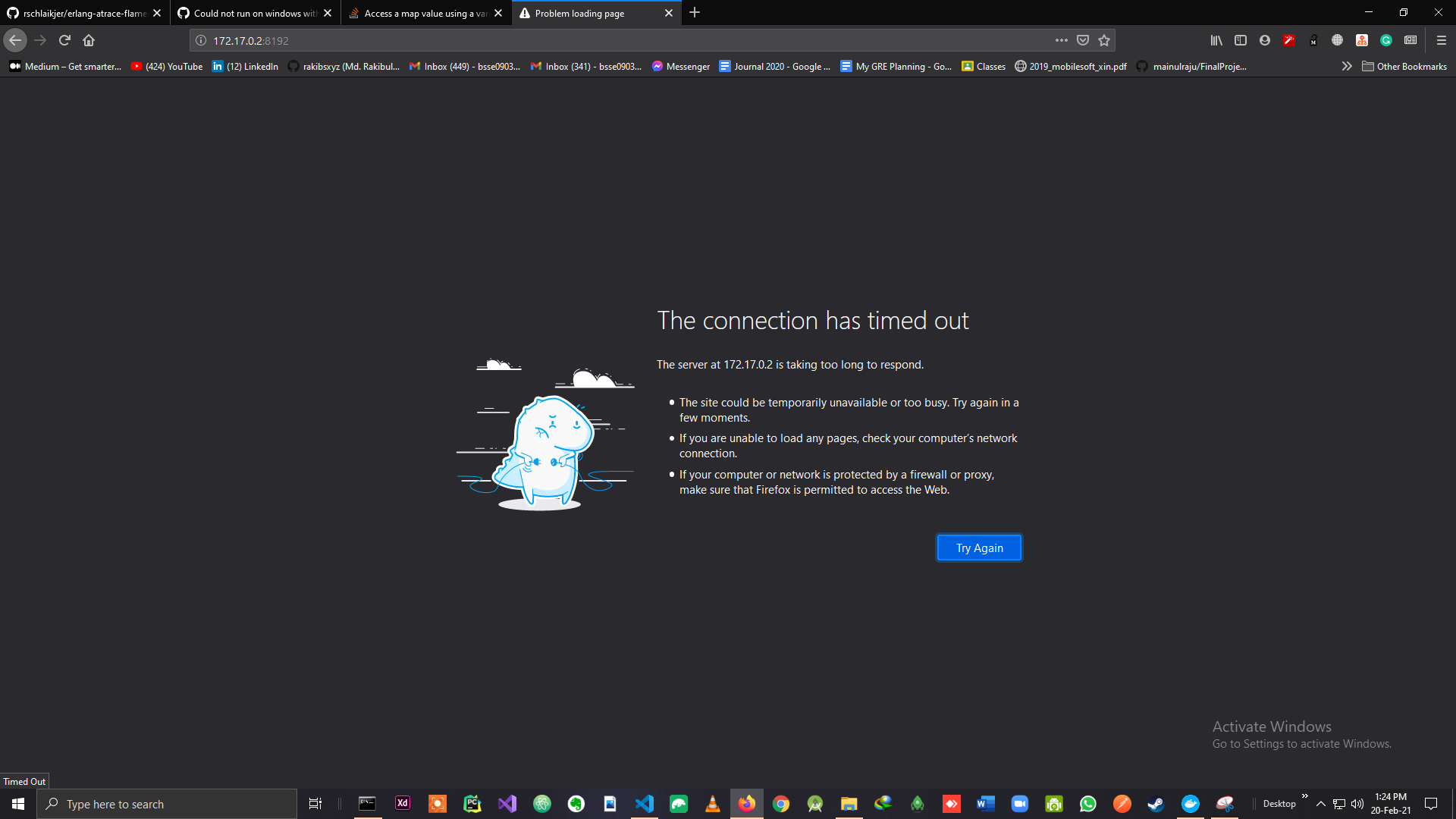
Try exposing the container port using port mapping, e.g. docker run --rm -it -p 8192:8192 [hash] and then going to localhost:8192.
Also, note that the docker image doesn't use files/app.config, but files/app.docker.config (the rebar as docker tar build target in the Dockerfile selects this file over the app.config)
For further troubleshooting, have you read https://docs.docker.com/docker-for-windows/networking/
Sorry to bother you again. I am a noob in erlang. How to acces the temp folder? I mean "/tmp/traces/upload/" or "/tmp/traces/generated/". I am trying to write Stack traces in a file but could not generate any file and could not access the "tmp" directory. where can I find this folder? I also need to access the .flat files. I tried to create new files named test.txt.
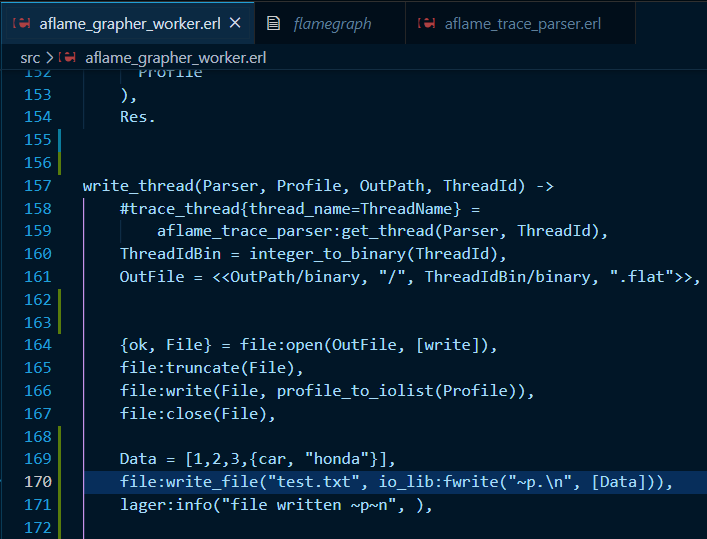
/tmp is a path inside your docker container. You can either attach to the running container and do something with the files inside it, or mount the tmp directory of the container to a location in windows using the -v docker argument
https://docs.docker.com/storage/volumes/