
dbi
 dbi copied to clipboard
 rashevskyv
Unable to see contents of a particular Installed Games folder
While attempting to dump installed contents from my Switch using DBI's MTP Responder mode, I'm running into a rather strange issue.
One of my games, which I know I have installed and which I know contains installed data (and which I know boots up), is reported as an empty folder (after a significant delay when opening) when I browse it. This is very strange, considering that DBI is able to check the installed data and verify that its integrity is all good.
What could be the matter here? My SD card appears to be functional by all accounts, so I don't believe that it's corruption. This is the only one out of forty(!) games that behaves this way.
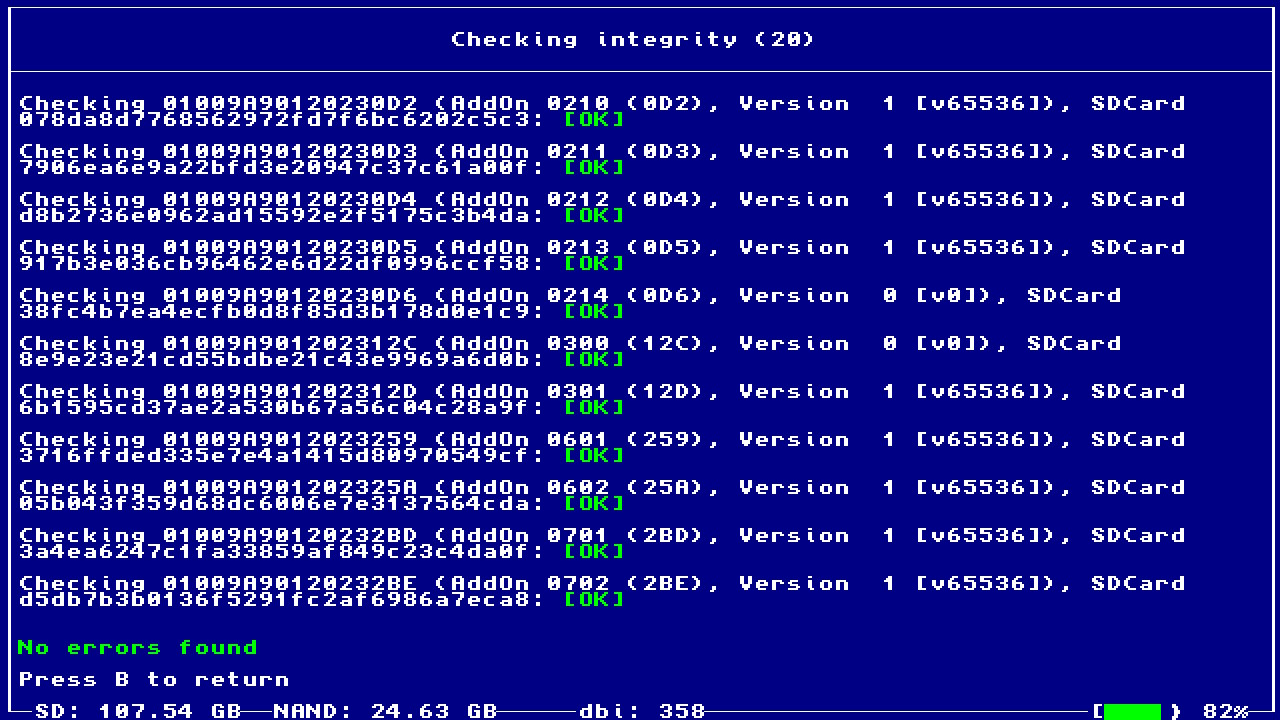
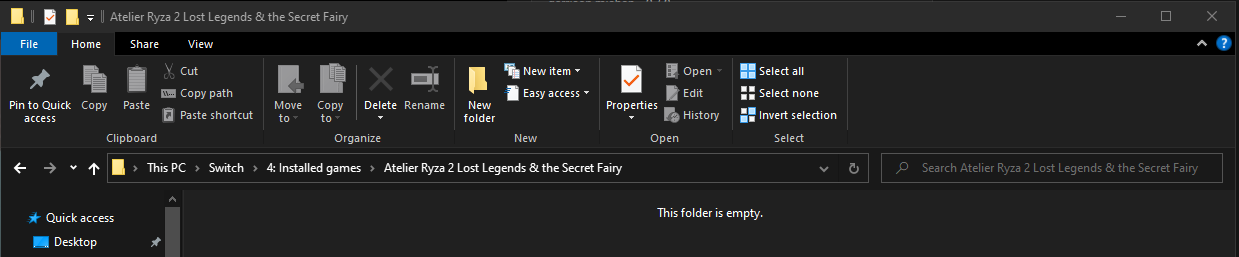

I check that game and work completely fine, more problem in your side again.

Respectfully, I'd be more inclined to agree with that assessment if it were more than just the one title. I have no idea what the problem could be, since it would seem to be a problem on the Switch side, and everything appears to be checking out fine. I'm not even sure what I could do to rule out anything on my end -- I don't think reinstalling DBI would do anything for me, for example.
I only can say I have this game with many DLC, file total 26 and all loads fine. Since you have other problem with MTP album you should checking cable/port/SD I think.
Yeah, I getcha. But, for example, NXDumpTool is processing my Ryza 2 data files just fine.
I do have a couple other SD cards/cables I can test, and I think I might do that tonight, but I'm not super optimistic that it'll change anything.
OK, so:
- Dump content using NxDumpTool
- Back up content to PC
- Create new emuNAND on a separate SD card
- Reinstall dumped content (ignoring invalid signature warning messages)
- It...works as expected now?
So now I'm just thoroughly confused, but that does indeed suggest a problem with the SD card (probably not the difference between sys and emuNAND, since the update content was all installed to the SD anyway), but why only that title I have no idea.
===UPDATE===
Well, OK then. Moving to the other SD card and re-downloading the game content from official servers...same problem crops up again. This now does not suggest a problem with the SD card, but rather with how this content was delivered from Nintendo. DBI can't see it but NXDumpTool can.
Нет USB flash drive with exfat. Insert in. Go to app browsing/ryza 2. Select all titles, press + and select dump to external drive. This calls just the same function as dumping via mtp. This you can check if issue related to dumping or to mtp.

Нет USB flash drive with exfat. Insert in. Go to app browsing/ryza 2. Select all titles, press + and select dump to external drive. This calls just the same function as dumping via mtp. This you can check if issue related to dumping or to mtp.
I don't seem to have that option here. Do I need to go to a different place?
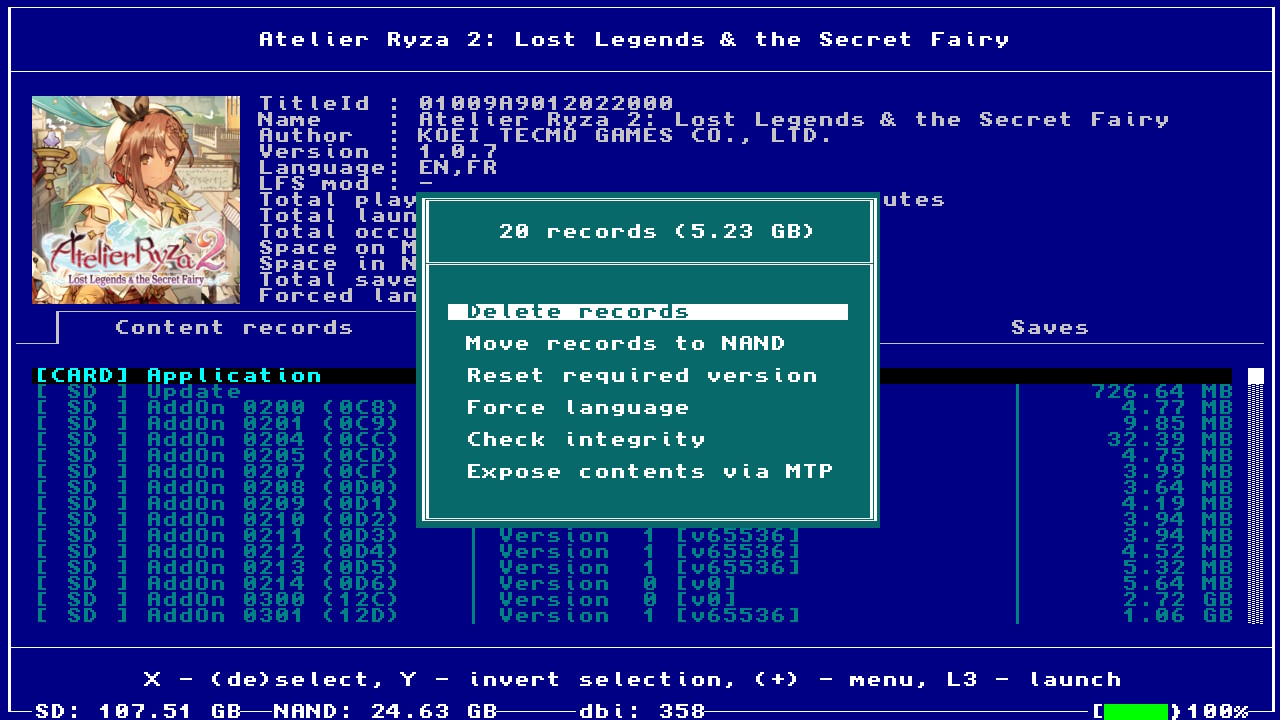
You download from eshop when atmosphere running? Can be atmosphere bug.
Switching back over to fresh SD card, loading HOS with no CFW environment installed. Re-downloading DLC and updating game, then installing a CFW environment to the SD card.
No change.
For your USB you see working USB0 in main menu?
You download from eshop when atmosphere running? Can be atmosphere bug.
Switching back over to fresh SD card, loading HOS with no CFW environment installed. Re-downloading DLC and updating game, then installing a CFW environment to the SD card.
No change.
It's possible delete application record of gamecard and only reinsert gamecard without CFW? I don't have to test. Bug maybe can be there and not just update/DLC.
First, unselect card based record, then, are you sure, you connected exfat formated USB drive?
First, unselect card based record
Ha ha, I'm dumb -- but deselecting the card-based record had no change. Even selecting one of the records that I was able to access via MTP didn't show an option that said "Dump to external."
are you sure, you connected exfat formated USB drive?
Yes, my SD card is formatted as exFAT.
For your USB you see working USB0 in main menu?
I'm not sure what you mean. Which option should I see if that were the case? Reminder: Ryza 2 was the only title I was unable to access using MTP.
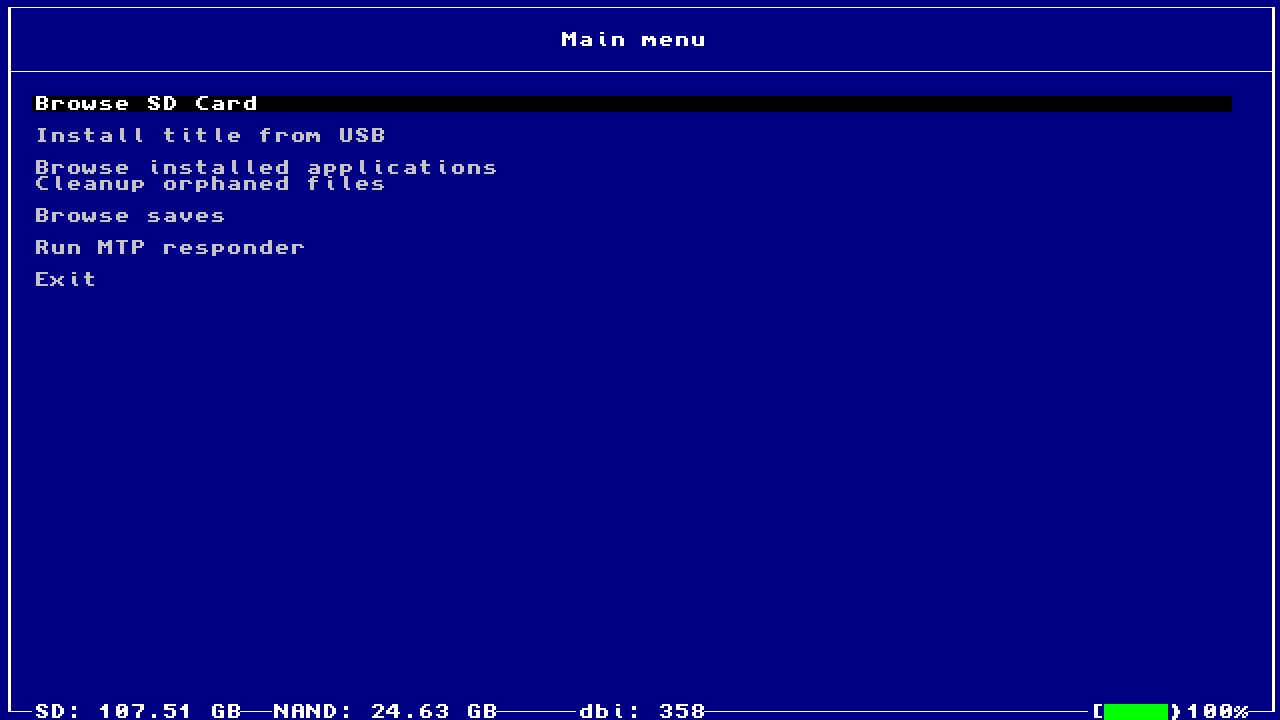
Not SD card, but USB flash thumb drive inserted to switch s charging port.
Ohhhh. I don't actually have a flash drive I can connect to the Switch's charging port, and no OTG adapter; I guess I'll have to pick up one of those at some point in time.
You can remove gamecard and delete game from official Switch settings menu to remove it from homescreen without errors?
Then if delete successful, only reconnect gamecard without CFW and download update/DLC and see if now works in DBI when back in CFW. I hope it's making sense.
I hope it's making sense.
I think I'm tracking.
- Back up saves through DBI to protect against an oopsie
- Reboot to OFW environment
- Delete Ryza 2 through Data Management
- Reinsert game card, download all update data/DLC
- Reboot to CFW environment
- Reopen DBI, regain MTP access, check game access
Integrity check complete, no errors.
Unfortunately, no change in the result.