quadratic
 quadratic copied to clipboard
 quadratichq
fix: message for failure to load local file (and global snackbar)
Today, if you try to load a file that has become corrupted, the UI becomes unresponsive when you click on one of your files in memory.
This adds a message to the user noting that something went wrong:
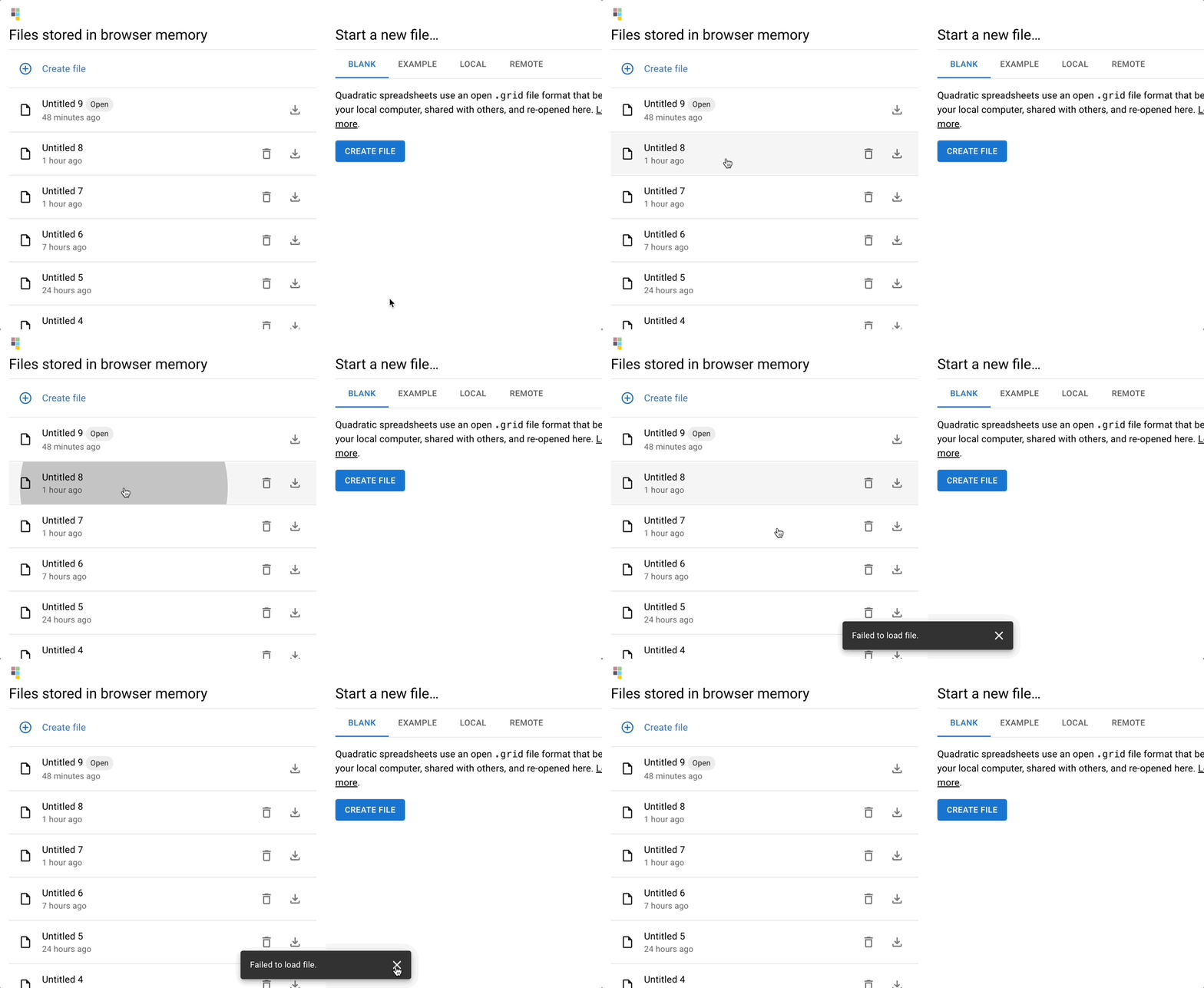
Also: this PR refactors the app so these kinds of "global notifications" can now be triggered from a single component. Previous messages that were making their own snackbar:
- CSV import help
- CSV import error
- Copied PNG
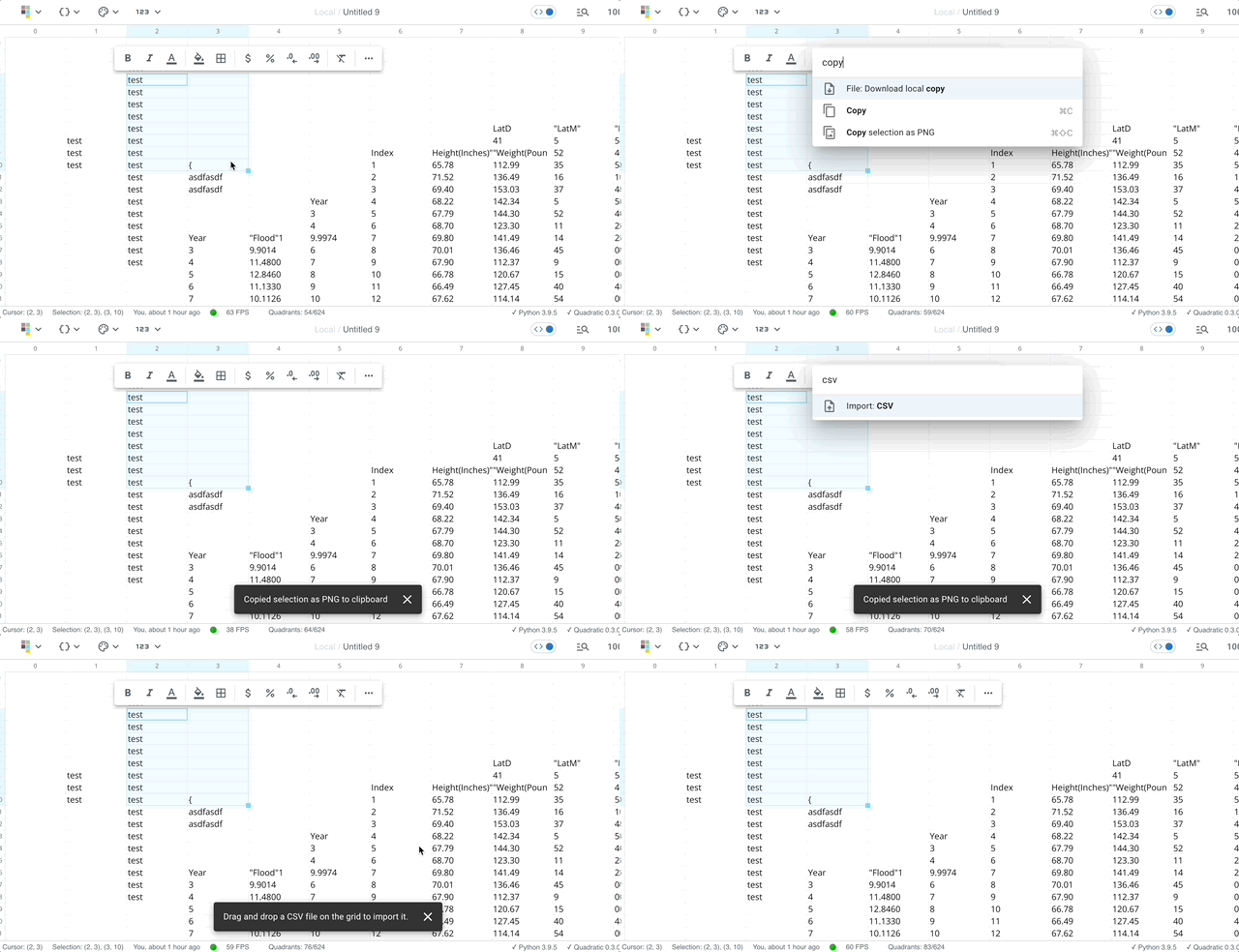
Notifications replace any that are currently visible. This can be refactored later, as necessary, if we need a queue of messages that stack. For now, this seems fine given users shouldn't trigger a lot of these.
Other code changes:
- Refactored contexts & providers, now we have a
/contextsfolder with the contexts for the app (sheetControllerandappcan come later in another PR) useLocalFileswas renamed touseGenerateLocalFilesto denote its one time use, and then we stick that state in the context and that's where we pull the values from elsewhere in the app

This pull request is automatically being deployed by Amplify Hosting (learn more).
Access this pull request here: https://pr-433.de5w5iglj13on.amplifyapp.com
![aws-amplify-us-west-2[bot] avatar](https://avatars.githubusercontent.com/in/43821?v=4 "Published by a pub.dev verified publisher")
Code looks good.
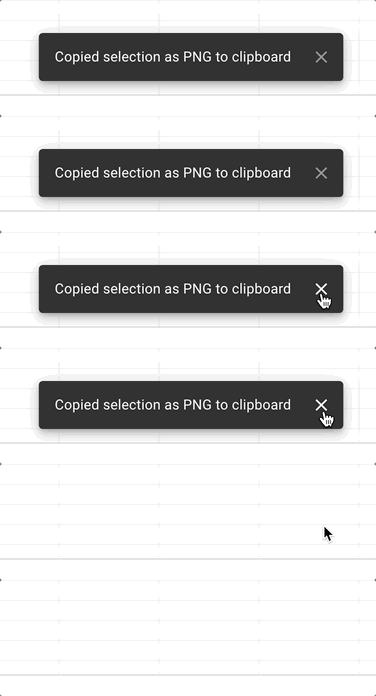
What do you think about removing the "x" on the Snackbar?
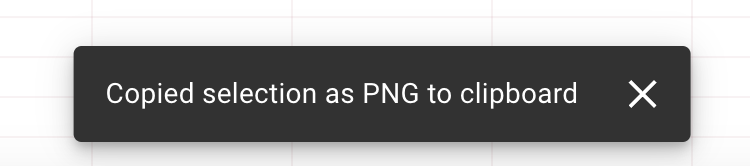

I think we should keep it by default. We could make it optional if we really want, but I like that it auto-dismisses after a few seconds, but you as the user always have the option to dismiss it yourself, like what Gmail does.
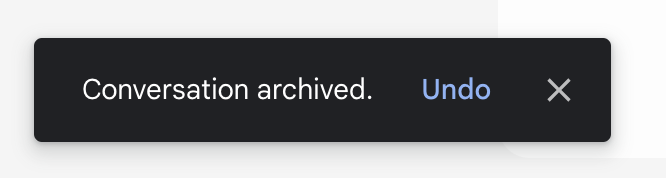
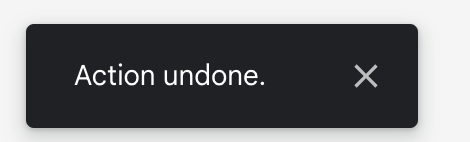
I like Figma's.
It just closes when you click it, but doesn't explicitly have an "x"
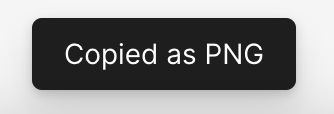
Personally, I still prefer the explicitness of the 'x' because I prefer being more obvious and explicit in UIs so it's clear what you can and cannot do. Clicking to hide just isn't obvious — but maybe it doesn't need to be?
What do you like about not showing the 'x'? Just because there's less UI? I like it because it's obvious "oh i can close that".
What if we diminished the visual prominence of the 'x' by lowering its opacity and shrinking its size a bit?