
primevue
 primevue copied to clipboard
 primefaces
Custom Sorting for Table and TreeTable


Hi! We are also missing this feature quiet a bit. We use the DataTable to display search results from Elasticsearch and therefore must forward sort parameters to backend search requests (similar to how it is already possible to get column filters).


Any updates? I need to sort my DataTable also by selectionMode="multiple" checkboxes.


+1
I think we need this feature for the case like this when we want to use TreeTable with lazy loading, however we want to sort data from frontend only, not to call API sorting, just do simple frontend sorting.
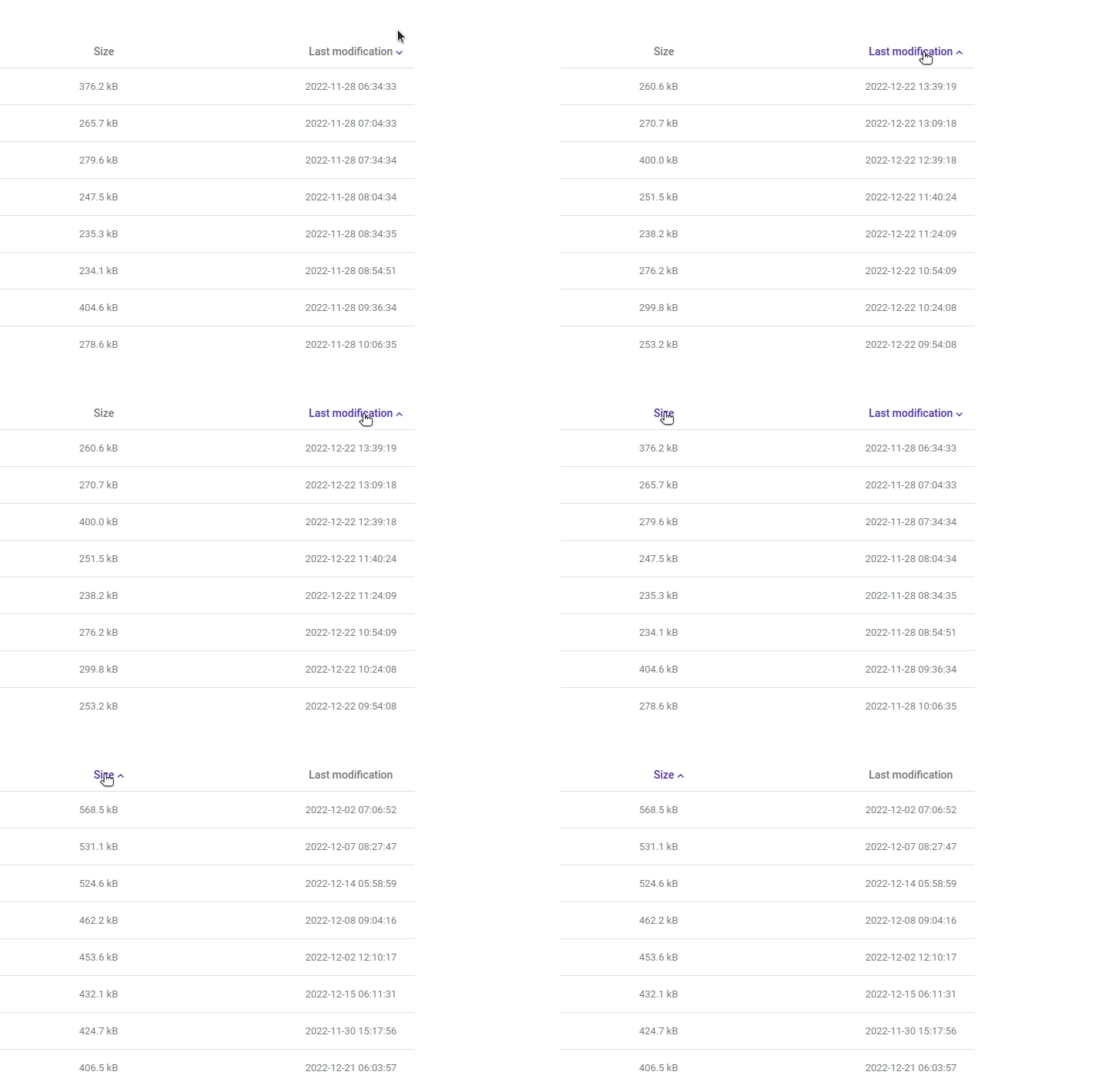
Another simple use case:
Imagine, the following numbers in the table column must be sorted: [2, 0, -1, -3]
The standard sort mechanism would work like following:
- ASC: [ -3, -1, 0, 2]
- DESC: [2, 0, -1, -3]
but what if you need to sort the numbers according to their modules (also, deviation from 0)? For example:
- ASC [0, -1, 2, -3]
- DESC [-3, 2, -1, 0]
Please provide a possibility to pass a custom sorting function.

@levitin
Someone told me that it is now possible to pass a function.
At least the documentation states sortField - string | Function.
I haven't tried it yet, but maybe it's already working.


I still don't understand how I can override the sorting by a certain column and make a separate request to the backend which will load the data of the current page.
https://github.com/primefaces/primevue/assets/20288556/1ad4a6f7-f0fe-4755-acdd-4c9fcf2c069b
I can assume that a component re-render is running and it triggers a sort each time. But how to avoid this behavior.
$refs.membersGrid.sort('id')
In my case it is a call to the request to retrieve the data of the current page. But after such manipulation the sorting call loops. In this case, if you do not change the data in DataTable, the call occurs 2 times
Maybe my problem would be solved by having $emit in the Column component with a change in sorting. But it has no $emit and no methods.

I used lazy: true prop to stop the default sort provided by the DataTable and used @sort event to write custom sort and send the result to the table value prop.

Hej all,
I stumbled upon this issue since I needed to implement this myself. And I think @Rakasch is correct here.
The docs however could be updated to include an example on how to use the sortField: Function option.
I'll share my insight here, maybe it helps some folks out :-)
I'll try to use @levitin example from above.
For example data data = [-1, -3, 0, 2] to be sorted by the difference from 0 you would need
<Column
  ...
  :sort-field="(event) => onSort(event)"
>

...

function onSort(event) {
  // event is the whole table data for this "entry" / "row" (when using objects as table data)
  return math.abs(event);
}
Another example (my use case - abstracted) is to sort specific values "A", "B", "C", "D" in a specific (non-alphabetic) way (e.g. "B", "A", "D", "C") - __because, why not?! :see_no_evil:
const tableData = [
{
  sortValue: "A",
  // more data optional
},
{
  sortValue: "B",
  // more data optional
},
{
  sortValue: "C",
  // more data optional
},
{
  sortValue: "D",
  // more data optional
}
]

...

<Column
  ...
  :sort-field="(event) => onSort(event)"
>

 ...

function onSort(event) {
  // there might be more clever ways to do this, but for the example this should do the trick
  const sorting = ["B", "A", "D", "C"]

  return sorting.findIndex(event.sortValue);
}
In brief:
the :sort-field function gets the data of the "row to sort" and expects a return value, that can be used to sort lexically. (At least thats my understanding)

Issue tracker is used for defects only as part of our commitment to quality and continuous improvement in all areas. Enhancements are collected as valuable community feedback and managed internally so moving this enhancement ticket to our internal project management backlog.