
Plan
 Plan copied to clipboard
 plan-player-analytics
Failed to load values: Request did not reach the server. (Server offline / Adblocker?) [Request timed out]
Describe the issue
Failed to load values: Request did not reach the server. (Server offline / Adblocker?)
Failed to load graph data: Request did not reach the server. (Server offline / Adblocker?)
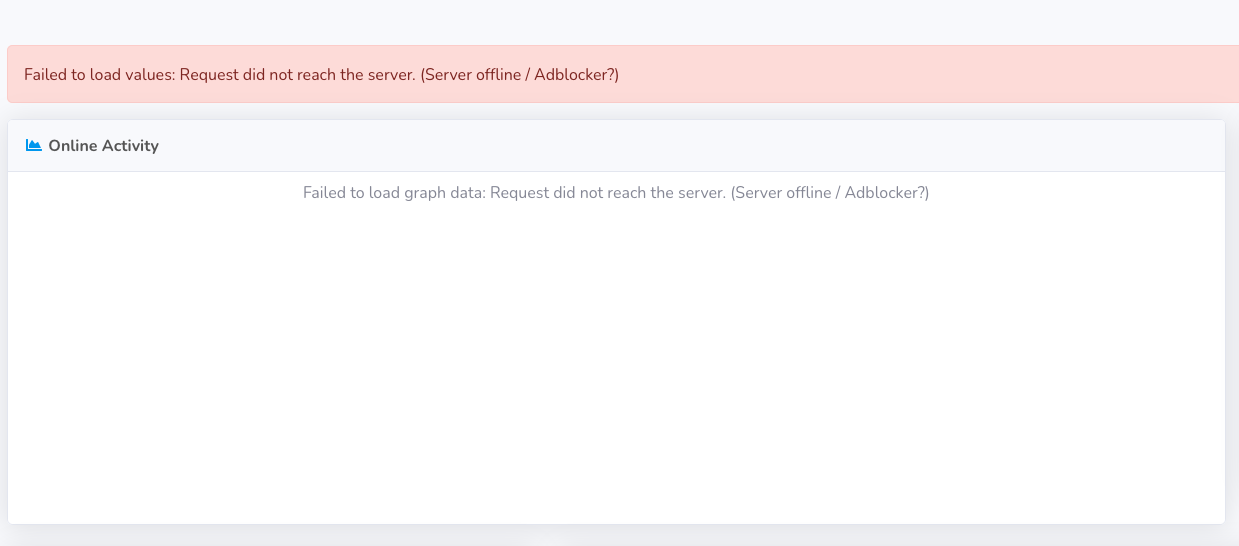
It sits there ticking thinking, showing that error message and then it Error 504 after a while.
This has always been a problem. we have a lot of data and a lot of players, I have 400,507 unique player files for example. using the built in web-server. Sometimes it fixes itself by refreshing over and over, the web server is acting as a proxy for the plan server thats on the same machine, so that I can use my own auth to log people in.
Must have been happening years now, sometimes it works, but most of the time its "Failed to load values"
Structure for plan is:
- Bungee
- Survival
- Creative
- Test
- Play
Exceptions & other logs
No response
Plugin versions
paper 1.12.2 5.4 build 1516
Additional information
No response

Yeah this one is not easy to fix because it basically boils down to the database schema (how things are stored) and all the queries interacting with each other through resource usage.
At one point I put on a band-aid on it (the json cache) where the http request can serve old data, but if the queries go slow enough then that too will fail eventually (like here).
I think the player online graph on the network page doesn't use the cache and is more prone to failing to load data. From what I've been hearing Plan starts to get this behavior around 500 000 sessions and you most likely have surpassed that amount since you almost have that many registered players.
Optimizing for this issue is difficult as well, since I don't have real data, and those suffering from this issue already have so much data that I won't get any results for optimization testing. Usually what organizations do in these situations is that they split up the database to multiple shards (that you can think of separate databases sharing a small part of the data) that then collaborate to perform the queries (or put up more database instances in read-only replication mode). Since Plan is hosted on-site I have very little control over how the databases are set up and usually it's a single MySQL instance with all the data.
I think some users clear their Plan database after fixed interval to get rid of this issue, but it is not ideal solution either.
Could you run these queries for me so that I get some info on the amount of data in your database
SELECT COUNT(*), uuid FROM plan_tps GROUP BY server_id;
SELECT COUNT(*) FROM plan_sessions;
SELECT COUNT(*) FROM plan_user_info;
SELECT COUNT(*) FROM plan_extension_user_values;
SELECT COUNT(*) FROM plan_ping GROUP BY server_id;

Frontend BETA removes the timeout so I'll close this as completed even though some requests may still be slow.