node-opencv
 node-opencv copied to clipboard
Published
20 hours ago •
 peterbraden
peterbraden
Opaque snapshot - VideoCapture
Hi, when I try to take a single snapshot with read and save methods I get an opaque image. Since the camera takes sometime to initialize I used a setTimeout for 5 seconds (5000 ms), but the result is always the same. However a nested call of read method seems to work, please take a look:
const fs = require("fs");
const cv = require("opencv");

let width = 1920;
let height = 1080;

let Camera = {

    turnOn() {
        this.camera = new cv.VideoCapture(0);

        this.camera.setWidth(width);
        this.camera.setHeight(height);
    },

    snapshot(filename, cb) {
        this.camera.read((err, im) => {
            this.camera.read((err, im) => {
                im.saveAsync(filename, cb);
            });
        });
    },

    turnOff() {
        this.camera.release();
        this.camera = null;
    }
}

try {
    Camera.turnOn();

    setTimeout(() => {
        Camera.snapshot("capture1.png", () => {
            Camera.turnOff();
        });
    }, 5000);

} catch (e) {
    console.log("Couldn't start camera:", e)
}
snapshot(filename, cb) {
    this.camera.read((err, im) => {
        this.camera.read((err, im) => {
            im.saveAsync(filename, cb);
        });
    });
}
¿Should be this a normal behavior? ¿Or is there another way to handle this?
Current:
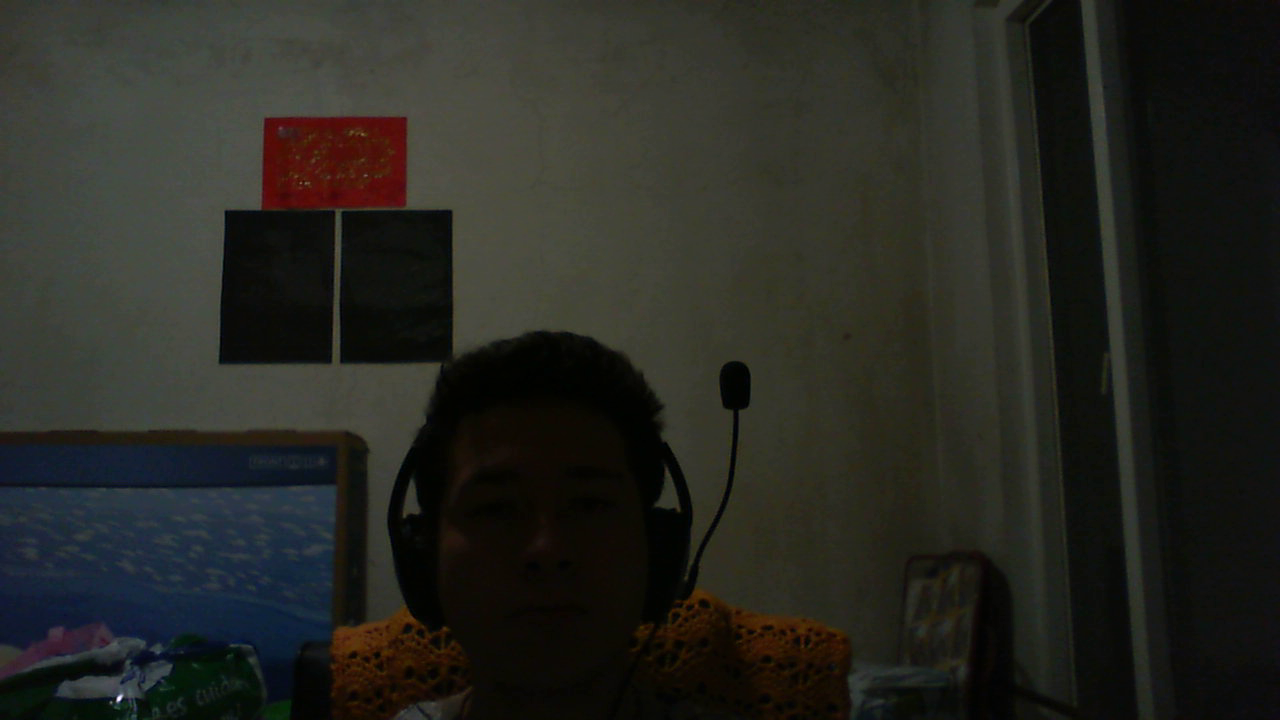
Expected:
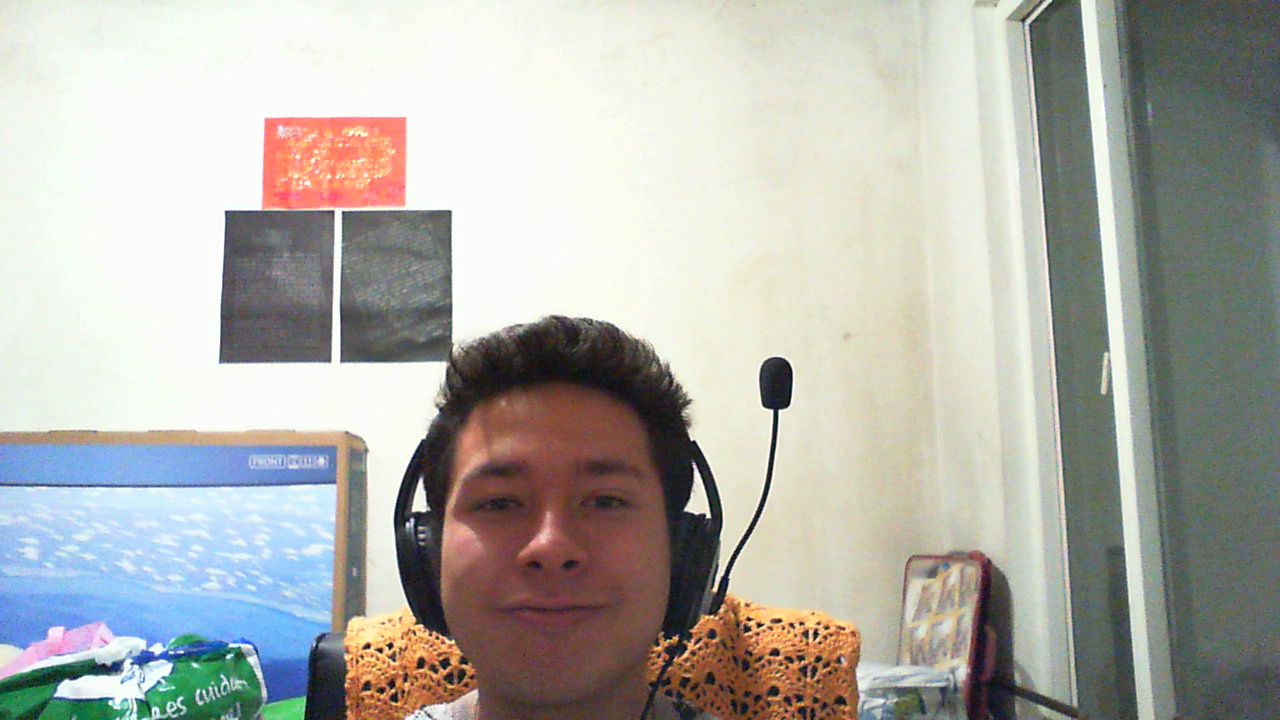
¡Thank you!