
ol-cesium
 ol-cesium copied to clipboard
 openlayers
How to use ol/layer/VectorTile?
ol-cesium Can be added mapbox-vector-tiles (ol/layer/VectorTile),Is there an example?

I wrote an example that can be displayed in 2D but not in 3D.
const key = 'pk.eyJ1IjoiYWhvY2V2YXIiLCJhIjoiY2pzbmg0Nmk5MGF5NzQzbzRnbDNoeHJrbiJ9.7_-_gL8ur7ZtEiNwRfCy7Q';
const map = new ol.Map({
  layers: [
	new ol.layer.VectorTile({
	  declutter: true,
	  source: new ol.source.VectorTile({
		attributions: '© <a href="https://www.mapbox.com/map-feedback/">Mapbox</a> ' +
		  '© <a href="https://www.openstreetmap.org/copyright">' +
		  'OpenStreetMap contributors</a>',
		format: new ol.format.MVT(),
		url: 'https://{a-d}.tiles.mapbox.com/v4/mapbox.mapbox-streets-v6/' +
			'{z}/{x}/{y}.vector.pbf?access_token=' + key
	  })//,
	  //style: createMapboxStreetsV6Style(Style, Fill, Stroke, Icon, Text)
	})
  ],
  target: 'map',
  view: new ol.View({
	center: [0, 0],
	zoom: 2
  })
});
var ol3d = new olcs.OLCesium({ map: map });
var scene = ol3d.getCesiumScene();

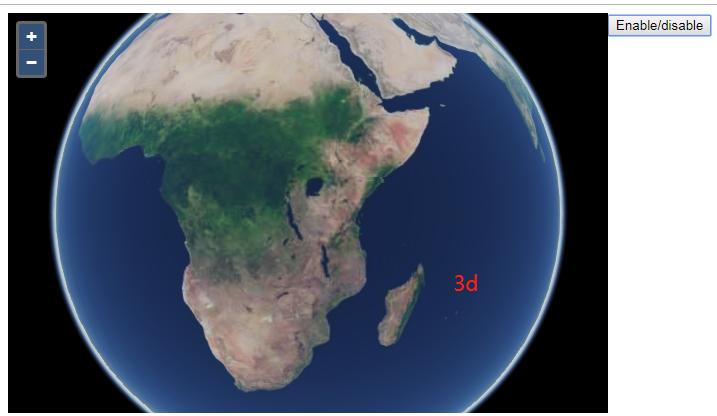
Hi @yiwenzhang666999, no it is not possible at the moment but something I experimented with a while ago. The idea would be to create a Cesium imagery provider which would make use of OpenLayers to render the tiles.
Here is the code, bsd-3 licensed by me. Let me know if you find/implement something interesting in that direction:
const toContext = ol.render.toContext;

const format = new ol.format.MVT();


export class MVTImageryProvider {
  constructor(options) {
    this.ready = false;
    this.readyPromise = (options.readyPromise || Promise.resolve(true)).then(r => this.ready = r);
    this.tileWidth = 256;
    this.tileHeight = 256;
    this.maximumLevel = options.maximumLevel;
    this.minimumLevel = options.minimumLevel || 0;
    this.tilingScheme = options.tilingScheme || new Cesium.WebMercatorTilingScheme;
    this.rectangle = options.rectangle || Cesium.Rectangle.MAX_VALUE;
    this.errorEvent = {};
    this.credit = new Cesium.Credit(options.credit || '', false);
    this.hasAlphaChannel = Cesium.defaultValue(options.hasAlphaChannel, true);
    this.cache_ = {};
    this.url_ = options.url;
    this.styleFunction_ = options.styleFunction;
  }

  getTileCredits() {
    return [];
  }

  pickFeatures() {
  }

  requestImage(x, y, z, request) {
    // stupid put everything in cache strategy
    // no throttling, no subdomains
    // Caching is supposed to be handled by the ImageryLayer so why would I need that?
    const url = this.url_.replace('{x}', x).replace('{y}', y).replace('{z}', z);
    let promise = this.cache_[url];
    if (!promise) {
      promise = this.cache_[url] = rasterizeTile(url, this.styleFunction_, format);
    }
    return promise;
  }
}


export function rasterizeTile(url, styleFunction, format) {
  const canvas = document.createElement('canvas');
  const vectorContext = toContext(canvas.getContext('2d'), {size: [256, 256]});

  // FIXME: add some error handling
  return fetch(url).then(r => r.arrayBuffer().then(
    buffer => {
      const features = format.readFeatures(buffer);

      // Scale features coordinates so they fit in the 256x256 pixels tile
      const scaleFactor = 256 / 4096;
      features.forEach(f => {
        const flatCoordinates = f.getFlatCoordinates();
        for (let i = 0; i < flatCoordinates.length; ++i) {
          flatCoordinates[i] *= scaleFactor;
        }
      });

      const instructionsByZindex = {};
      features.forEach(feature => {
        const styles = styleFunction(feature);
        styles.forEach(style => {
          const zIndex = style.getZIndex() || 0;
          const instructions = instructionsByZindex[zIndex] = instructionsByZindex[zIndex] || [];
          instructions.push({
            style,
            feature
          });
        });
      });

      // Sort the instructions and draw the geometries
      const keys = Object.keys(instructionsByZindex).sort(); // ! numeric sort
      keys.forEach(key => {
        instructionsByZindex[key].forEach(instructions => {
          const {style, feature} = instructions;
          const geometry = style.getGeometry() || feature.getGeometry();
          vectorContext.setStyle(style);
          vectorContext.drawGeometry(geometry);
        });
      });

      // A layer alpha can be set at the ImageryLayer level
      return canvas;
    })
  ).finally(() => canvas)
}

hi @gberaudo I have implemented loading vector tiles, the next thing to do is to read the mapbox style sheet to render the map
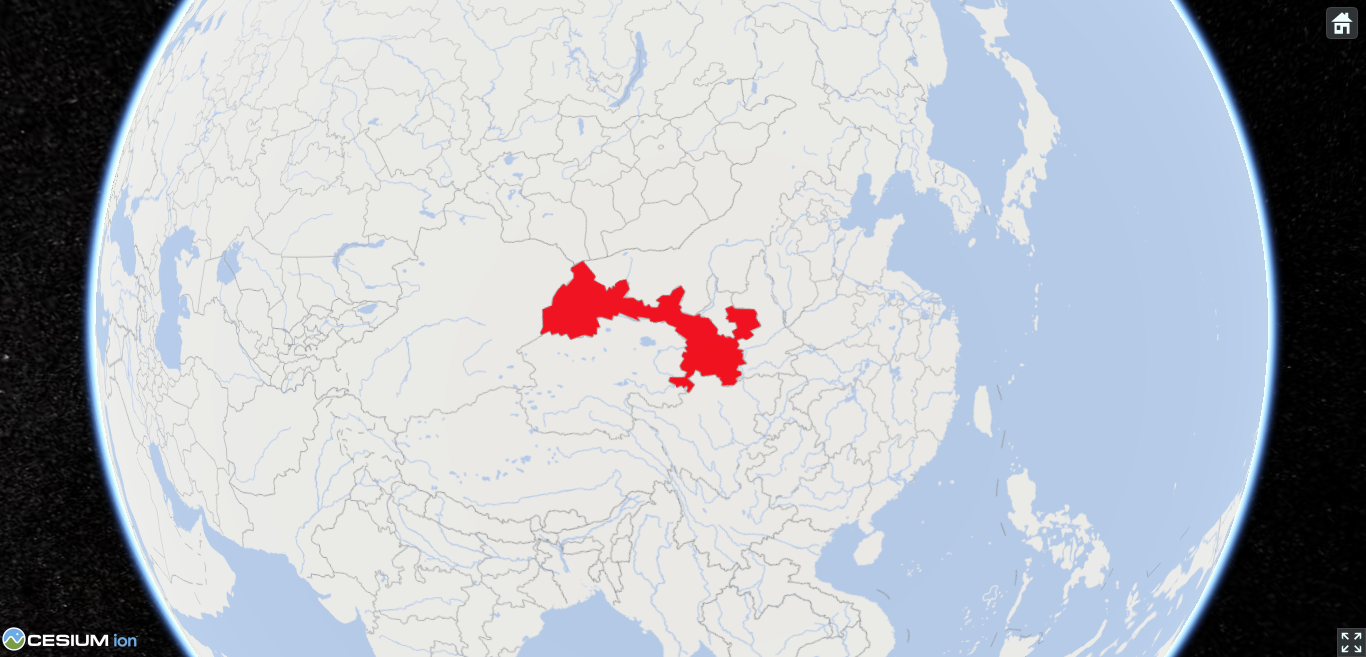
hi @gberaudo I use cesium to load vector tiles and read mapbox style sheets. The map rendering method refers to ol-mapbox-style, but some annotations on the map are not displayed. Can you give me some suggestions? What could be causing this?
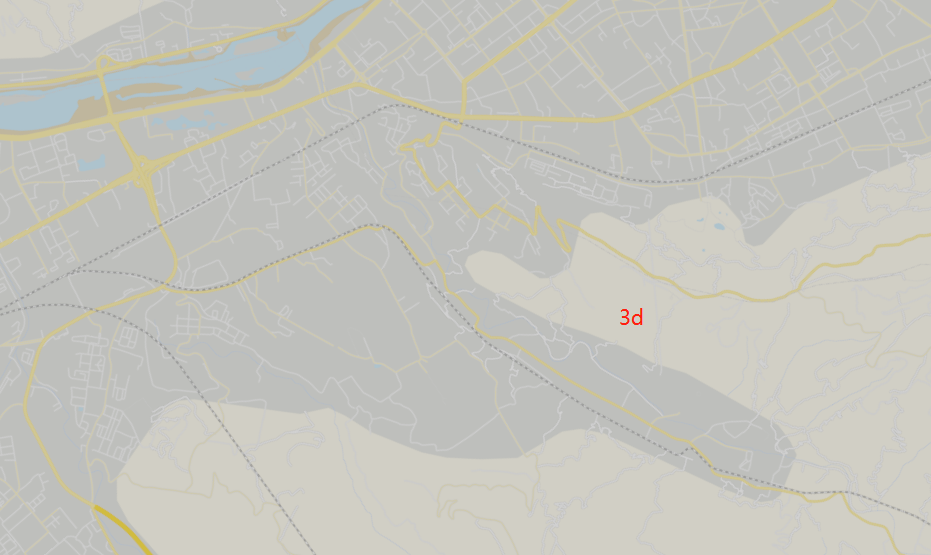
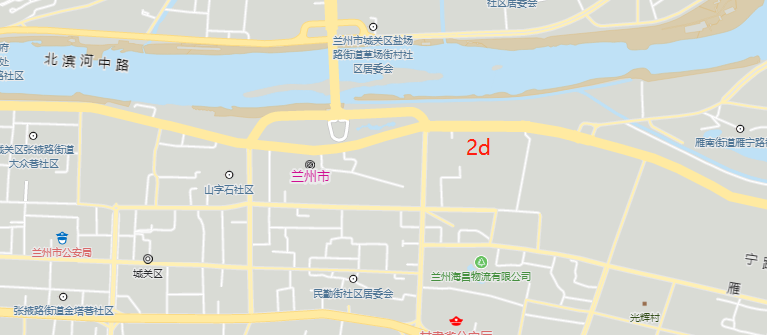
@yiwenzhang666999, you can get inspiration on how OLImageryProvider in used.
See also how custom synchronizers can be set up: https://github.com/openlayers/ol-cesium/blob/master/src/olcs/OLCesium.js#L220-L225.
hi @gberaudo Thank you very much for your help, I can add MVTImageryProvider to ol-cesium through ol3d.globe_.imageryLayers.addImageryProvider method
@gberaudo the link is broken in your comment above. Here is an updated permalink: https://github.com/openlayers/ol-cesium/blob/44bb5c5c18b44e38671970e471833d00a94258c7/src/olcs/OLCesium.ts#L237-L242
