
posh-monokai
 posh-monokai copied to clipboard
 ntwb
ntwb
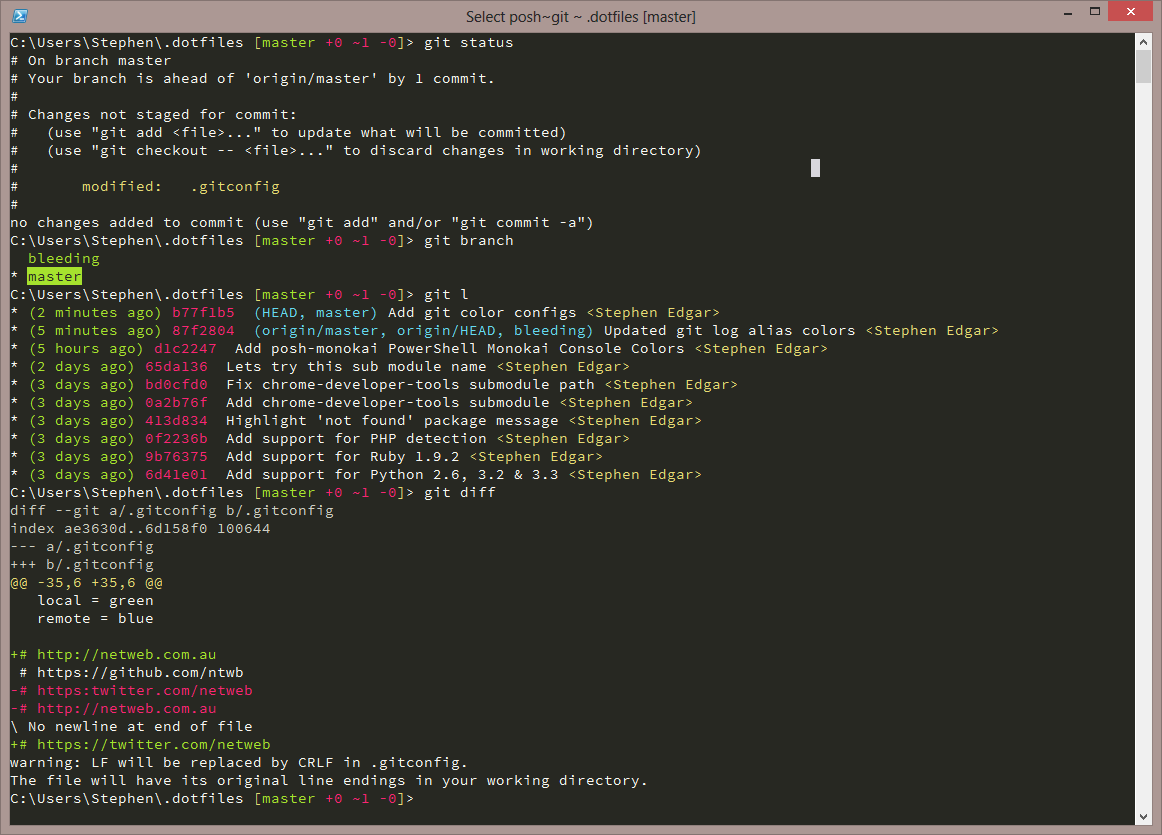
Windows PowerShell Monokai Console Color Scheme
Windows PowerShell Monokai Console Color Scheme
FYI
I'm not really maintaining this repo anymore, I'd suggest you check these four repo's:
- https://github.com/lukesampson/concfg <- Configure and backup your console colours
- https://github.com/lukesampson/pshazz <- Configurable prompts, VCS, Aliases, SSH
- https://github.com/lukesampson/scoop <- Easily install and remove open source console applications (PHP/NodeJS/Ruby etc)
- https://github.com/lukesampson/scoop-extras <- Same as Scoop but for GUI and closed source apps
Installation
-
Clone the git repo -
git clone git://github.com/ntwb/posh-monokai.gitor download it -
Download Adobe Source Code Pro font and install as per instructions
-
Merge the
HKCU-Console.regregistry file to register the Monokai colours for PowerShell. -
Merge the
register-console-font.regregistry file to register Adobe Source Code Pro as a 'console' font. -
Call
posh-monokai.ps1from your PowerShell Profile Script
Screenshots
Credits
Inspired by Monokai
 ntwb
ntwb