
flashcart_core
 flashcart_core copied to clipboard
 ntrteam
DSTT/TTDS Issue Tracking
Instead of making new issues for each DSTT flashchip, post in here if you have an unsupported flash chip or one of the support flashchips doesn't work for you.
You can find a list of supported/unsupported flashchips at the top of this file: https://github.com/kitling/flashcart_core/blob/master/devices/dstt.cpp
When posting about an unsupported flashchip, please provide the flashchip ID (from /ntrboot/ntrboot.log when using the latest release) as well as a picture of the flashchip on the PCB.
Chips that 100% work and are tested:
- 0xBAC2 - MX29LV400B (Most common)

DSTWO
Hi there! This one is seems to be clone of DSTT too. Photos in attach Link to fw on mega - https://goo.gl/EGPncX
Images (Click to Expand)
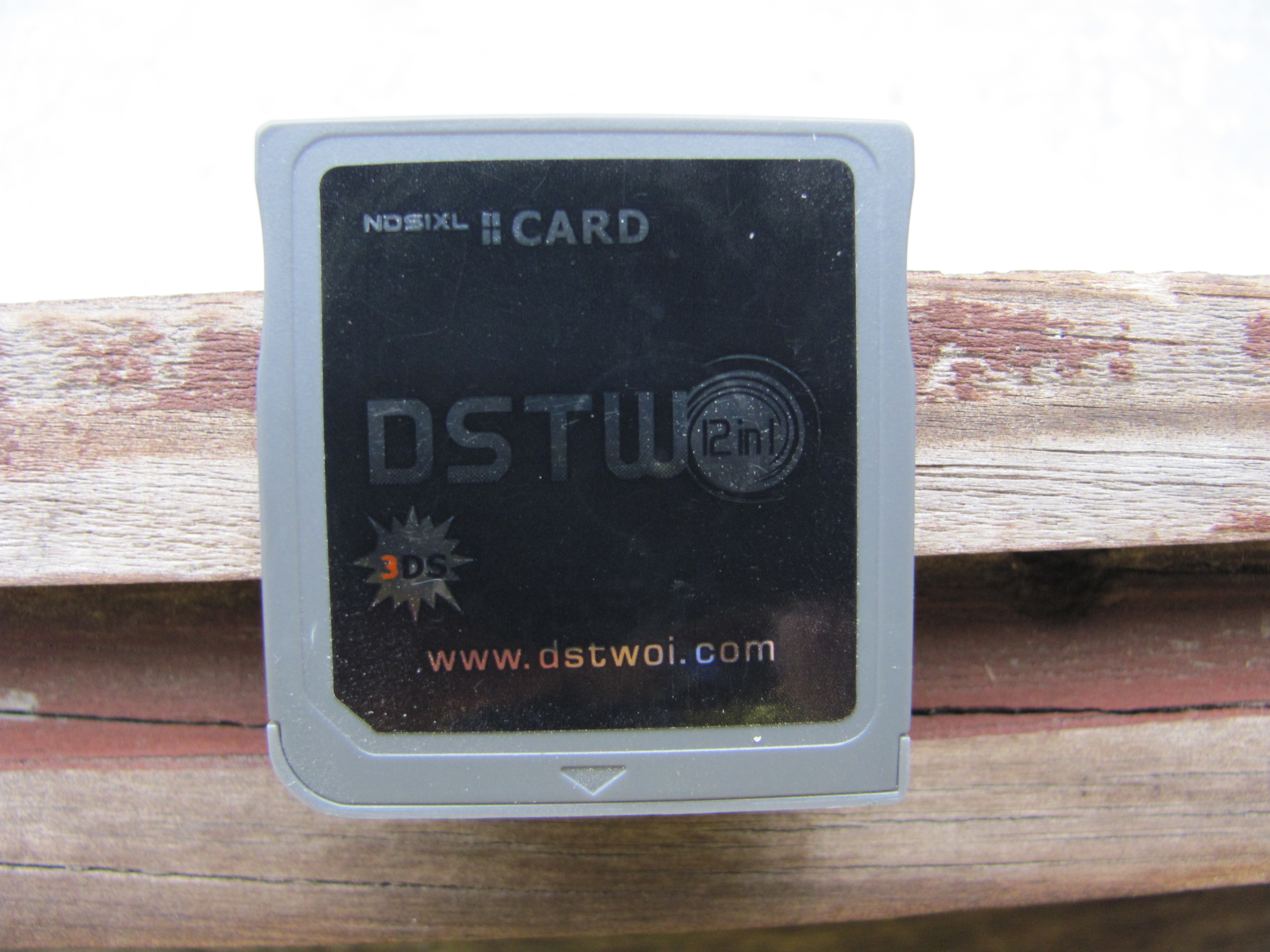
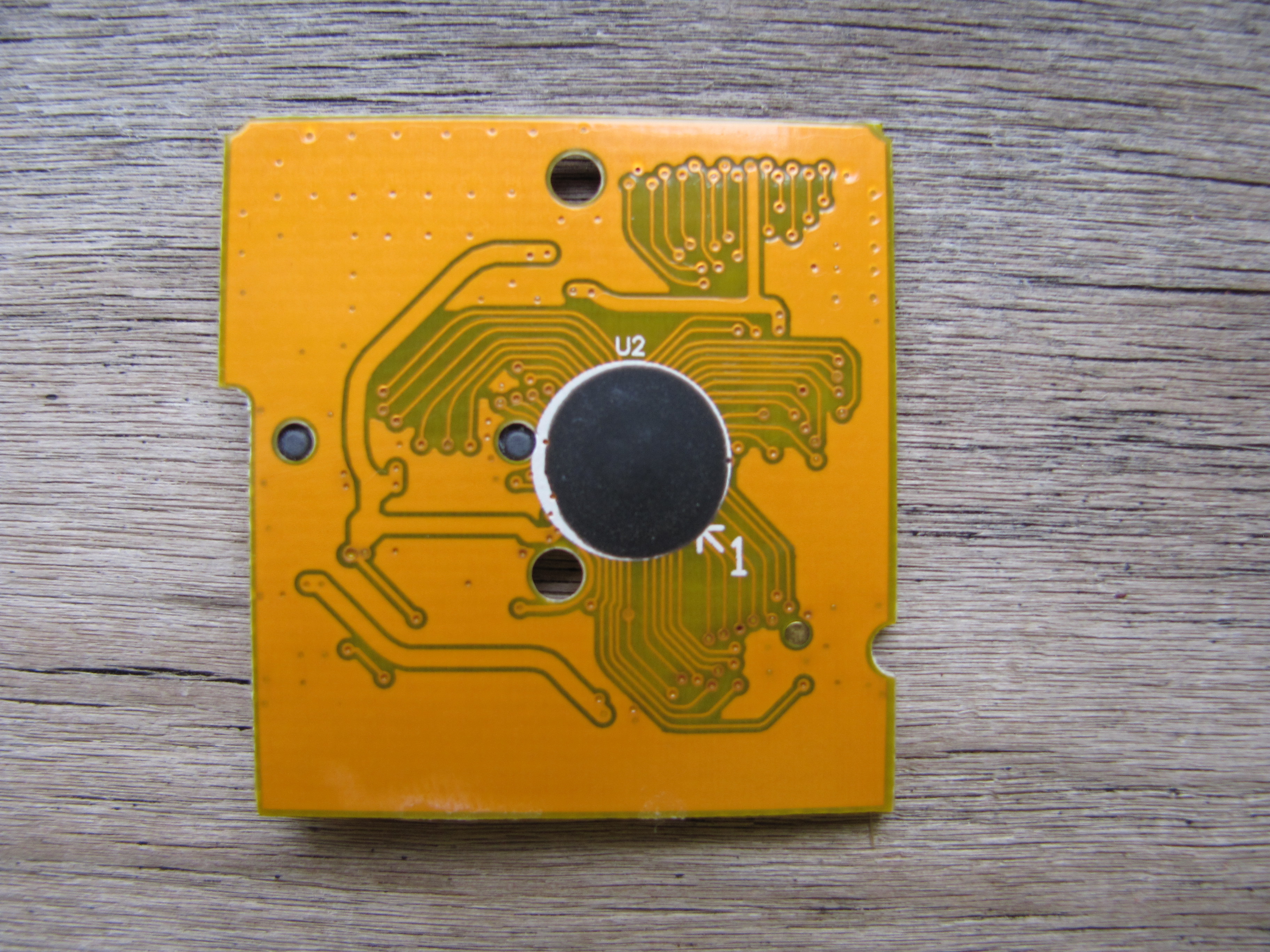



DSTT 0x9560
Chip: Intel 28F160B3T ID: 0x9560 Datasheet: http://pdf.datasheetcatalog.com/datasheets2/31/311549_1.pdf
Images (Click to Expand)


I've got one with an M28W160-A chip. I couldn't find pretty much any information about the chip and I only saw 2 places that even sold them. I swear the datasheets for this one just don't exist anywhere.
Images (Click to Expand)


It seems like this chip is just a complete unicorn and there isn't really any information about it.
EDIT: I actually went and checked DSTT's official program to check for fake carts or not despite knowing this was a genuine cart. It outputted that the chip is an M28W160(B)B instead of an M28W160-A strangely.

ATMEL AT49BV1614T http://www.alldatasheet.com/datasheet-pdf/pdf/56174/ATMEL/AT49BV1614T.html
DSTT Flash Checker 0.01

unknown device : 0000C21F
Good!! (^^)v
https://s26.postimg.org/5kdhcufx5/WP_20170831_22_41_06_Pro_2.jpg

DSTTi
A DSTTi that I have.. Also here's a datasheet that I found for the TE28F320: http://html.alldatasheet.net/html-pdf/112565/INTEL/TE28F320/3134/20/TE28F320.html
Images (Click to Expand)
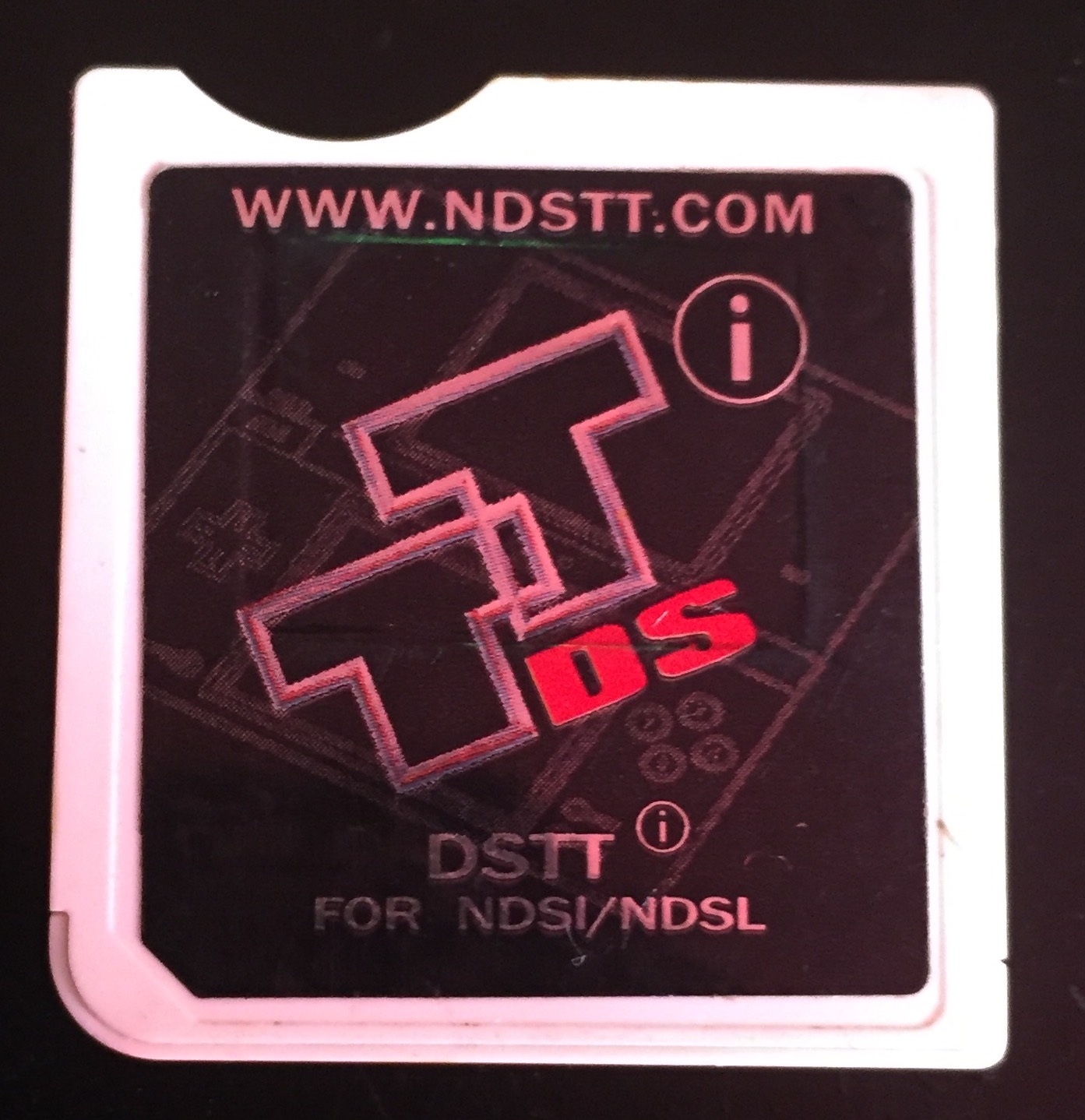


Another one: SPANSION S29JL032H70TFI03
Images (Click to Expand)
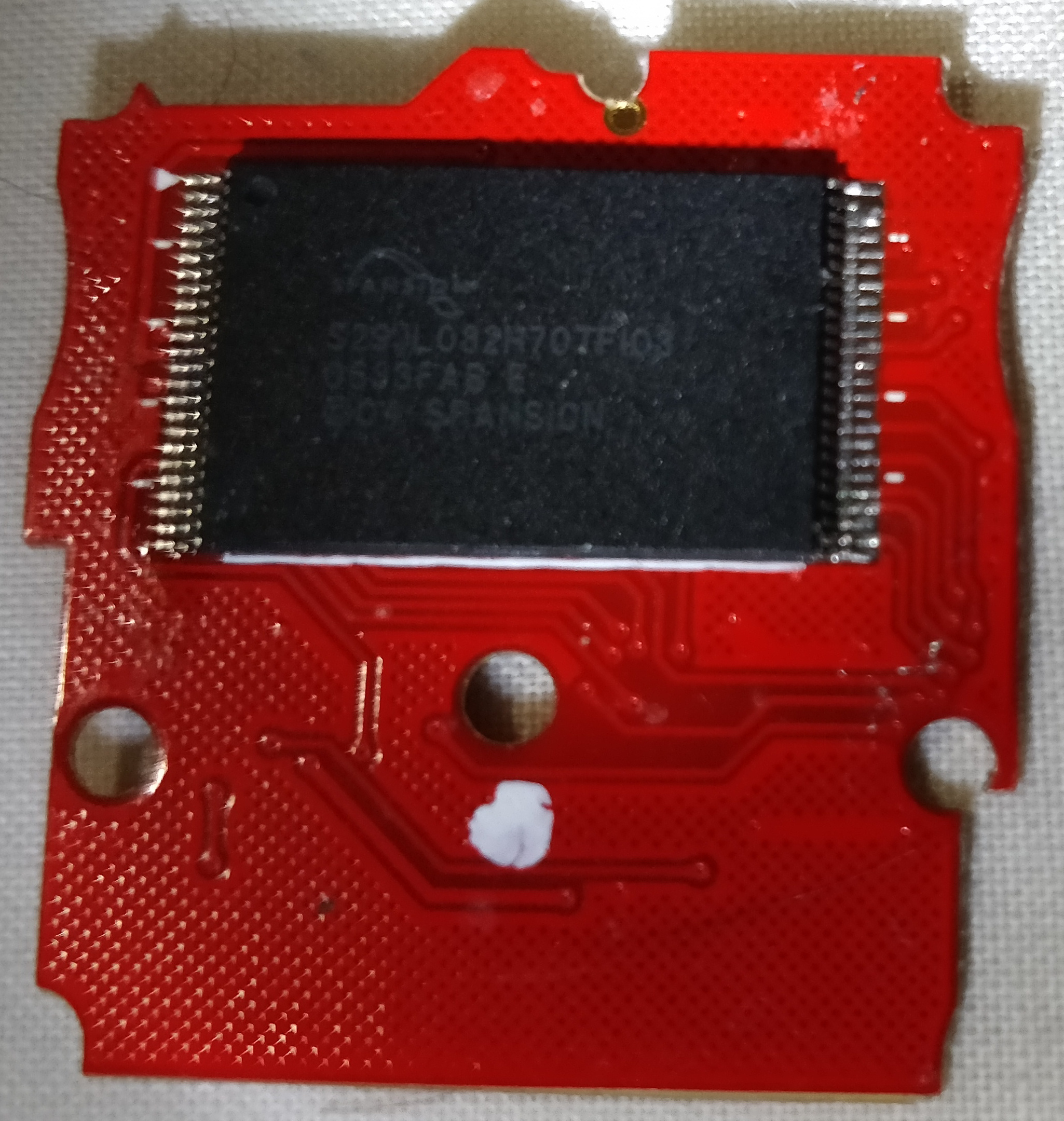
I can't find the datasheet

I thought my card was supported, but it's not. It's missing a "T" compared to supported card. ATMEL AT49BV802A-70TI
It says dump is fine, but it gets stuck on injecting NTRBootHax or restoring. It says reading 99% and stays that way. It didn't produce any log files using 0.3.0 of ntrboot_flasher.
https://i.imgur.com/7gT0jPs.jpg https://i.imgur.com/jt0Cfzx.jpg
http://www.alldatasheet.com/datasheet-pdf/pdf/98413/ATMEL/AT49BV802A-70TI.html

Intel 28F160B3T reporting in. Basically the same situation as above - ntrboot_flasher is stuck on 99% reading, log file in /ntrboot is empty. Flashcard working normaly afterwards (I presume untouched)

Anybody having the issue where it's getting stuck at 99%, please try this debug build: <didn't work, see below>
It should produce a large log file. (~~only reason the current release doesn't is probably because I wasn't fflushing every line because that seems like it'd be slow but if it's needed then...~~ fflush did nothing) Please don't try to embed it directly in a github comment, please either use https://hastebin.com or a file upload service like https://up1.secretalgorithm.com/.

@kitling tried injecting with the debug version, got stuck at 99%. Left it for 30 minutes to an hour, came back, turned it off, and booted into GM9. There was a 0 byte log file. When I copied the debug version, it was the same size as 0.3.0. Not sure it's supposed to be the same size or not.
Yeah, that seems to be the size it's supposed to be. (there's some alignment padding in there, I think)
Um. ugh. I'm starting to think that maybe I need to fopen and fclose for every single line. I don't like this.
@pixelmasher Try this build. It opens and closes the file every single time. https://up1.secretalgorithm.com/#3Ai8X-28PPWGVysaMqmDUg
@kitling Tried last build, here is the log - https://hastebin.com/hinesecego.md
10 lines? that's it? Something's not right.
EDIT: it does tell us one thing: it's reading just fine for you, but getting stuck on erase. why aren't we seeing the individual read/erase commands though...
EDIT 2: because I didn't add logs for every one. the logs that are there are exactly what's supposed to be there.
EDIT 3: I think it's probably getting stuck here: https://github.com/kitling/flashcart_core/blob/master/devices/dstt.cpp#L213
As kiting suggest me, i post my issue here. I have a dstt with a chip 0x9389: INTEL 28F800B3B. I never can be flashed before, but with the new 0.3 ver build works but stuck at 99% when i try to inject ntrboot. So i ran the debug tool posted by kitling and i will post the log here. I hope that this help to improve this amazing tool and thanks in advance again ntrboot.log

I have a M28W160-A like @DrEvilBrain , the card is now compatible but remains stuck reading 99% when injecting ntrboot.
Images
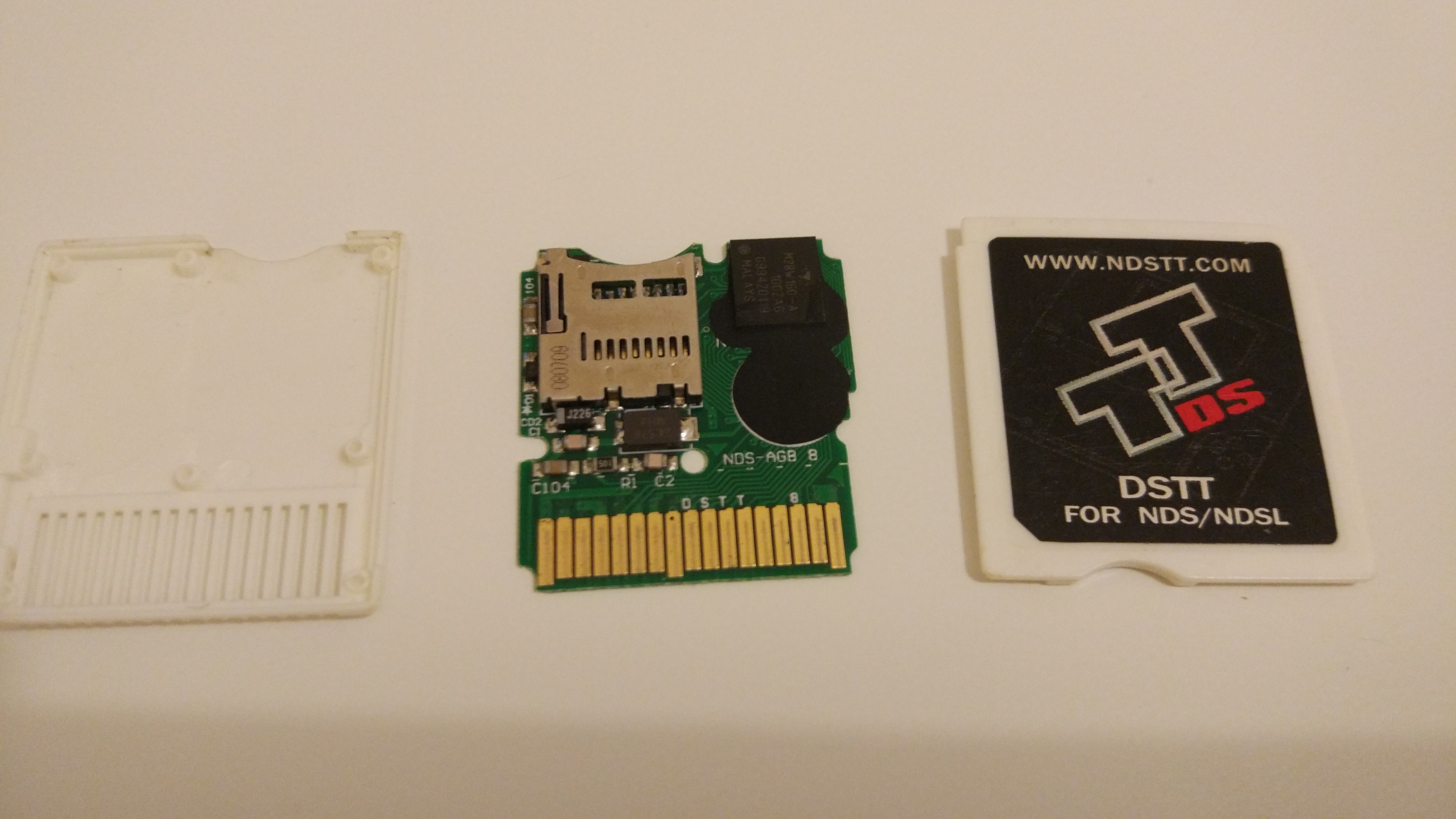 For some reason the sticker in upside down?
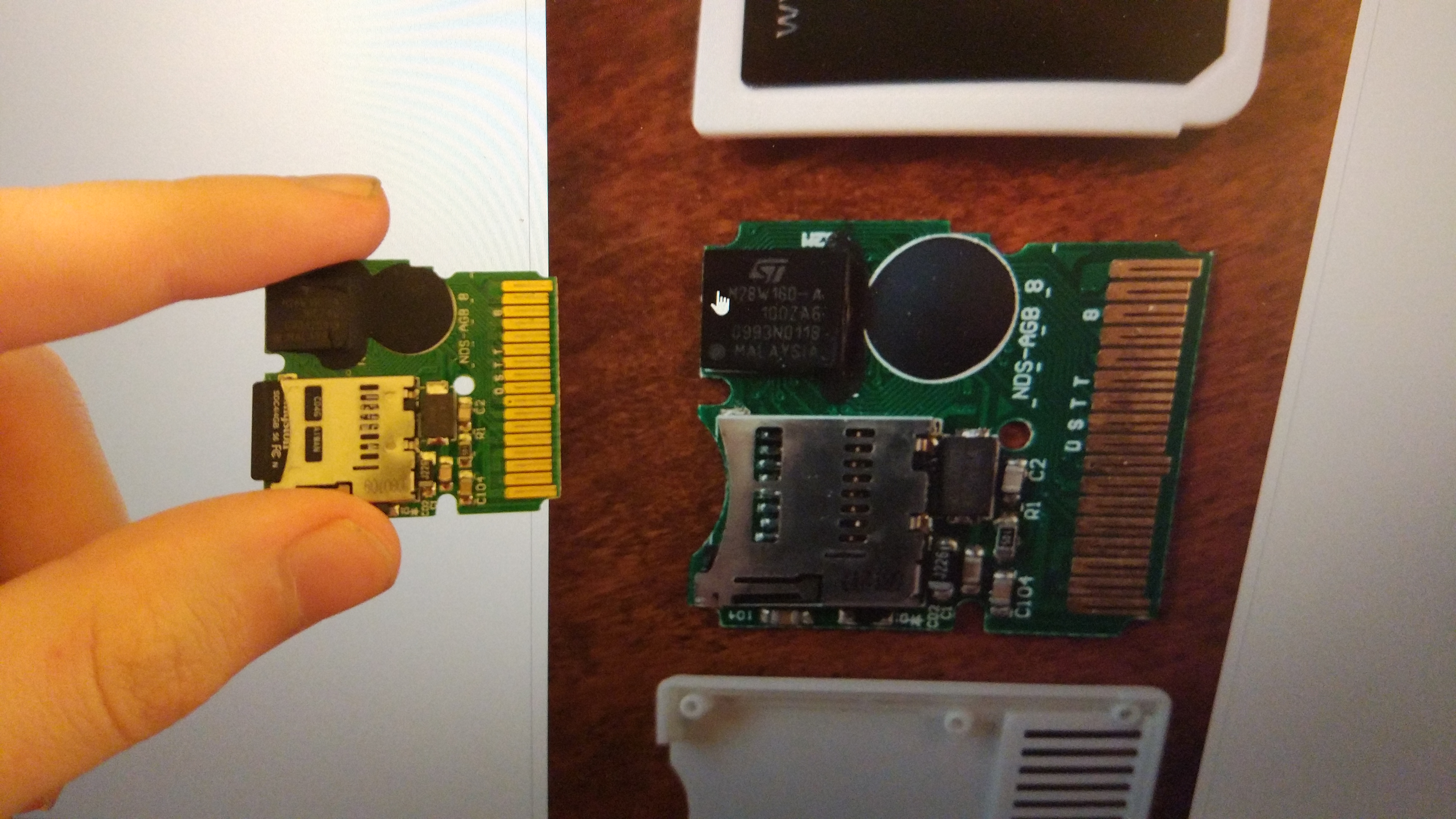
Last build logs: https://hastebin.com/aqepuyiqag.md

So the issue is pretty much here like @kitling said: https://github.com/kitling/flashcart_core/blob/master/devices/dstt.cpp#L212
I never finished the error checking code in the erase blocks function, but sometimes erasing simply wouldn't set the bytes to 0xFF and something different.
Proper error checking and debugging needs to be added there.
At the very least, we need time-outs so that we don't infloop and get stuck forever. (probably an error return if the timeout has to trigger.)
I uploaded a test build with @HandsomeMatt's recent fix (#73) included, if anyone wants to try: https://up1.secretalgorithm.com/#XyfwMMe60Cx6bZdx9zjFQg (works for me)

I tried the new compiled version and now stuck at 0% the chip is a 0x9389: INTEL 28F800B3B
Images
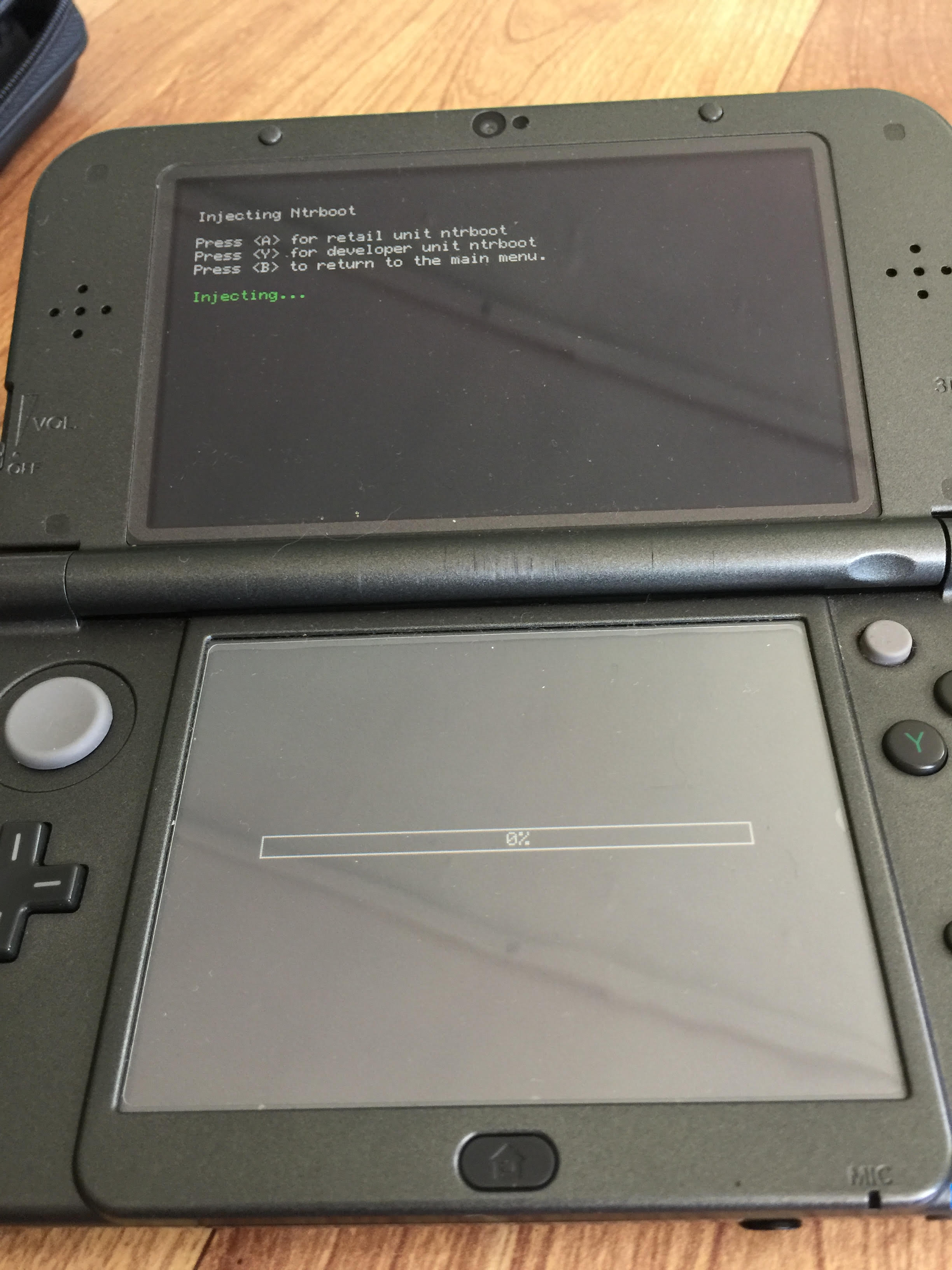
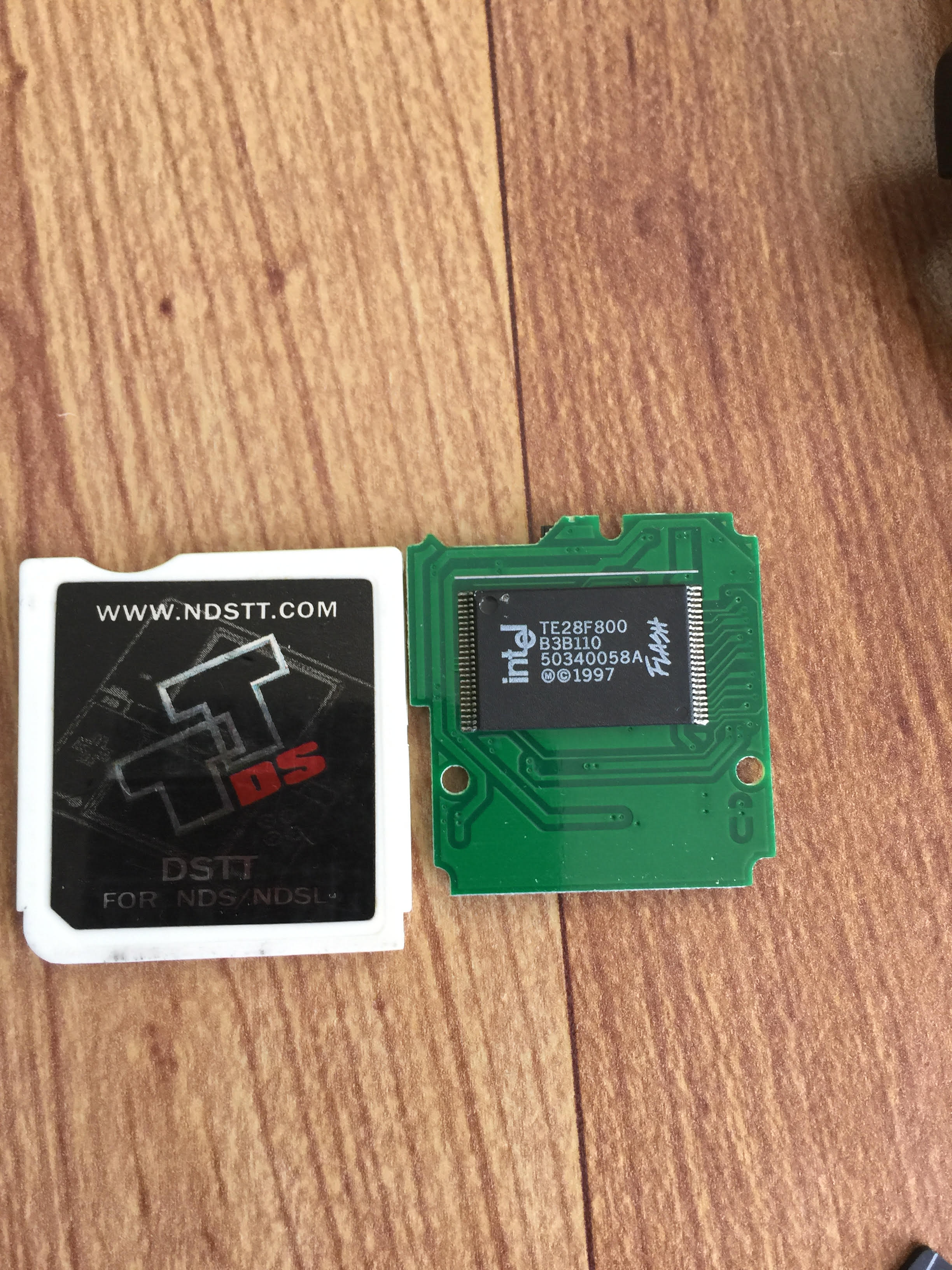
no log created by the way but i can create a backup of the card without a hassle
I found the datasheet for my chip, so i upload here 311549_1.pdf
@Valkry I suspect at 0% erasing? Try this build to (hopefully) get a log file: https://up1.secretalgorithm.com/#jc6eivAFCn83kXGKBUDBVA - You should be able to enable debug logging from the main menu (press Y, runs much slower, since that creates a lot of log output)
Tried this build (Intel 28F160B3T, stuck at 0%) - here is the logfile - https://up1.secretalgorithm.com/#j9kenS_p7TW-thuxilIsRg
@TobiX yeah, it stuck at 0% erasing I was able to create a logfile, but is very big... Anyway here is my log, I hope that this help... ntrboot.log
@kitling I finally got to try the build you posted. It produced tiny log files. I tried injecting and restoring. Left them stuck at 99% for about 10 minutes+.
ntrboot-restore.log ntrboot-inject.log
I don't think that build is up to date, the log file should be saying:
logMessage(LOG_DEBUG, "DSTT: erase_block(0x%08x)", offset); instead it's just saying erase(0x%08x)
Download Build - tested with my device this build works fine and is the latest on git.
I have this R4 which is a DSTT clone, it only works after using TTDS Stage2 Launcher made by Apache Thunder. It cannot be updated, and I don't know where to look the datasheet.
GM9 Dump.zip
ntrboot.log


@MiiJack DSTT: Flashchip ID = 0x20504f54 - basically the interface to the flash chip doesn't exist like it does on the DSTT chips, so whilst it may be a clone in the sense that it runs the same software, the FPGA is different and doesn't support flashing the flashchip.
Is the Micron 0x922c which requires a different flash method going to be supported (soonish)? Is there more information you need like a dump,log file or something like that?

@HandsomeMatt I tried your build from couple days ago. It gets past the 99%, but gets stuck at 0%. Still gives tiny log files. ntrboot-inject.log ntrboot-restore.log