
html2canvas
 html2canvas copied to clipboard
 niklasvh
Whitespace on top of canvas
Please make sure you are testing with the latest release of html2canvas. Old versions are not supported and issues reported for them will be closed.
Please follow the general troubleshooting steps first:
- [x] You are using the latest version
- [x] You are testing using the non-minified version of html2canvas and checked any potential issues reported in the console
Bug reports:
I am getting a bunch of whitespace at the top of my canvas in certain instances that should not be there. I've attached some example screenshots:
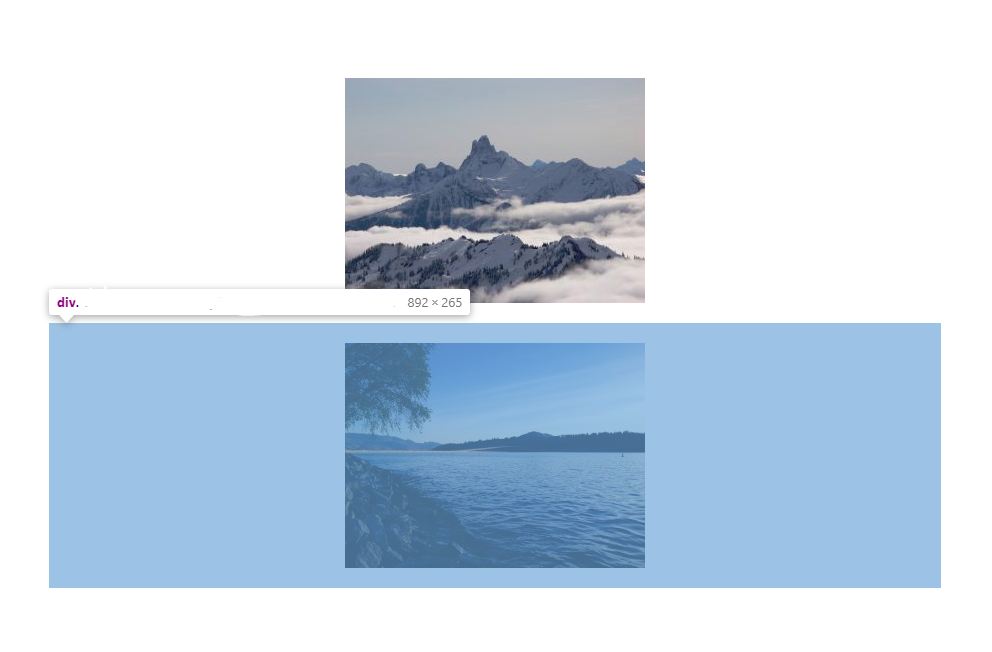 The element that was passed in to html2canvas, in its original context in the source page
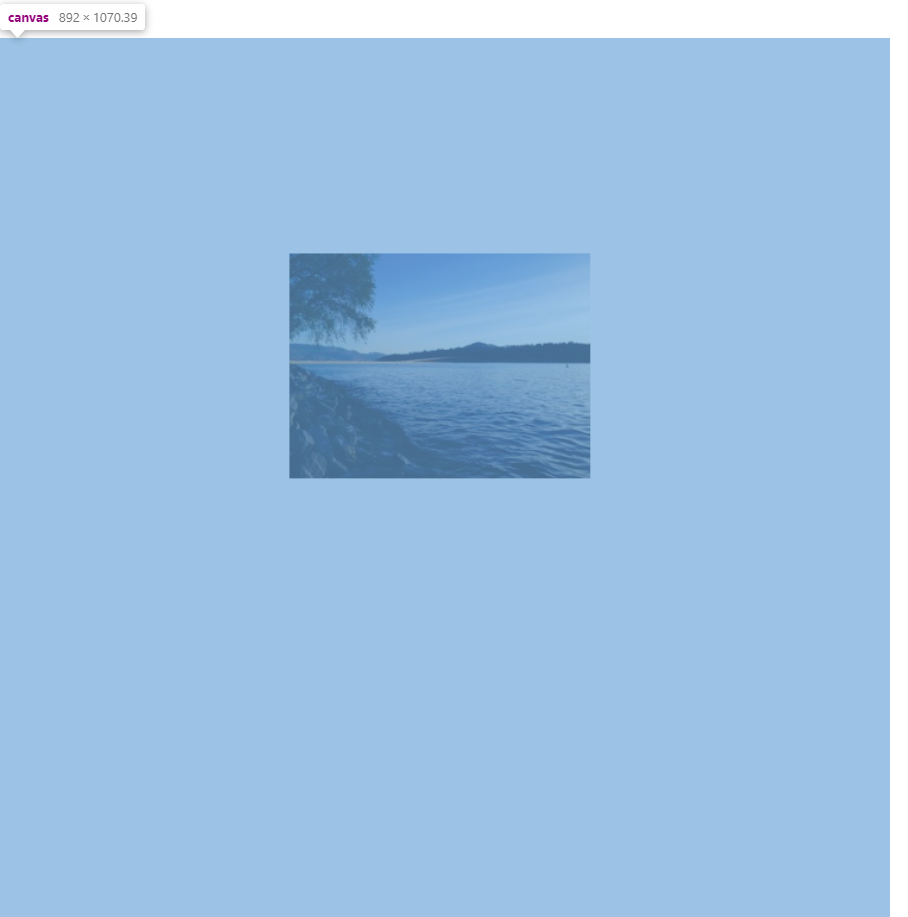 The resulting canvas - I would expect the image to be near the top
Any ideas why there would be whitespace in the output when it is not present in the source page? My project doesn't easily convert to a jsfiddle but I can create one if that is needed.
Specifications:
- html2canvas version tested with: 1.0.0-rc.3
- Browser & version: Chrome 74.0.3729.169
- Operating system: Windows 10

i got the same issue using 1.0.0-rc.2, (1.0.0-rc.3 is not working)
it seems it draw a 3 or 5 times bigger than origin dom

Hi all, Does anyone have any ideas about this problem? Can I provide more information to assist in troubleshooting such as a working sample?
May be you can set y-offset=0, like this:
html2canvas(element, { y: 0 }).then();
in my case, it work fine.

