
firefox-macos-style
 firefox-macos-style copied to clipboard
 nchlscs
Firefox CSS theme inspired by Safari
Firefox macOS style
Firefox style inspired by Safari.
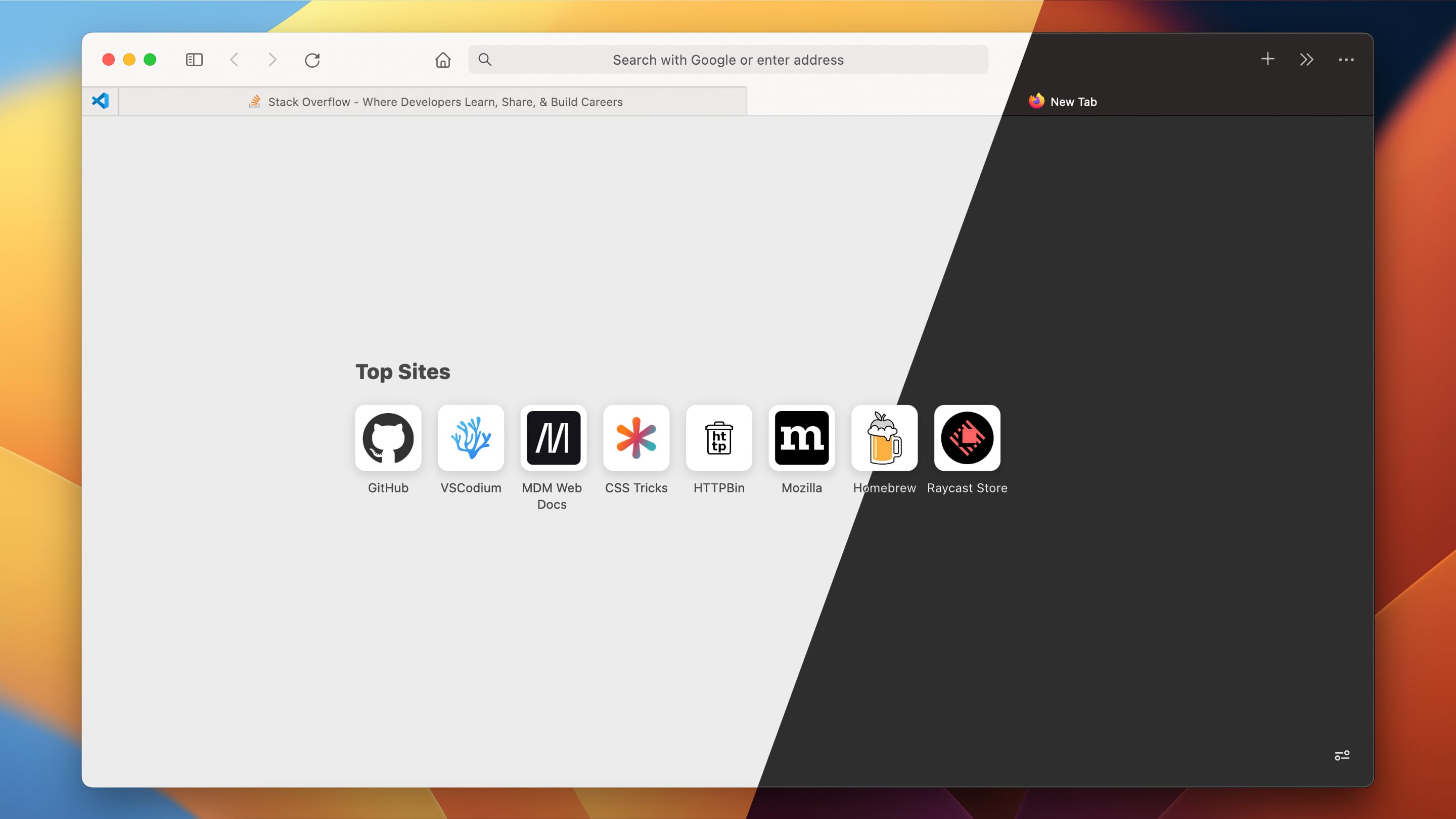
Current state
This is broken starting Firefox 113. Unfortunately, I don't have spare time to maintain the project at the moment. But will be able to accept PRs if they come up.
Installation
- Open terminal and run the following script. It will download and place the contents of Sources folder to Firefox user folder. Attention! This will overwrite the current Firefox style, back it up first, if needed.
/bin/bash -c "$(curl -fsSL https://raw.githubusercontent.com/nchlscs/firefox-macos-style/main/install.sh)"
-
Enable System theme in settings, otherwise correct appearance is not guaranteed.
-
Drag the new tab button to the navigation toolbar.
Upgrading
To upgrade to the latest version, run the script above again.
Uninstallation
Remove chrome folder from the Firefox user folder.
Centering URL bar
Centering URL bar can be done in two ways:
- Use the same number of toolbar items on both sides of the URL bar.
- Uncomment experimental CSS in
userChrome.cssand manually set dimensions incenter-url-bar.cssfor your set of toolbar items.
 nchlscs