
vscode-ts-uml
 vscode-ts-uml copied to clipboard
 myxvisual
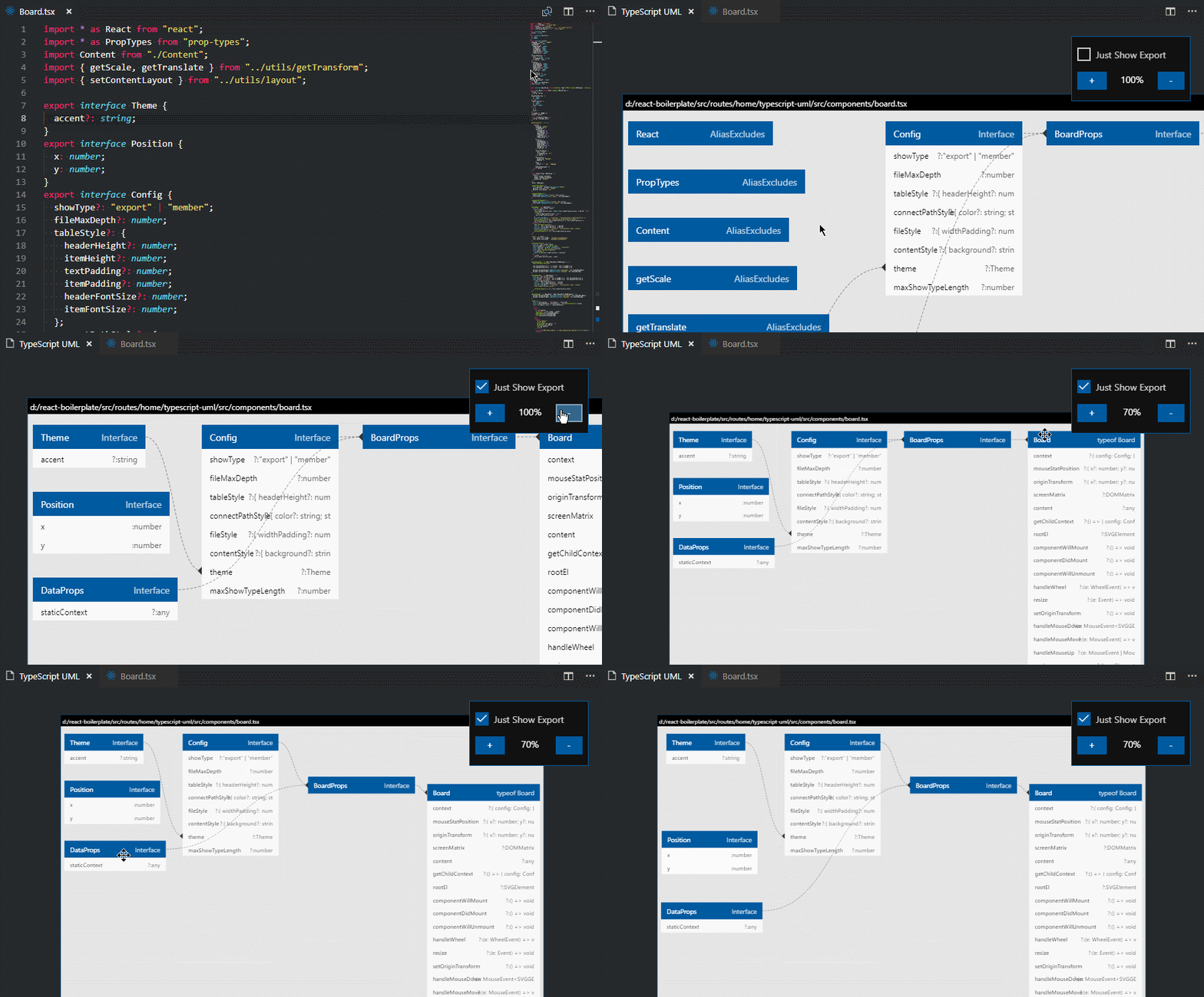
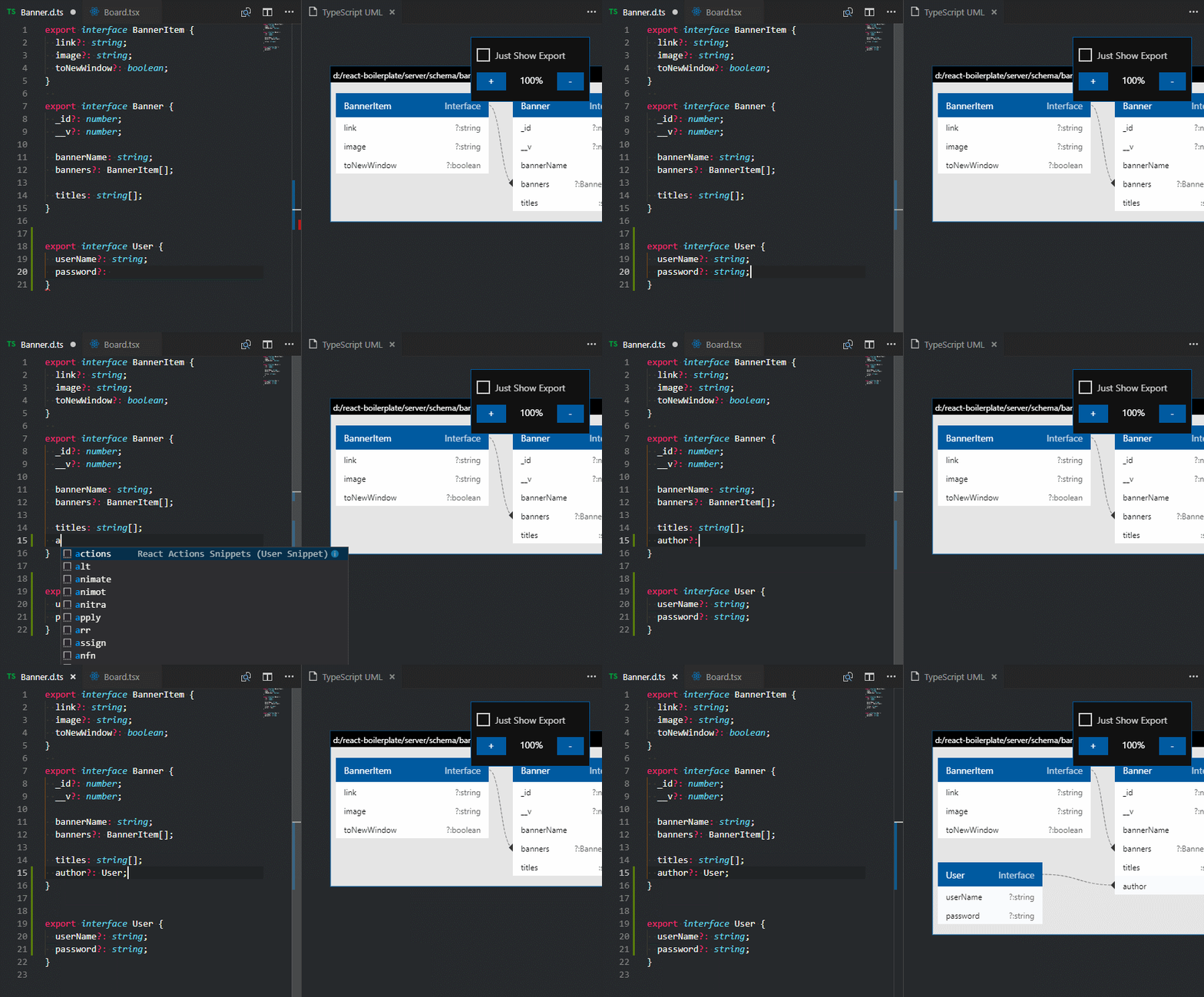
💻 Dynamic generates TypeScript UML diagrams to Visual Studio Code.
vscode-ts-uml




Dynamic generates TypeScript UML diagrams to Visual Studio Code (minimum supported version: 1.25.0)
Supported filename extensions: ts, tsx, .d.ts, only supported single file now.
Installation
To install the extension just execute the following command:
ext install vscode-ts-uml
Usage
After reloading vscode.
- RightClick
.ts,.tsx,.d.tsfiles, selectShow Typescript UML from filemenu to openvscode-ts-umlwindow. - Use shortkey
Ctrl + Alt + Shift + Qto select current editor focus file and openvscode-ts-umlwindow.
License
The source code is licensed under the MIT license.
The icons are licensed under the Creative Commons - ShareAlike (CC BY-SA) license.
Branded icons are licensed under their copyright license.
Change Log
You can checkout all our changes in our change log.
Enjoy!
 myxvisual