

 mssun
mssun
No info when clicking through to a pw, then app crashes.
Hi there,
So using Pass today I entered my passcode to get into the app, I can see all my stored pw's, I'm able to refresh my git, but when clicking through to any actual account/pw it takes me there, but the content is black, nothing visible, then after a few moments, the app crashes. Right now, I'm dead in the water, without access to any of my pw's right now. Please advise, thank you kindly.
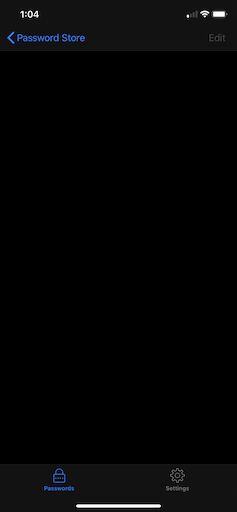

Thanks for reporting. This is wired.
Can you switch to the beta version? https://testflight.apple.com/join/whK4zUFG
If possible, please detail the PGP algorithm you are using, or how do you generate the PGP key?

FYI I had the same problem with my wife's iphone (11 pro). I did not experience it (yet) on my own phone (iphone 11).
I tried reinstalling the app and re-cloning the repo to no avail.
The test flight beta version DID WORK however. I had to remove the non-beta version to clone the repo but I'm not longer seeing the blank screen as reported above and it doesn't seem to randomly crash.
Let me know if you need any other info.

Hey there @mssun Mingshen, thank you for getting back with me so quickly!
So far I haven't been able to find success. I was able to install the beta, re-clone, and see all my pw's listed in the test-flight pass app, but when I go to any of them, it's asking for my passphrase (of my PGP secret key), but using the correct passphrase is returning this error "Cannot show password, gopengpgp: a public key cannot be locked" I used this passphrase to export my pk, so I know it's correct. Any ideas? (also, the main Pass app is still suffering from the same blank/crashing behavior)
Okay, I've read through some of the other tickets, seems my pk export included the public block, so once I stripped that out, it is taking my passphrase successfully again. So the Beta via TestFlight is working, what will need to be done next to use the production version of the pass app? Thank you.