react-native-drag-sort
Drag and drop sort control for react-native


Version Iteration
Installation
yarn add react-native-drag-sort
or
npm i react-native-drag-sort --save

export { DragSortableView, AutoDragSortableView, AnySizeDragSortableView }
Tip
Use priority: DragSortableView > AutoDragSortableView > AnySizeDragSortableView
- 1、If the width and height are fixed and there is no need to slide, use DragSortableView.
- 2、If the width and height are fixed and you need to slide, use AutoDragSortableView.
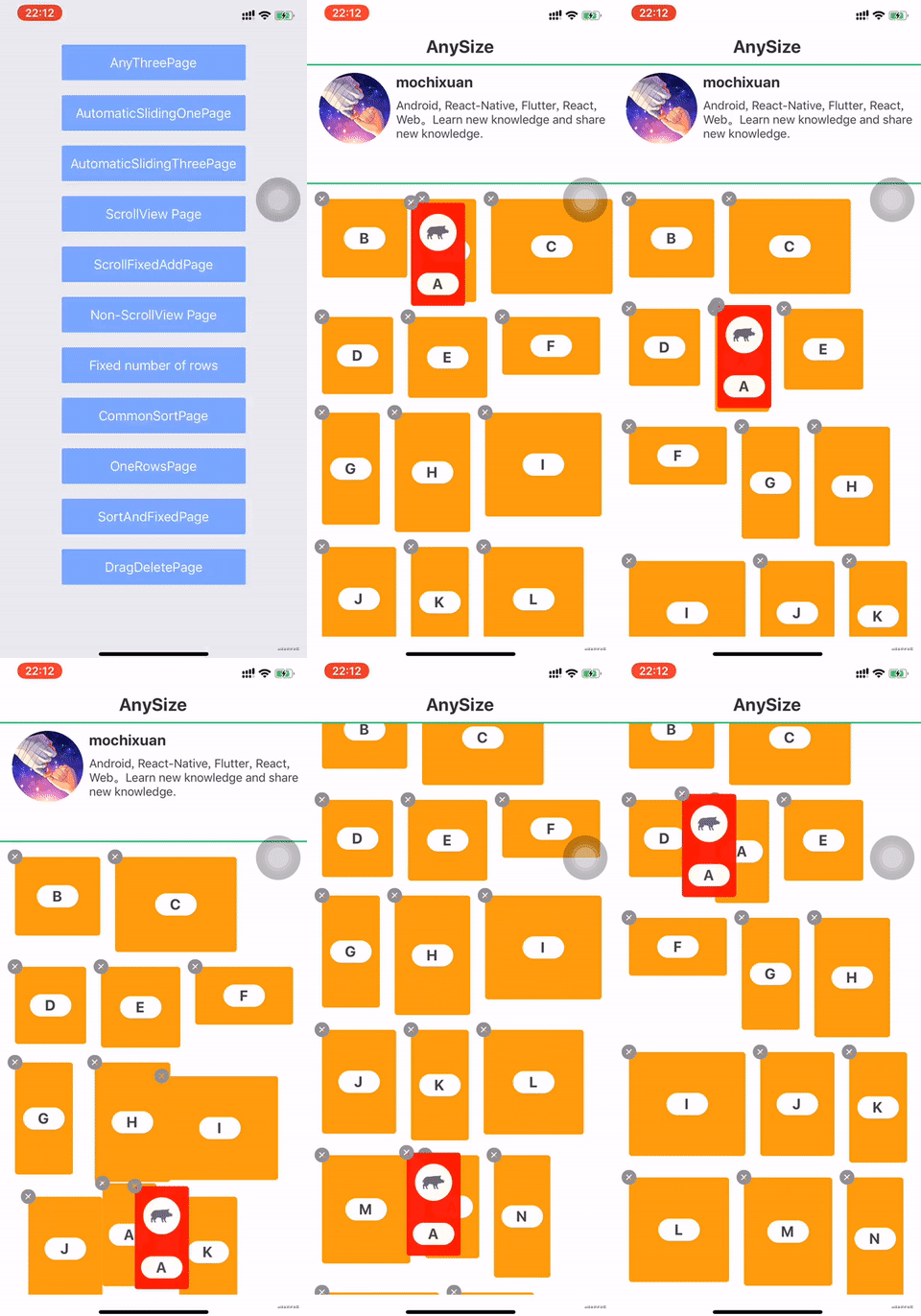
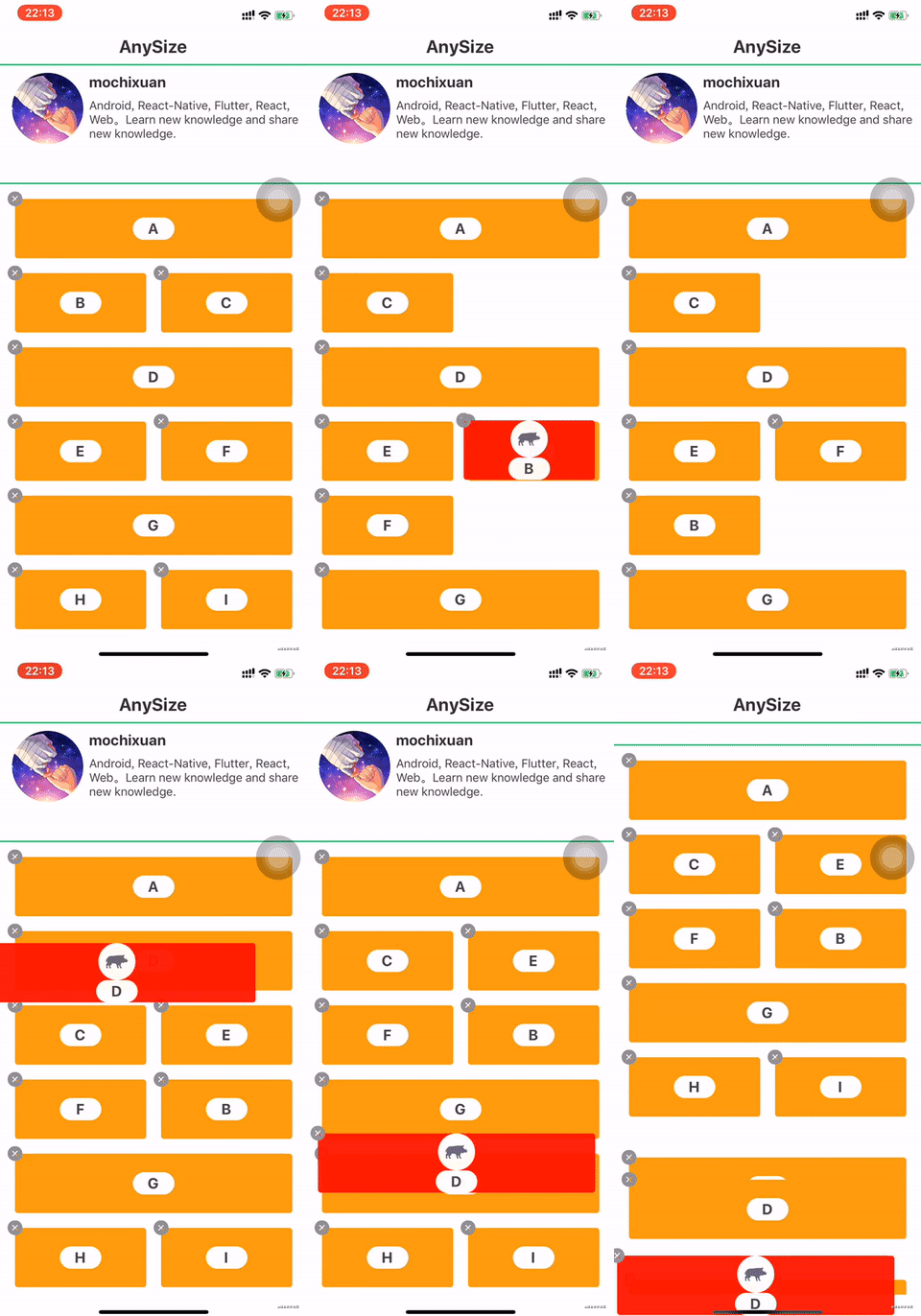
- 3、If the width and height are arbitrary and need to slide, please use AnySizeDragSortableView.
Performance(GIF)
API
AutoDragSortableView、DragSortableView
isRequired if there is a * in the name field
| name |
Proptypes |
Description |
| dataSource * |
array |
|
| parentWidth |
number |
parent width |
| childrenHeight * |
number |
Each item height |
| childrenWidth * |
number |
Each item width |
| marginChildrenTop |
number |
So the item's outermost view adds margin, you can only use this method. |
| marginChildrenBottom |
number |
|
| marginChildrenLeft |
number |
|
| marginChildrenRight |
number |
|
| sortable |
bool |
Do not allow dragging |
| onClickItem |
func |
click |
| onDragStart |
func |
|
| onDragEnd |
func |
|
| onDataChange |
func |
This method is called every time the data changes. |
| renderItem * |
func |
render item view |
| fixedItems |
array |
no remove |
| keyExtractor |
func |
(item,index) => key |
| delayLongPress |
number |
|
| isDragFreely |
bool |
Whether to limit the drag space |
| onDragging |
func |
|
| maxScale |
number |
|
| minOpacity |
number |
|
The following attributes belong only to AutoDragSortableView
| name |
Proptypes |
Description |
| scaleDuration |
number |
|
| slideDuration |
number |
|
| autoThrottle |
number |
|
| autoThrottleDuration |
number |
|
| renderHeaderView |
element |
|
| headerViewHeight |
number |
|
| scrollIndicatorInsets |
({top:number, left:number, bottom:number, right:number}) |
|
| renderBottomView |
element |
|
| bottomViewHeight |
number |
|
| onScrollListener |
(event: NativeSyntheticEvent<NativeScrollEvent>) => void |
|
| onScrollRef |
(ref: any) => void |
|
AnySizeDragSortableView
| name |
Proptypes |
Description |
| dataSource * |
array |
|
| keyExtractor |
func.isRequired |
(item,index) => key |
| renderItem * |
func |
render item view |
| onDataChange |
func |
This method is called every time the data changes. |
| renderHeaderView |
element |
|
| headerViewHeight |
number |
|
| renderBottomView |
element |
|
| bottomViewHeight |
number |
|
| autoThrottle |
number |
|
| autoThrottleDuration |
number |
|
| onDragEnd |
func |
|
| scrollIndicatorInsets |
({top:number, left:number, bottom:number, right:number}) |
|
| onScrollListener |
(event: NativeSyntheticEvent<NativeScrollEvent>) => void |
|
| onScrollRef |
(ref: any) => void |
|
| areaOverlapRatio |
number |
Must be greater than 0.5 |
| movedWrapStyle |
StyleProp<ViewStyle> |
style |
| childMarginTop |
number |
|
| childMarginBottom |
number |
|
| childMarginLeft |
number |
|
| childMarginRight |
number |
|
Example
<DragSortableView
    dataSource={this.state.data}
    parentWidth={parentWidth}
    childrenWidth= {childrenWidth}
    childrenHeight={childrenHeight}
    keyExtractor={(item,index)=> item.id}
    renderItem={(item,index)=>{
        return this.renderItem(item,index)
    }}
/>

<AutoDragSortableView
    dataSource={this.state.data}
    parentWidth={parentWidth}
    childrenWidth= {childrenWidth}
    childrenHeight={childrenHeight}
    keyExtractor={(item,index)=> item.id}
    renderItem={(item,index)=>{
        return this.renderItem(item,index)
    }}
/>

// ====== AnySizeDragSortableView start =======

constructor(props) {
    super(props);
    this.sortableViewRef = createRef()
}

<AnySizeDragSortableView
    ref={this.sortableViewRef}
    dataSource={items}
    keyExtractor={(item) => item.text} // 1、isRequired
    renderItem={this._renderItem}
    onDataChange={(data, callback)=> {
        this.setState({items: data},()=>{
            callback() // isRequired
        })
    }}
/>

_renderItem = (item, index, isMoved) => {
    return (
    	<TouchableOpacity
	        onLongPress={() => {
	            this.sortableViewRef.current.startTouch(item, index) // 2、isRequired	        }}
	        onPressOut = {() => {
	        	this.sortableViewRef.current.onPressOut() 3、isRequired
	        }}
	      >
      	<...>
      </TouchableOpacity>
    )
}


// ====== AnySizeDragSortableView end =======

 react-native-drag-sort copied to clipboard
 mochixuan


 mochixuan