
motioncam
 motioncam copied to clipboard
 mirsadm
The problem of the vignette during image postprocessing
Maybe this question has already been asked, but I can't fix the resulting vignette in the image after processing the dng sequence in Davinci Resolve. When interpreting the color space in Rec.709 and the sRGB gamut, there is a constant darkening on the sides of the frame.
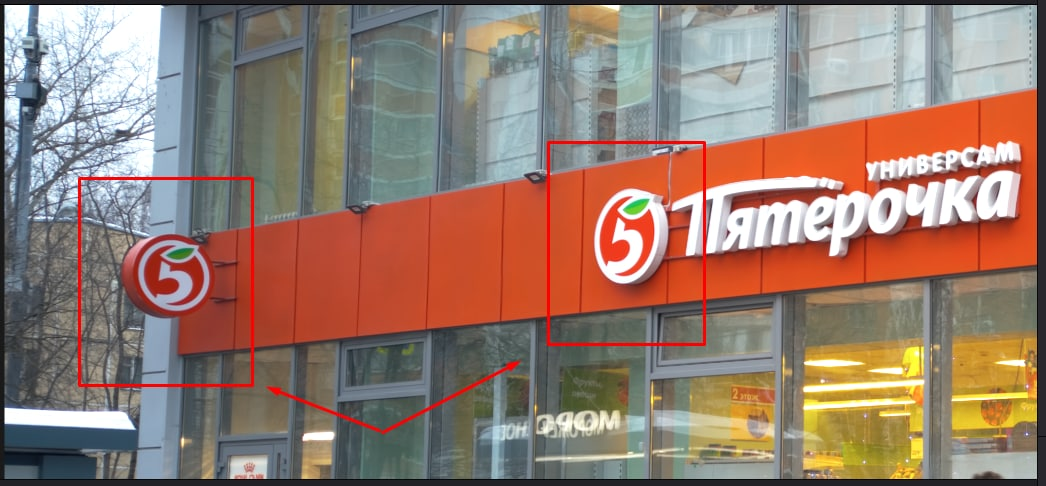

Can you send me the DNG? The camera reports a shading map to fix the corners of the lens that are darker. They get saved in the DNG automatically. You shouldn't need to fix it manually

Yes, of course. Here is this dng file, for example
https://drive.google.com/file/d/1M8lHTe5x1ciPaffw05fau2VV0sCa2oJ1/view?usp=sharing
It looks good in Photoshop and Google Drive preview. But DaVinci shows vignette in this DNG.

Maybe there is some special rule of interpretation of the color profile in Davinci?
Unfortunately it is in the exported video too. Seems like DaVinci ignores DNG metadata.
https://forum.blackmagicdesign.com/viewtopic.php?f=21&t=123761

Is it because normal dng files from the phone has different and more detailed metadata including opcodes in it while the dngs from motioncam dont have such details so davinci cant fix the vignette?

@amitkattal those op codes are saved in there. What I will do is offer an option to apply the correction to the DNG before it's saved. That way it won't matter if DaVinci doesn't do it on its own
@mirsadm "option to apply the correction to the DNG before it's saved"
That would be great and would suit everyone. Who wants - to fix it manually, who doesn't want - to use automatic fixing.
Could you give this one a go: https://github.com/mirsadm/motioncam/releases/tag/8.0.7-beta2
That should integrate the shading map in the DNG so it doesn't need to be done by Resolve
@mirsadm Great job!
- But what about optionally enabling vignette correction?
- Do you remove the opcode with the shading map in the resulting DNG?
-
Yes that is the next step. I put this out quickly to confirm it fixes the issue.
-
Yes otherwise it might get applied twice. But once I do 1) it won't matter since you can always choose
@mirsadm Yes I see changes in EXIF :
_ Opcode List 2 : GainMap, GainMap, GainMap, GainMap
Tile Width : 256 Tile Length : 256 Tile Offsets : (Binary data 1502 bytes, use -b option to extract) Tile Byte Counts : (Binary data 1151 bytes, use -b option to extract)
++ Strip Offsets : 1350 Rows Per Strip : 3000 Strip Byte Counts : 24000000
_ DNG Backward Version : 1.3.0.0 ++ DNG Backward Version : 1.1.0.0
_ Black Level : 64 64 64 64 White Level : 1023 ++ Black Level : 0 0 0 0 White Level : 16384
Wouldn't it be a problem that the white and black levels have changed?
My pixel has similar thing where sides are greener and middle is pinker , its very subtle but its there, so does it mean that new dngs wont have it now ?

@2blackbar have you tried the new release? that should fix it. I'll add an option to enable/disable it so you still manually do it.
@mirsadm My shoot today is ruined. I can't correct the vignette in either the new or the old version. It worked in motioncam-tools-windows-0.0.6
https://drive.google.com/drive/folders/1O01BiX8qmLLYNJRYL3pWyK_DjjsH6g_A?usp=sharing
@experimentator1709 thats been fixed, thanks for sending the detailed report. Made it easy to fix. Can you double check for me that you hadn't accidently cropped the video when recording? Not sure what's going there
@experimentator1709 yep found the cause of that as well. If you still have all the containers you can convert them again when I update the tools/app soon and those issues should be fixed
@experimentator1709 could you give this one a go: https://github.com/mirsadm/motioncam/releases/tag/8.0.7-beta4
@mirsadm Working. Thanks! My video is saved. I checked only on the converter for windows
I think the correction works fine on the ZTE Axon 30 Ultra's main camera (that shows the strongest vignetting). This sample is rendered without any additional (vignetting) correction: https://youtu.be/8hqu63QVSao

In photo mode the vignetting correction on the ZTE Axon 30 Ultra seems only to work on the main camera.
The first image is from the main camera
JPEGs created by MotionCam
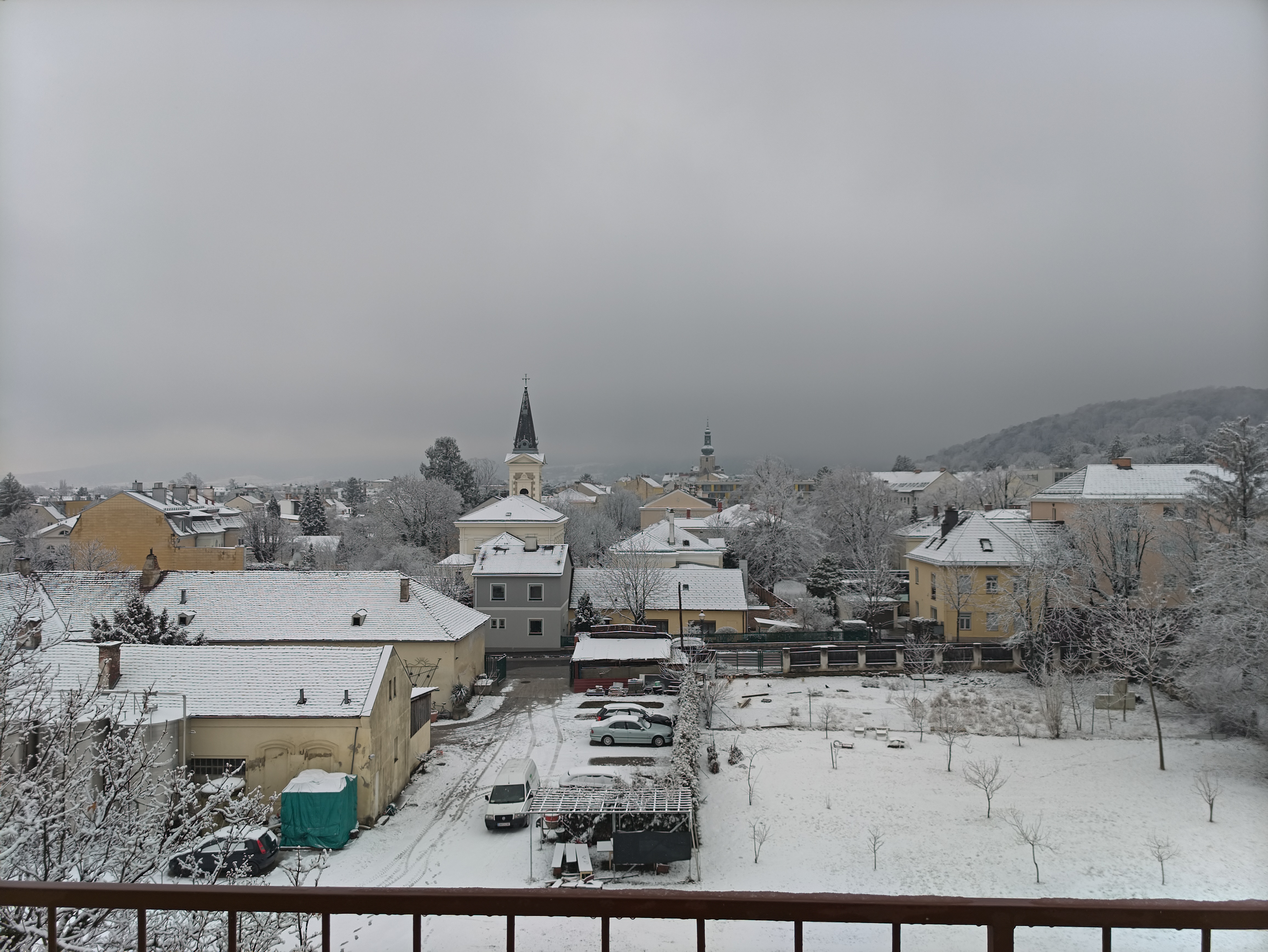 The second from the 35mm paortrait module
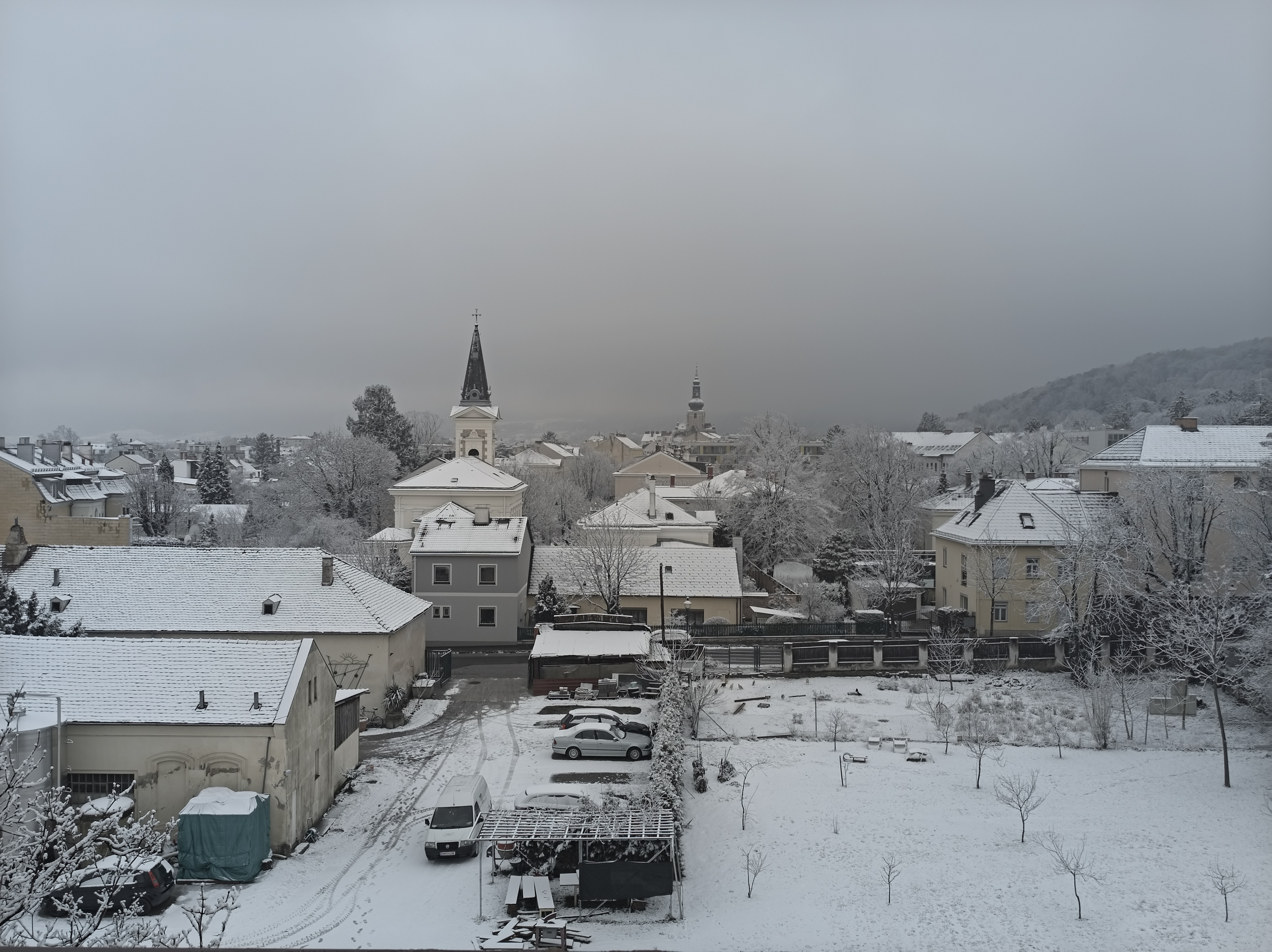 Here the center of the image seems to be much warmer.