
trimesh
 trimesh copied to clipboard
 mikedh
How to adjust display size of points when showing a PointCloud?
Hi,
Thanks for this amazing tool!
How can I adjust the size of points when I show a PointCloud? By default the points are very small, which makes them very difficult to see:
m = trimesh.load('teapot.stl')
points = m.sample(1000)
colours = np.random.randint(low=0, high=255, size=(1000, 3))
cloud = trimesh.PointCloud(points, colors=colours)
trimesh.Scene(cloud).show()


I am new to trimesh, but I think you can try to create spheres on every point and define the radius on your own.

Yeah that would work, the point size is hardcoded in the windowed here: https://github.com/mikedh/trimesh/blob/64a61ea8ee1695db81ebf9a36b1ed57c3e79e4c1/trimesh/viewer/windowed.py#L409-L410
That could probably be made an argument passed to the viewer pretty easily (happy to take PR's :).

@yingzhang1109
I am new to trimesh, but I think you can try to create spheres on every point and define the radius on your own.
I also thought of this :) I tried it, however, it causes significant slowdown if you have many points, so it is not suitable for my purposes.
@mikedh I'm not expert enough to create a pull request for this, so I'll let you decide if you want to implement this or not!
Thanks both for you help.
No worries I run into this too on high-DPI machines. I made it settable in https://github.com/mikedh/trimesh/pull/997/commits/6913a7ef0031695c5da3287cb3a8a9cc842cde27 and also set the default to a fraction of resolution.
Thanks for the report!
Hi,
I see the new release incorporates this fix, thanks!
I'm having trouble working out how to pass my desired point size. I tried show(line_settings={'point_size':100}):
m = trimesh.load('teapot.stl')
points = m.sample(1000)
colours = np.random.randint(low=0, high=255, size=(1000, 3))
cloud = trimesh.PointCloud(points, colors=colours)
trimesh.Scene(cloud).show(line_settings={'point_size':100})
but it doesn't have any effect. Any help would be much appreciated :)
N = 1000
points = np.random.uniform(-1, 1, size=(N, 3))
colors = np.random.uniform(0, 1, size=(N, 3))

scene = trimesh.Scene()
mesh = trimesh.points.PointCloud(vertices=points, colors=colors)
scene.add_geometry(mesh)
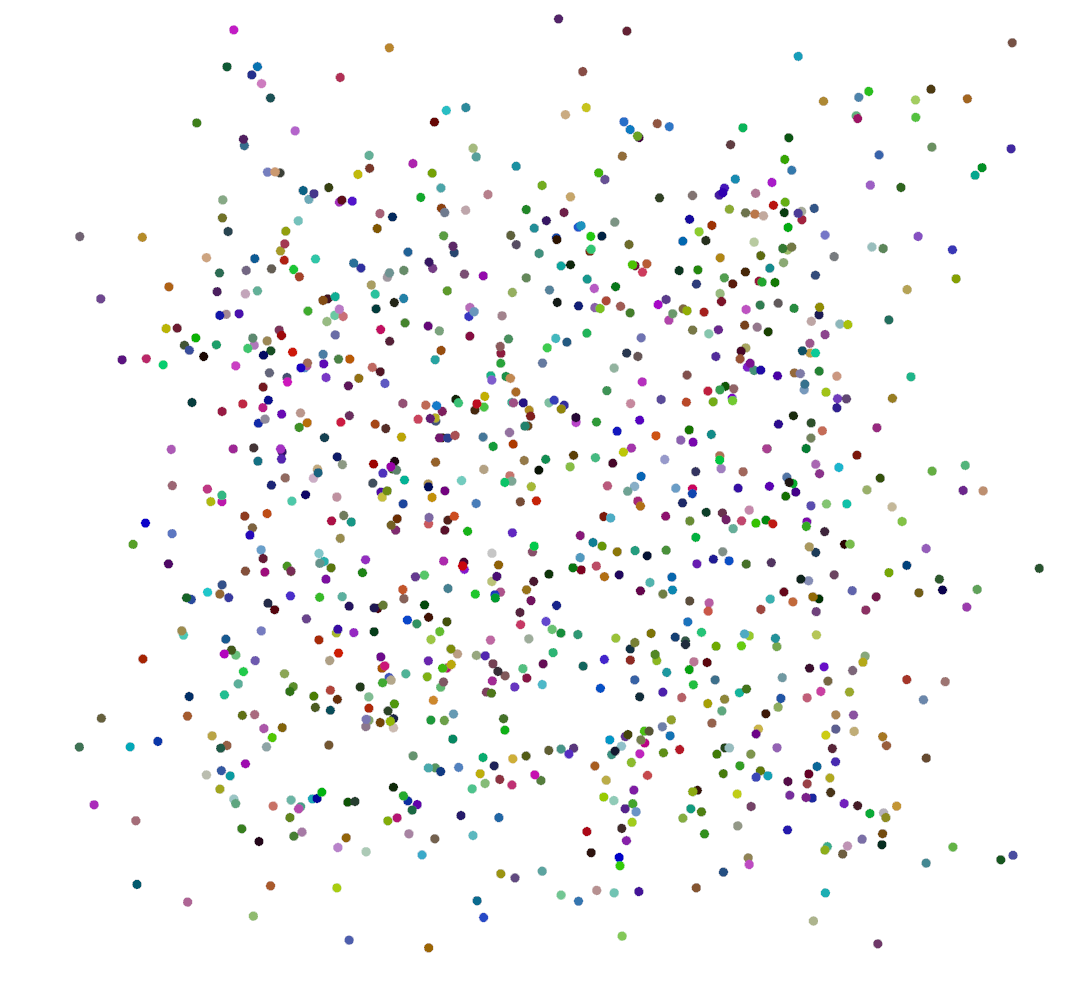
scene.show(viewer='gl', line_settings={'point_size':10})     # img1
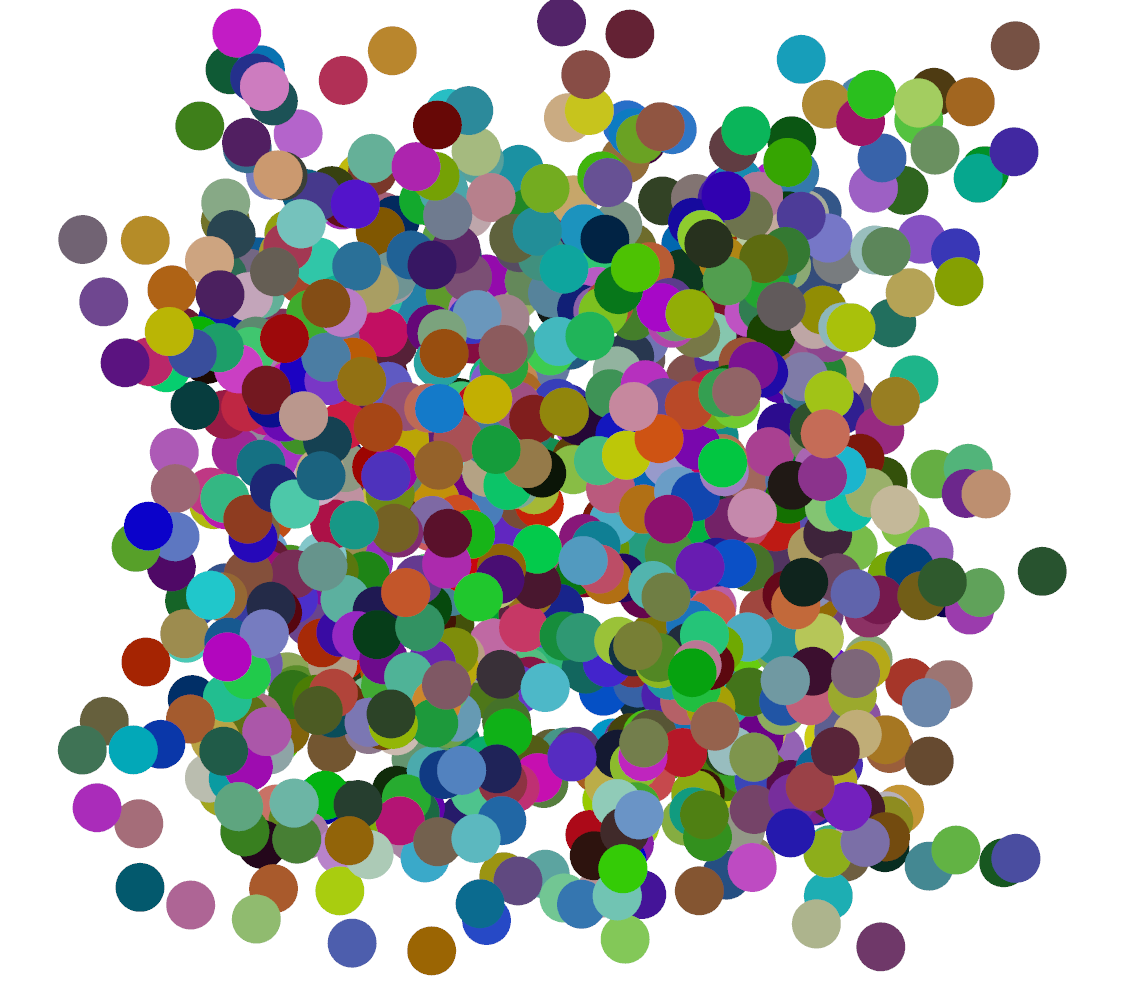
scene.show(viewer='gl', line_settings={'point_size':50})     # img2
img1 with point_size=10
img2 with point_size=50
With viewer='notebook' it does not work for me (which is sad :cry:)
N = 1000
points = np.random.uniform(-1, 1, size=(N, 3))
colors = np.random.uniform(0, 1, size=(N, 3))

scene = trimesh.Scene()
mesh = trimesh.points.PointCloud(vertices=points, colors=colors)
scene.add_geometry(mesh)
scene.show(viewer='notebook', line_settings={'point_size':10})
