
trimesh
 trimesh copied to clipboard
 mikedh
x, y coordinates mesh section
Hello,
Thank you for your wonderful and very useful library. I need to get x, y coordinates resulting from the intersection of a mesh with a plane. I use the mesh.section to get that.
mesh = trimesh.load_mesh('Test.stl') slice = mesh.section(plane_origin=[0., 15., 0.], plane_normal=[0,1,0])
If I slice.vertices I can get the x, y z coordinates. However, points are not in the right order. I have tried to sort them by entities. It does not work very well.
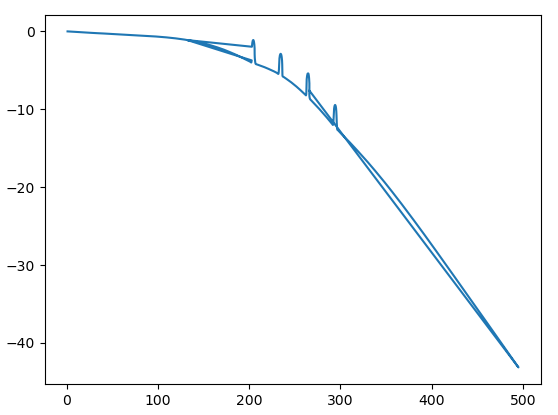
Is there a proper way to get these coordinates? Can we play on a parameter to change the number of entities?
Thank you again. Ben.

Hey, path.vertices are not in a meaningful order, they are referenced by path.entities[i].points. You probably want path.discrete

Thank you for your suggestion.
I have tried sl_2D.discrete, but I got an empty list.
For 2D path, I have seen connected_paths function seems could solve my issue. I just do not clearly understand the argument path_id.
Thanks.