

 microsoft
[Feature]: Add and sync new style rules to chosen source file
Environment (please complete the following information):
- OS (e.g., Windows 10): Windows 10
- Extension version (e.g., 1.2.3): 1.4.3
Describe the bug:
I was running my project with Live Server Extension. When I tried to add a New Style Rule for an element, the following error was occurred. Please find the attachment for the same. I thought that it can be removed by placing an inspector-stylesheet.css in the root directory. But it doesn't fix the issue.
Repro steps:
- Launch the extension
- Add a New Style Rule to an existing element in the HTML for the page
Expected behavior:
Feature Request:
Please provide an option to append and save the inspector-stylesheet style to any CSS file provided by the user. So that it can be helpful for the development.
Additional context:
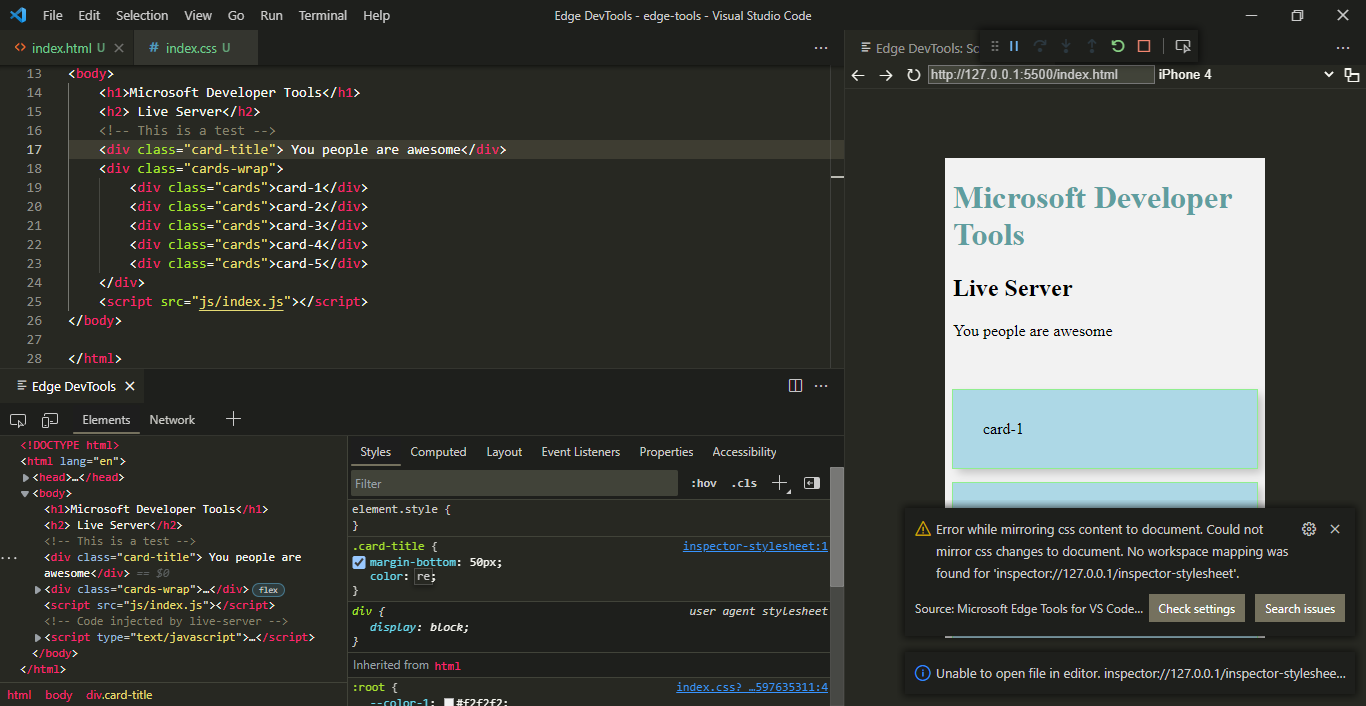

Thanks for bringing this up. I suppose this is a problem with compatibility with the live server extension. We will look into it.

@codepo8 Thanks for the valuable replay, well appreciated. This extension was superb, Kudos for the entire team behind this.
@njnithin - Could you see if this repros on the newest version of the extension (1.4.6)? We merged a bug fix in the newest version that addressed many mapping bugs.

@mliao95 Sorry for the late replay. I was able to reproduce the same issue.
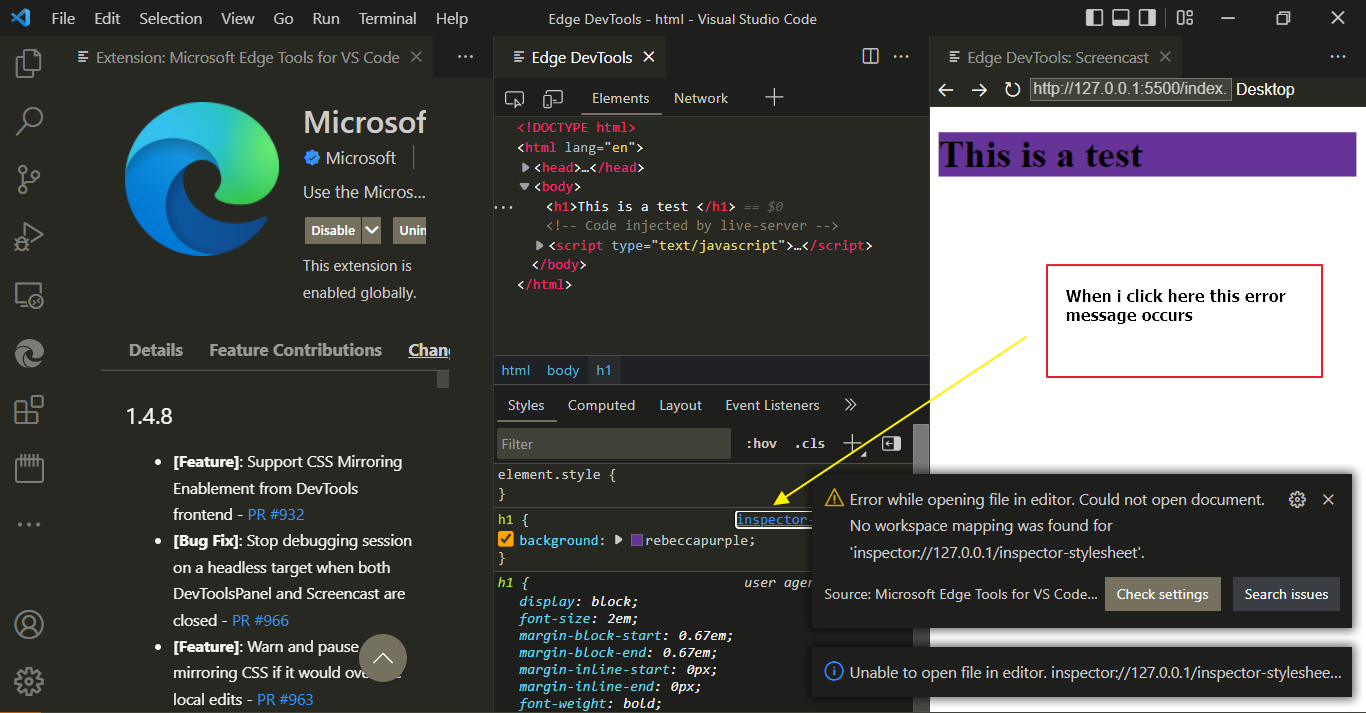
Thank @njnithin for following up on this!
@mliao95 @codepo8 this is different than our prior source mapping issues and is more of a feature request. Specifically, this is about adding and syncing new rule blocks instead of editing existing ones. As @njnithin called out, it would be ideal to be able to choose which CSS file to add the rule block to.
Some thoughts for us to consider:
- Can we automatically choose a good default in most cases, or do we need to prompt the user? a. Maybe the first stylesheet that has other rules matching this element? b. Or if none exists, the first stylesheet we can find?
- If there are no existing stylesheets at all, do we need to create a new one? a. If we create one, do we need to prompt the user to name it? (it'd still be up to the user to include it from an HTML or other appropriate file, though)
I think we'd probably want to scope initial work here to (1). At a minimum, though, this should at least not throw an error as DevTools knows there's currently no real CSS file this is associated with.
