vscode-docs
 vscode-docs copied to clipboard
 microsoft
Add Testing doc
This PR adds a skeleton for the Testing doc, so we have a location to make progress on this.
@connor4312 @gregvanl where do you think should this document live? Currently I put it under Typescript, but all of this also holds true for Javascript. We do not have a big Javascript section, only nodejs? So alternatively it could be under nodejs, and the Typescript one would only link to that. What do you think?
@marcusfelling said he can help with the Playwright content
@connor4312 I added sections for the popular testing frameworks, if you think something else should also be covered let me know.
fyi @danielrosenwasser

It'd be nice if we could link this doc under both sections, TypeScript as well as Node.js/JavaScript.
Testing frameworks looks good 🙂

The Node.js/JavaScript topics get about 3x the page views of the TypeScript TOC topics so for discovery it might be better to put the page there. We can have an entry in the TypeScript TOC which jumps to the topic under Node.js/JavaScript. Also feels right if it is a more general JS testing topic, no matter what someone uses as the initial source code.

@isidorn - our Wallaby.js extension was one of the first VS Code extensions in the marketplace. While we provide a commercial product, we also provide free licenses for open source projects and think it could be really beneficial to mention us for JavaScript/TypeScript testing. Thinking a little more about it, would be good to list a number of popular extensions directly on the page to help developers get started.
If you agree on adding test runner content, we'd be happy to write a section about Wallaby for you.

@gregvanl I love that idea. Moving the doc there then. How do I add it to the typescript TOC, I did not find a toc.json like the API section has?
@smcenlly thanks for reaching out. I like your idea that we should list all the test extensions. Maybe we can have a section at the end that lists all the others. As for the Wallaby.js extension I really like your extension and I know you were one of the first extensions we had :) For this doc I would prefer to promote extensions that use our new Testing API. And as far as I understand Wallaby.js is not using this, right? Are there plans to adopt to the new Testing API?
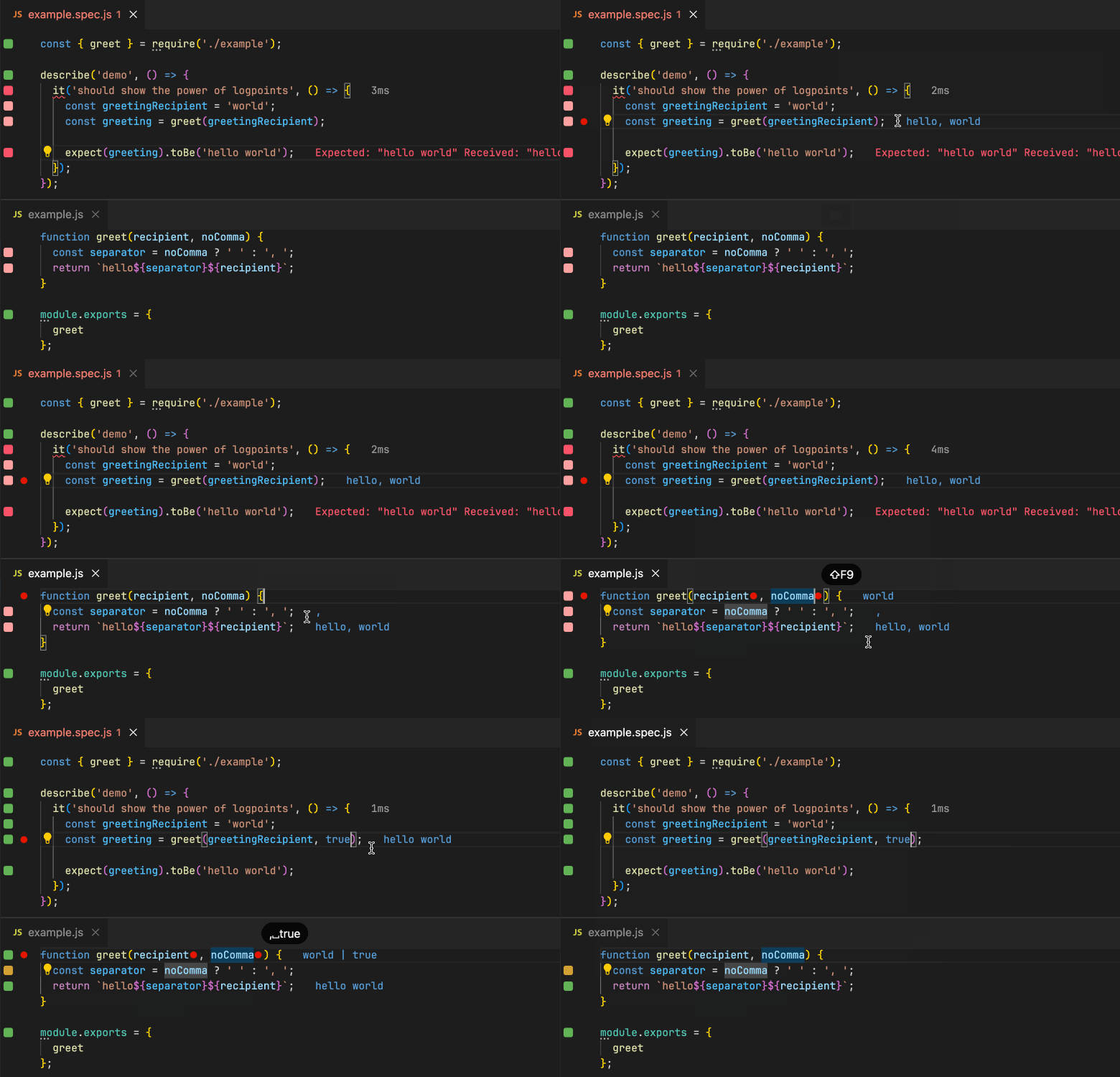
@isidorn - we started using the testing API very shortly after it was released and were an early adopter. I also made some contributions to the Testing API shortly after it was released (https://github.com/microsoft/vscode/pull/132097, https://github.com/microsoft/vscode/pull/132099).
@smcenlly I was not aware of this, thanks for clarifying! Then a section in the doc would make sense. I would like the section to have 1 image, to be concise, have a neutral tone, and for more details can point to your docs. I would do a final review and update to the docs.
If that works for you then a contribution would be very welcome :)
@isidorn For a TOC redirect item, you can add a placeholder topic that specifies the TOC placement (Order:) and title (TOCTitle:) You can review https://github.com/microsoft/vscode-docs/blob/main/docs/python/data-science.md as an example. Once the primary and placeholder topics are merged, I can add a redirect in the website infrastructure repo.
I couldn't work out how to make an edit to this pull request but have proposed an adjustment to docs/nodejs/nodejs-testing.md below so that this page can be merged to docs in a completed state.
Testing Node.js
Visual Studio Code supports testing Node.js and TypeScript through it's testing framework. You will need to have the right testing extension based on the testing framework that your project uses.
Mocha
The Mocha Test Explorer allows you to run your Mocha tests in the Sidebar of Visual Studio Code using the Test Explorer UI.

Playwright
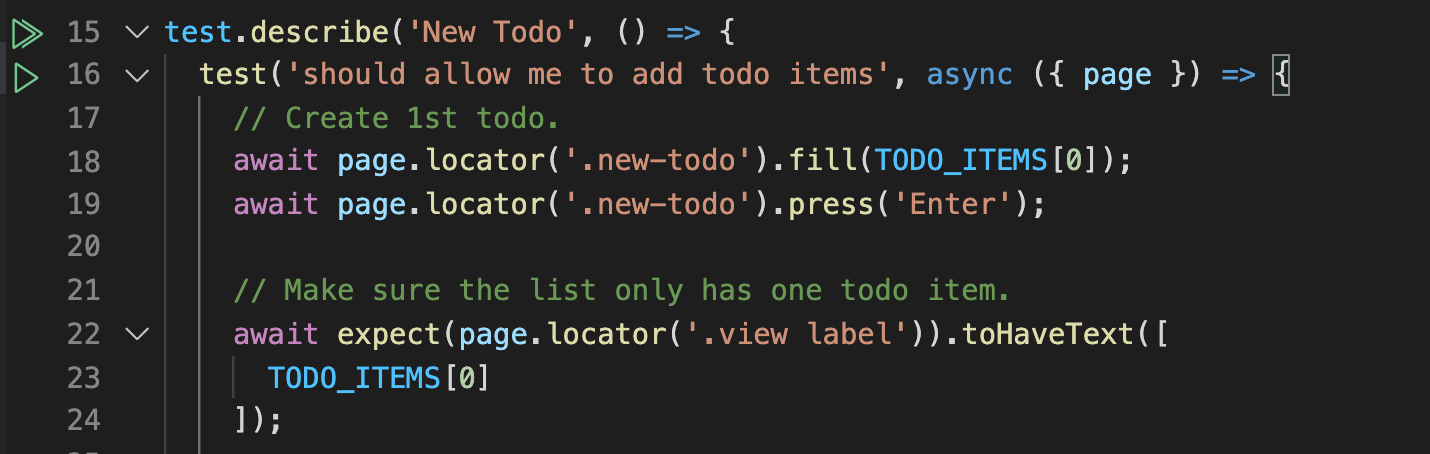
Playwright Test for VSCode allows you to run Playwright tests in Visual Studio Code.
Jest
The Jest VS Code Extension allows you to run your Jest tests in Visual Studio Code.

Vitest
The Vitest VS Code Extension allows you to run your Vitest tests in Visual Studio Code.

Other extensions
There are other extensions that support testing in Visual Studio Code. You can find them in the Visual Studio Code Marketplace. Some popular ones are listed below.
Wallaby.js
Wallaby.js works with most JavaScript testing frameworks and runs your tests immediately as you type, highlighting results right next to your code. It is a paid product for commercial use, but is free for open source projects.