
live-share
 live-share copied to clipboard
 microsoft
Resizing shared terminal window
Issue Type: Bug
It seems I can only have 6 lines of terminal as the guest when using a shared terminal. I would like for when i expand the terminal for it to load more lines into view at once.
Extension version: 1.0.1891 VS Code version: Code 1.43.2 (0ba0ca52957102ca3527cf479571617f0de6ed50, 2020-03-24T07:34:57.037Z) OS version: Darwin x64 18.7.0
System Info
| Item | Value |
|---|---|
| CPUs | Intel(R) Core(TM) i7-6820HQ CPU @ 2.70GHz (8 x 2700) |
| GPU Status | 2d_canvas: enabled flash_3d: enabled flash_stage3d: enabled flash_stage3d_baseline: enabled gpu_compositing: enabled metal: disabled_off multiple_raster_threads: enabled_on oop_rasterization: disabled_off protected_video_decode: unavailable_off rasterization: enabled skia_renderer: disabled_off_ok video_decode: enabled viz_display_compositor: enabled_on viz_hit_test_surface_layer: disabled_off_ok webgl: enabled webgl2: enabled |
| Load (avg) | 2, 2, 2 |
| Memory (System) | 16.00GB (2.93GB free) |
| Process Argv | -psn_0_61455 |
| Screen Reader | no |
| VM | 0% |

Thanks for reporting this issue, @duxbuse. Right now, the shared terminal's height is affected by the person in the session whose terminal window has the least height. As a workaround, you can ask the person who has the terminal at the least height to expand their terminal. I'll label this as a feature request as well.

As a workaround, you can ask the person who has the terminal at the least height to expand their terminal.
I could not replicate this. No matter what I did the terminal was fixed to 6 lines. Resizing on both ends had no impact.
Hi, this is also quite an issue for us aswell. The suggested fix also does not work, resizing both sides still shows only ~4 lines on the guests side.
Extension Version: v1.0.2048 VSCode Version: 1.44.2 OS Version: Windows 10 (Version 2004)

Not sure if I need to open a new issue but resizing your (not host's) window a few times causes the terminal to not re-expand, making the host's terminal impossible to read/use.
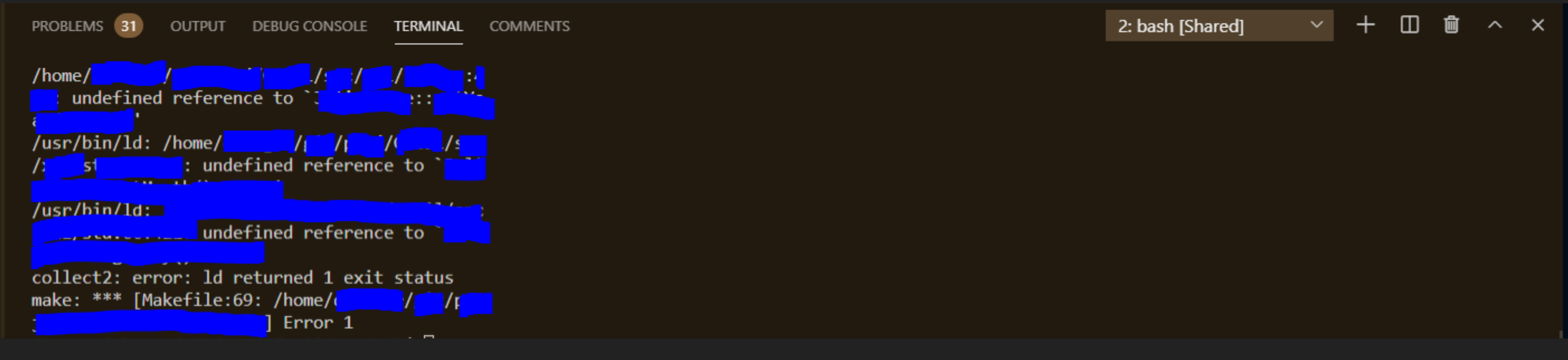

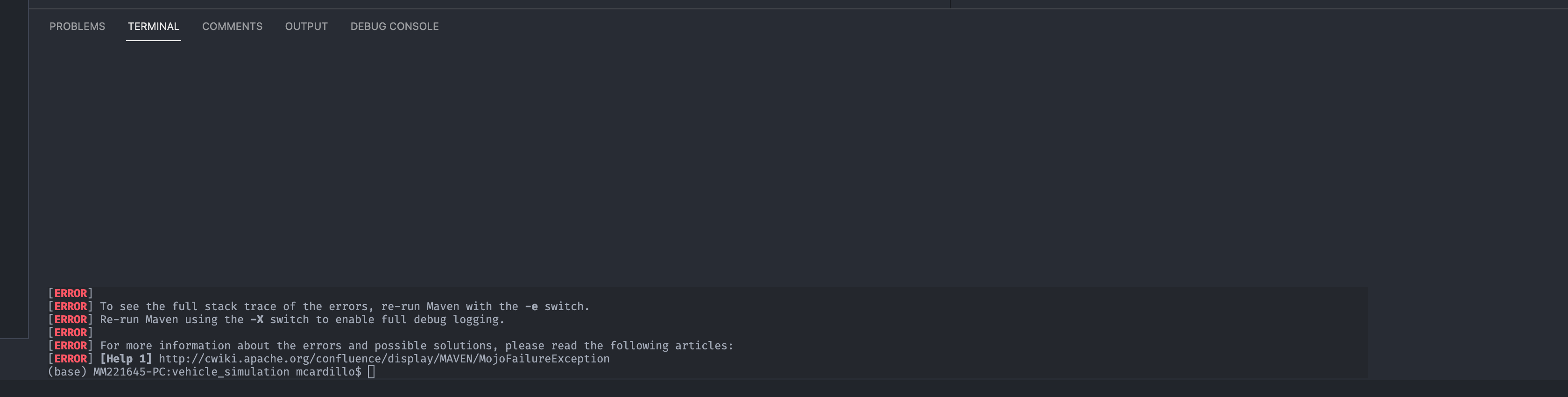
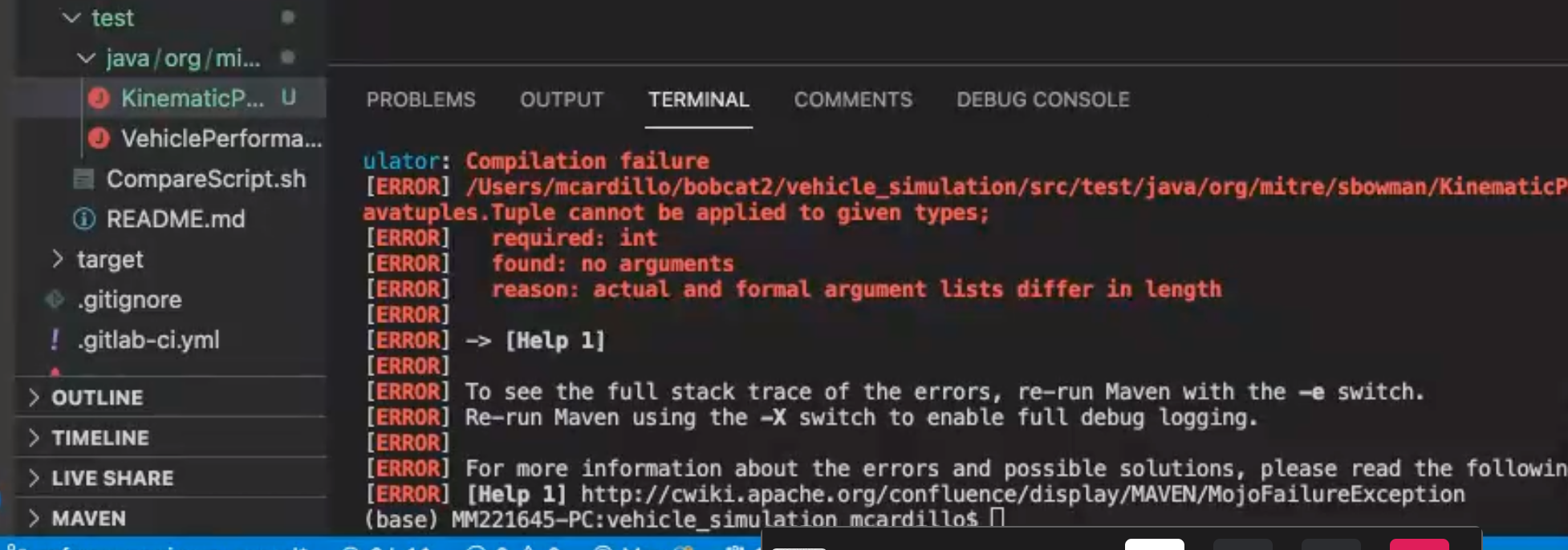

I am not sure the reason but this is just my walkaround:
- cmd+b to close the side menu before you type any commands in the shared terminal
- run a command like
lsto check if the width is normal, this will set the initial width for the terminal
I was thinking that is because of the display resolution difference, but it seems not, rather might be because of the first time when I run a command in the shared terminal, if the physical width is narrow when the first time I run a command, then it will keep that width during the session.
Still, I have problems when I try to amend some inputs, when I delete and retype the characters, the line will be broken and change to a new line for every single letter I typed which looks like:
a
ab
abc
abcd
abcde

Workaround that works:
- Have participants resize the terminal window to what they would like it to be.
- Close shared terminal
- Create new shared terminal
Terminals will now be the right size. You'll have to re-do this workaround whenever folks change the size of their terminal again. :/

Here's another example when one host/participant has their terminal on the side and another has it on the bottom. The display is smooshed into a very narrow area.


It's a very annoying bug. The only workaround is to close the terminal (while leaving the container open) and then double clicking on it again in the LiveShare pane.


We’re not able to prioritize this issue over the other higher-impact issues we receive every week, based on the votes and comments from others in the community and our understanding of the issue. However, rest assured that we love your input. If you feel it deserves to stay open, then clarify your use case and contact us to let us know how severe it is for you.

Unfortunately this issue makes collaboration in vscode terminal sessions with ncurses-based UIs impossible. The fact that this issue has been reported multiple times (#3143, #3376, #3414, #3496, #3571, #4160, #4680, #4892, and possibly related: #3505, #4679) seems to indicate that this issue indeed impacts a significant amount of users. I think it therefore deserves to stay open and hope it can be addressed.
