
mapbox-gl-directions
 mapbox-gl-directions copied to clipboard
 mapbox
Coordinates doesn't appear in inputs after control was removed and re-added
Hi. After control was removed and re-added, and I click on map, waypoint appears, but input staying unchanged.
Steps to Trigger Behavior
- Remove controls via map.removeControl(directions)
- Add control via map.addControl(directions, 'top-left');
- Click on map to set waypoint
Demonstration
Builded master branch- commit 07ebea2
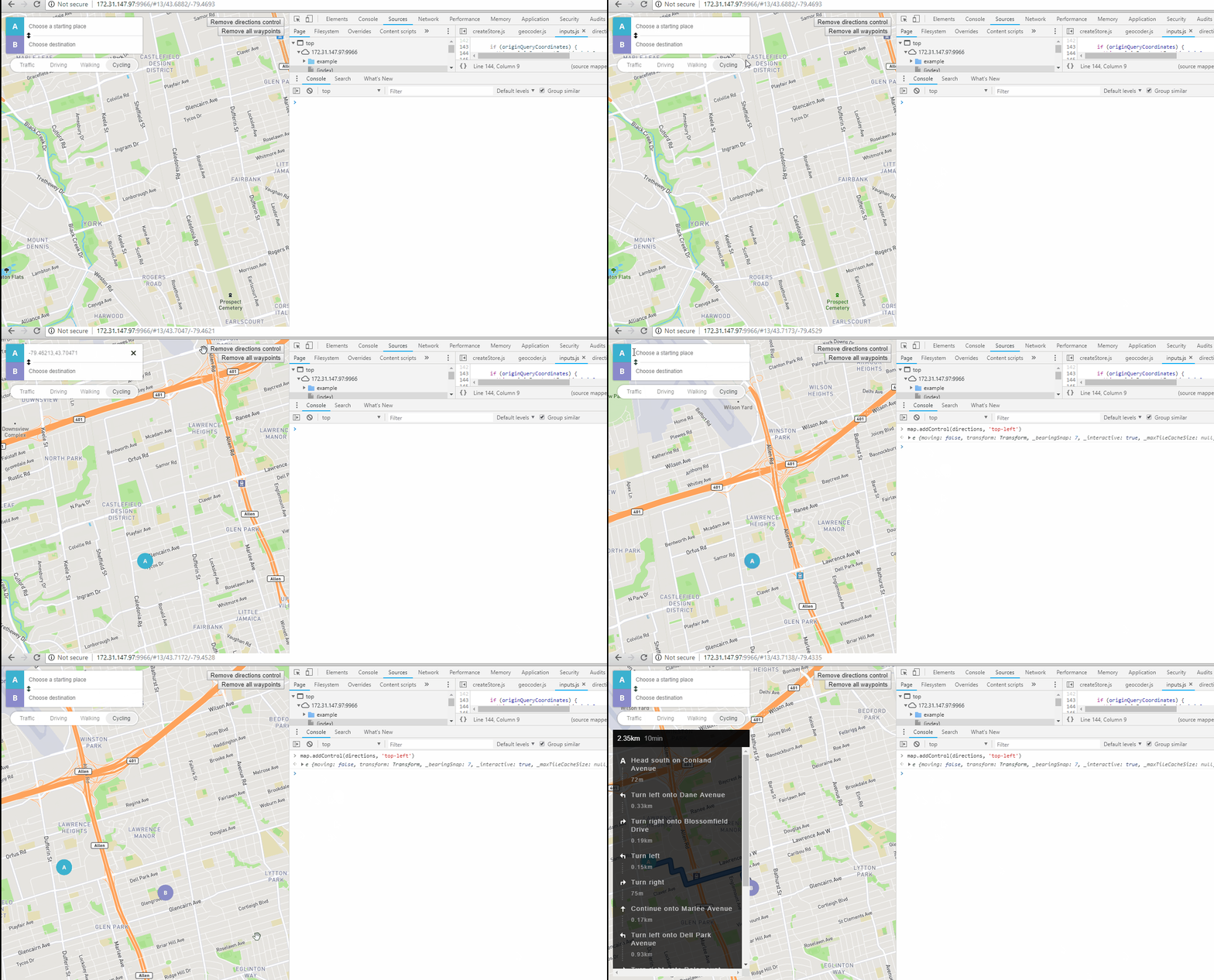
Expected Behavior After waypoint is set, his coordinates appears in origin or destination input.
Actual Behavior Inputs doesn't change.
P.S. As my customer wanted to have that feature as soos as possible, I managed to fix it (https://github.com/sberdashkevich/mapbox-gl-directions/commit/ef7cbd60c9421f695ef42cc4e3d4617c6a813dcc). But I have never worked with redux before, so I think that my fix is not very good, and I'm still testing it.


Me too, does not work even recreating the map with new, or control with new! ex:
function createMap(){
    let map = new mapboxgl.Map({...})
    map.on('load', () => {
        map.addControl(new MapboxDirections({...}))
    })
}
if i call this function after a while, everything mount and render, but the problem remains.
