
omtheme
 omtheme copied to clipboard
 luizomf
Om Theme (A Darker Dracula Theme). Note that I'm not creating this, but editing to my taste. All hard work is credited to Dracula Oficial Theme creators.
Om Theme (A Darker Dracula Theme)
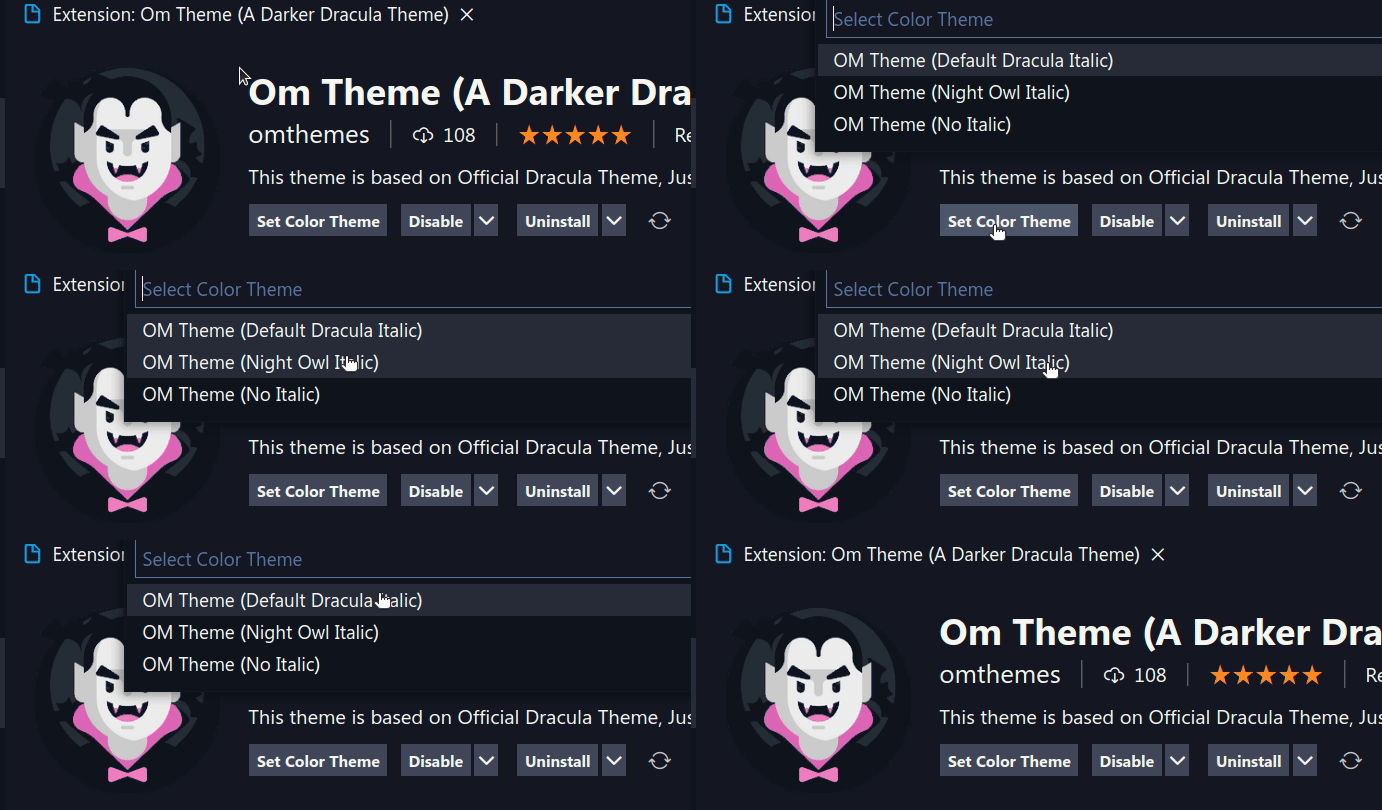
This is a simple change I made to Dracula's original theme to make it darker. I also changed some italic settings based on what I like. You can use the original italic settings from dracula, the same settings used in Night Owl Italic, or simply go with "No italics".
If you want to install it: Om Theme (A Darker Dracula Theme).
Please, checkout the original README from Dracula Oficial.
Om Theme for Visual Studio Code
A dark theme for Visual Studio Code.
Italics
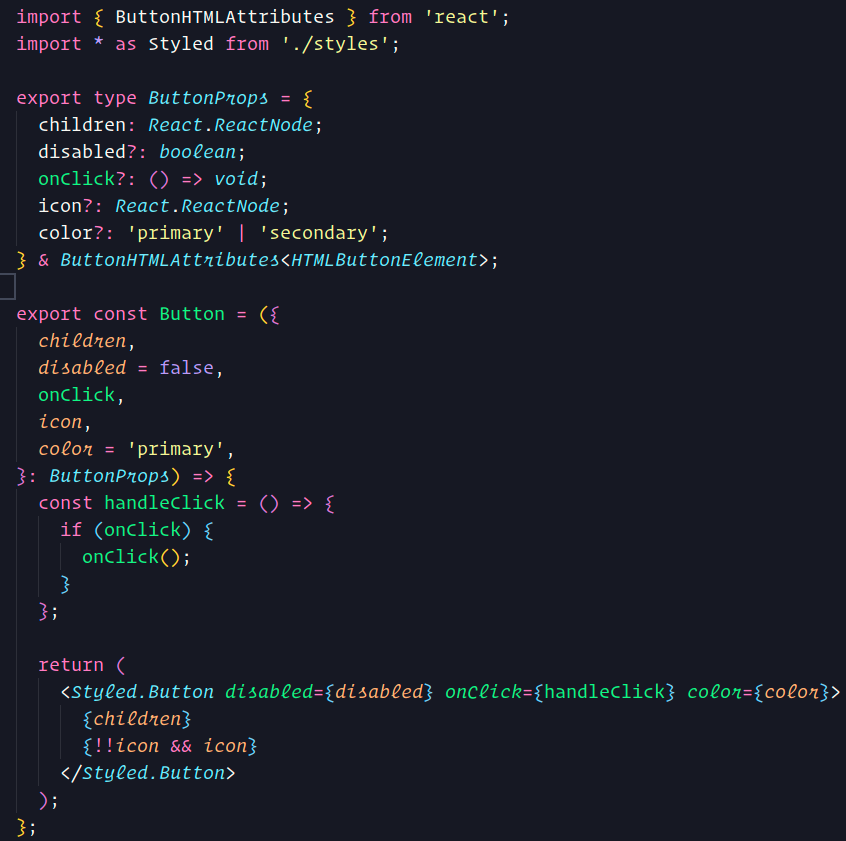
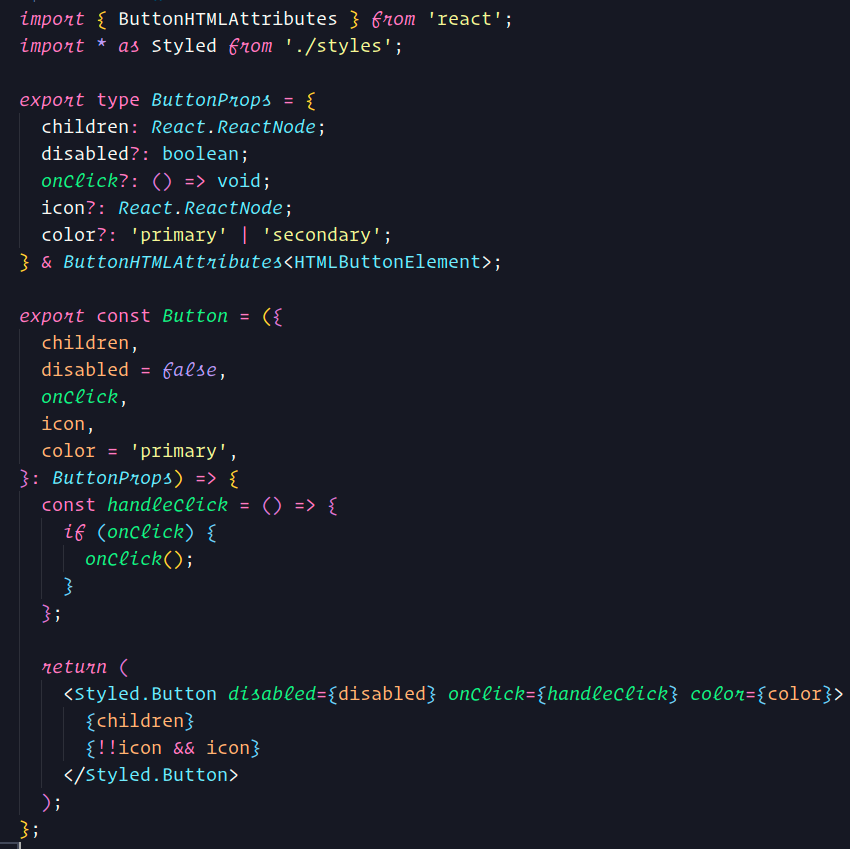
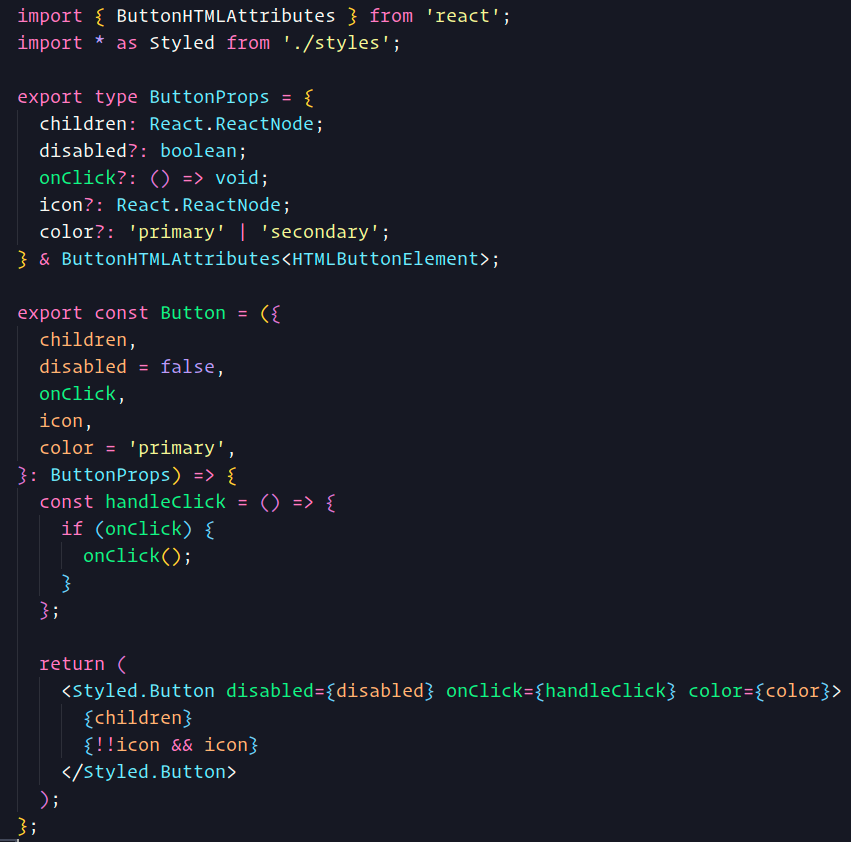
Choose between two different italic styles: Dracula Official or Night Owl. You can select "No Italics" too.
Dracula Italics
Night Owl Italics
No Italic
Select your style
Install
Press "CTRL + P" on your keyboard
Copy and paste ext install omthemes.omthemes
Press the "Enter" key.
Team
This theme is maintained by:
 |
|---|
| Otávio Miranda |
 luizomf