
antimine-android
 antimine-android copied to clipboard
 lucasnlm
Slow Generation with High Mine Density
Since the early February update, custom generation has gotten a lot slower for me. On a 30x30 grid, I used to do more than 300 mines and have a game going in a few seconds, now 30x30 with 240 takes around a full minute to generate. It's density, not number of mines, since increasing the field size makes it generate instantly. I've actually never seen it take this long previously, it would just create unfun grids with large blocks of mines and zeros if I pushed it too far.
Antimine v17.1.1 on a Pixel 6a running Android 13.

I will investigate it more. In this last update the minefield generator uses real random generator and it may be affecting the performance. In the previous version the random numbers were not so random. I hope to improve this soon.

@Forta27 The reason it is taking too long to create a game with high density is because it's taking too long to find a minefield solvable without guess. The old algorithm was failing to create safe minefields sometimes (it just gave up in that case).
I found something that may improve the performance, but it may still take about 30 seconds.
Hi Lucas and @Forta27. I have kind of the same problem, except for me I lost patience before it ever generated a "valid" minefield. The field I normally play is twice as large as Forta's, and I play on a much older device. I just reverted to 16.1.1. My suggestion for a fix would be to make what you call "safe" or "valid" [sic] optional. Have an option in the settings "only generate minefields solvable without guesses" and let us turn it off. Thanks

@j12i Did you test the new version? I improved the performance. But I will add that option on settings too.
Thanks, I really appreciate that. After your comment I upgraded to 17.1.5, but it doesn't work at all, see #411. Now I can't go back to 16.1.1 as F-Droid doesn't show it anymore. So I can't play at all. :(
Hi, with 17.1.7 F, the generation still fails for me. After, I think, somewhat short of a minute, I get thrown back to the previous (lost) game.
edit: trying for the fourth time, this time it's certainly been trying for at least three minutes now. ....aaand it failed.
edit: I tried with the 2000/100*100 default difficulty, and after upwards of five minutes I got a playing field, along with the message that it might not be guess-free.
edit: on the second try with this difficulty I looked at the clock and the generation took about four minutes. Next I tried the second lowest difficulty from the default list and got a guess free playing field relatively quickly. But that game was super boring.
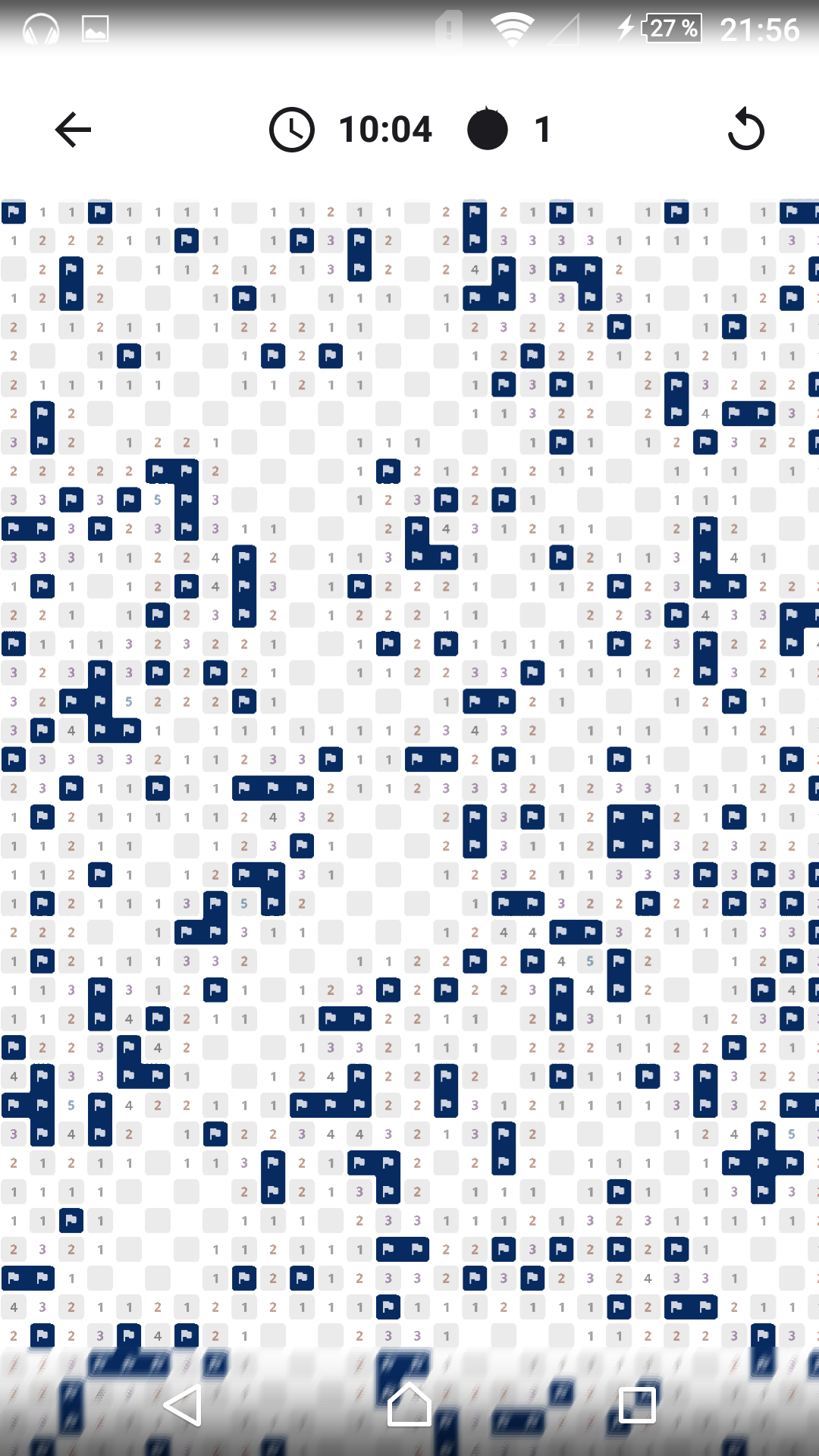
I wonder why, with the default 2000/100*100 field, the app said: sorry I couldn't make a guess free playing field, but here you go, you can play anyway, but with my smaller (but denser) custom field it just doesn't let me play at all.
I think this effect where I get thrown back to the last game is an OOM kill. I changed to a smaller game at about the same density as I usually play; 151/20*30. I never get this message that the minefield might not be guess-free there, it's about 50/50 getting thrown back and success. I find that these fields don't contain the interesting problems that make me still want to play this game after decades. It could be due to the smaller field size, but I mainly attribute it to the solvability algorithm.