
ethereum-nft-sales-bot
 ethereum-nft-sales-bot copied to clipboard
 kenryu42
Ethereum NFT sale events monitoring SDK with built-in Discord and Twitter notification.





Ethereum NFT
Ethereum NFT sale events monitoring SDK with built-in Discord and Twitter notification.
Table of Contents
Click to expand
-
Getting Started
- Prerequisites
- Optional
- Installation
-
Usage
- Docs
-
Built-in Notification
- Discord
- Market Coverage
- Live Demo
- Unsupported Features
- Contributing
- Contact
- Collections
- License
Getting Started
Installation
npm install enft
Prerequisites
- Support Node.js version >= 18
- Alchemy API Key - apply here (Recommended)
- OR
- Infura NFT (Open Beta) API Key and API Key Secret - apply here
- fontconfig is also required for generating image with text. If your system doesn't have it, please install it first.
Ubuntu/Debian:
sudo apt-get install fontconfig
Fedora/RHEL/CentOS:
sudo yum install fontconfig
Arch Linux:
sudo pacman -S fontconfig
MacOS (Homebrew):
brew install fontconfig
Windows (Chocolatey):
choco install fontconfig
Optional
- Etherscan API Key for enabling ETH to USD conversion - apply here
(back to top)
Usage
Subscribe to NFT sales events by calling onItemSold method.
import { Auth, ENFT } from 'enft';

const auth = new Auth({
    alchemy: {
        apiKey: 'YOUR_ALCHEMY_API_KEY'
    }
});

const enft = new ENFT(auth);

enft.onItemSold({
    contractAddress: 'NFT_CONTRACT_ADDRESS',
    discordWebhook: 'DISCORD_WEBHOOK_URL', // optional
    etherscanApiKey: 'ETHERSCAN_API_KEY' // optional
});
To debug a specific transaction, call debugTransaction method.
enft.debugTransaction(
    {
        transactionHash: 'THE_TRANSACTION_HASH_TO_DEBUG',
        contractAddress: 'NFT_CONTRACT_ADDRESS',
        discordWebhook: 'DISCORD_WEBHOOK_URL' // optional
    },
    (txData) => {
        console.log(txData);
    }
);
For more concise example, please refer to Example.
Docs
See the auto-generated docs for more info on methods and parameters.
(back to top)
Built-in Notification
Notification is optional. You can enabling it by setting the coresponding argument when calling onItemSold method.
enft.onItemSold({
    discordWebhook: 'YOUR_DISCORD_WEBHOOK_URL',
    twitterConfig: {
        appKey: 'YOUR_TWITTER_APP_KEY',
        appSecret: 'YOUR_TWITTER_APP_SECRET',
        accessToken: 'YOUR_TWITTER_ACCESS_TOKEN',
        accessSecret: 'YOUR_TWITTER_ACCESS_SECRET'
    }
});
(back to top)
-
Register Twitter developer account with Elevated access. 🔗 Link
-
Create a development app with OAuth 1.0a read-write permissions. 🔗 Link
-
Install Twurl and run following command:
twurl authorize --consumer-key <your-app-key> --consumer-secret <your-app-secret>This will return an URL that you should open up in your browser. Authenticate to Twitter, and then enter the returned PIN back into the terminal.
This should create a file called
.twurlrcin your home directory with all the necessary information.
(back to top)
Discord
- Open the Discord channel you want to receive sales event notifications.
- From the channel menu, select Edit channel.
- Select Integrations.
- Select Create Webhook.
- Enter the name of the bot that will post the message.
- Copy the URL from the WEBHOOK URL field.
- Click Save.
(back to top)
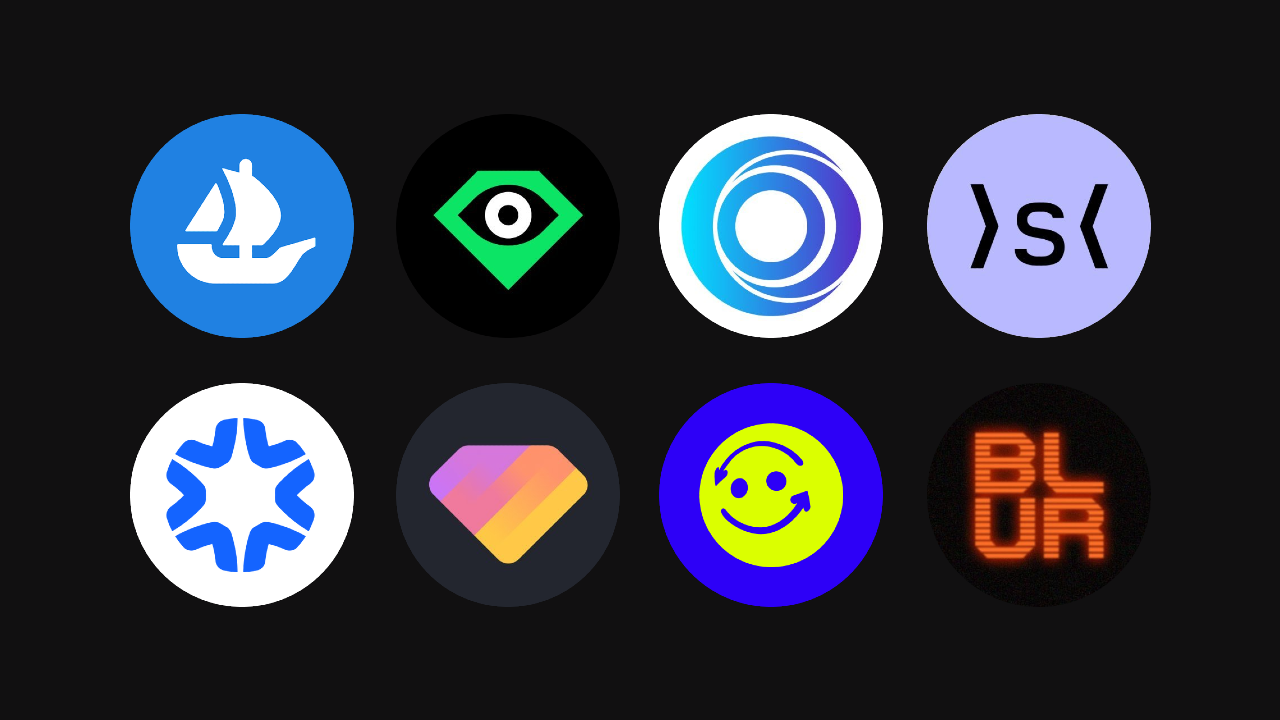
Market Coverage
(back to top)
Live Demo
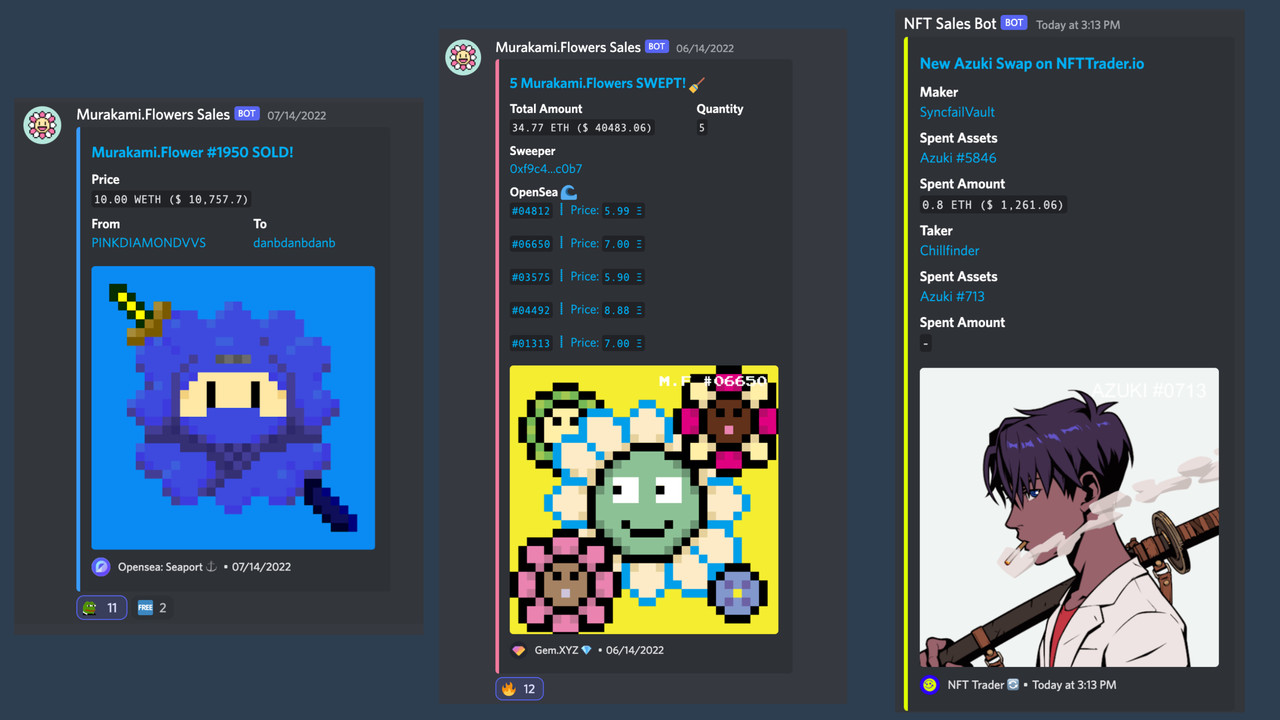
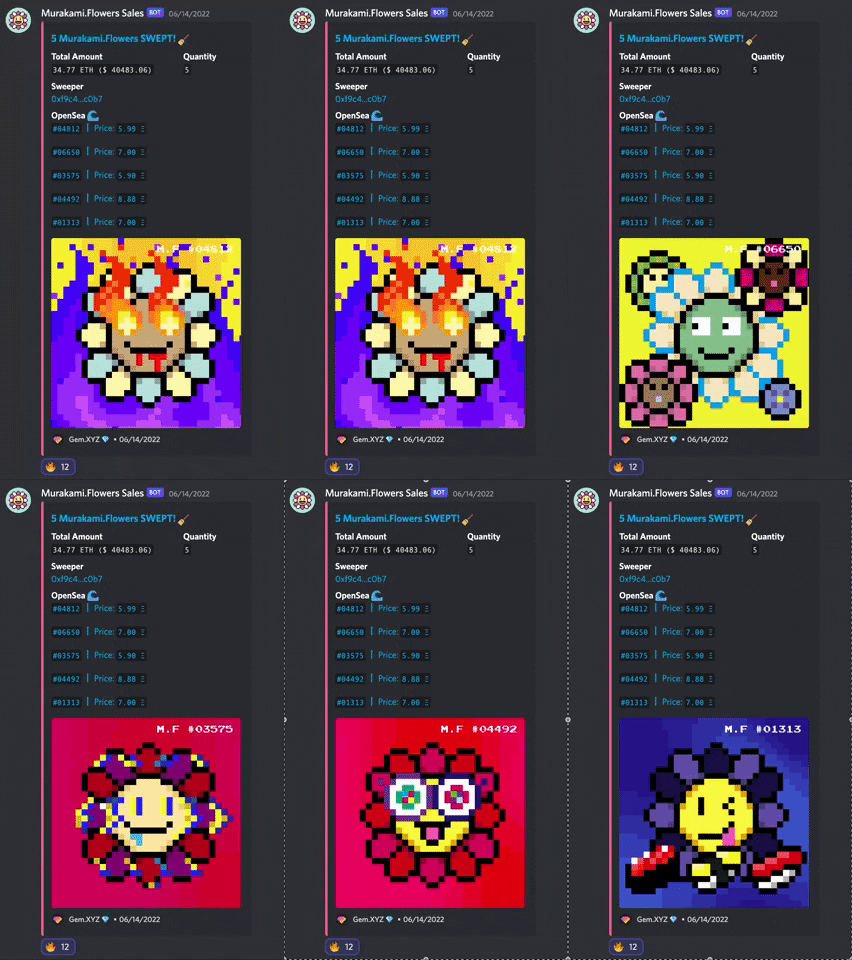
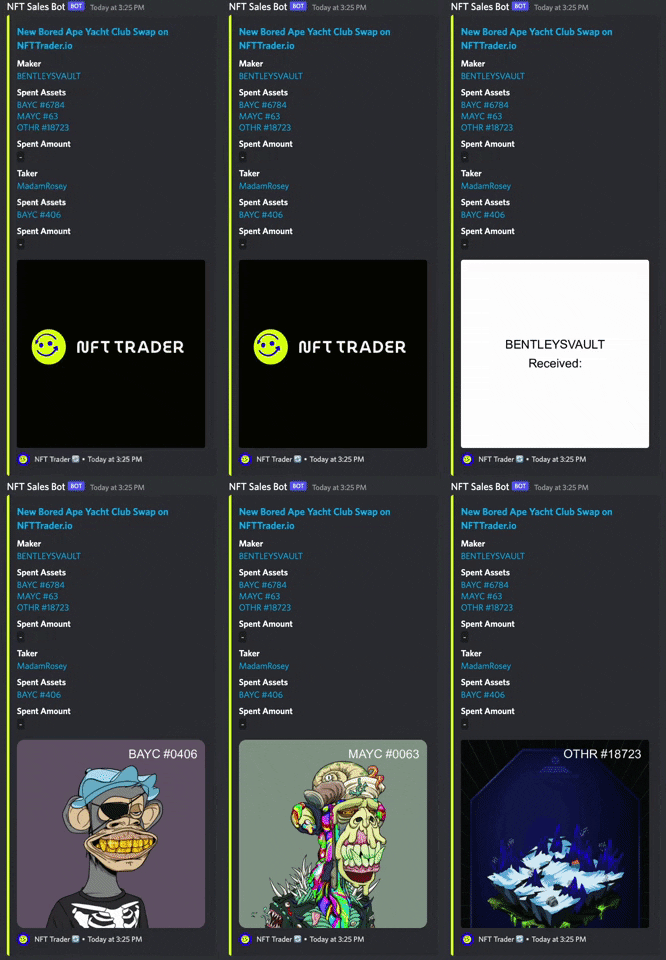
Discord
(back to top)
Unsupported Features
- [ ] Uniswap
- [ ] Sudo Swap OTC
Any contributions are welcome!
(back to top)
Contributing
Contributions are what make the open source community such an amazing place to learn, inspire, and create. Any contributions you make are greatly appreciated.
For more information on how to contribute, check out the contributing guide.
(back to top)
Contact
kenryu.eth - @kenryu42 - [email protected]
(back to top)
Collections
Collections that using this SDK.
Open a Pull Request to add your collection below.
| Collection | Discord | |
|---|---|---|
| Murakami.Flowers | @MFTMKKUS | Murakami.Flowers |
| Rumble Kong League | @RumbleKongs | Rumble Kong League |
(back to top)
LICENSE
This project is MIT licensed.
(back to top)
 kenryu42