
keepassxc-browser
 keepassxc-browser copied to clipboard
 keepassxreboot
Selecting from accounts list not working
sometimes when i click on account in accounts list, it's not filling. 2nd click on item in list, it's working...
Expected Behavior
After clicking an element, fill login inputs
Current Behavior
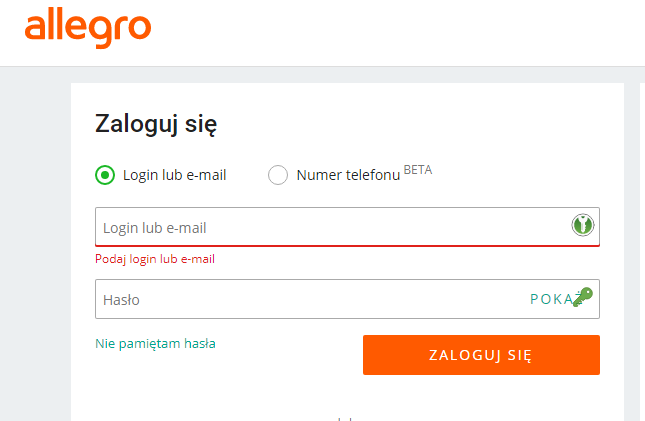
Possible Solution
Idk, I'm not clicking between elements. On this site upper image appears for less than 1 secound, then boxes are filled. They are not always filled, it's the issue!
Steps to Reproduce (for bugs)
- Select item in list
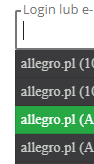
- Expect to have this behavior, repeat if not seen
I have big list of items...
Debug info
KeePassXC - 2.6.6 KeePassXC-Browser - 1.7.9.1 Operating system: Win 10 Browser: Chrome


Debug info from console needed? I'm working now, but can collect :) I must censure sensitive information...
The same happens, when selecting text from list. Probably the best solution is to disable selecting text or invoke filling by mouseDown event
I had no problems with the site. Tried it with uBlock and without. Does filling work from the extension icon popup?

Try mousedown , move mouse and mouse up (select few letters from login in KeePass account list). It will always not fill 😅. I'm using list under text input.
I'm not sure if I undestand. I really need a video/screencapture of this.