
vscode-intellij-idea-keybindings
 vscode-intellij-idea-keybindings copied to clipboard
Published
20 hours ago •
 kasecato
kasecato
Missing multi line selection
The keybindings for selecting multiple lines are missing, for example:
Shift + Alt + Left Click
Ctrl +Shift + Alt + Left Click

@ShinDarth @kasecato Shift + Alt + Left Click works
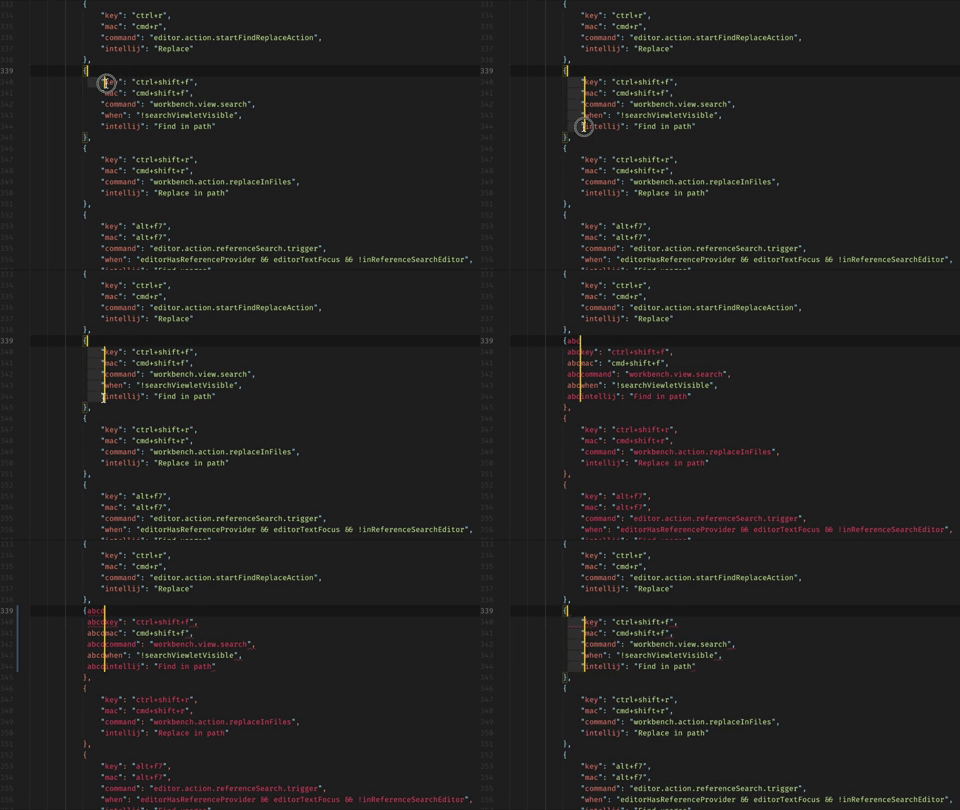
I use vscode (version 1.28) on Mac.


we can't change binding of click, see https://github.com/microsoft/vscode/issues/3130
{
  "key": "",
  "command": "workbench.action.toggleMultiCursorModifier"
}
